Ashan,
Please take a look at
can you give an idea for ‘available soon’ – will it be in 10 days, several month or??
I tested the file and it’s working on the new version. Could you tell them the date, if any available?
Replies for tickets on suppota
Ashan,
Please take a look at
can you give an idea for ‘available soon’ – will it be in 10 days, several month or??
I tested the file and it’s working on the new version. Could you tell them the date, if any available?
When I hide this field it stops showing errors: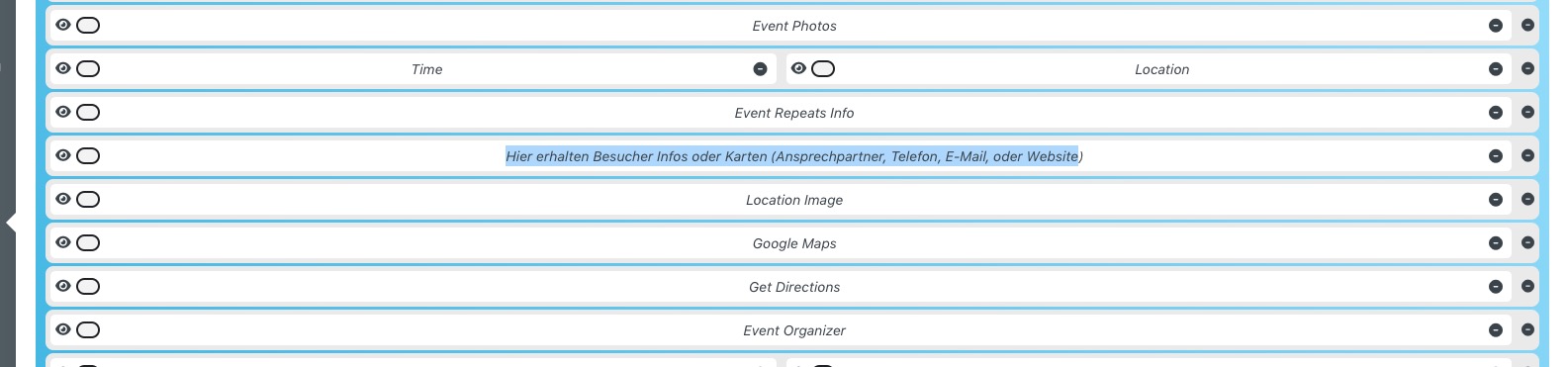
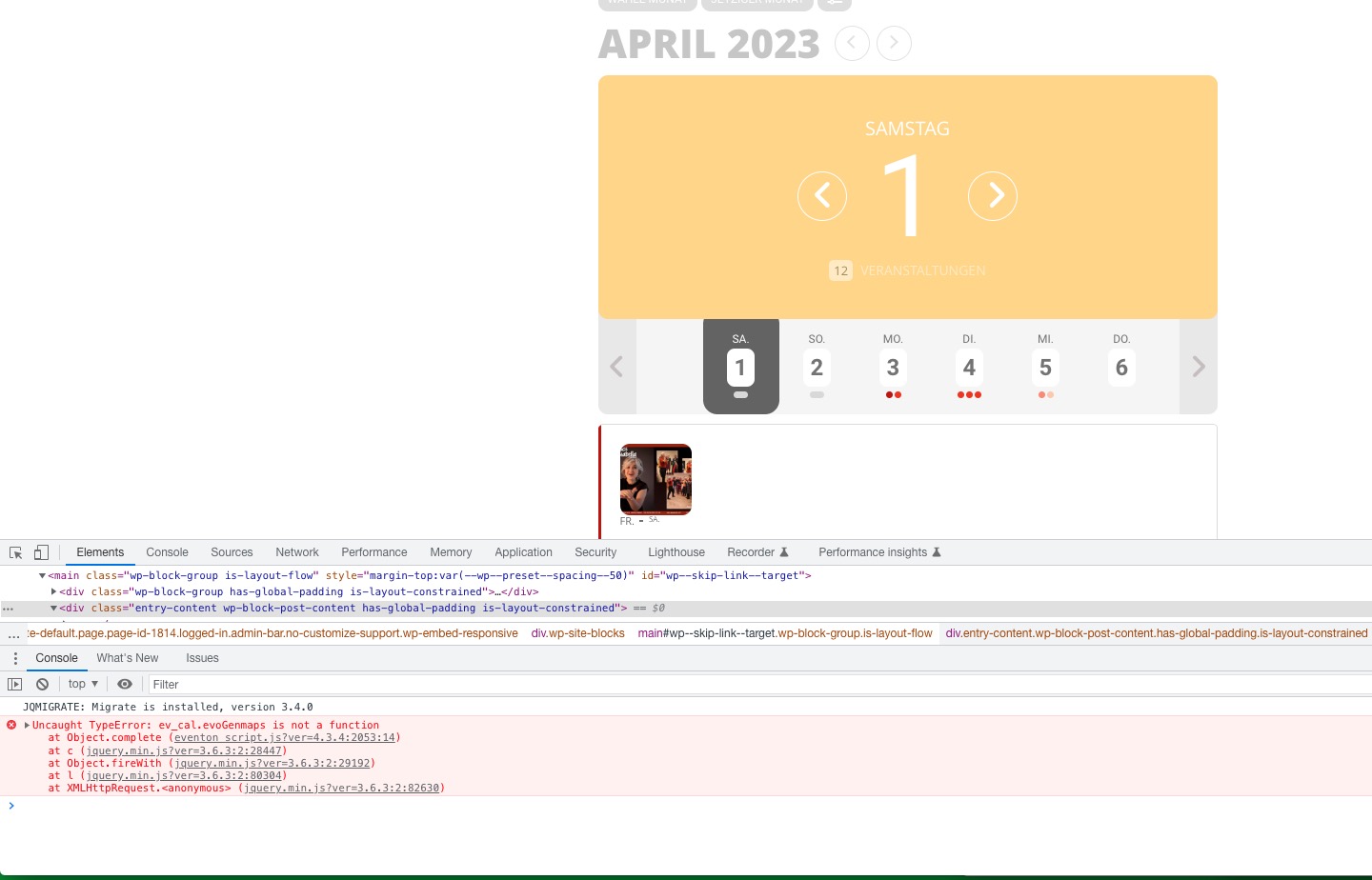 Could you check if any of events have any HTML or embedded code in the field?
Hello,
Event Timezone was set to GMT-11, so I changed it to +2:
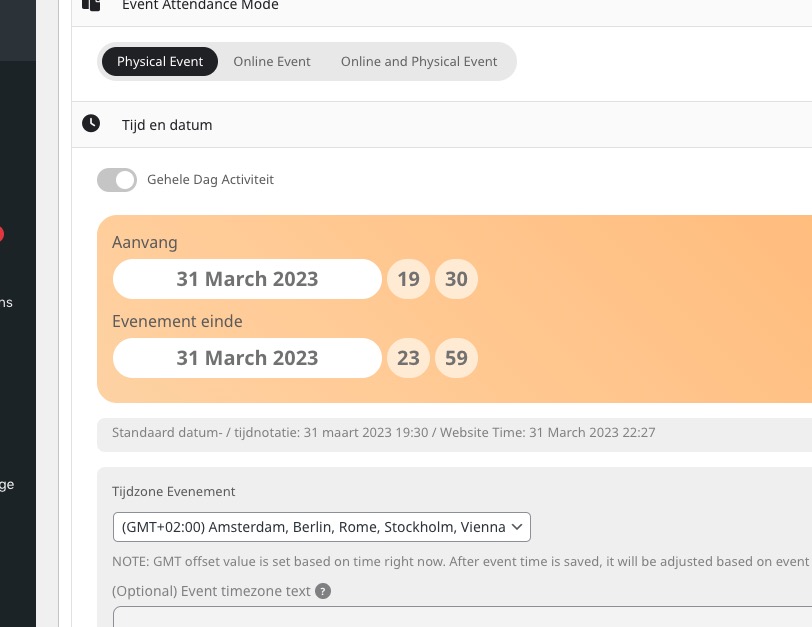
I think that this was the old event before you enabled:
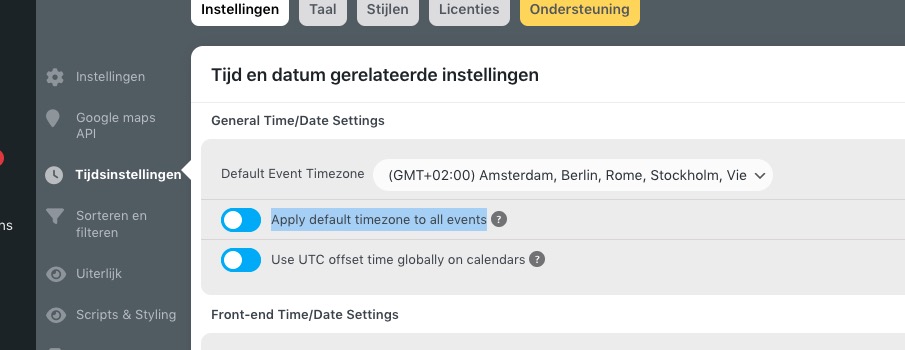
If you have more events like this please make sure to change their timezone as well.
Please also note that 0:00 cannot be set to the same date as 19:30, since 0:00 is usually the next day. So please either change it to 23:59 or move End Date to Apr 1st.
Hi again, So sorry. Not sure why it wouldn’t let you in. I just reset the password again just in case. Here is the login info again…thank you for looking into this!
https://nomanslandftl.com/wp-admin
User: Support
PW: CDbm(7D)8&OPqa3EZi1YG5DE
Thank you for your help.
Hello,
Please use this setting:

Add it to your shortcode tile_bg_size=”med” to show medium images.
Hello,
Please update RSVP add-on to 2.9.2. It will solve the issue.
To update eventon addons: You can download latest eventon addons from myeventon > my account. Then you can go to your website, deactivate old addon and install new one and activate then delete the old addon. This link will further explain the process. Also you can follow us on twitter to get real-time announcements on updates!
Thank you for your messages, I am going to assign this ticket to Ashan and he will be able to take it from here and find you a solution. Please allow some time for him to get back to you, we greatly appreciate your patience and thank you for being a eventon customer! Also please disable any IP blocking on your site if there are any.
In this case you need Repeat Customizer add-on: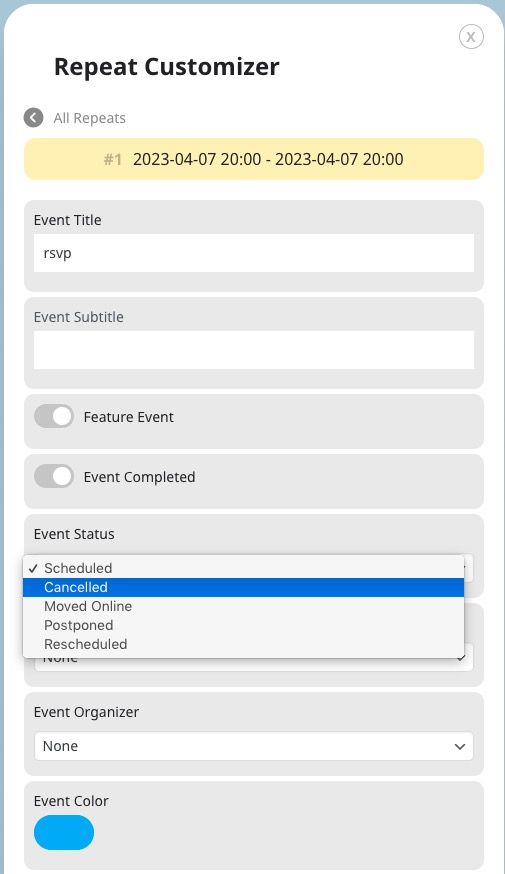
Try it on https://dev.myeventon.com/wp-admin/