Reply to: tickets(312286)
Replies for tickets on suppota
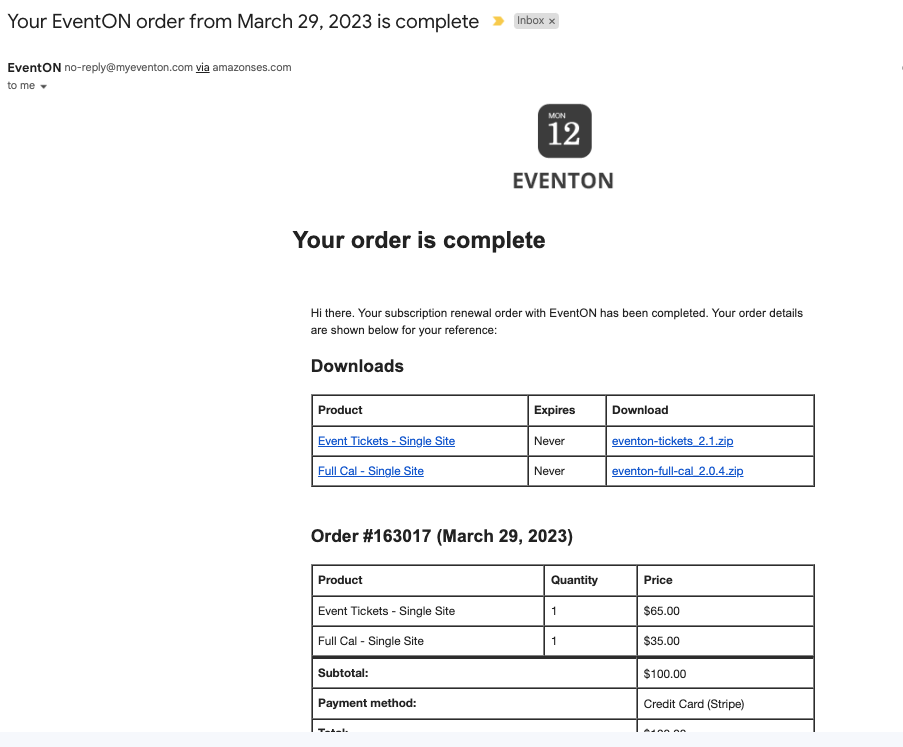
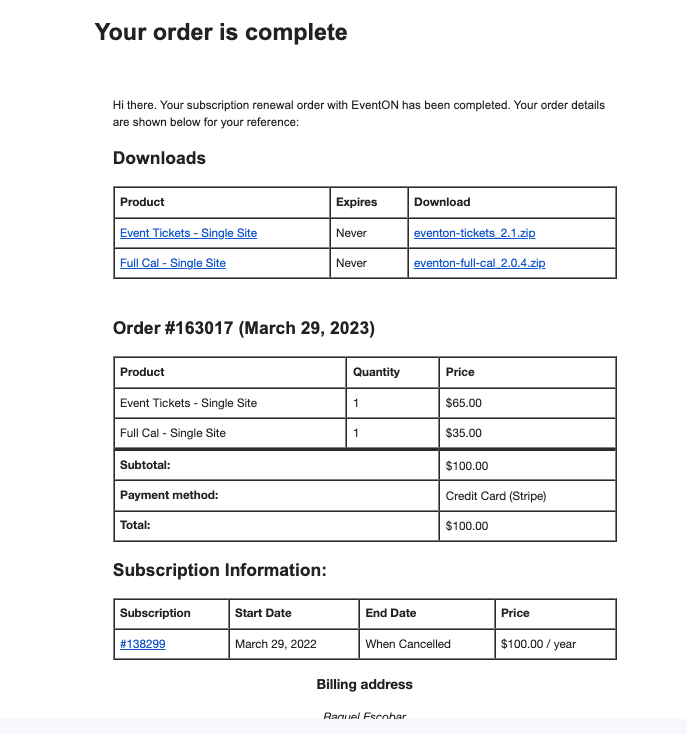
This is a screenshot from the message I got this morning.
Thank you for your answer,
Raquel
I still can’t see where “Event Image” would be.
Thank you! I did, but it’s still not showing.
Please go to EventON > Events Paging > make sure that the correct page is selected in Select Events Page.
It seems to be working in this test event:
https://www.thermalsupplyinc.com/wp-admin/post.php?post=32683&action=edit
Can we please try the instructions mentioned in this documentation?
Hi Artem,
How to update this? Can you further assist on this?
Thanks.
First of please add this CSS code to EventON > Styles (If you don’t see any change, EventON > Scripts & Styling > turn off Write dynamic styles to header > save settings > turn on Write dynamic styles to header):
.post-type-archive-ajde_events .fusion-row { max-width: 100% !important; } .post-type-archive-ajde_events #main { padding: 0 !important; }
For /events EventON uses it’s own custom template, which has it’s own limitations on how you can customize it without following
https://docs.myeventon.com/documentations/how-to-customize-events-archive-page/
Also try
PROTIP: If the /events page does not work due to theme/plugin conflicts, create a new page, call it “Events Directory” Insert eventon shortcode and use that as your main events page which will have a URL ending like /events-directory. This would be a perfect solution if you have conflicts with /events slug.
Yes, this should work. Please try and let us know.
Hello,
Thank you for your great suggestion, at the moment it is not supported. However please create a new ticket and select Feature Request as category so others can vote on your idea and get it moved into development faster.