Hello,
Please go to https://tfltest.wellbeingontheweb.com/wp-admin/admin.php?page=eventon#evcal_004aa > add “Event Time” after “Title” in EventTop Designer {BETA}.
Replies for tickets on suppota
Hello,
Please go to https://tfltest.wellbeingontheweb.com/wp-admin/admin.php?page=eventon#evcal_004aa > add “Event Time” after “Title” in EventTop Designer {BETA}.
Hello,
Please add this CSS code to EventON > Styles (If you don’t see any change, EventON > Scripts & Styling > turn off Write dynamic styles to header > save settings > turn on Write dynamic styles to header):
.evo_widget .eventon_fc_days .evo_fc_day.has_events span, .eventon_fc_days .evo_fc_day.has_events span.day_evs { width: 100%; max-width: 100%; } .evofc_months_strip.names .eventon_fc_days .evo_fc_day.has_events span i { width: 100%; margin: 1.5px 0; } .eventon_fc_days .evo_fc_day span.evo_day_in { width: 100%; }
Hi Kenneth, provided login credentials are working fine, we checked from our side. Please check again.
Login page -> https://tfltest.wellbeingontheweb.com/
Username: helpdesk_wow@myeventon.com
Password: ICn&$MoR%DITP3RArDzr#@t0
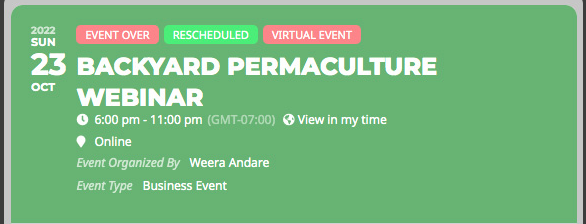
Like this, please refer the screenshot
This worked. Thanks!
Thanks for your reply,
I upped the available memory, but get the same error when upgrading to PHP 8.0
PHP Fatal error: Allowed memory size of 1047527424 bytes exhausted (tried to allocate 534773776 bytes) in /mnt/web017/b3/94/57554094/htdocs/WordPress_SecureMode_01/wp-content/plugins/eventON/includes/calendar/class-calendar-body.php on line 290
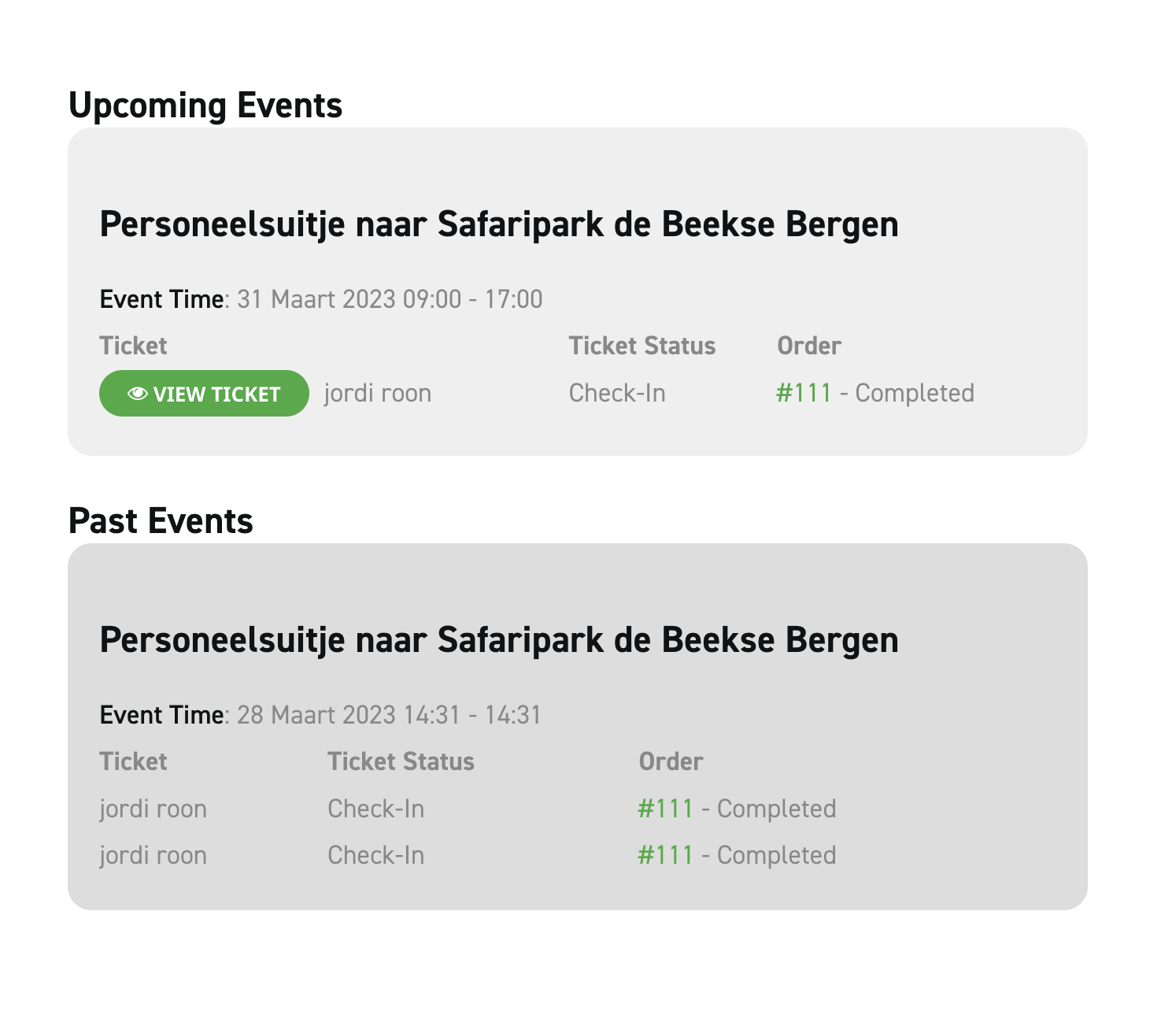
Thanks for the update we bought some plugins but i want to cancel this one, because its not working and not needed anymore on our site: DYNAMIC PRICING – SINGLE SITE
Also we have more related questions,
Hi Jay,
Just to make sure we understand your request, please send in a screenshot illustrating your request. It will really help.
Hi Jay,
Thank you for your great suggestion, at the moment it is not supported. However please create a new ticket and select Feature Request as category so others can vote on your idea and get it moved into development faster.
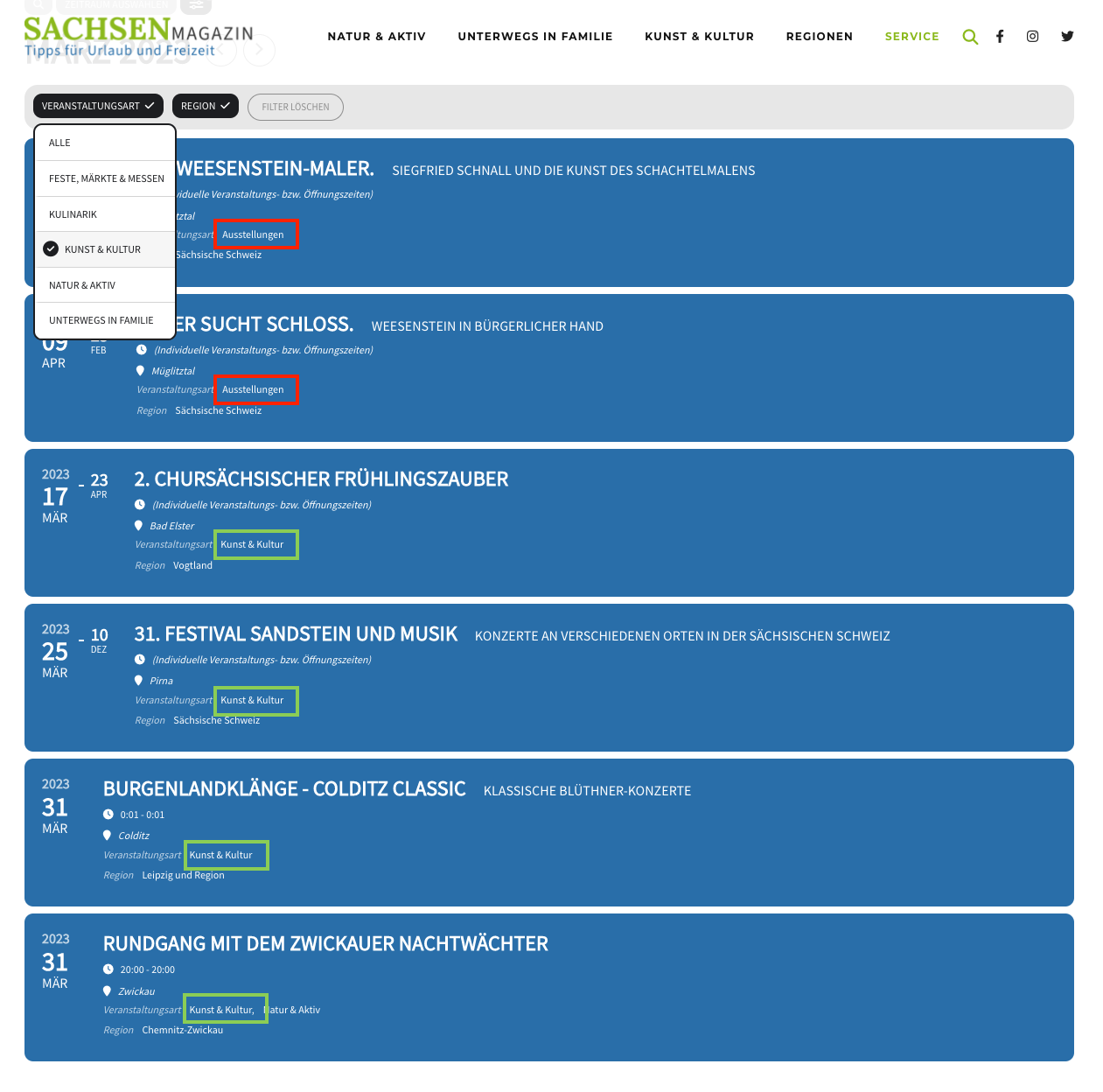
Almost there. It works better now but still has a problem when filtering by region: It still shows the category “Veranstaltungsart: Ausstellungen” which is excluded from the whole calendar.
Also if I use both filter options “Veranstaltungsart” and “Region” it shows the forbidden category “Ausstellungen”. See the screenshot attached: the red marked categories should not be showing, the green ones are correct.
FYI: If I filter only by “Veranstaltungsart” it’s all correct.
Can you force in the code the exclusion of the category “Ausstellungen” in the event calendar on top?