Awesome that seemed to have worked nicely – ty
as for 1.)
Did you look into at how to reapply Show More in Weekly View? As I had it before update working.
Thanks
Replies for tickets on suppota
Awesome that seemed to have worked nicely – ty
as for 1.)
Did you look into at how to reapply Show More in Weekly View? As I had it before update working.
Thanks
Now those that did not appear before appear to me, and those of whatapp, mail, copy link. Not listed
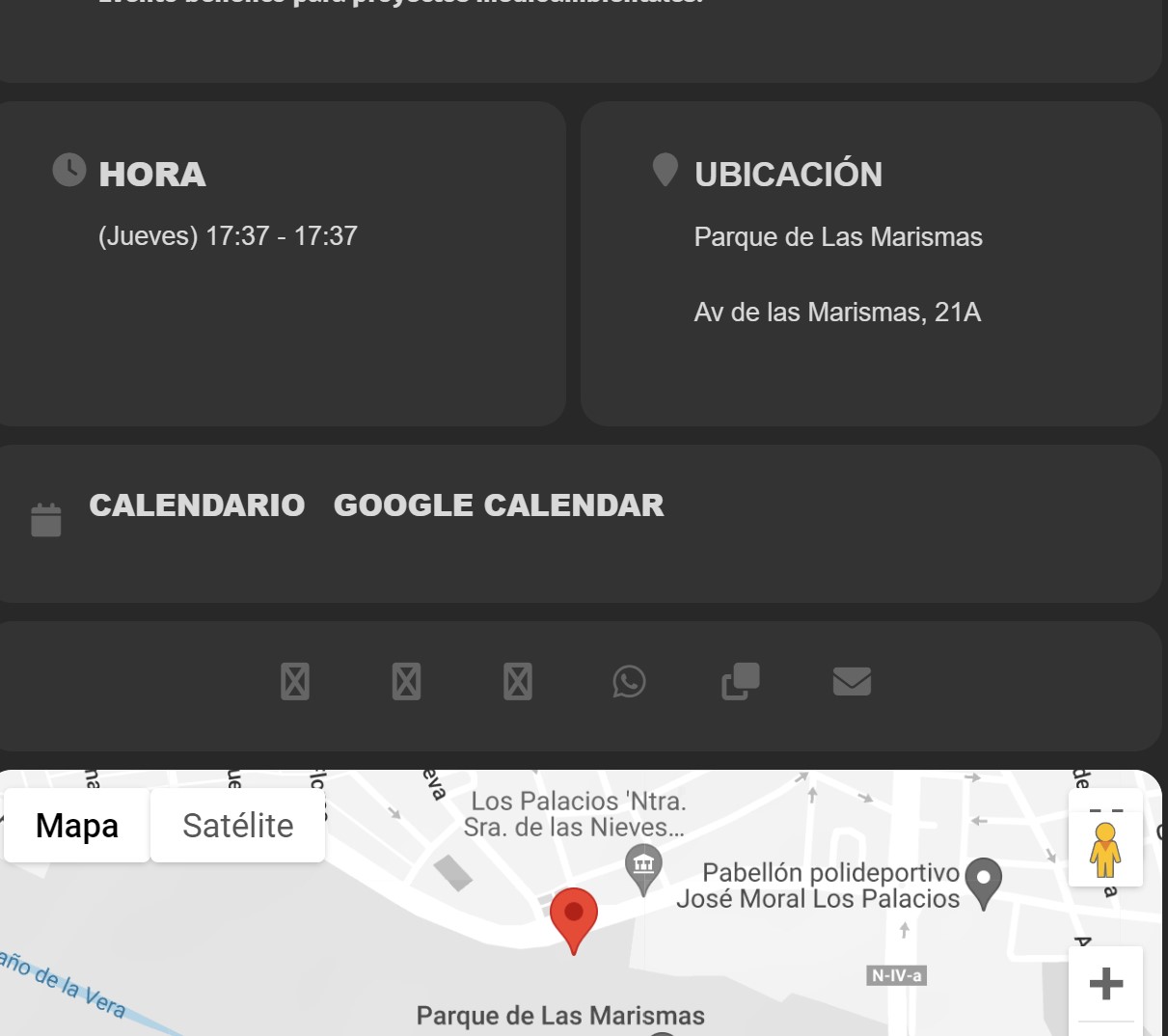
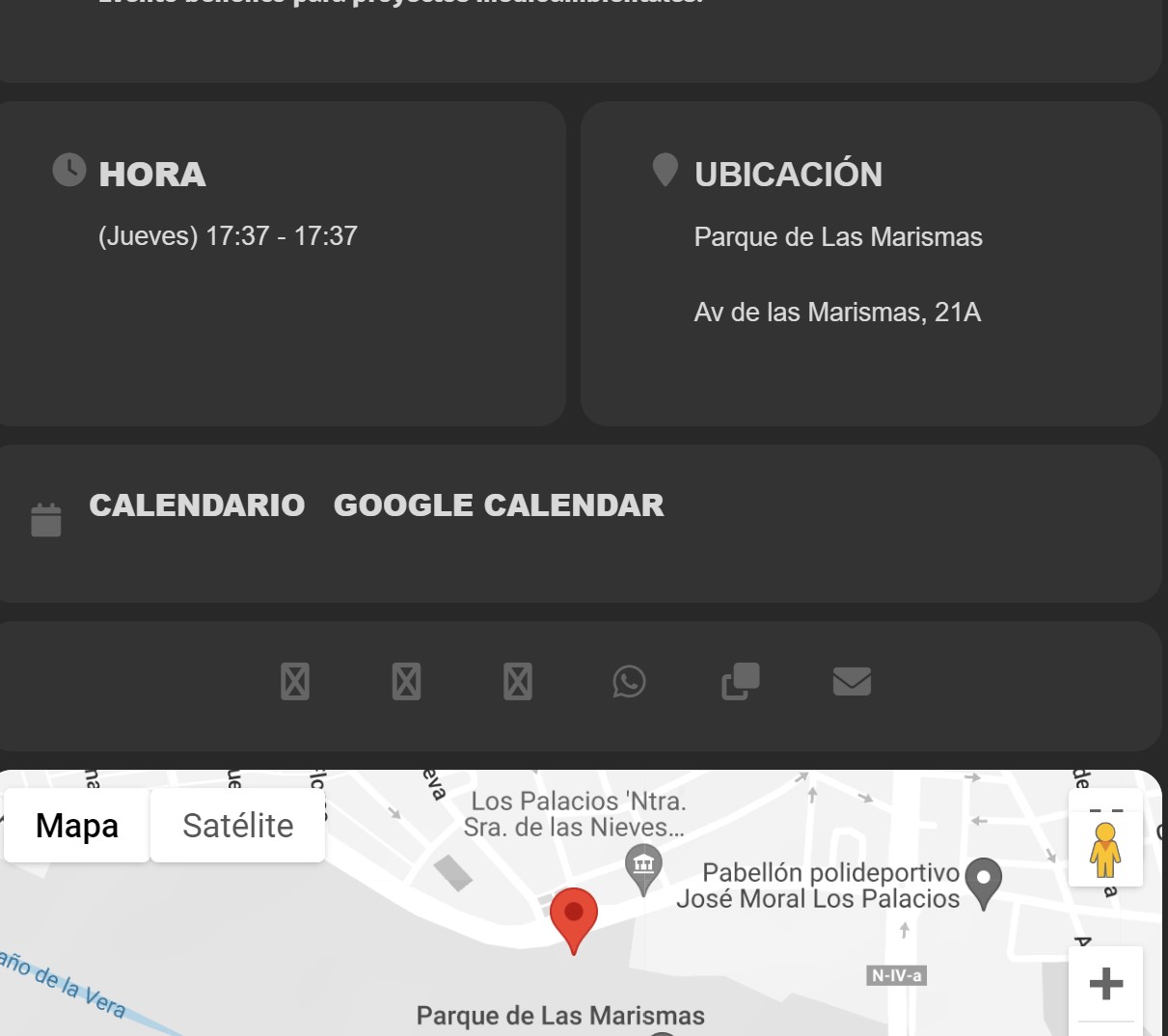
The icons still do not appear, I attach an image
Dear Artem,
I’m currently running a blank dev env with only Eventon and Eventon RSVP active and it gives me the following error:
PHP Fatal error: Uncaught ArgumentCountError: Too few arguments to function evors_meta_boxes::eventedit_content(), 3 passed in /var/www/web124/htdocs/FSLCITest/wp-includes/class-wp-hook.php on line 308 and exactly 4 expected in /var/www/web124/htdocs/FSLCITest/wp-content/plugins/eventon-rsvp/includes/admin/evo-rsvp_meta_boxes.php:482
Stack trace:
#0 /var/www/web124/htdocs/FSLCITest/wp-includes/class-wp-hook.php(308): evors_meta_boxes->eventedit_content(Array, Array, Object(EVO_Event))
#1 /var/www/web124/htdocs/FSLCITest/wp-includes/plugin.php(205): WP_Hook->apply_filters(Array, Array)
#2 /var/www/web124/htdocs/FSLCITest/wp-content/plugins/eventON/includes/admin/class-admin-ajax.php(69): apply_filters(‘evo_eventedit_p…’, Array, Array, Object(EVO_Event))
#3 /var/www/web124/htdocs/FSLCITest/wp-includes/class-wp-hook.php(308): EVO_admin_ajax->evo_eventedit_onload(”)
#4 /var/www/web124/htdocs/FSLCITest/wp-includes/class-wp-hook.php(332): WP_Hook->apply_filters(”, Array)
#5 /var/www/web124/htdocs/FSLCITest/wp-includes/plugin.php(517): WP_Hook->do_action(Array)
#6 /var/www/web124/htdocs/FSLCITest/wp-admin/admin-ajax.php(188): do_action(‘wp_ajax_eventon…’)
#7 {main}
thrown in /var/www/web124/htdocs/FSLCITest/wp-content/plugins/eventon-rsvp/includes/admin/evo-rsvp_meta_boxes.php on line 482
I think this should be enough to debug, if you still need access to my dev env despite having just your plugins active, please let me know.
Kind regards, Philip
Could you send us an example (URL) of an order with this issue?
Could you check if it works now?
Perfect! If you have any further questions or concerns please create a new ticket.
Could you try going to Edit Event > Reviews > click on “MANUALLY SYNC RATINGS“?
Hello,
Please follow the instructions in this documentation to activate debug in your site to see any PHP errors recorded that can provide insight on to whats going on. Please reply with a link to debug.log file. If you are not able to do this please send us FTP access to your site so we can do this for you.
Please also send us wp-admin access to your site as a private message for us to further assist your situation.