4. This is how it works with Tickets + any other add-on + WooCommerce.
Go to and purchase a seat:
https://dev2.myeventon.com/Events-Directory/seats-import/
Now move to Checkout, where you can see what kind of additional info you can ask for:
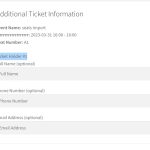 You can add more fields but they all will be the same for every customer:
https://docs.myeventon.com/documentations/how-to-add-additional-fields-at-checkout/
Hello,
Your theme has it’s own copy of FontAwesome icons. Please add this CSS code to EventON > Styles (If you don’t see any change, EventON > Scripts & Styling > turn off Write dynamic styles to header > save settings > turn on Write dynamic styles to header):
.evo_metarow_socialmedia a.evo_ss i { font-family: icomoon, ‘evo_FontAwesomeS’,’evo_FontAwesome’,’evo_FontAwesomeB’ !important; }
Hello,
We will fix the issue. It seems that there is an issue with Permalinks settings.
Please take a look at our dev2 server:
https://dev2.myeventon.com/evofeeds
I updated to the cuurent update, but I’m still seeing previous review data even though there are no current reviews showing under product, reviews.
Ah yes, sorry. By default Event Lists: Ext doesn’t support “Default Sort by”, however it still works.
Do you need our help with anything else?
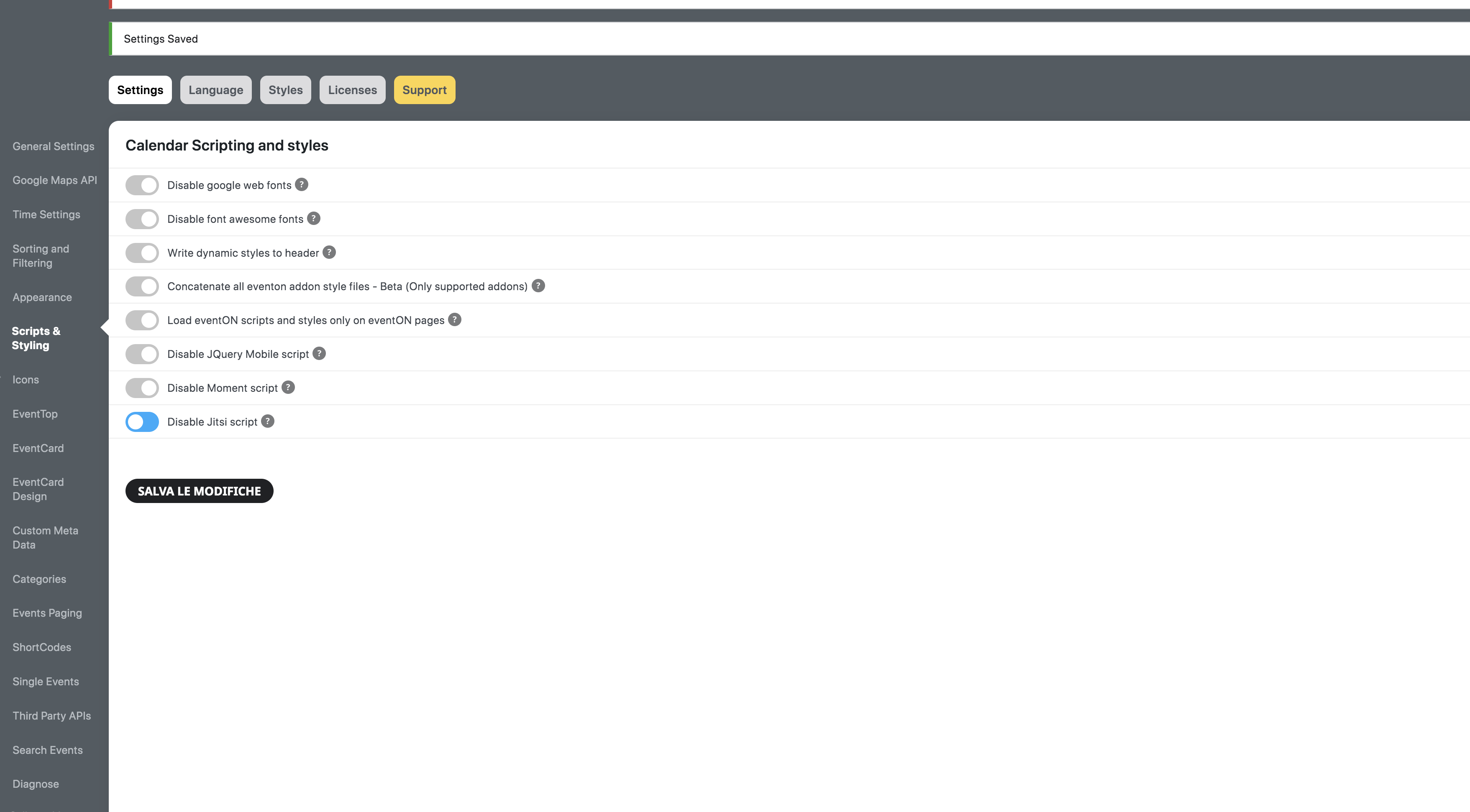
Hi. I think I figured out how to fix via Eventon script settings.
Hello,
Please take a look at Event Meta Variables:
https://docs.myeventon.com/documentations/event-post-meta-variables/
repeat_intervals (array) Each repeat interval start and end times
However, not sure how to make this work with your system.
Hello,
What kind of features are you referring to? It’s all on test site:
https://dev.myeventon.com/wp-admin/admin.php?page=eventon&tab=evcal_ap#evoapi
Hello,
Unfortunately, we unable to help with customizations, since it’s against CodeCanyon’s Support Policy.
Please take a look at “How to get custom values” of this guide:
https://docs.myeventon.com/documentations/how-to-add-additional-fields-to-download-attendees-csv-file/
Hello,
Please follow the instructions in this documentation to activate debug in your site to see any PHP errors recorded that can provide insight on to whats going on. Please reply with a link to debug.log file. If you are not able to do this please send us FTP access to your site so we can do this for you.
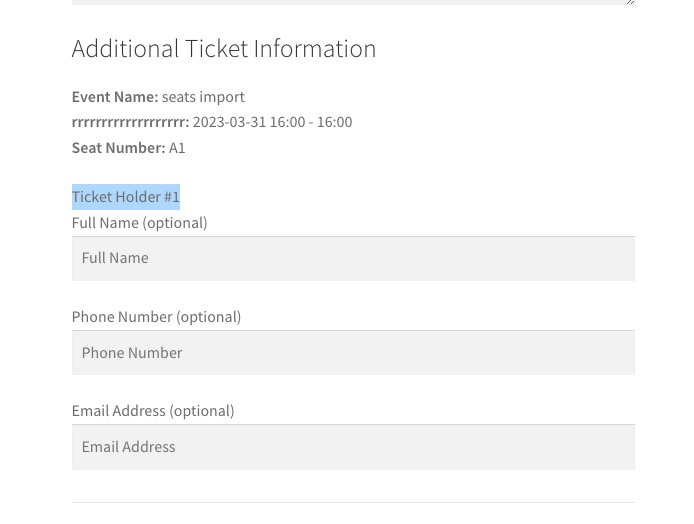 You can add more fields but they all will be the same for every customer: