oh really? I could have sworn that I got an email when one was changed in the past – guess not! Sorry about the support request then!! I’ll add that as a feature request then. Thank you very much for your reply!
Archives: Replies
Replies for tickets on suppota
Reply to: tickets(302564)
would you be intersted in sharing your FTP to wp-content/ folder and I can upload the new version of ticket addons suite with you so you can try the hacking? 🙂
Reply to: tickets(302564)
Thank you very much David for this insight!
I am doing a huge ticket system update and moving re-check of ticket information once the data is passed to server before adding to cart. I have added variation price check to server side in this new version.
The above code I share will check if nyp is active once you send the request and if not it will throw an error and not allow the ticket to be added to cart.
Reply to: tickets(309276)
Hmm we do not handle payment from our end everything goes direct into stripe. Would you be ok with letting this expire and then re-purchasing the addons with new payment method?
Reply to: tickets(311267)
Our sincere apologies it should be working fine now.
Reply to: tickets(311367)
Hi Artem,
I understand how to change colors of elements. I want to communicate to visitors that Purple events are Bible Studies, Blue events are Sunday Sermons, Yellow events are Discipleship Classes, etc.
How can I have a field that tells users what the colors mean?
All the best,
Joe
Reply to: tickets(308233)
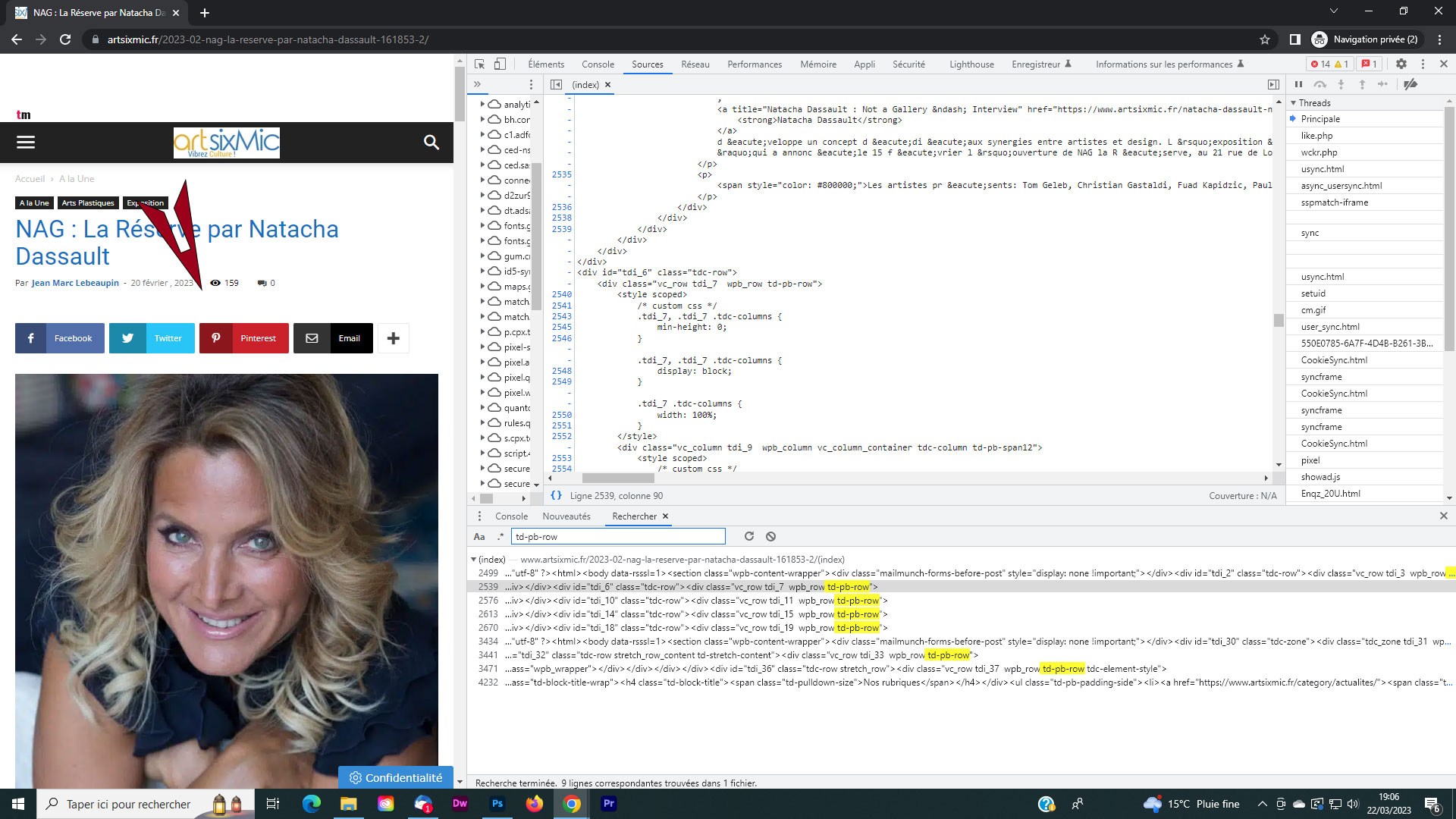
Le bandeau s’affiche correctement en mode privé !
Reply to: tickets(311268)
Here’s the link to the .csv file.
Time/date originally formatted as specified, but lost formatting once .csv file saved
https://we.tl/t-7nlLQRH6Ig
Reply to: tickets(311069)
I’d like a uniform font family. Let’s say the font family of the Event Title there “Justin Credible”. The weight and sizes are fine.
Am I copy/pasting this code in Styles or we will edit with font changes first?
Thank you
Reply to: tickets(310421)
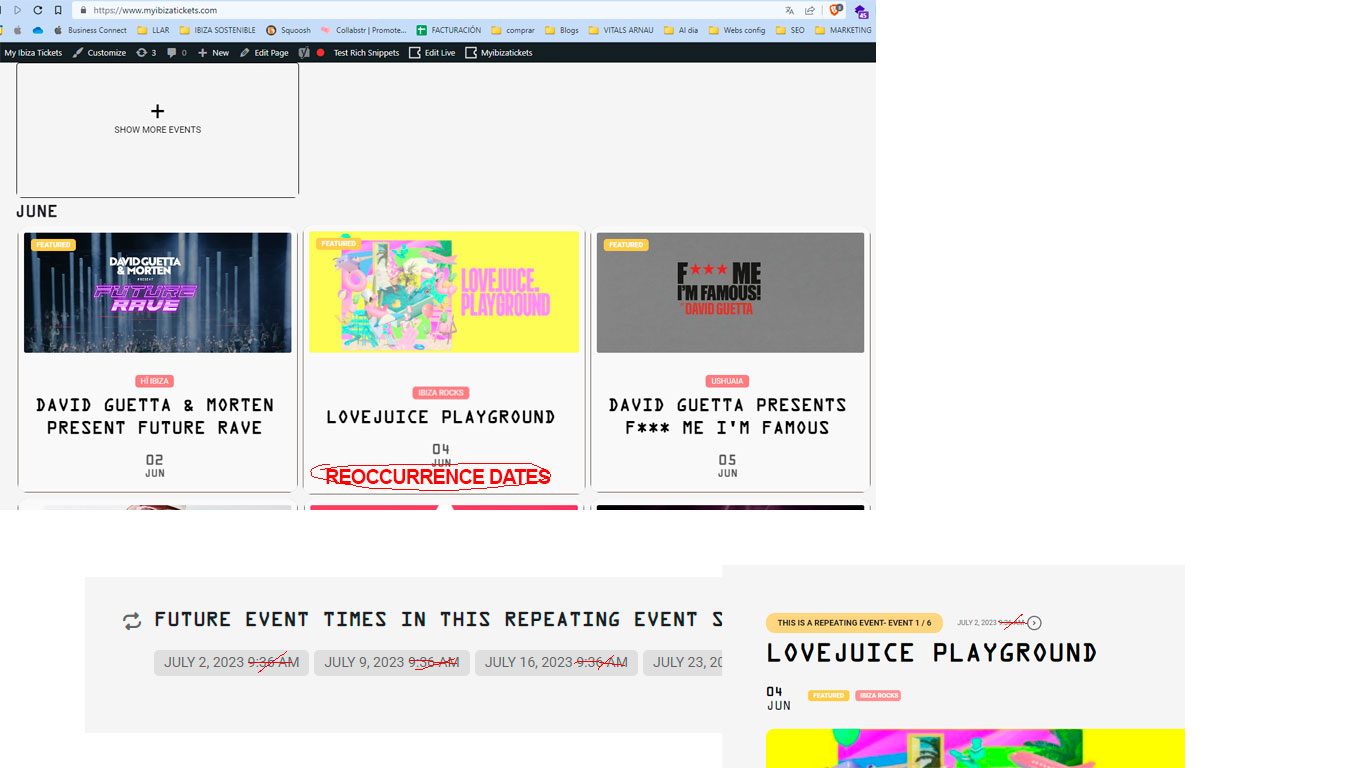
Well, this option is perfect. But I need that same, those dates are shown in the event preview.
On the other hand, I need to remove from the sites where the time is shown, that only the date of the event is shown.
I look forward to hearing from you to see if this is possible or the alternative. Thank you very much
I attach a screenshot of both