Hello again,
11. At last 🙂 That’s also fix the problem with distorted images when you click inside eventcard. Would be nice to not have to do it via css but with an additional option for example but ty fits my needs 🙂
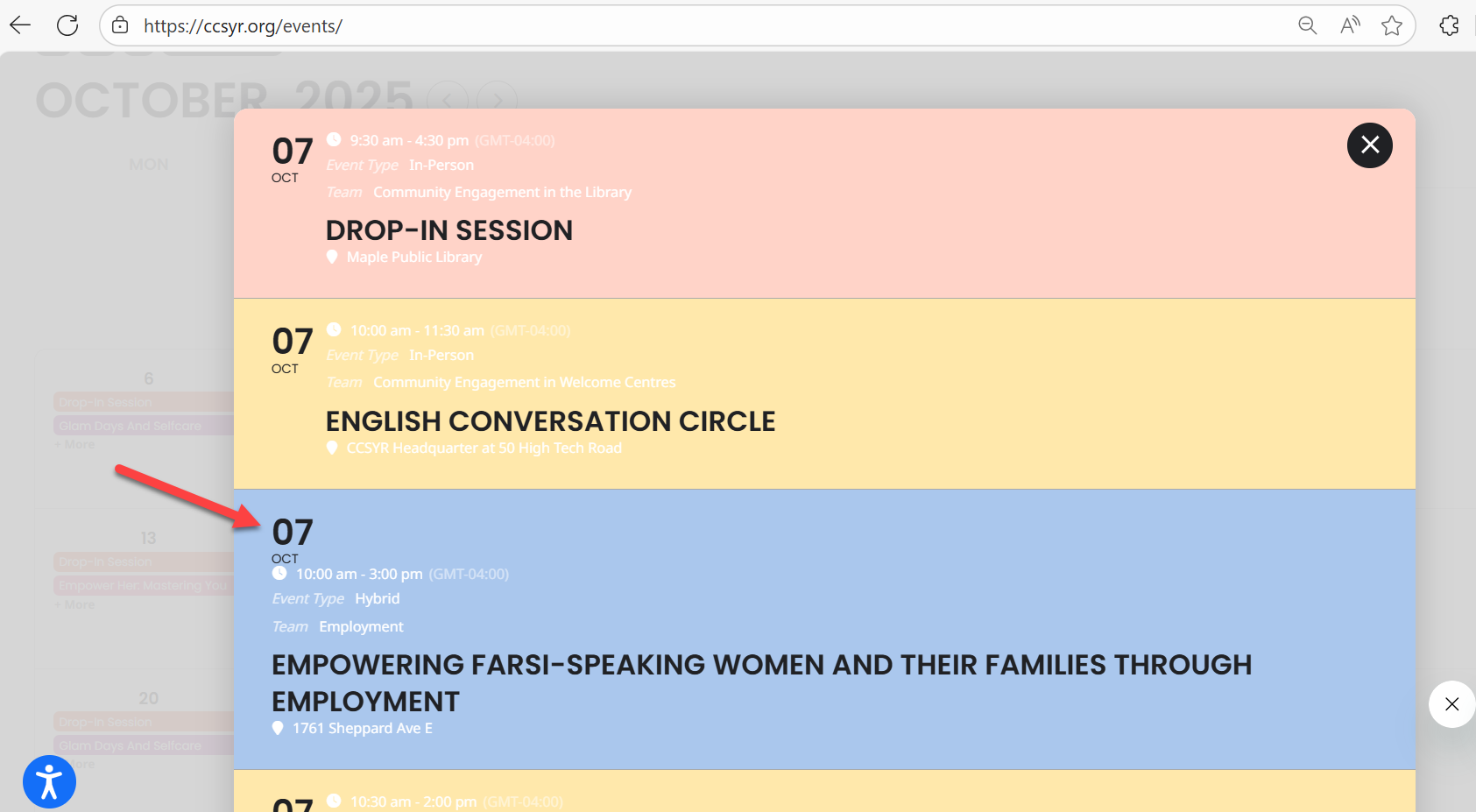
7. The problem on this is that also the details appear up there. The idea is to have only the date on the upper right corner. If it’s cant be done np, we will keep it like it is now, it just stands out more if we can have it on the upper right corner.
That’s all if the 7th can’t be fixed 🙂 ty again for your help!
I am referring to the tickets add-on, yes! Since it uses Woo, does it have to use a separate account? We have an existing Stripe account with special rates, and we would love to use it.
I also wondered if you have a short code helper, because I am trying to update our event listing/calendar to only show events that are in the future, and make sure that old years don’t show in the search criteria.
Thank you!
7. This will require quite extensive customizaion. However, we have this design that is quite similar:
https://demo.myeventon.com/?view=tile-view-with-details-right-of-date
11. Please use this CSS code:
.evo_lightbox_content, .evolb_box { max-width: 700px; }
I don’t believe we can do anything from our side, I am afraid. Could you contact the cache plugin developer and ask why even after you add URLs it still keeps caching them?
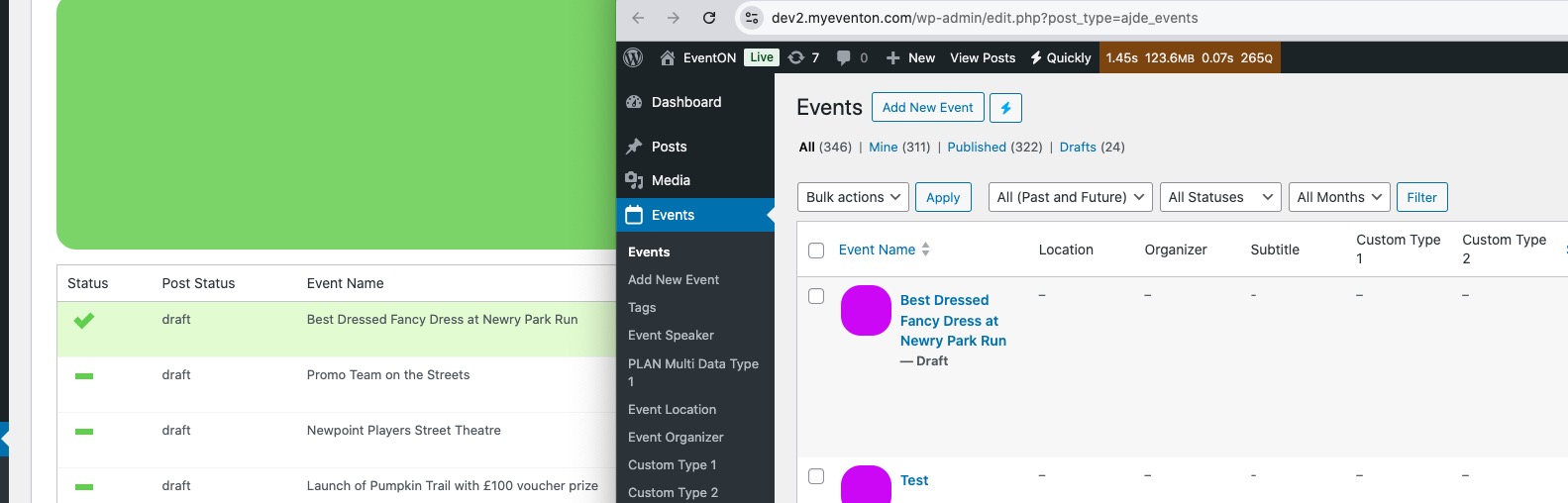
I’ve managed to import one event for a test:
Please send us wp-admin access to your site from “Access Info” box on right side menu, to further assist your situation.
If you go to EventON Settings, download a file by clicking on “CSV Format” and then try import the first event with changed event_id and event_name, can you do so.
Hello,
Unfortunately, we unable to help with any code customization requests since it’s against Support Policy.
Hello,
Do you want to purchase some of our add-ons?
Please let me know.
Please send us wp-admin access to your site from “Access Info” box on right side menu, to further assist your situation.
Thank you for the reply.
I did all of the above steps but still colors are not changed.
And the EventTop design, as you see in the image, some events are still showing the date block at the top and some at the left side.
so I installed this and it workd.
https://wordpress.org/plugins/enable-jquery-migrate-helper/