Hello,
If you go to https://www.myeventon.com/my-account/edit-address/billing/ you can edit the address and add VAT number under company name. And then apply it to all the active subscriptions and see if generating invoice make correctly with vat.
Replies for tickets on suppota
Hello,
If you go to https://www.myeventon.com/my-account/edit-address/billing/ you can edit the address and add VAT number under company name. And then apply it to all the active subscriptions and see if generating invoice make correctly with vat.
Thanks. Can you make sure this does not happen again? It looks like it was published automatically. I can also see all of your other clients.
Thanks Dave for your time and suggestions. You are indeed the most cutest (aka helpful) support team member. We still need to enter to the calendar hundreds of events and doing the links this way is, I’d say, time consuming and counter productive. Although fiddling with classic editor is a workaround we are pushing and trying to enforce editors/copywriters to use exclusively block editor and current standards rather than legacy tools. Their job is to just write and as they are not technical users, they need to be able to focus at what they’re good at – writing. Hope you understand.
Could you also address next part of the request regarding the sidbar, please? “The sidebar is displayed weirdly;”
Thanks
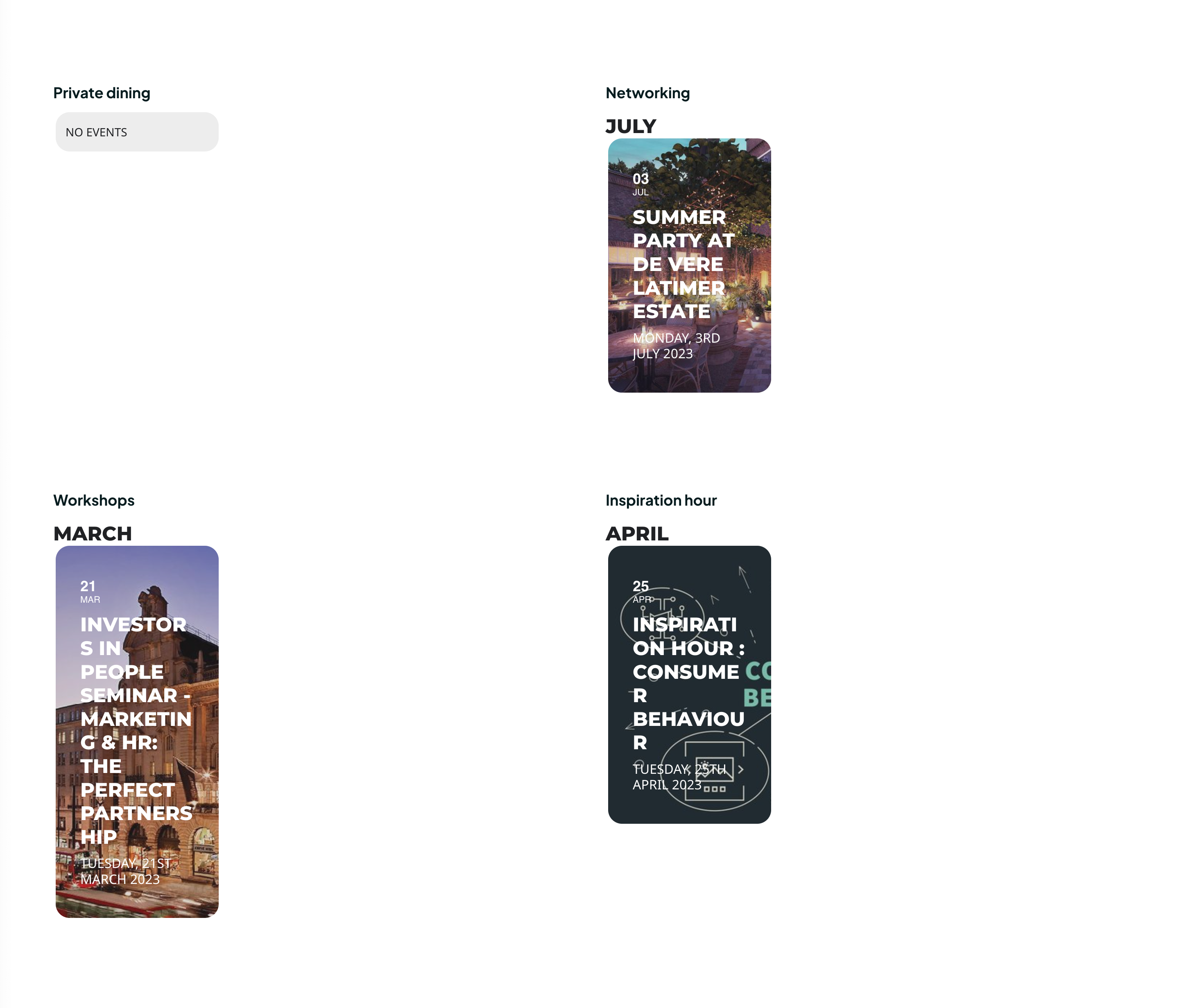
OK I think I’ve figured this out, I’ve used event_type=”32″ where type is ID is one of the category from EventType Categories
[add_eventon_list number_of_months=”12″ hide_empty_months=”yes” tiles=”yes” tile_count=”3″ tile_height=”300″ tile_bg=”1″ event_past_future=”future” exp_so=”yes” event_type=”32″]
but now events are very narrow – how can I modify this look? Is it because of the picture? event name ? tile height?
thank you Dave, that’s almost perfect!
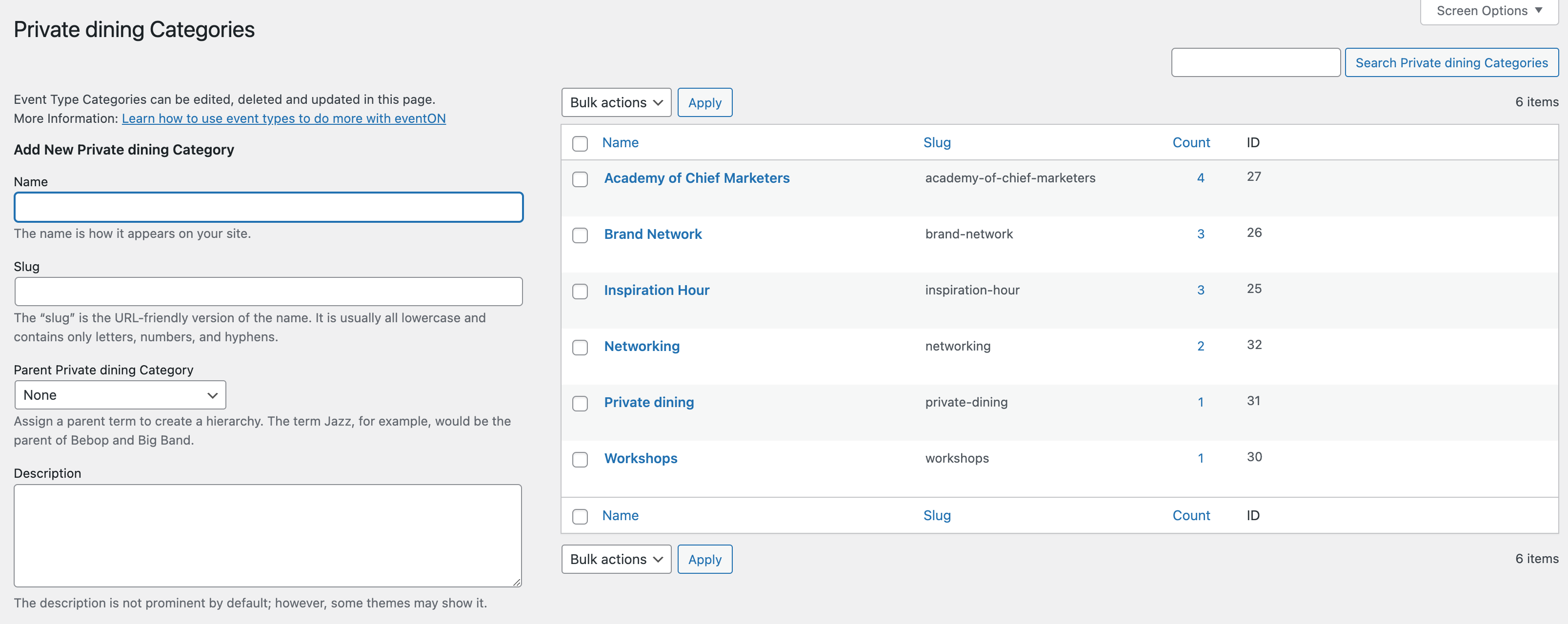
Please advice how should I use categories? We have 4 main categories as per screenshot but I can see that each category can have more Categories inside and they have some ID assign to them …
Basically there are two types (?) of categories… main (x5) under EventON Settings / EventType Categories
Then each of them can have (sub)categories with some ID? With one should I use and how implement them ID into shortcodes?
In my attempts it works only for “Workshops” on this page: https://chiefmarketer.co.uk/meetings/ by using “event_type=”30”
Hello Gardon sorry for the delay in getting in here. Much appreciate your continue support for our work!
Is there any way possible to send me FTP access to your site? to wp-content folder?
I want to see the debug.log file and see where its coming from. Because this is not happening on our end. Will have this ticket open so please send that info and I will check this again tomorrow.
Kevin the ticket orders are actually part of woocommerce system. EventON tickets handle display of ticket info and then everything is moved to woo side at check out onwards.
So all those orders are part of woocommerce. So make sure your woocommerce DBs are moved over correctly. And I would assume you could reach out to them for more guidance on this…
i deleted it
see video below
all that stuff above (other than the underline) was non coding, no real stuffing around. the classic editor is the easiest way to go.
yep thats why i’m one of the cutest eventon support team members
Thank you