Thank you for your messages, I am going to assign this ticket to Ashan and he will be able to take it from here and find you a solution. Please allow some time for him to get back to you, we greatly appreciate your patience and thank you for being a eventon customer! Also please disable any IP blocking on your site if there are any.
Archives: Replies
Replies for tickets on suppota
Reply to: tickets(310168)
There is a new version of Event Lists: Ext add-on available – 0.22. Could you update?
To update eventon addons: You can download latest eventon addons from myeventon > my account. Then you can go to your website, deactivate old addon and install new one and activate then delete the old addon. This link will further explain the process. Also you can follow us on twitter to get real-time announcements on updates!
Reply to: tickets(310446)
I also checked your hook documentation, and I can’t find an action that can hook every creation of events when the calendar is generated.
If I hook this action: eventon_eventcard_additions with hook like this:
<?php
add_action( ‘eventon_eventcard_additions’, function () {
?>
<script type=”text/javascript”>
console.log(“new addition”)
</script><?php } );
I don’t get any console print
Reply to: tickets(310401)
Hello,
Please send us wp-admin access to your site as a private message for us to further assist your situation.
Reply to: tickets(310436)
Helo,
Could you update Event Tickets add-on as well? It should solve the issue.
To update eventon addons: You can download latest eventon addons from myeventon > my account. Then you can go to your website, deactivate old addon and install new one and activate then delete the old addon. This link will further explain the process. Also you can follow us on twitter to get real-time announcements on updates!
Reply to: tickets(310446)
Yes I checked that, but I don’t know how to search for all event for example, it is not written in the documentation.
Reply to: tickets(310446)
Hello,
Guide on Actions & Filters can be found here:
https://docs.myeventon.com/documentations/hooks-actions-filters/
Reply to: tickets(305287)
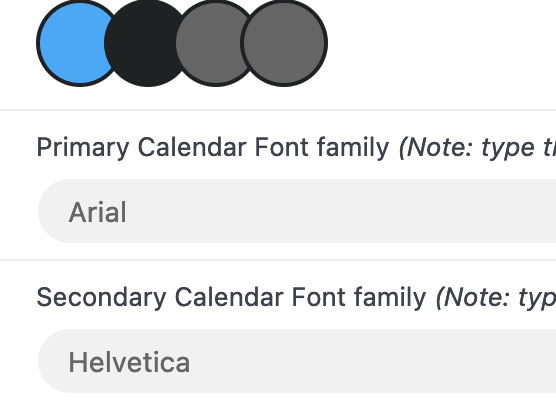
Forgot to specify above. The font size when edited in the backend does not show on the front end on all pages..
https://xzib.com/e/india-art-fair
Reply to: tickets(305287)
Hello
Was trying to fix my site speed using LSCWP, however there is some problem and the patch that Ashan sent did not resolve this issue.
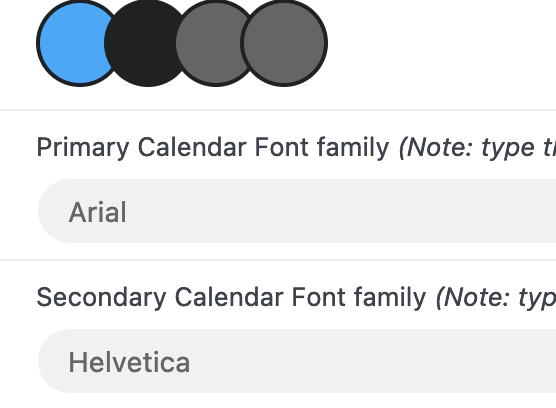
So, I have deferred and delayed some JS and CSS files to fix my page load speed. I suspect this may have caused an issue and Im now receiving errors about font size.
When I try to correct the specific pages, it seems that ALL the body copy in ALL my event pages have gotten smaller(14px). Perhaps this is reverting to the default small font of eventon?
Im using the arial/helvetica font in eventon, the same used by my theme(i hope). And Im not concerned about a specific font being used in eventon. I am concerned with the size being legible so I can maintain lightweight page for speed.
There are nearly 1000 pages effected. How would I specify to make the current font to show in a larger size somewhere in the 16-22 px range?? Where it keeps the formatting uniform as it is now. I like the way it is locking down the size…. its just too small and getting flagged by google.
Also, Im assuming the body font is the problem. The other element on the page with this small of font is the “related events.”
Reply to: tickets(308871)
Great! If you have any further questions or concerns please create a new ticket.