https://bilhetesonline.com/ work?
Archives: Replies
Replies for tickets on suppota
Reply to: tickets(310169)
For this link? https://bilhetesonline.com/wp-admin/admin.php?page=eventon#evcal_011
Reply to: tickets(310124)
Hello,
Unfortunately, we unable to help with customizations. It’s against CodeCanyon’s Support Policy.
Reply to: tickets(310137)
Please also follow the instructions in this documentation to activate debug in your site to see any PHP errors recorded that can provide insight on to whats going on. Please reply with a link to debug.log file. If you are not able to do this please send us FTP access to your site so we can do this for you.
Reply to: tickets(310137)
Hello,
I don’t see the shortcode at all on this test page I created:
https://tgs-global.com/31212-2/
Do I need to select a certain page template?
Reply to: tickets(308233)
Could you Inspect the empty space and take a screenshot similar to this:
https://www.browserstack.com/guide/inspect-element-in-chrome#:~:text=One%20of%20the%20easiest%20ways,%2C%20Sources%2C%20and%20other%20tools.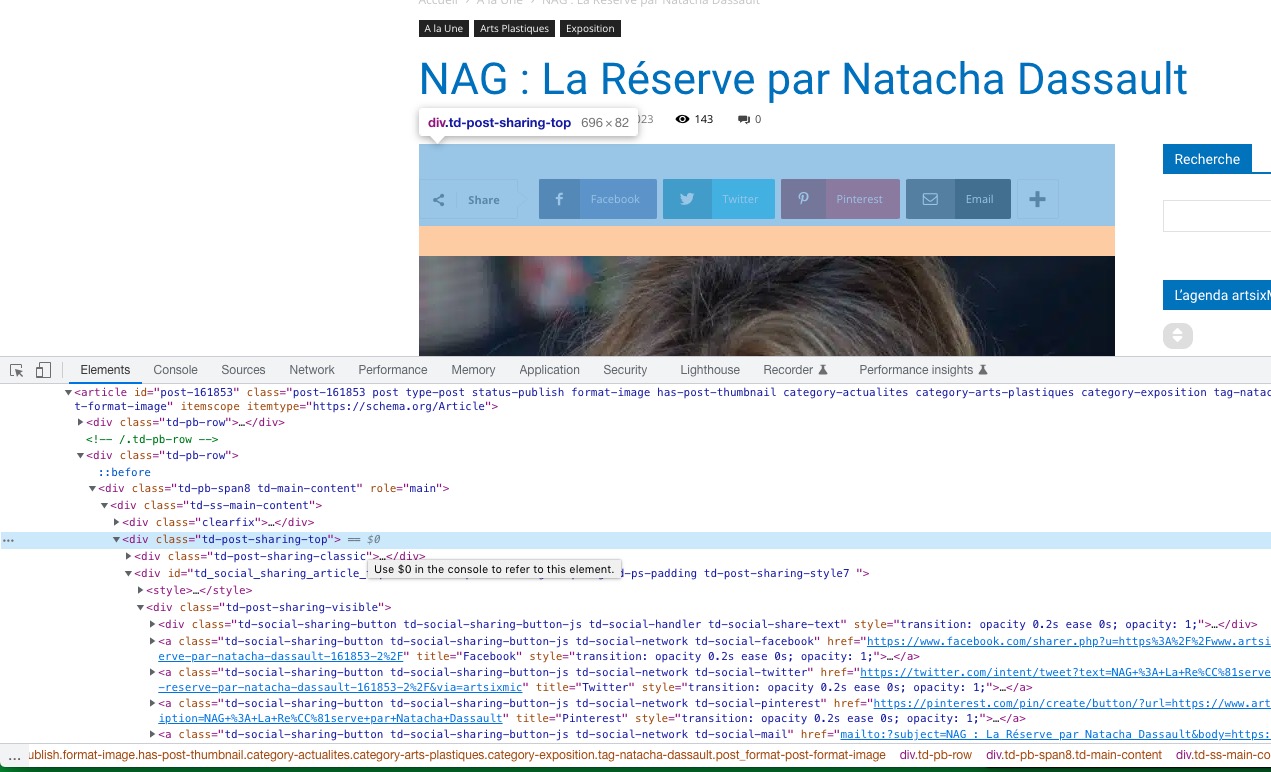 I need to see what’s going on with the HTML structure.
Reply to: tickets(310159)
Hello,
I went to EventON Settings and set Select calendar event content filter type to EventON Content Filter. It should work now. Please check and let me know.
Reply to: tickets(310164)
Hello,
Direct URL to Single Event Page? Could you elaborate?
Reply to: tickets(309187)
You can either add eventtop_style=”1″ to the shortcode (EventTop will change it’s color to each individual Event Color) or go to EventON > Appearance > EventTop > Background.
Reply to: tickets(310168)
Hello,
/wp-login.php leads to
No Results Found
The page you requested could not be found. Try refining your search, or use the navigation above to locate the post.
The same with /wp-admin.
Could you check?