Thank you for your messages, I am going to assign this ticket to Ashan and he will be able to take it from here and find you a solution. Please allow some time for him to get back to you, we greatly appreciate your patience and thank you for being a eventon customer! Also please disable any IP blocking on your site if there are any.
Archives: Replies
Replies for tickets on suppota
Reply to: tickets(308666)
1. Perfect!
2. When you enable “Allow universal event time format on eventCard” (EventON > Time Settings), it overrides All Day option in Edit Event. So, unfortunately, you can either have no time or custom date + time.
Reply to: tickets(297209)
Thanks. I have updated to 4.3.4 with no change to the RSS feed. After that, I started looking into the rss.php file within the eventOn RSS plugin. I noticed the following arguments.
// data arguments
$data_args[‘hide_past’] = ‘no’;
$data_args[‘sort_by’] = ‘sort_date’;
$data_args[‘event_order’] = ‘ASC’;
$data_args[‘number_of_months’] = ‘5’;
I changed the value from 5 to 18 for the number of months argument, overwrote the file, cleared my browser and cdn cache, and noticed that the events are now showing in the rss feed. After realizing this, I checked the plugin settings within the dashboard/cms and noticed there is no way to change the number of months argument via cms (unles I am missing it?). Is this supposed to be like this?
Also, how can I make sure my changes don’t get overwritten with a future plugin update?
Thanks, -FB
Reply to: tickets(309160)
Hello,
“Show all events of the month below calendar” loads events for the current month. There is no way of showing events for the whole year with FullCal. Please take a look at Event Lists:
[add_eventon_list number_of_months=”12″ hide_empty_months=”yes”]
Reply to: tickets(309168)
Ashan,
I remember a client had a similar problem a long time ago:
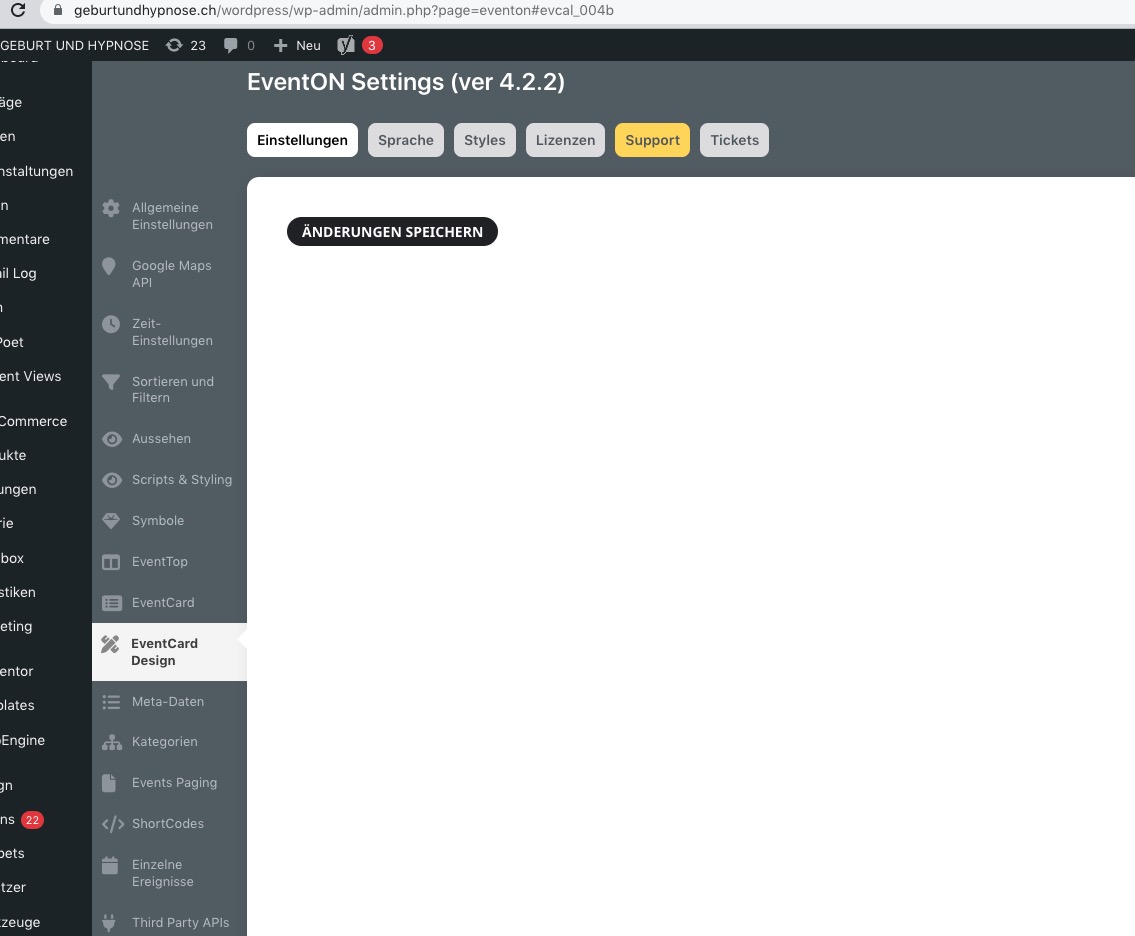
Not sure how to fix this. Could you check?
Reply to: tickets(309168)
Please also update EventON to 4.3.4.
To update eventon to latest version: If you are unable to do autoupdate, you can go to codecanyon your account > download and get the latest eventon version as zip file. Then you can go to your website > make sure “Delete eventon settings & data when EventON is uninstalled” is Deslected from eventon settings, delete old eventon, install new one and activate. This link will further explain the process it. Also you can follow us on twitter to get real-time announcements on updates!
Reply to: tickets(309168)
Hello,
There is an issue with your back-end translation. Certain symbol breaks HTML structure.
I am going to assign this ticket to Ashan and he will be able to take it from here and find you a solution. Please allow some time for him to get back to you, we greatly appreciate your patience and thank you for being a eventon customer! Also please disable any IP blocking on your site if there are any.
As a temporary solution please try disabling the translation.
Reply to: tickets(308610)
Not sure what’s going on. Please take a look at this page:
https://scotdanceaustralia.au/838-2/
As you can see the featured event at the top of the list.
Maybe there is some kind of cache? Could you try clearing it?
Reply to: tickets(309182)
Hello,
1. Please add this CSS code to EventON > Styles (If you don’t see any change, EventON > Scripts & Styling > turn off Write dynamic styles to header > save settings > turn on Write dynamic styles to header):
.evcal_cblock .evo_start em.month { font-size:18px !important; font-weight: bold !important; }
2. Use this code:
.ajde_evcal_calendar.boxy .eventon_list_event, .ajde_evcal_calendar.boxy .evoShow_more_events { margin: 2.5px; width: calc(50% – 5px); }
Reply to: tickets(309043)
We are glad your issue is resolved, if you have any further questions or concerns please create a new ticket. If you have a moment, we would greatly appreciate if you could kindly leave us a review at codecanyon! from your account > downloads. Cheers!