Where can I find the dynamic pricing option in your demo store event “This is an Event!”
Generally: I will use the member plugin and configure prices according to the membership role.
Replies for tickets on suppota
Where can I find the dynamic pricing option in your demo store event “This is an Event!”
Generally: I will use the member plugin and configure prices according to the membership role.
Does Ashan need a login to problem solve with?
That works for now, thank you.
Please add the CSS code to EventON > Styles (If you don’t see any change, EventON > Scripts & Styling > turn off Write dynamic styles to header > save settings > turn on Write dynamic styles to header).
You can also add this code to wp-admin > Appearance > Customize > Additional CSS.
Ashan,
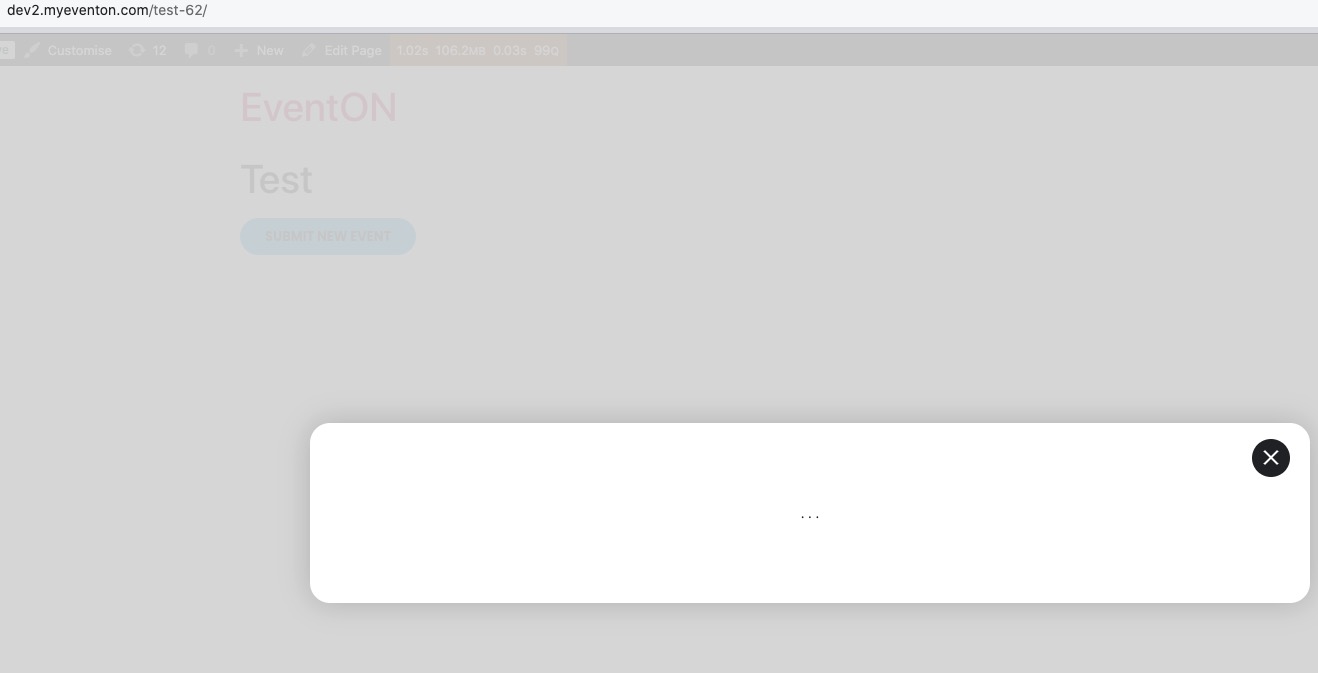
The same on dev2:
https://dev2.myeventon.com/test-62/
Hello,
Thank you for your messages, I am going to assign this ticket to Ashan and he will be able to take it from here and find you a solution. Please allow some time for him to get back to you, we greatly appreciate your patience and thank you for being a eventon customer! Also please disable any IP blocking on your site if there are any.
Hello,
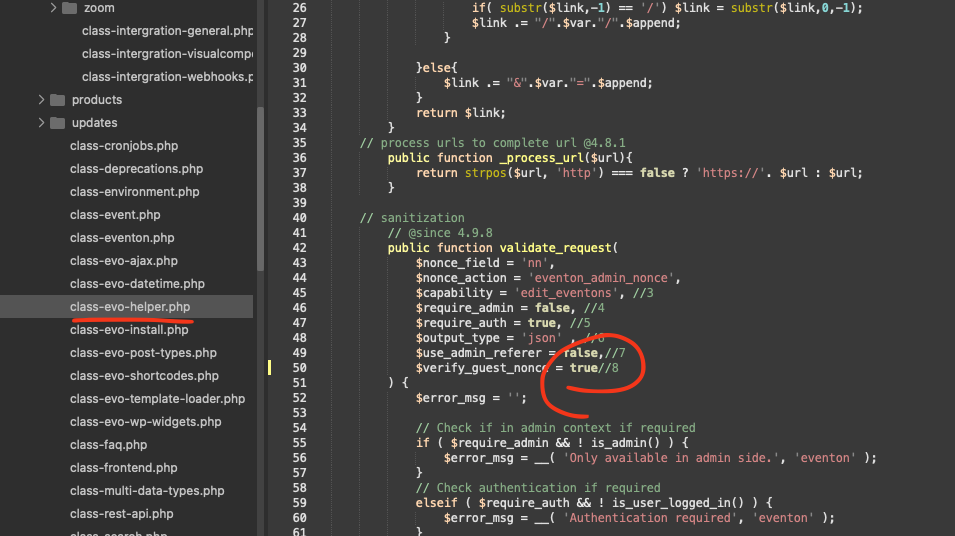
Please try this patch fix. remove the comma at the end.
Hello matteo bellardi.
The update will be available shortly.
Ashan,
The same on dev2:
https://dev2.myeventon.com/test-61/
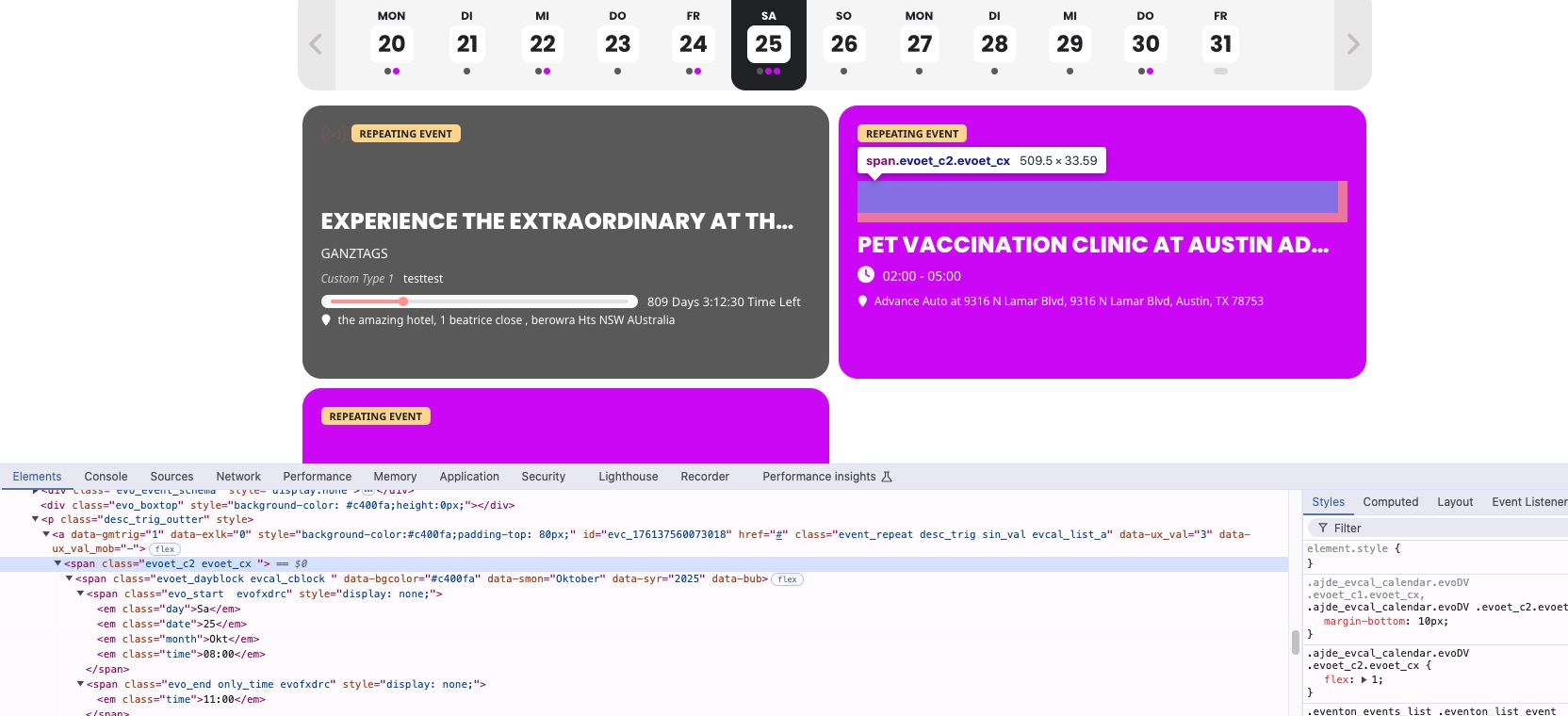
Even so Date Block is hidden with display: none, it still shows it’s container.