Hello,
Thank you for your messages, I am going to assign this ticket to Ashan and he will be able to take it from here and find you a solution. Please allow some time for him to get back to you, we greatly appreciate your patience and thank you for being a eventon customer! Also please disable any IP blocking on your site if there are any.
You can check it yourself in Chrome press F12 or Ctrl +shift+I and open the web developer console. Now try to find files.
The thing is that EventON cannot work without such files, so you should be able to see it without checking the HTML code.
Same problem on our site as well. Started with EventOn 5.0.
I have not used a cache plugin yet for this site, so not so far. So the scripts are there and the SEO scan is not accurate?
also here is an example of an individual event page from that other site where everything is displayed:
https://hometownhub.ca/events/2025-festival-of-friends-2/
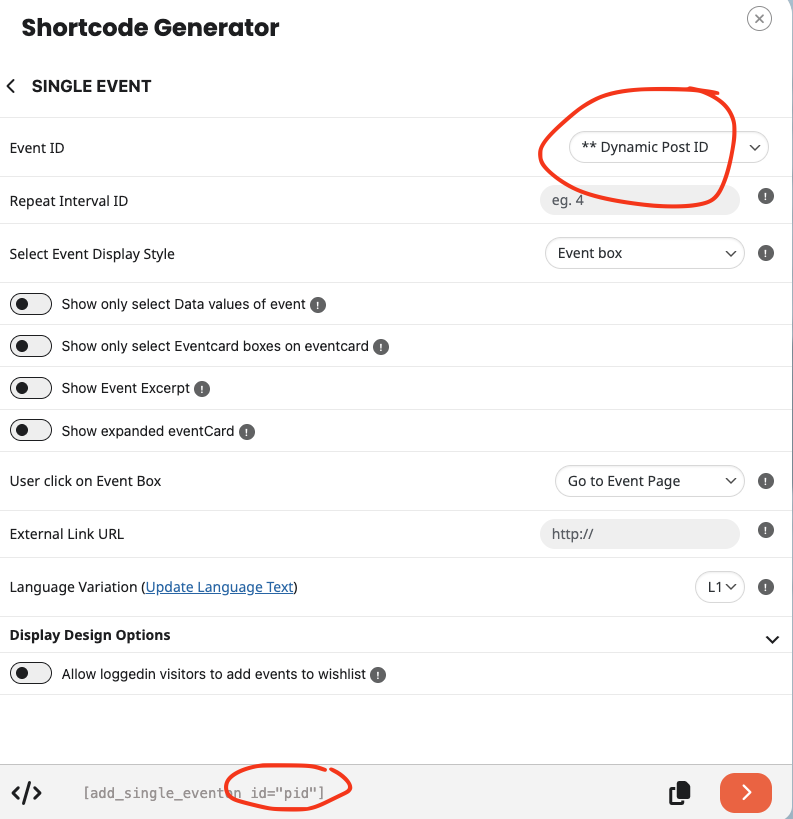
Also the other reason that I am asking for help with the shortcode fully generated that accomplish this is that oxygen is giving us trouble editing the templates, so I have to manually add the shortcode to the json files. Here is what i have added to get the current result: “full_shortcode”: “[add_single_eventon id=”pid”]”
okay that started to work…the event(s) started showing up, but when you click on it nothing happens. What do I have to add to the shortcode to have it be open with details.
Here is an example page with what is currently there: https://hamiltoncivicmuseums.ca/events/christmas-model-train-show-3/
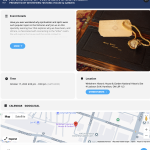
I need it to have all of the details of the event opened like in this screen shot.
Thanks again for all of your help
Just wanted to update we have new version out and you should see the missing lable content.
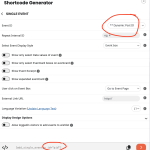
Ah yes Sam, take a look at the shortcode generator for the new option.
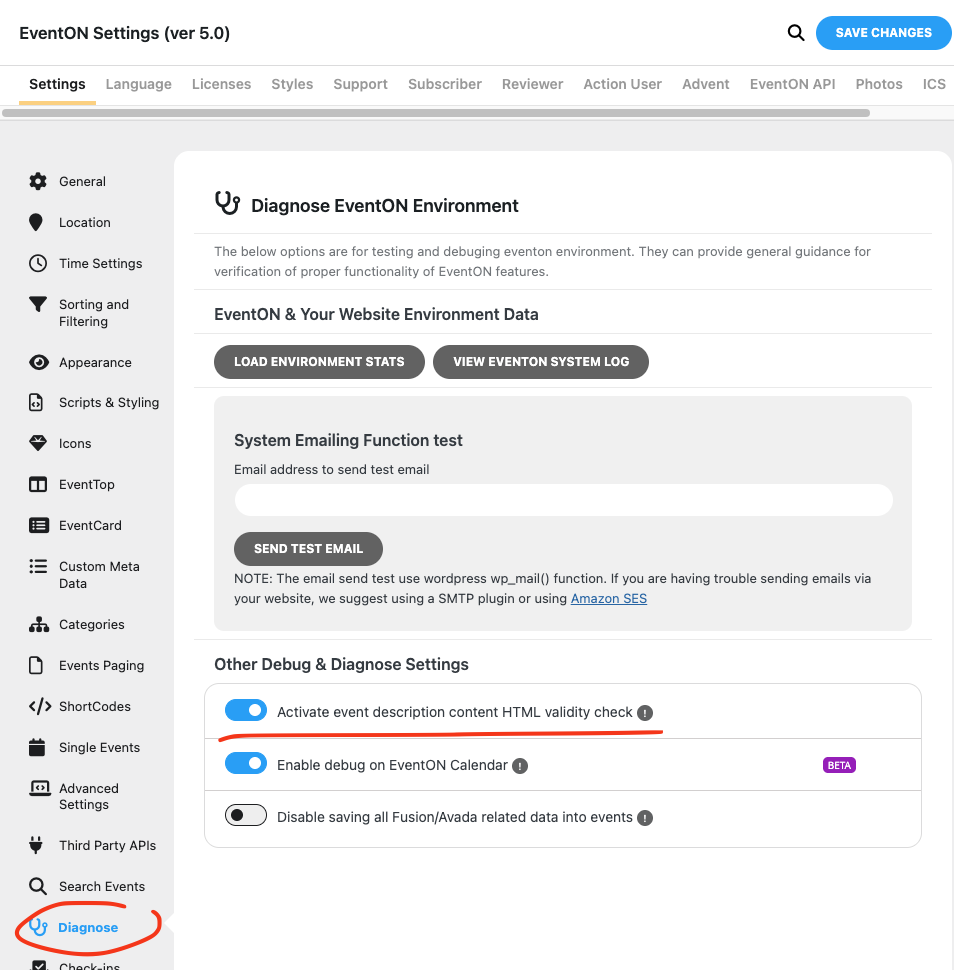
easy solution is to disable Event description HTML validity check.
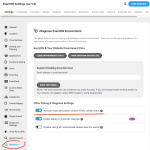
Thank you Lukas for letting us know. We are hoping to get a fixed version out later today! Much appreciate your patience!