Hi Artem,
It does only happen with some of the existing events. It happened again with the last two orders 16881 and 16878.
My customer always duplicates former events and changes the content/dates.
Can you investigate more?
Cheers,
Jaap
Replies for tickets on suppota
Hi Artem,
It does only happen with some of the existing events. It happened again with the last two orders 16881 and 16878.
My customer always duplicates former events and changes the content/dates.
Can you investigate more?
Cheers,
Jaap
Hi i just fixed it you should be able to enter
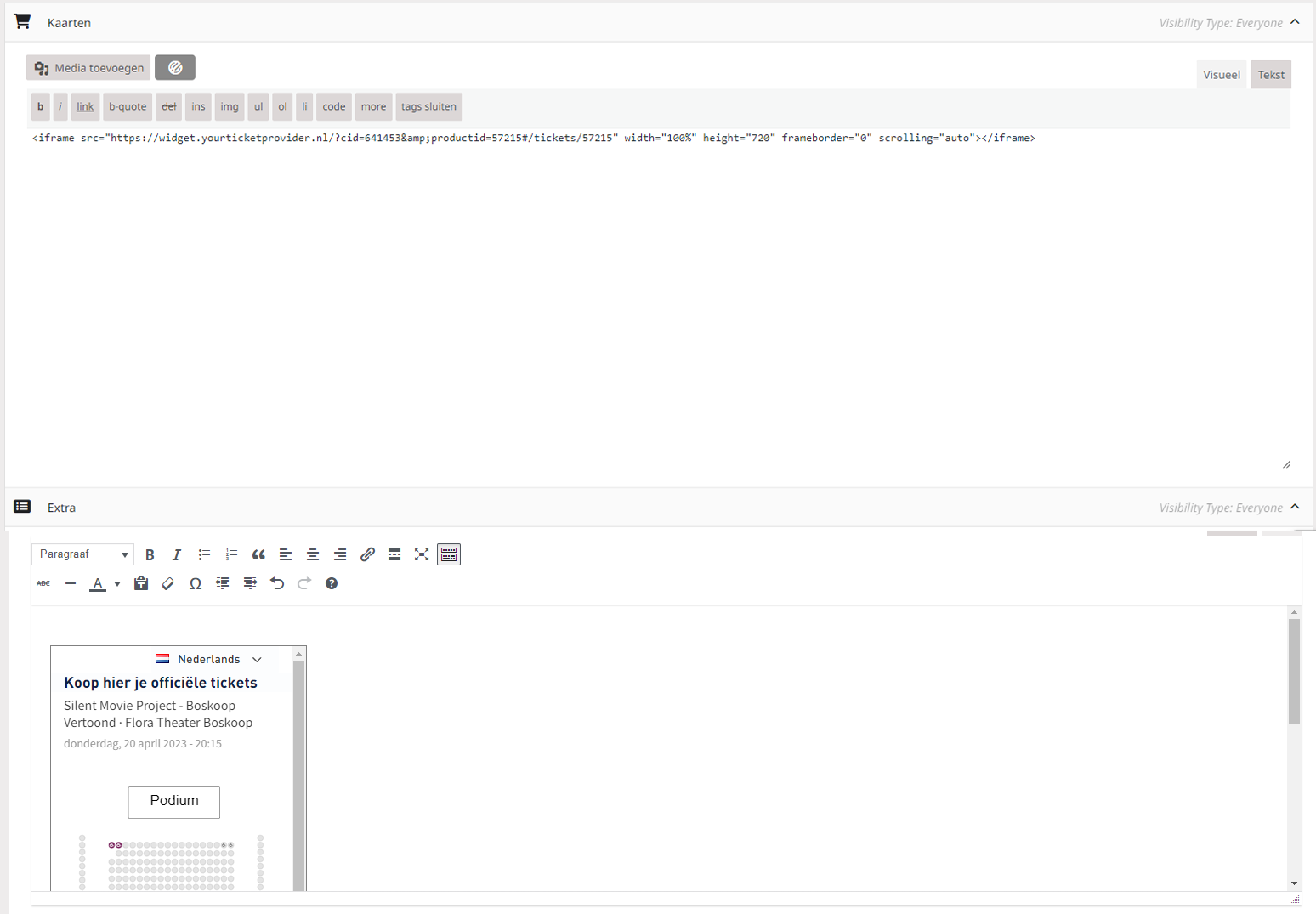
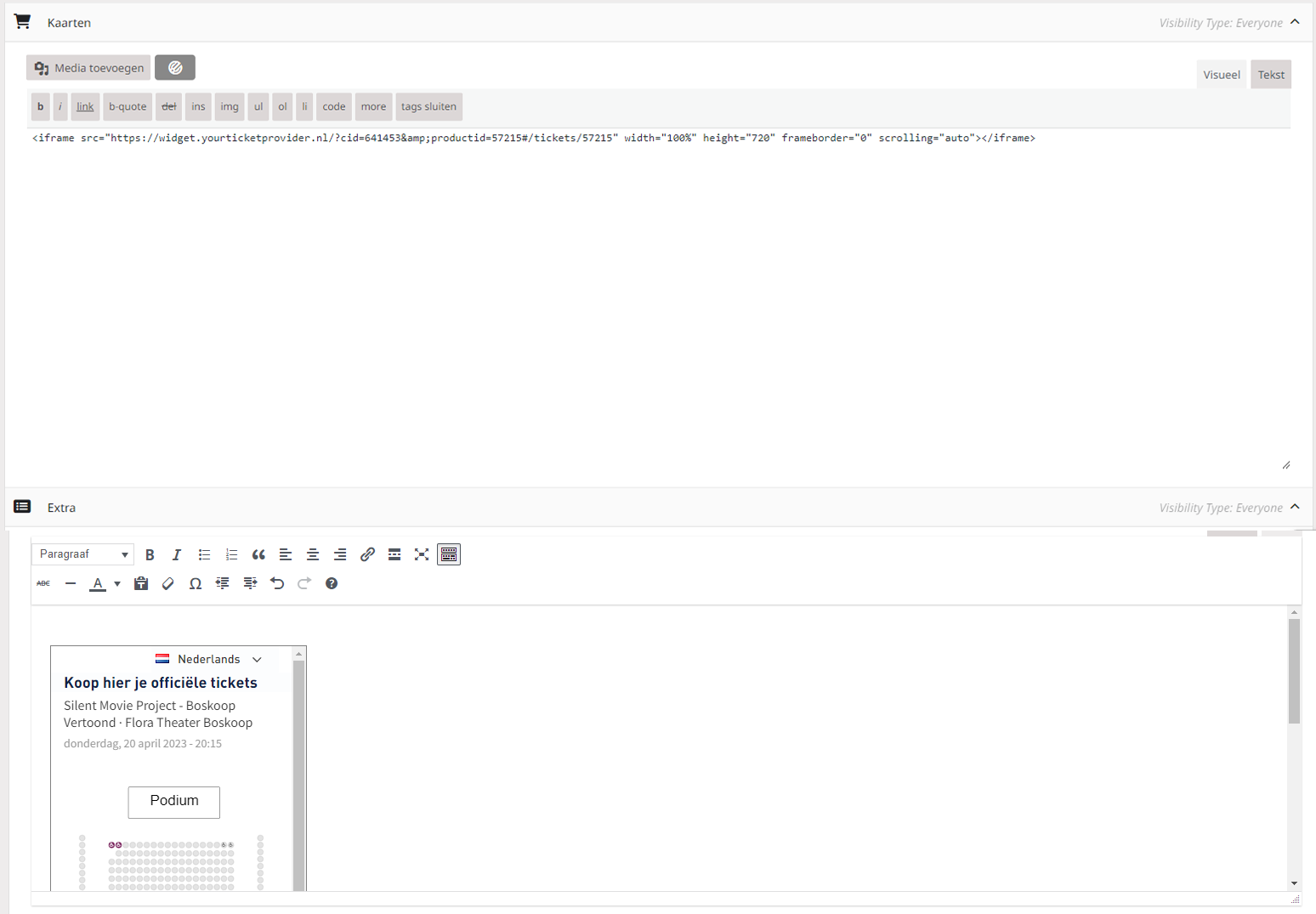
In my previous screenshot, both textareas are taken from the custom field “kaarten” but I placed them on top of eachother to show it real quick
Hi,
Sorry for the late reply, i was off-work for a couple days.
It still does not work for me. I placed the tag in a custom meta field, and there the iFrame loads fine. But when I update the event and check the website, refreshing with crtl + F5.
Can you check on the flora website why it isn’t working? I updated the plugin and event today.
je ne comprend pas le pourquoi de ne pouvoir se connecter. Je vais essayer résoudre le problème cette après midi. Je vous tien au courant. Merci !
Hi,
sorry for the confusion. Please use https://enablechange.de/noaccess/ instead of wp-login.
Thanks,
Ralf
Thanks @Kenneth
How can I show a certain event in a certain calendar (WP Page with Evenon compnent). I need the event to inherit the Calendar settings and the event to show up in that particular calendar and not the default one (/events WP page).
Also how can I align the count down to appearl RTL? (note: the rtl choice in the general settings is already enabled).
Thanks
Are there news on this issue? Thank you!
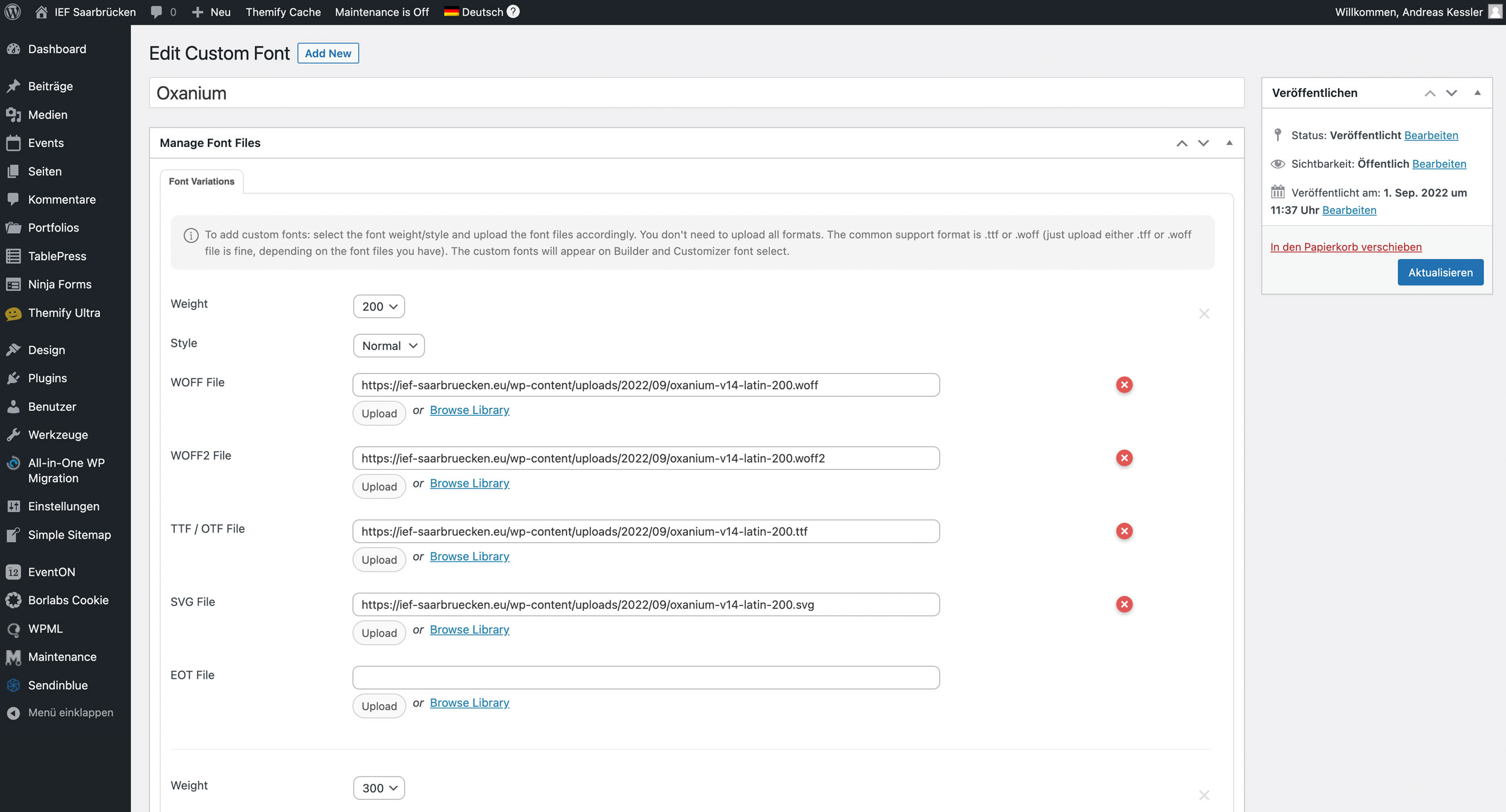
another screenshot
Hi,
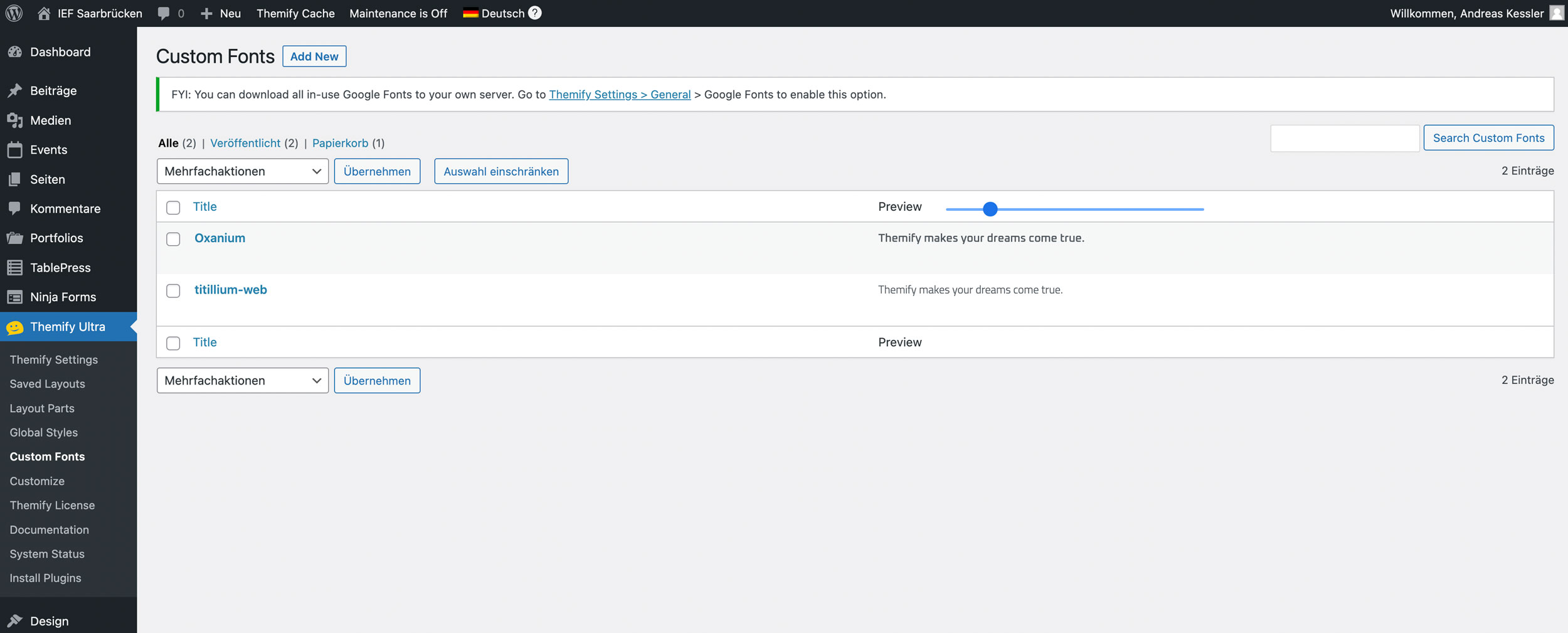
I use a theme by themify.com
I can upload the google-fonts in the backend/dashboard. see my screenshots.
Best regards
Andreas