Please add this CSS code to EventON > Styles (If you don’t see any change, EventON > Scripts & Styling > turn off Write dynamic styles to header > save settings > turn on Write dynamic styles to header):
.ajde_evcal_calendar.boxy.boxstyle2 #evcal_list .eventon_list_event .evcal_desc span.evcal_event_title, .ajde_evcal_calendar.boxy.boxstyle2 #evcal_list .eventon_list_event .evcal_desc span.evcal_event_subtitle { word-wrap: normal; white-space: normal; text-overflow: unset; overflow: unset; } .ajde_evcal_calendar.boxy .eventon_events_list .eventon_list_event .evcal_desc { width: 100%; }
Please add this CSS code to EventON > Styles (If you don’t see any change, EventON > Scripts & Styling > turn off Write dynamic styles to header > save settings > turn on Write dynamic styles to header):
.post-type-archive-ajde_events main#main { margin-top: 100px; }
Hello,
Please add this CSS code to EventON > Styles (If you don’t see any change, EventON > Scripts & Styling > turn off Write dynamic styles to header > save settings > turn on Write dynamic styles to header):
.evofc_months_strip { width: 100% !important; max-width: 100% !important; }
Hello,
Thank you for your great suggestion, at the moment it is not supported. However please create a new ticket and select Feature Request as category so others can vote on your idea and get it moved into development faster.
Hello,
Please update EventON, Full Cal and Event Lists.
To update eventon to latest version: If you are unable to do autoupdate, you can go to codecanyon your account > download and get the latest eventon version as zip file. Then you can go to your website > make sure “Delete eventon settings & data when EventON is uninstalled” is Deslected from eventon settings, delete old eventon, install new one and activate. This link will further explain the process it. Also you can follow us on twitter to get real-time announcements on updates!
To update eventon addons: You can download latest eventon addons from myeventon > my account. Then you can go to your website, deactivate old addon and install new one and activate then delete the old addon. This link will further explain the process. Also you can follow us on twitter to get real-time announcements on updates!
I’ve installed LiteSpeed Cache, Optimized the database, PHP memory limit is at 768M and still no difference in load time. Still around 45 seconds.
Thanks,
Jon
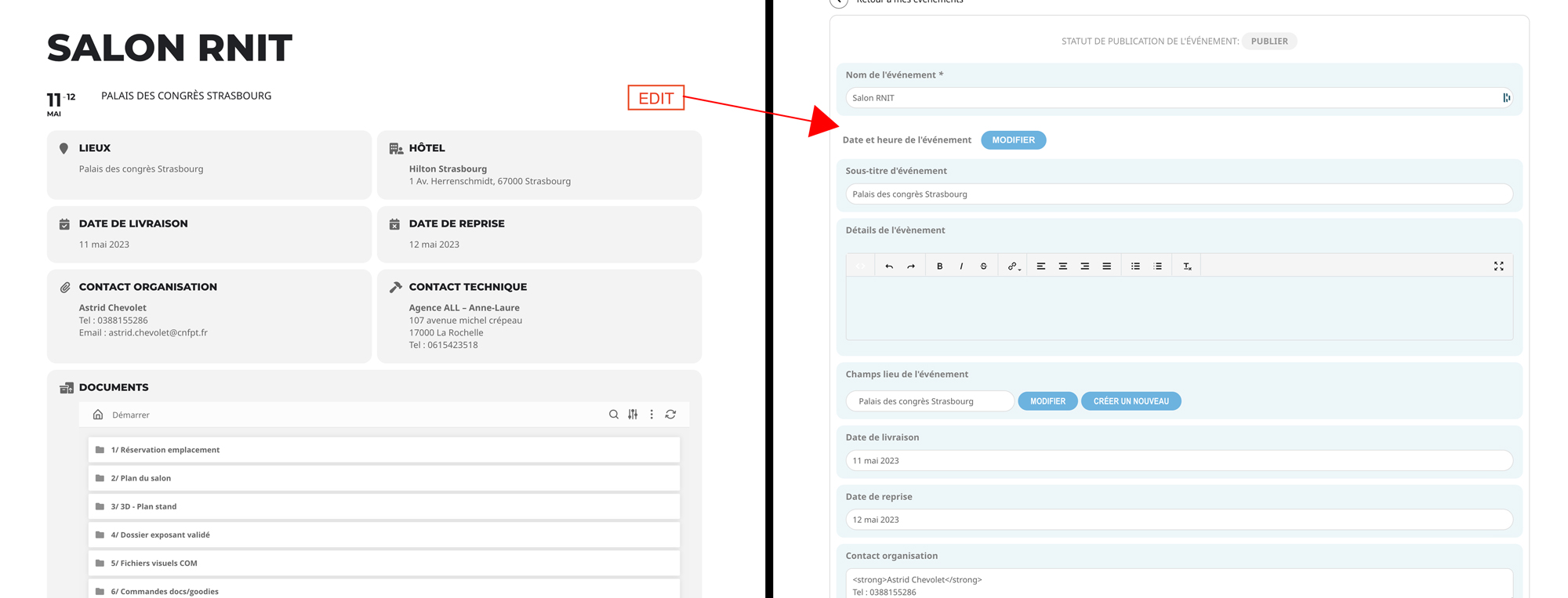
Hi,
Sorry my request was not very clear. I would like to find a way to make a button to edit my direction in the single event (see Screenshot).
Here: http://all2023.beekom.fr/events/salon-rnit/
“Edit” button here and arrive here: http://all2023.beekom.fr/modifying-les-sventies/ (in the RNIT living room tab)
Is it possible?
Thank you again to vote.
Samuel
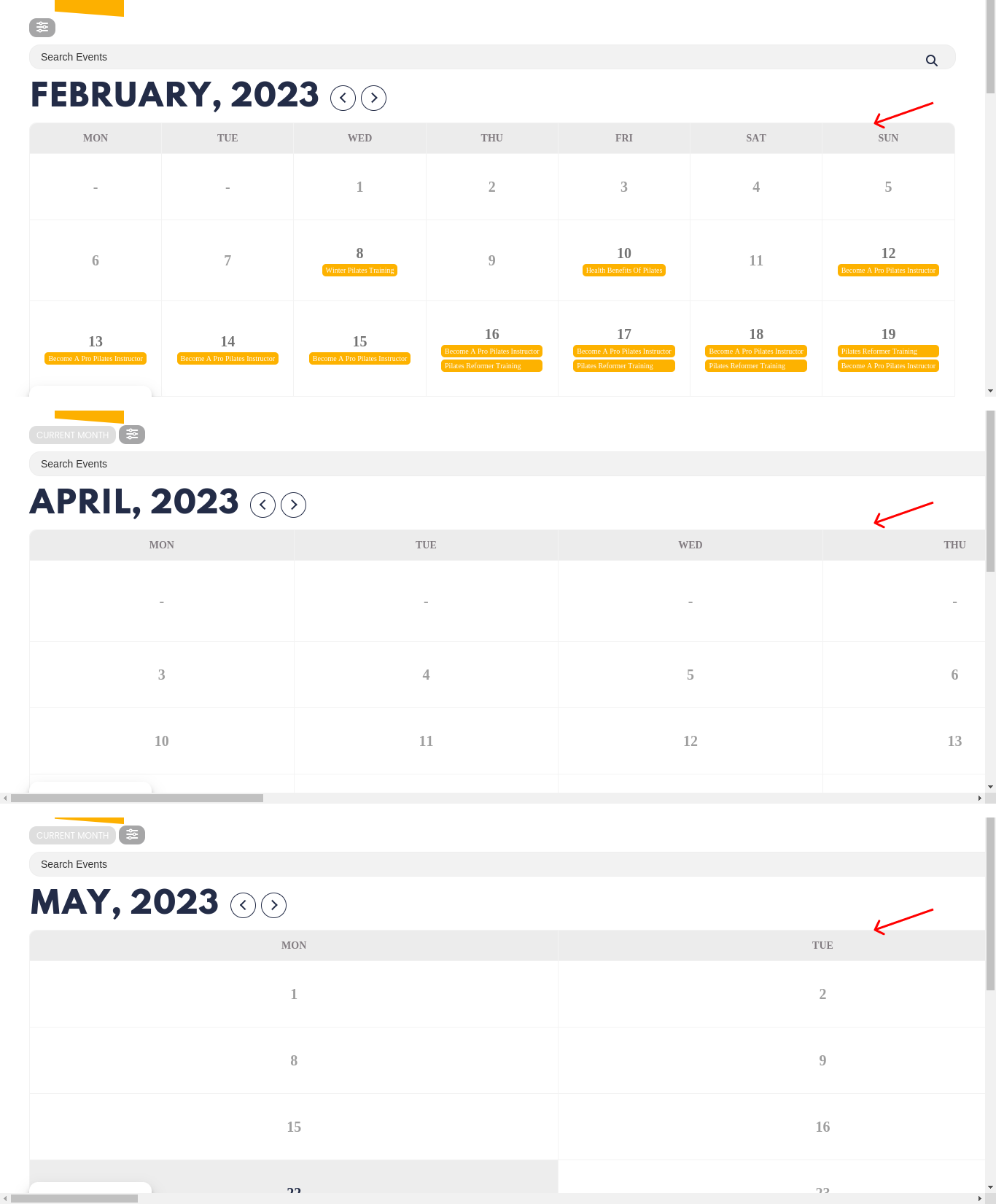
Here an image of the issue
Hi, thank you – it works!
One Question again: https://www.burghof-kyffhaeuser.de/events/
On this subpage the events are no longer displayed, before the updates this was still possible.
Well, the code or configuration is to show the complete name of the event in the main calendar, I don’t know if you can share the necessary code or how to configure this option.