Please go to Edit Event > Reviews > press “MANUALLY SYNC RATINGS” button.
Archives: Replies
Replies for tickets on suppota
Reply to: tickets(306129)
I enabled WP_DEBUG and noticed this error:
[02-Mar-2023 11:35:02 UTC] WordPress database error Got error ’empty (sub)expression’ from regexp for query SELECT * FROM kbm_bsa_pro_ads
Can we please try the instructions mentioned in this documentation?
Reply to: tickets(309279)
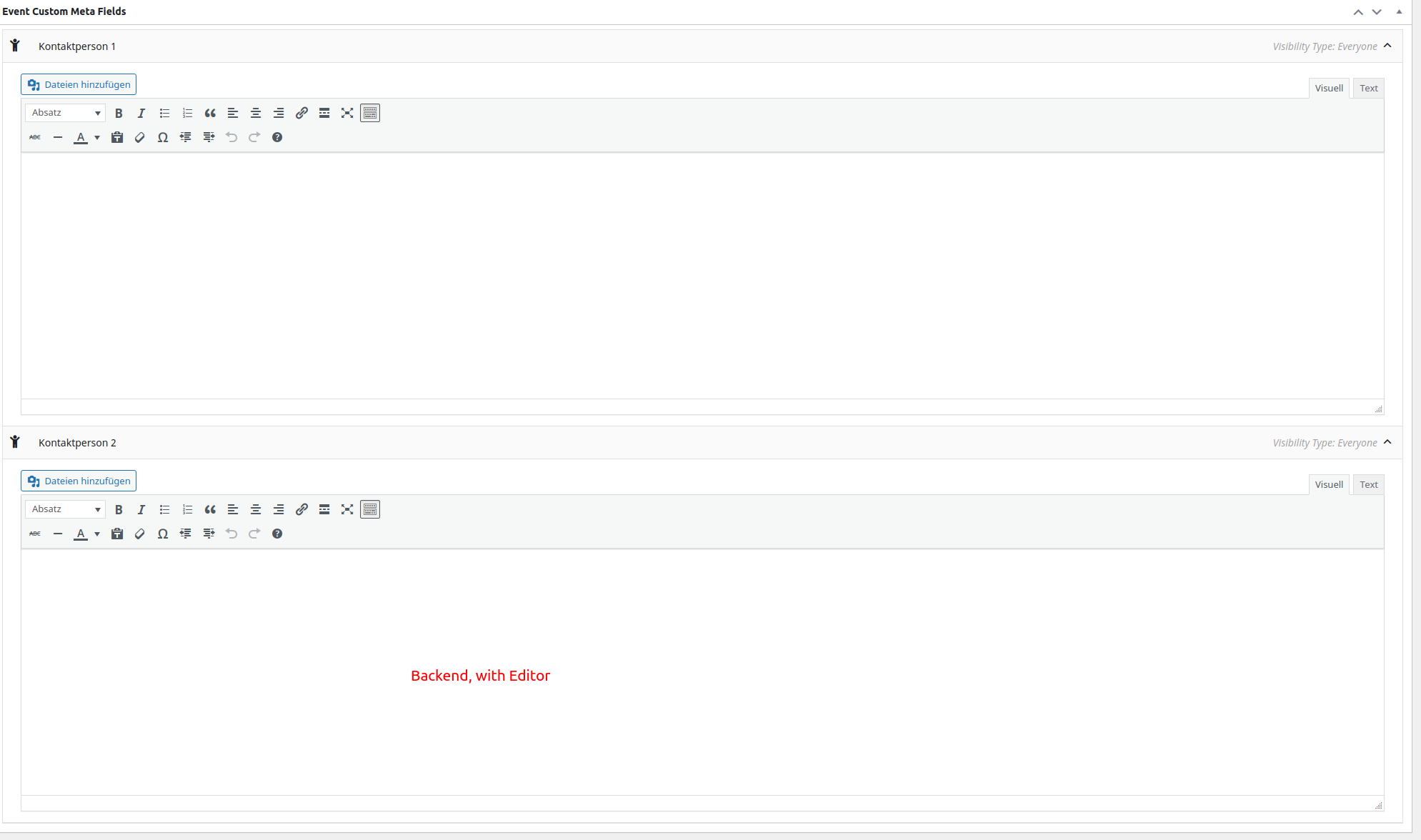
Backend, with editor.
Cache has been cleared several times
Reply to: tickets(309279)
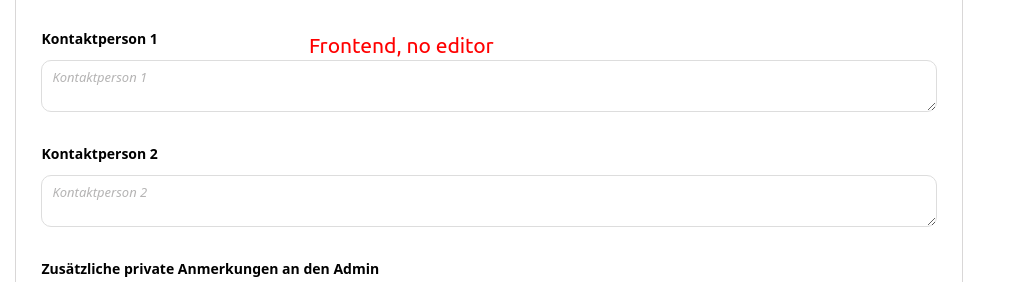
Frontend no editor
Reply to: tickets(309245)
Hello,
Please check for latest version of this software from here Your issue might be related to an older version you are running and we might have resolved this already in the newer version update. If you are on latest version of our software and the issue still persist please let us know.
Reply to: tickets(309250)
Hello,
Thank you for your messages, I am going to assign this ticket to Ashan and he will be able to take it from here and find you a solution. Please allow some time for him to get back to you, we greatly appreciate your patience and thank you for being a eventon customer!
Reply to: tickets(309269)
Hello,
I went to EventON > Events Paging > selected Select Events Page: Events, so it works now. Please check and let me know.
Reply to: tickets(309028)
Please try enabling it now.
Reply to: tickets(309279)
Hello,
Could you try manually clearing your browser cache? Please also send us a screenshot of the issue.
Reply to: tickets(309188)
Thanks for your help. However, that's not what I wanted. I put the button back on the top right, as before. I wanted the space to the left of the button to be filled with the title of the event. Here, the title and the address appear on several lines because there is too much white space next to the button. How to do ? THANKS