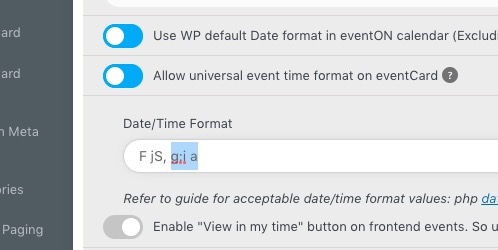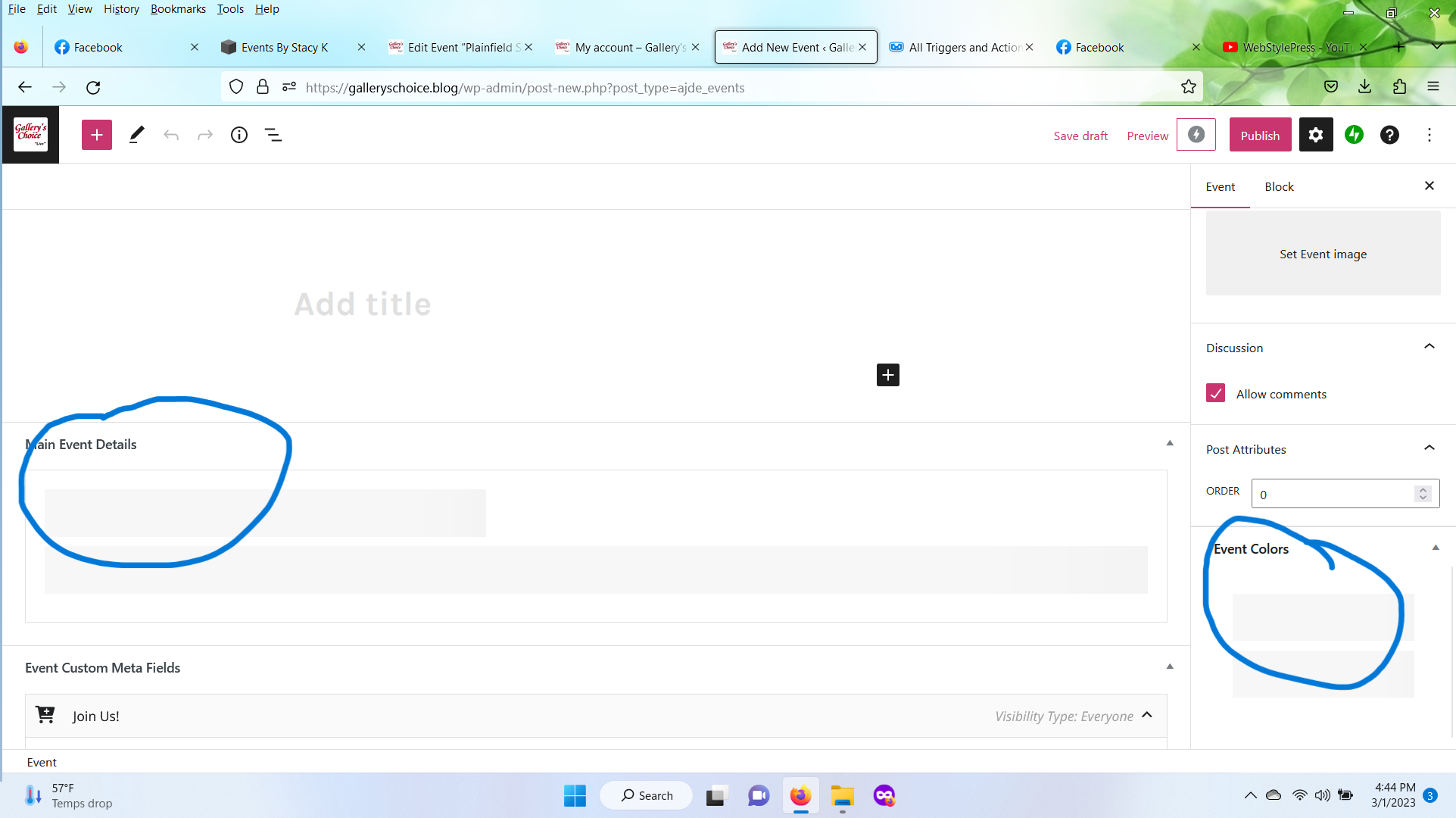
image of issue below
Replies for tickets on suppota
image of issue below
Thank you. I’ve been able to somehow influence the colors of various components of the event cards and the tiles (that’s the event top, I guess) following your example of switching the “Write dynamic styles to header” back and forth, but honestly, I don’t get the logic of this. Perhaps something is interfering with it on my website.
At the moment, I am getting the best results by going to Appearance > “reset to default colors”> “save” + turn off “Write dynamic styles to header”
Only previously the background of the uppermost section of the event card, showing the event title and event date, was reflecting the event color, so it was blue (in this case), with white text on it. So I had blue tiles and a blue top section of the respective event card.
(When you click on one of the pink tiles, a new page will open where I manually replicated the original design of the event card.)
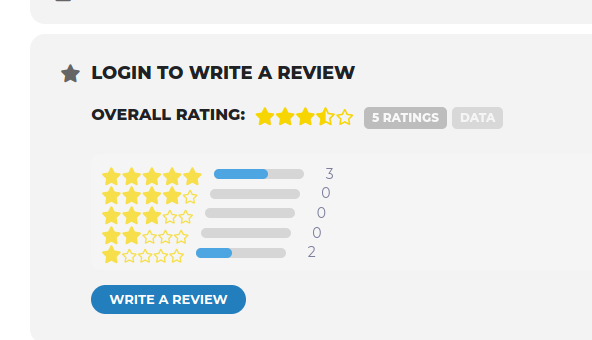
Good morning Artem,
I had removed all test reviews to the trash thinking this would clear out the review data as they were no longer needed. As you can see in the image it shows there are 5 ratings and the star values assigned. I did select the manually sync ratings for this event but there were no changes. I’m thinking this must be in a database somewhere?
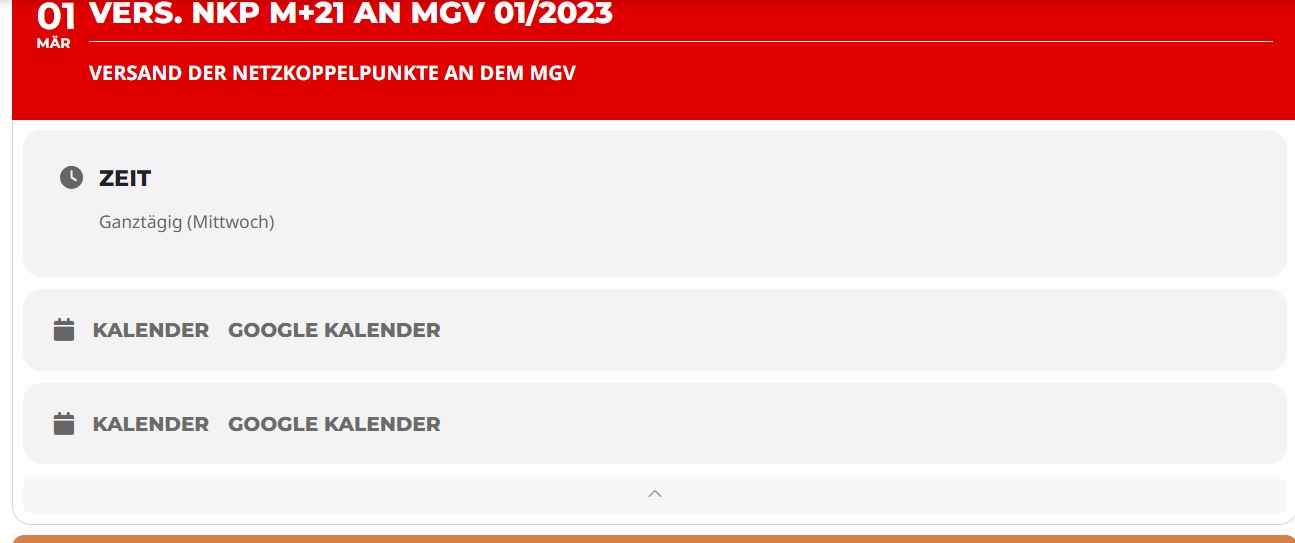
Hi, unfortunately I still have this topic. I´d like to get support.
Thanks
Perry
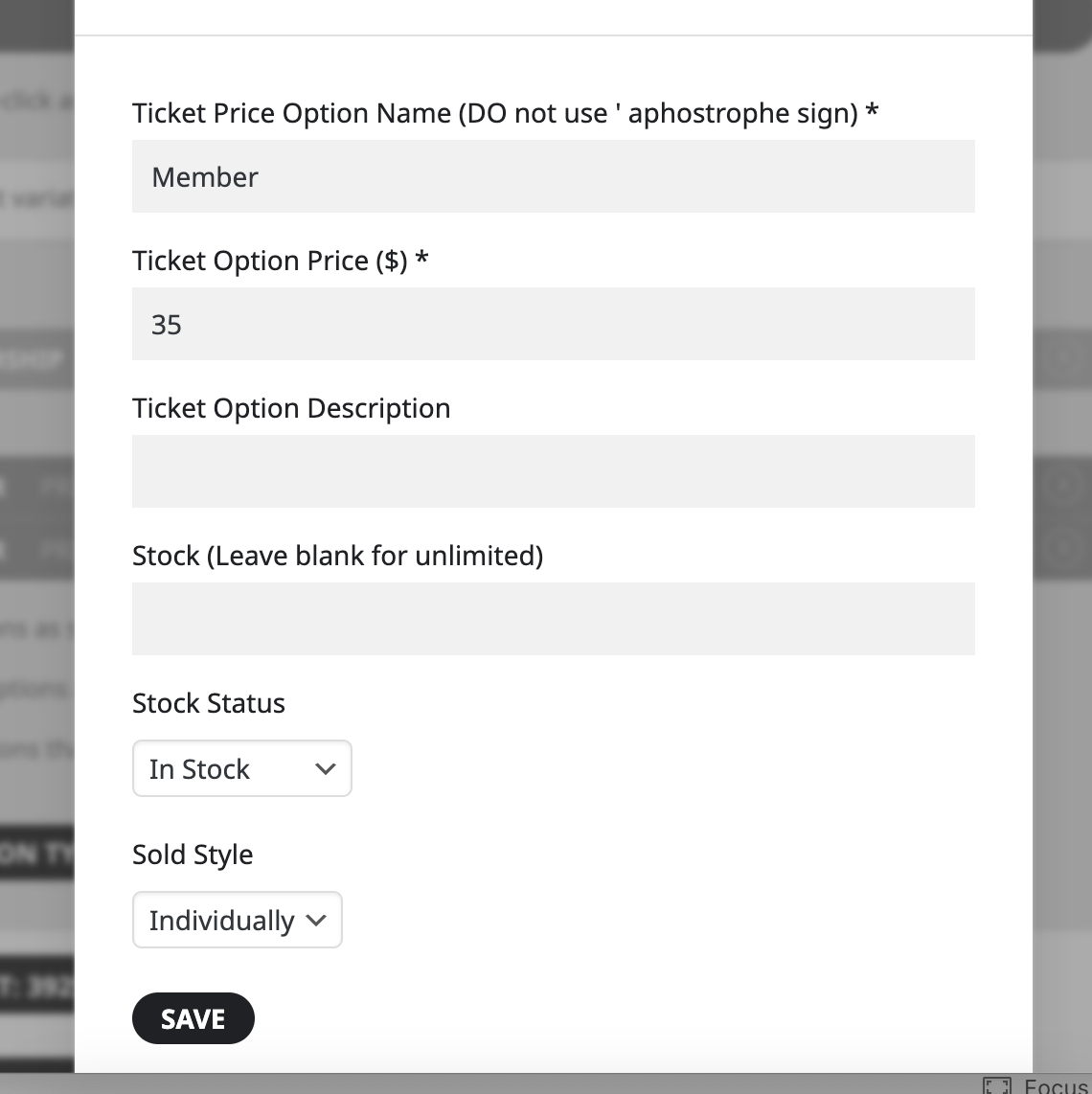
Hi – I have ticket variations set to sell individually and the quantity option is still showing.
See the screenshot below and here is a link to that particular event.
https://www.marcoislandart.org/events/dat-phan-sunday-june-11th-7pm/
Thanks for getting back to me! Sorry to bother you again… but I did everything you suggested and still I can’ change the calendar view. I inserted following shortcode:
[add_eventon cal_id=”1″ event_count=”30″ show_limit=”no” accord=”yes” hide_cancels=”yes” sort_by=”sort_title” event_past_future=”past” hide_past_by=”ss” event_type=”36,” event_type_2=”37,” event_location=”35,53,” exp_so=”yes” show_et_ft_img=”yes” etc_override=”yes” eventtop_style=”4″ tiles=”yes” tile_count=”4″ tile_bg=”1″ tile_bg_size=”med”]
I tried doing it with Elementor and with the WP editor as well. Than I tried with a new created page. Still the same view. If you could just insert a shortcode that shows a crystel clear tile view with images and gaps for all events in one view, not showing empty months, I would be more than happy!!
Link for login WP account: https://geburtundhypnose.ch/wordpress/wp-admin/
Link to page: https://geburtundhypnose.ch/wordpress/wp-admin/post.php?post=5992&action=edit (Page name: Angebot wählen)
Username WP: Susadmin, Login WP: Hypnos16
Thank you for your help.
Kind regards Susanne
Hello,
What’s borlabs-script-blocker:
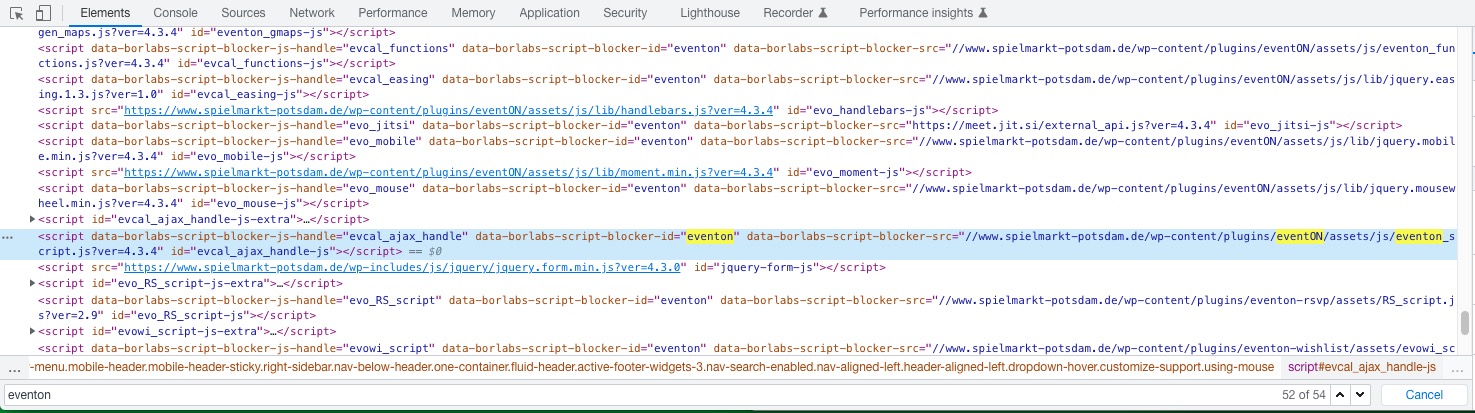
It completely stops EventON scripts from loading.
This code pushes End Date to the right:
.evcal_cblock .evo_end { padding-left: 17px; }
Start and End dates font-sizes:
.evcal_cblock .evo_start { font-size: 30px; } .evcal_cblock .evo_end { font-size: 30px; }
3. It seems that you’ve managed to solve this. Please let me know.
4. The best way of working with custom CSS is to add it to wp-admin > Appearance > Customize > Additional CSS.
Hello,
Which add-on are you referring to? Is it Tickets or RSVP?
Please also send us a screenshot of the field.
If you want no time and also custom Event Card date, then the only option is to completely remove this part