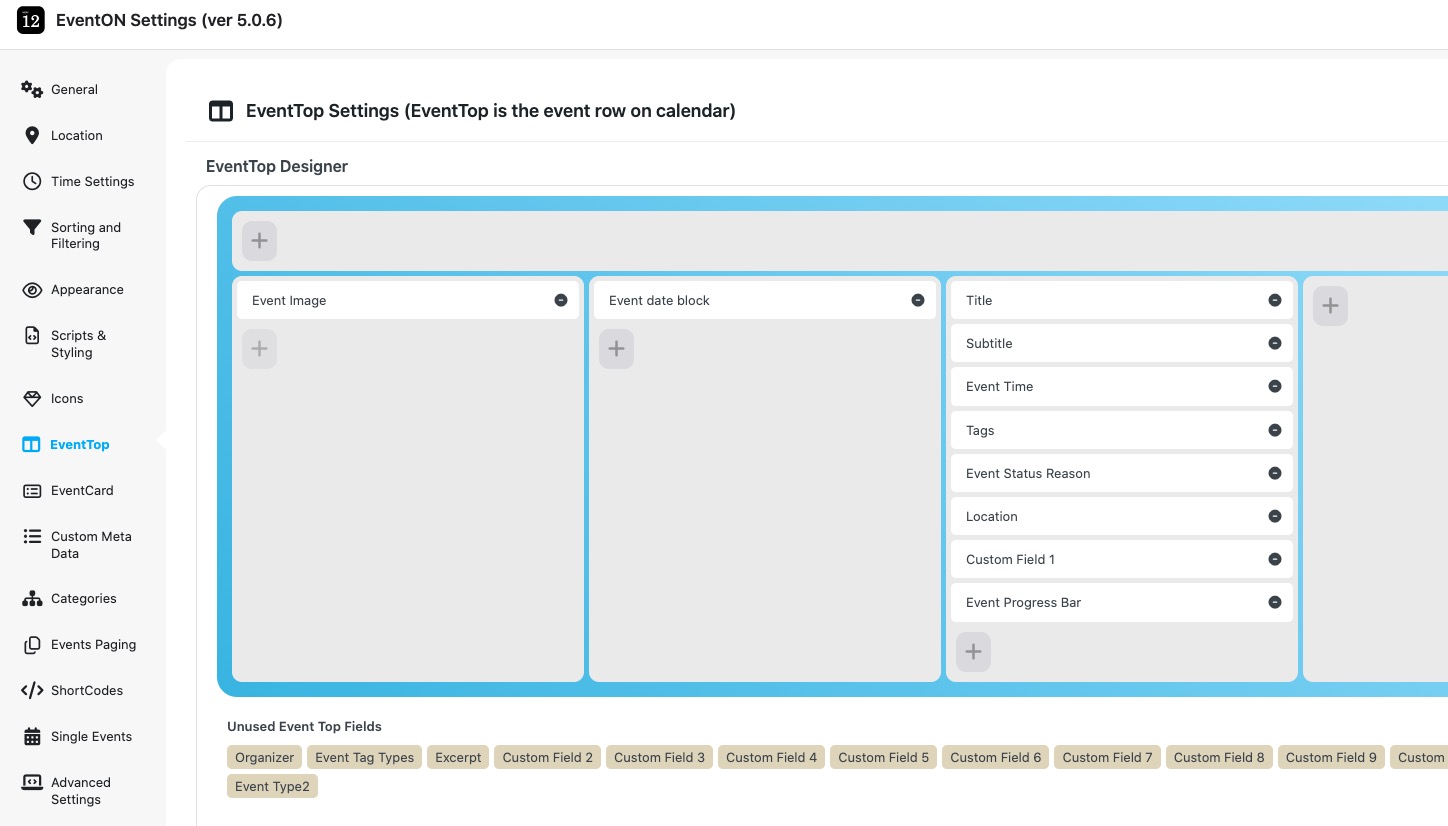
By it’s own design, I meant that you cannot use the same arrangement in EventTop for both Main Calendar shortcode and DailyView.
So if your current arrangement works for [add_eventon], then it will look different on DailyView.
I rearranged fields like this:
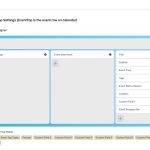
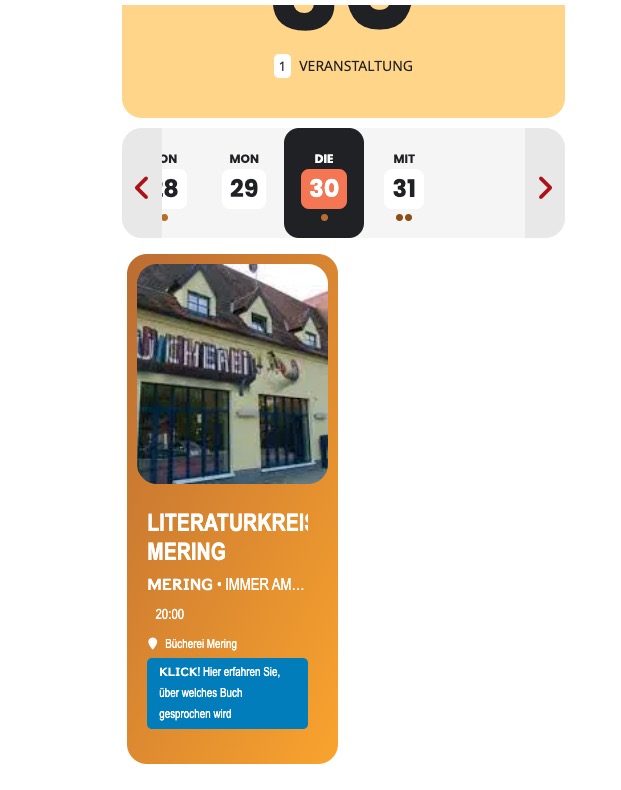
So now the title is visible now:
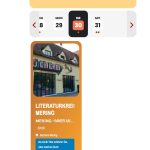
Could you check and let me know?
Hello,
I am not sure if this is possible to fix without changing the PHP code itself by adding a new element.
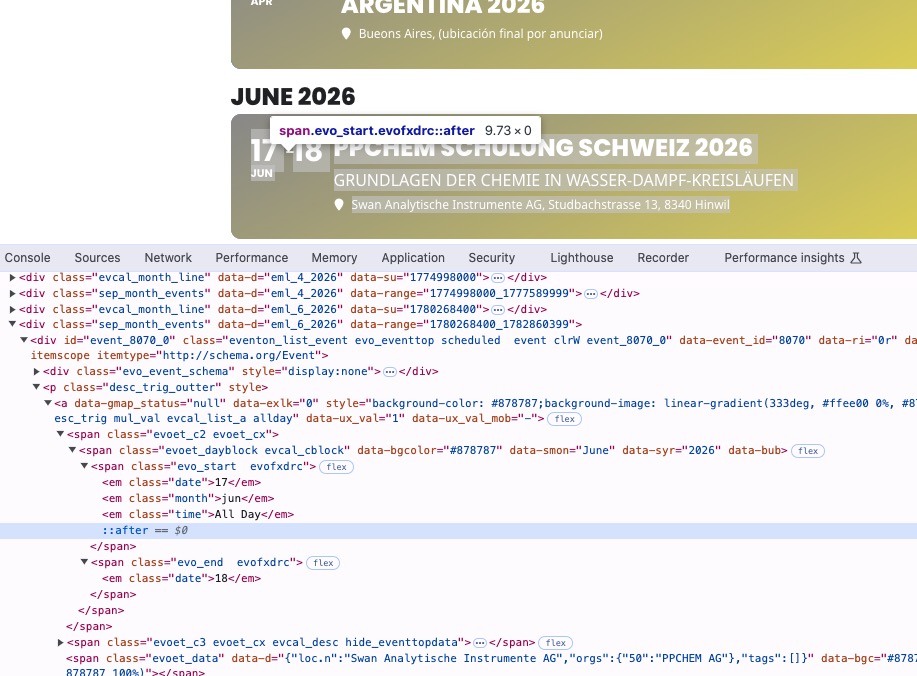
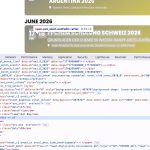
However, could you try, instead of adding the dash after the first date, put it before the second date by changing the CSS code:
Ashan,
https://dev2.myeventon.com/wp-json/eventon/events doesn’t work on dev2.
Could you check on your side?
Hello,
Thank you for your messages!
I am going to escalate this ticket to development to help in here. Please allow us some time to address this, and we truly appreciate your patience. Thank you for being a valued EventON customer!
this menue you made the screenshot of does not show up anymore
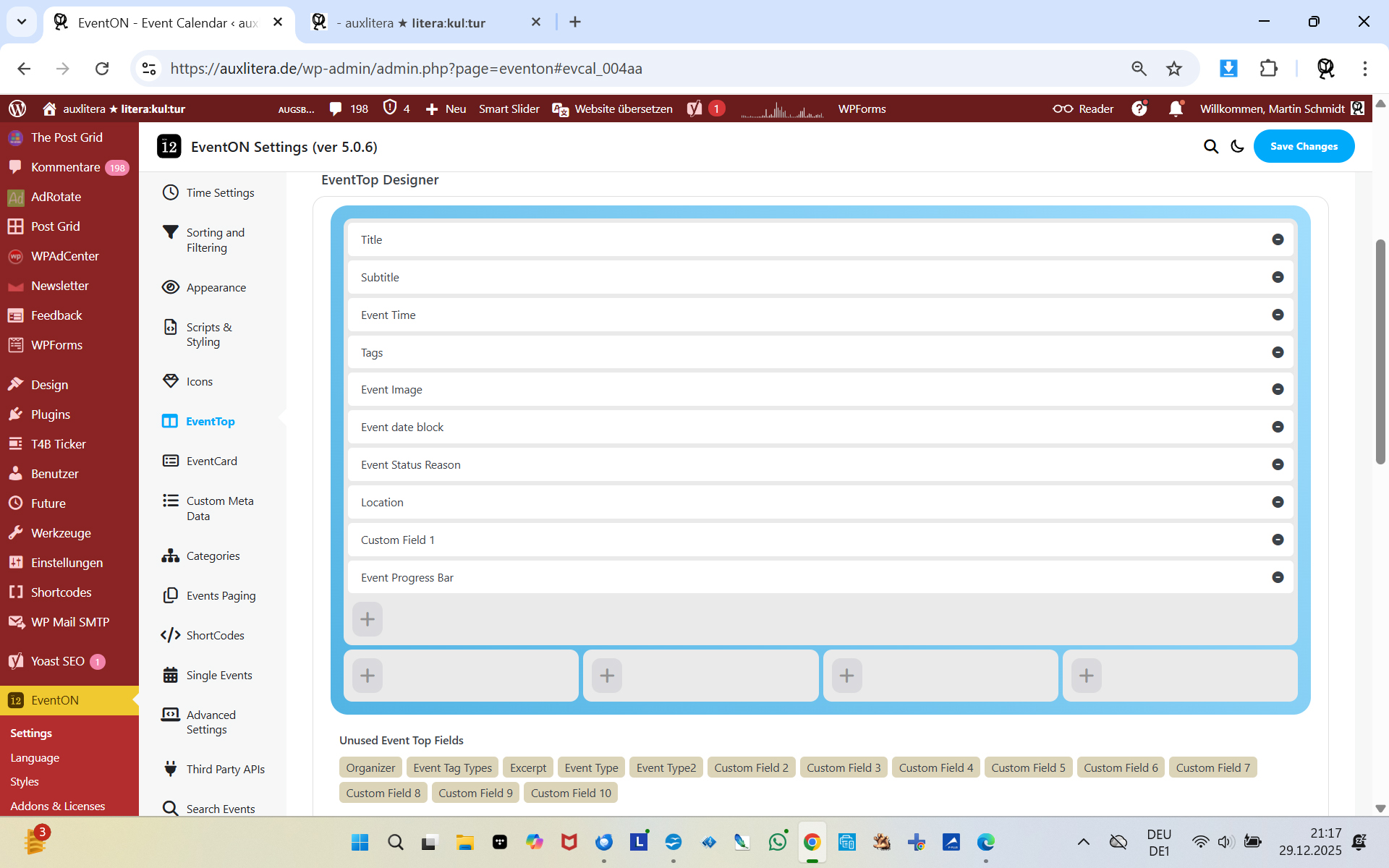
mine does look like this and changing it has no effects:
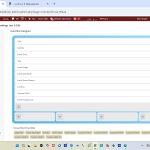
you are talking about a DailyView ”own design”, so I think I’m just too dumb to find it?
I know and remember that version and I always could find the menue you are talking of, now not anymore
What am I doing wrong?
I peg your pardon for having this trouble with me…
Good afternoon,
I don’t have a CodeCanyon account; I purchased the licenses directly from EventON.
The issue occurs with the plugin fully updated, so the proposed solution doesn’t work.
What alternative do we have?
Thank you.
Hello,
We are still working on 5.0.6 version for CodeCanyon. It will be available ASAP.
Do you have EventON purchased on your
account? Because CodeCanyon and
aren’t the same, I am afraid.
Are there any issues with 5.0.5 version so that you need to update to 5.0.6?
We have a standalone add-on for variations, ”Ticket Variations & Options”:
https://www.myeventon.com/addons/ticket-variations-options/
You can try using it with the Product Bundles plugin, to see if they’ll work. You have 30 days to test them:
https://docs.myeventon.com/documentations/terms-and-conditions-and-refund-policy/
We are glad your issue is resolved, if you have any further questions or concerns please create a new ticket.
If you have a moment, we would greatly appreciate if you could kindly leave us a review at EventON WordPress Page OR EventON > My Account > Downloads. Your review helps us a lot in continuing EventON improvements!