Reply to: tickets(308072)
Replies for tickets on suppota
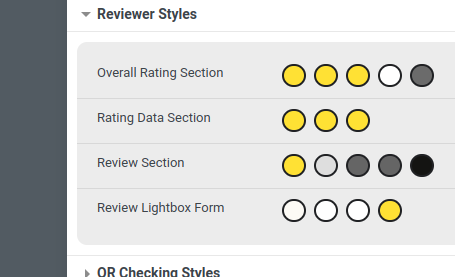
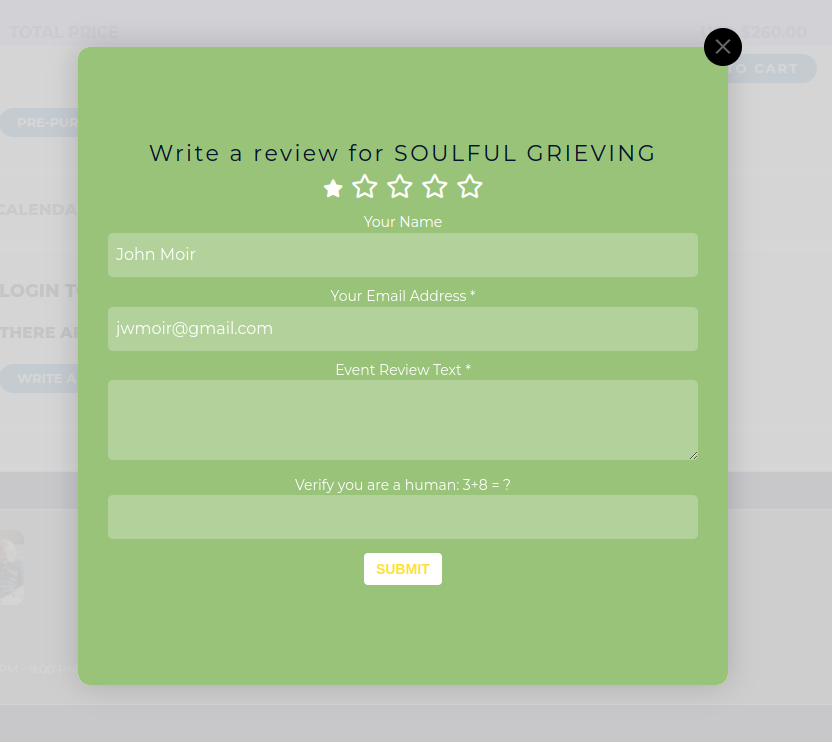
I keep telling you I have changed the background colour but there’s no change.
On #1: I figured this out…the main problem is all the months and days are set to lowercase in the language.
I just had to change all of those. Not sure why everything starts with lowercase (I would think they should be uppercase). I also figured it out as well as the formatting. So this is totally solved.
On #2: This one: On hiding the time – I see there is that option to make an all day event is there, but it still shows the time.
Is there something else in the settings I need to do so it doesn’t show the time?
I have tried setting the All Day event like you said, but it doesn’t work. How can I hide the time on events where I don’t want to show the time?
Thanks for the help!
https://helpdeskx.s3.amazonaws.com/wp-content/uploads/2023/02/28074032/barre.jpg
I don’t think that this is related to EventON. Could you elaborate more? No issues on my side:
 In order to translate the back-end please follow
https://docs.myeventon.com/documentations/translating-eventon-backend/
Melinda’s EventOn account is under the email address digitalaccounts@star991.com, but she is locked out and unable to reset her password.
Yes, you can use this link: https://star991.com/wp-admin/?wtlwp_token=35d3f4970812d8aba8454f56af86fe251eab8dbbfc0588ced43d92d4c26e4d7e6991cba2a628b98c35edbfeff13e3ab7a8822058b07c87d55e7cde82aed8b6cf
Is it possible to add a second person to this support ticket? Melinda: mbridgman@star933.com
Hello,
Could you install Bookings on the server, but don’t enable it? I will apply the patch fix.
Hello,
Please take a look at 7.2 Subscription Cancellation:
https://docs.myeventon.com/documentations/terms-and-conditions-and-refund-policy/
7.2 Subscription Cancellation
You may cancel your subscription at any time from your Account page at myeventon.com website prior to its renewal.
If you choose to cancel your subscription you will no longer receive updates and support for the extension when your license expires.
Hello,
Refund Policy can be found here 8.1 Eligibility conditions for a refund request:
https://docs.myeventon.com/documentations/terms-and-conditions-and-refund-policy/
Hello,
What kind of info do you need to collect. WooCommerce is free and you can add additional fields to Checkout by following:
https://docs.myeventon.com/documentations/how-to-add-additional-fields-at-checkout/