Could you send us the event you are referring to, with the issue?
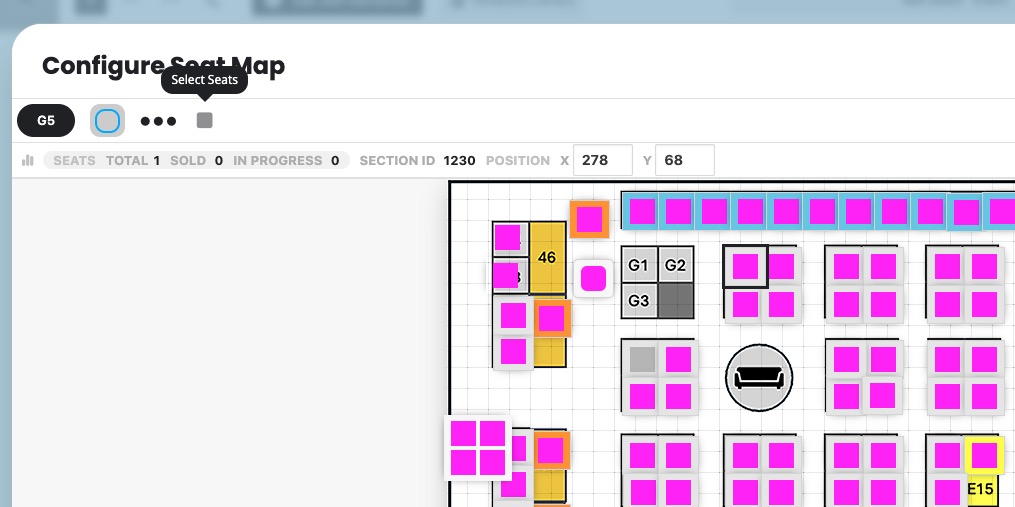
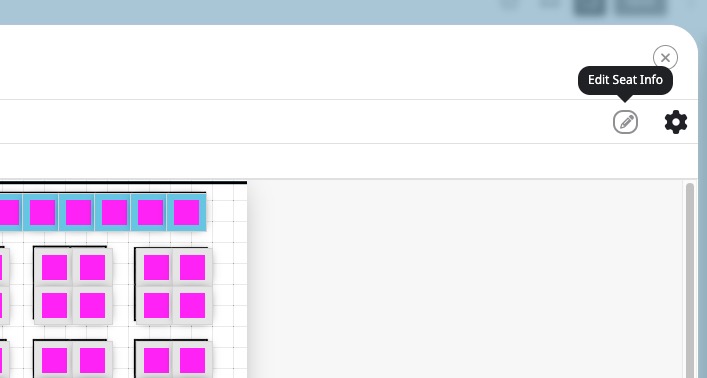
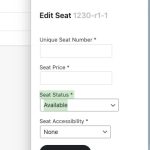
In order to see if any seats are available, please go to Edit Event > open Configure Seat Map > now click on a seat and click on the top button:
Now click on
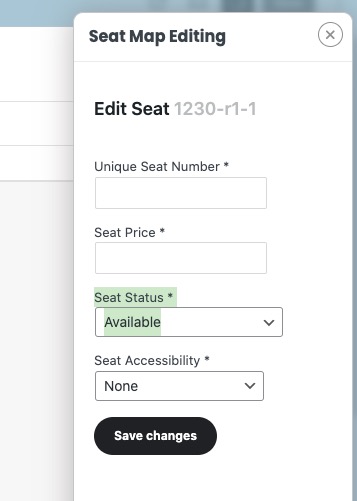
Now you can check the seat status:
Hello,
Please make sure to update EventON to the latest available version.
To update eventon to latest version: If you are unable to do autoupdate, you can go to codecanyon your account > download and get the latest eventon version as zip file. Then you can go to your website > make sure ”Delete eventon settings & data when EventON is uninstalled” is Deslected from eventon settings, delete old eventon, install new one and activate. This link will further explain the process it. Also you can follow us on twitter to get real-time announcements on updates!
I added the code to wp-admin > Appearance > Customize > Additional CSS, so week days aren’t transformed now.
I also added for the button:
.evo_btn_arr { text-transform: none !important; }
Month names are also work correctly. Please check and let me know.
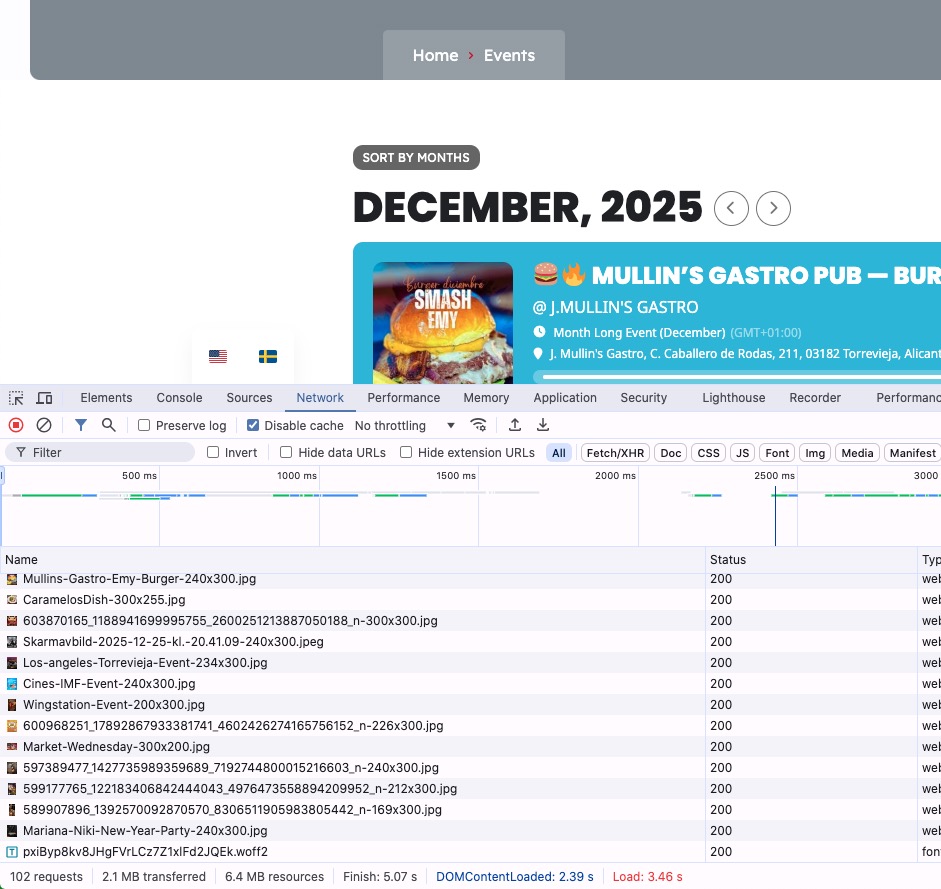
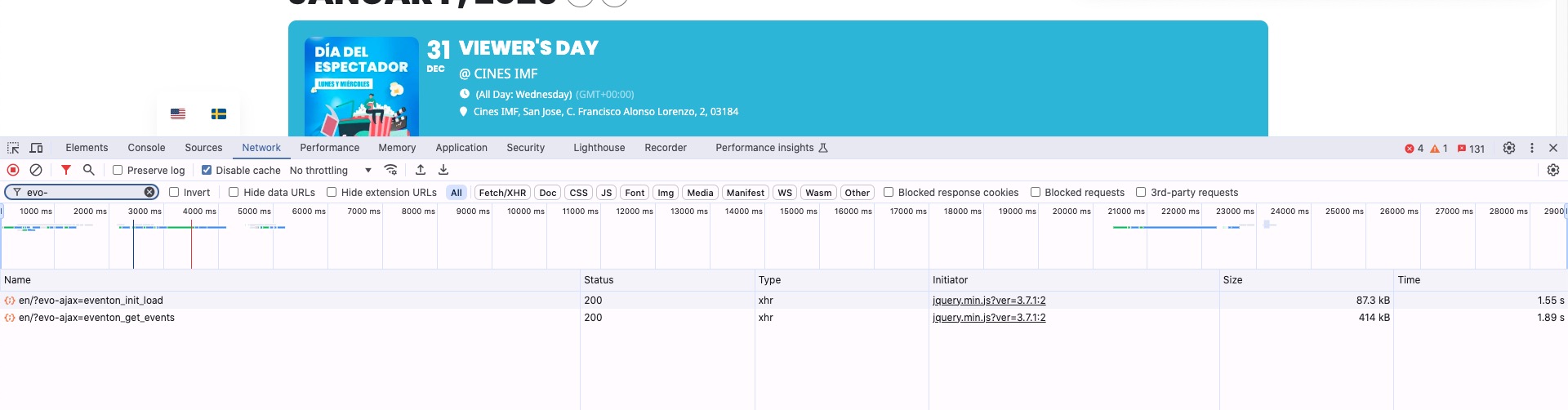
Your website loads for me for 5 seconds from the start to finish and events are loading even faster:
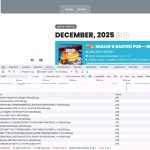
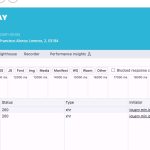
When I switch months, it takes less than 2 seconds to load.
If you just deactivate it, nothing is going to happen.
Hi just for some context, we need to launch the website on 3rd of Jan 2025, so I don’t have much time to wait on the development team yeah. I need to deliver as I’ve already missed my first deadline which was 25th December.
Do let me know the refund steps so I can process this.
We do love your plugin, just that this business case might not be the right fit. Thanks.
One more thing. If I deactivate the EventOn plugin so I can see if this is the problem – do all the events go away then or they stay? So if I activate the plugin again I not need to redo all?
Hi, honestly this works so bad now. The events take over 20 seconds to load at the frontpage! And also at the eventpage?
What can I do?
it also didn’t change the all caps for the month name
Thank you Artem. This helped for the dates but not for the days of the week. One other place I can’t seem to change is the learn more button in the event card.