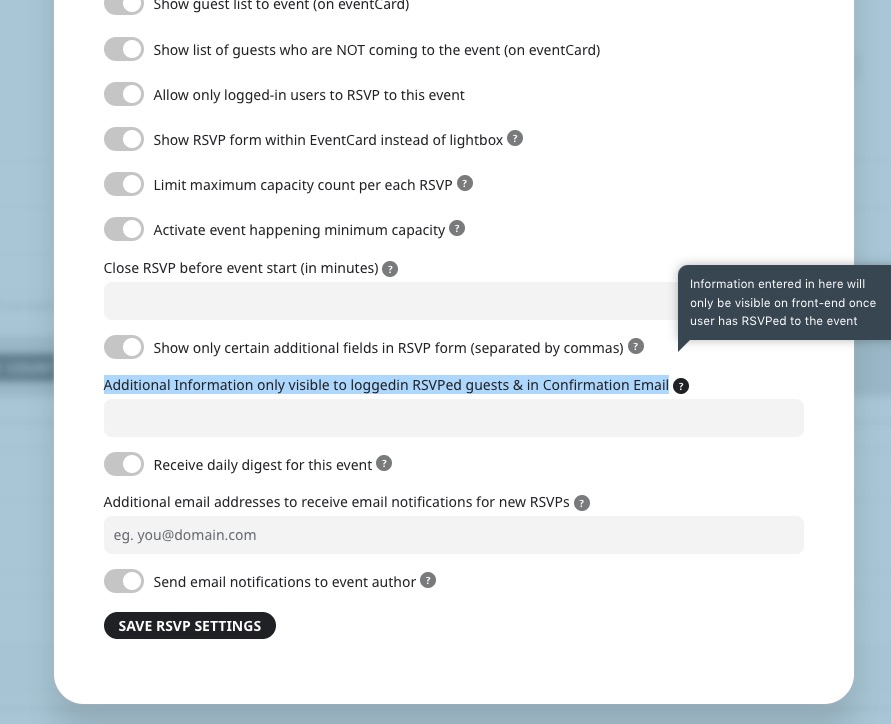
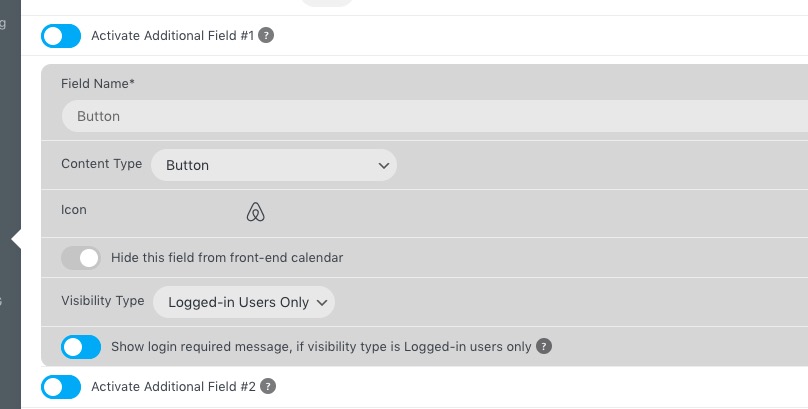
Hello,
Thank you for your messages, I am going to assign this ticket to Ashan and he will be able to take it from here and find you a solution. Please allow some time for him to get back to you, we greatly appreciate your patience and thank you for being a eventon customer!
Hello,
The only available option:
 However, maybe you should just use Custom Meta Fields: Button, since you don’t need RSVP functionality:
 Please check and let me know.
Hello,
Please send us wp-admin access to your site as a private message for us to further assist your situation.
Also try changing Slug:
https://docs.myeventon.com/documentations/change-events-slug/
Maybe there is another plugin that uses the same slug.
Just to add, currently installed versions are EventOn 4.3.4, Slider 2.0.5, Action User 2.3.1, Reminders 0.5, RSVP Events 2.9, Events Waitlist 1.1.
Ps:
I just also tried changing the slug to testevent instead of events, no change
https://www.oenopolis.vin/testevent/druif-wijnfestival-in-de-wijngaard/
Also i do not have any other event plugins installed at the moment. I did have 2 other plugins which have been uninstalled and any remaining tables deleted with wp optimize
Do let me know if there is any more news on this
Thanks
yep- in myeventon>>>>tickets>>>>emails
right at the top is a toggle to stop sending it
updated it for you
We are glad your issue is resolved, if you have any further questions or concerns please create a new ticket.
in myeventon>>>>settings>>>>single events
make sure the toggle for Show social media share icons only on single events is off
Sorry… you must be located outside the U.S. – we’re a regional parenting site targeting Miami-area users. I’ve turned on the restrictions so you should be able to visit the site now.
Thanks!