Thanks for your response.
Please see here https://wildesophie.de/eventon_hlpd/
This is a feature that was working, but now i am totally helpless to reconfigure that.
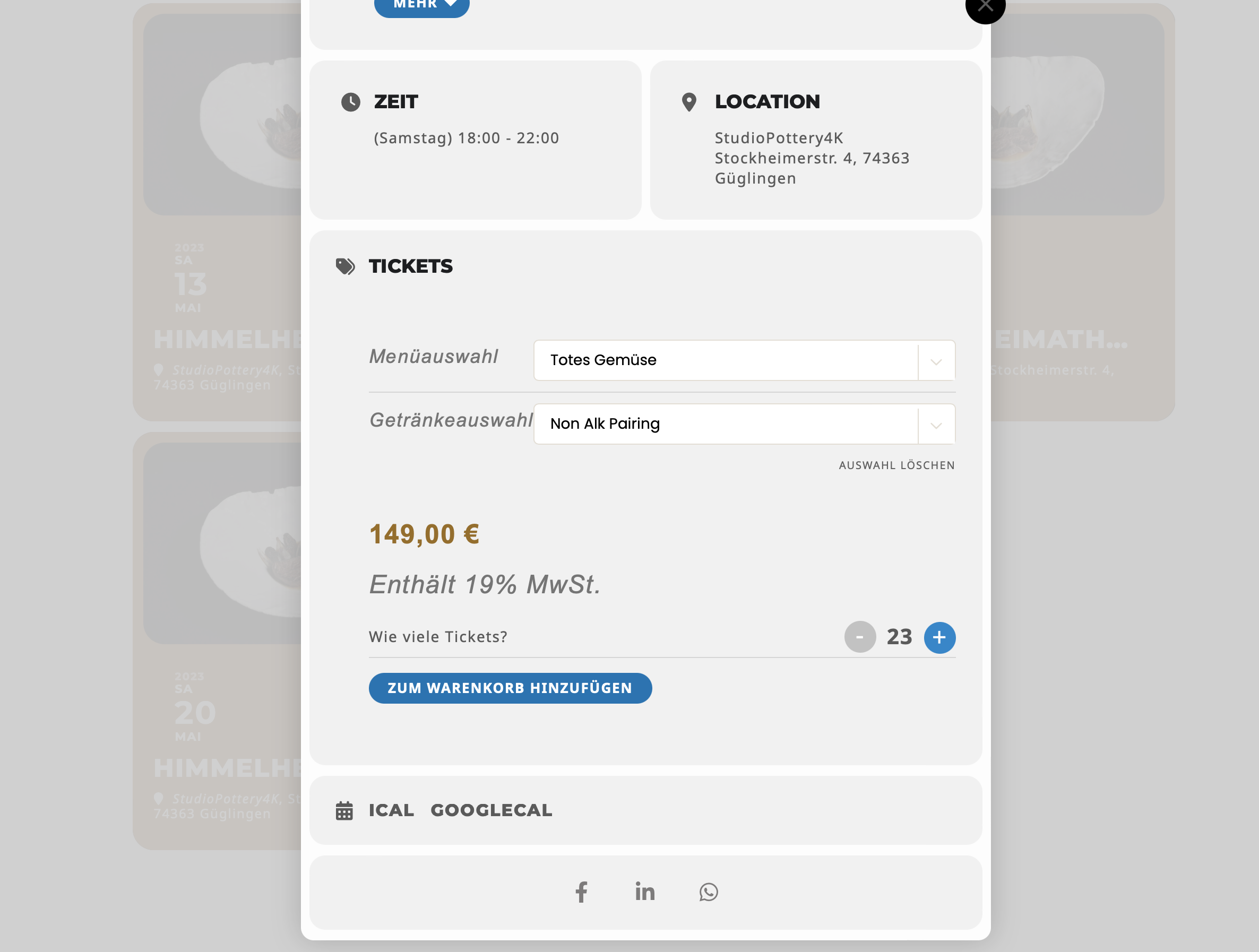
There has been a limitation in selection of tickets to e.g. 10 while adding the tickets to cart (when there are only 10 tickets in stock of course – and of course in woocommerce).
Now, as you can see, i can select more than 10 tickets to cart. But the error message appears itself in checkout process.
Ok, and I’m sure to have the same appearance I have now on home page ?
Hi Jens,
You can use the Event lists shortcode to show upcoming events in the next number of months
[add_eventon_list number_of_months=”3″hide_month_headers = “yes” ]
If you want to show the next number of events regardless of month, you can check out the addon below
https://www.myeventon.com/addons/event-lists-extended/
You can test it here
Im not sure what you are suggesting?
The repeated events get canonicalized to the 1 of the pages, so that page get all the credibility. The reason I want to use this function, is with hopes that Google will give me more rich snippets, for users on that EXACT day
So if Its a 5 day event and they query on the middle day, Google will show them that exact day and times. While also having the full range on the event top.
Otherwise, the user may be mislead into thinking that the event is only this one day.
This is not a major issue for me. I was just trying to confirm that repeating event is the only way to enter an event that spans for 5 days.
We are glad your issue is resolved, if you have any further questions or concerns please create a new ticket. If you have a moment, we would greatly appreciate if you could kindly leave us a review at codecanyon! from your account > downloads. Cheers!
Hello,
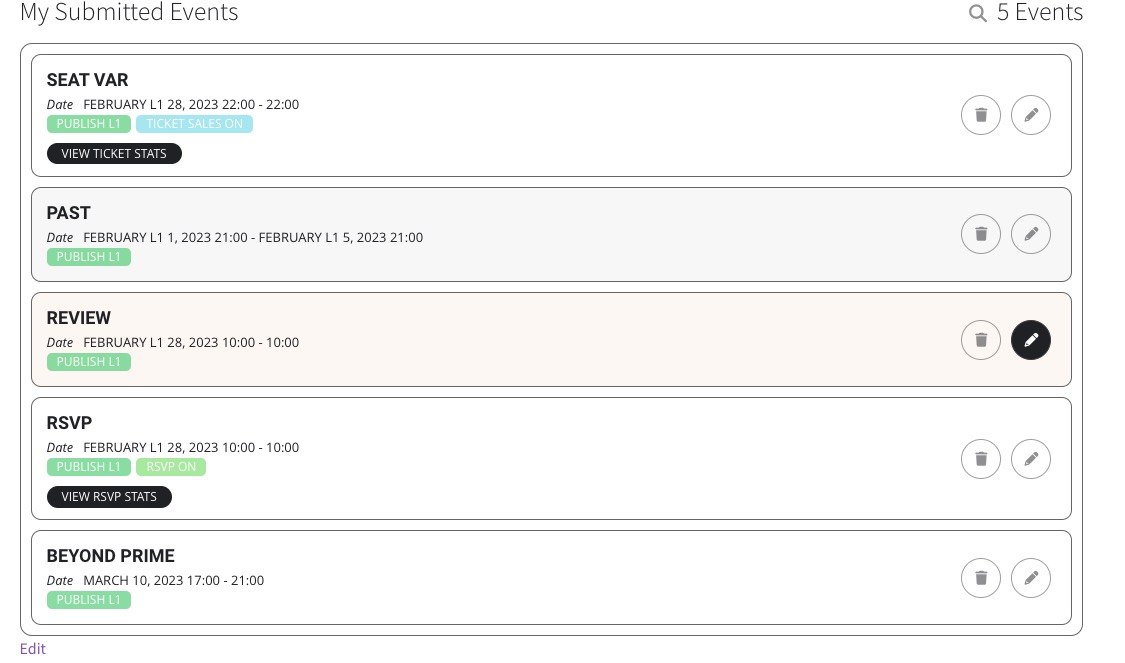
Do you want to be able to edit just one event? For example, in this list only Review can be edited:
Hello,
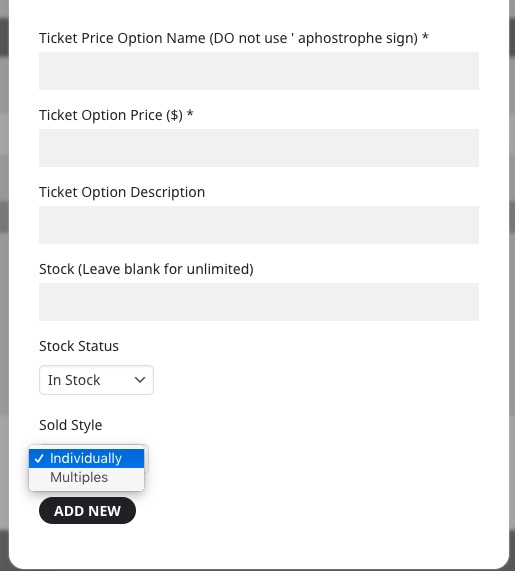
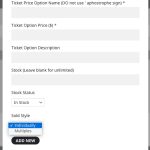
Go to Edit Event > Tickets > Seats > Variation Option > set Sold Style to Individually:
This whole ticket is private.
Please add this CSS code to EventON > Styles (If you don’t see any change, EventON > Scripts & Styling > turn off Write dynamic styles to header > save settings > turn on Write dynamic styles to header):
.evo_event_moreinfo_org .evo_h3 { font-size: 20px !important; }
Ok now I can see that you cannot import any event, not the one you changed in the file.
Please follow the instructions in this documentation to activate debug in your site to see any PHP errors recorded that can provide insight on to whats going on. Please reply with a link to debug.log file. If you are not able to do this please send us FTP access to your site so we can do this for you.