Hi, there is a small glitch with the plugin. Everything else is working properly. So, the issue we are facing is the single event link is not working properly. We have set up the reminder emails with the link to the single page event. So if you can please take a look as we have to enable – Stop using eventON single event template for single event page. as the page looked broken before. So can you please help.
could you give us a subscriber user on the live site so we can test the rsvp
hi,
please check
www.blubruxelles.com
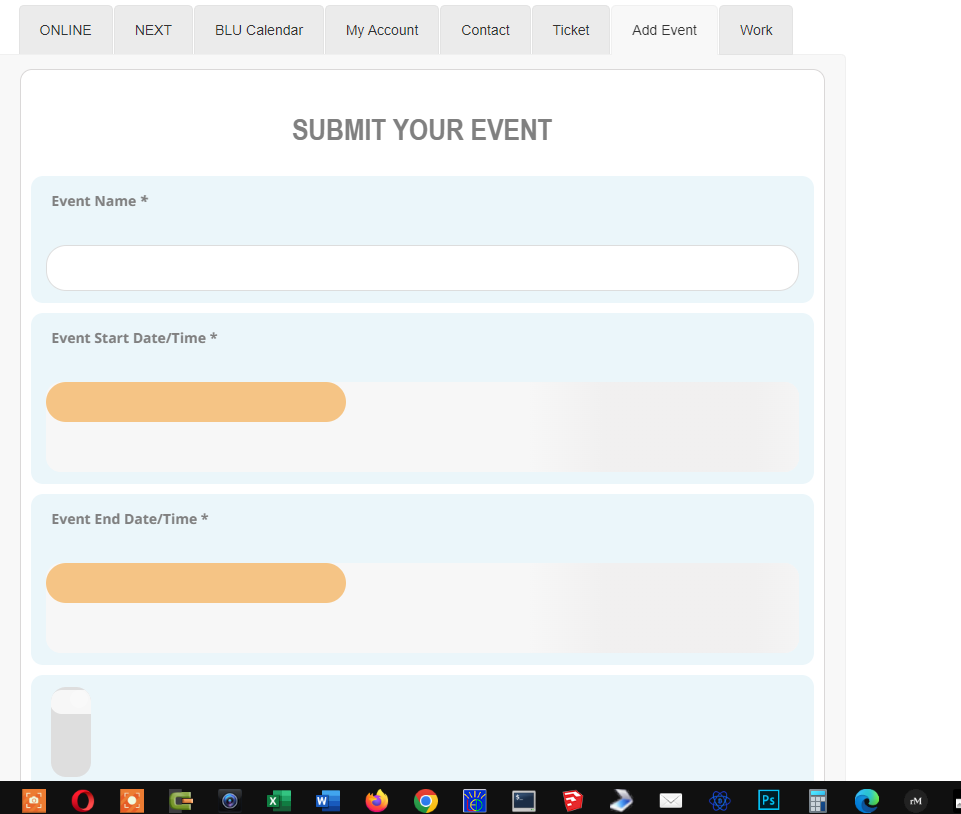
in add event its not working
thanks
I have bought the even list extended and now i get what i need. Thanks.
On more thing: I want to insert one line before the event, to see more event, i mean, go to the main page of the agenda.
In my case, is this: https://kulturagernika-lumo.eus/agenda/ an d you go to the actual month. Is it posible to go to the next month, for examaple, go to march instead of february
How should the link be so that it could work?
Regards, Pedro.
It works on staging… just not on the live site…
There are fewer users on staging.
Client won’t let you access live site 🙁
Dan
Ok – I wait for the new plugin version and test then as right now it works with the slide down …
Thank you !
Hi,
I don’t find where to edit this section ? In settings or in a file ?

Hello, sometimes it works with new posts. When I click on the title of an old post (created before the last update of eventon?), it changes to the actually date and time. You can test it and compare the date with date on the keyword.
Hi,
just checked 3 different parties who where submitted by not logged in users and for all I cant see no mail adresses. I tried it also by myself to create an event as not logged in user, and had the same result.
Best Jens