Hello,
ICS File URL is incorrect:
https://calendar.google.com/calendar/embed?src=c_969953f34c2e316305cef037a0a38cef30dea53e574beaa0259819fabe461afd%40group.calendar.google.com&ctz=America%2FDenver
Go to https://support.google.com/calendar/answer/37648?hl=en#zippy=%2Cget-your-calendar-view-only > take a look at Get your calendar (view only).
Please send us login info to the main website and also from the US region, for example. We will try to activate it.
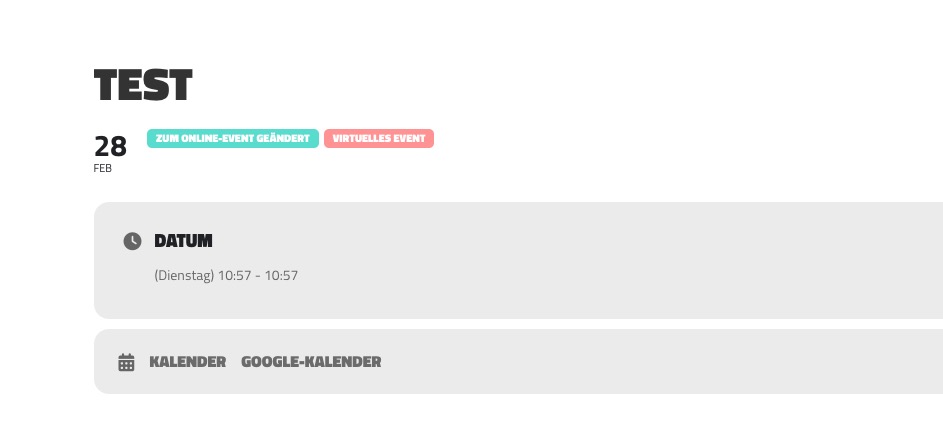
Please take a look at this test event:
https://supspiritsoul.com/events/test/
1. Login info doesn’t for me, unfortunately.
2. This one:
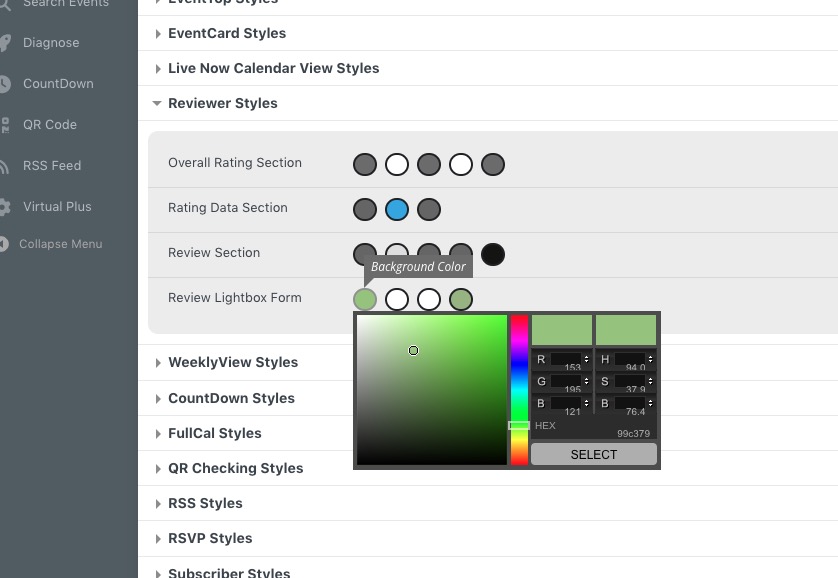
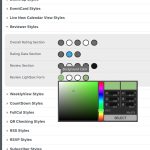 If you don’t see any change, EventON > Scripts & Styling > turn off Write dynamic styles to header > save settings > turn on Write dynamic styles to header.
Hello,
Go to wp-admin > Events > Edit > RSVP > open View Attendees > click on RSVP id > Edit Attendee Info > Move to trash. Get back to the event, click on Sync Count.
Hello,
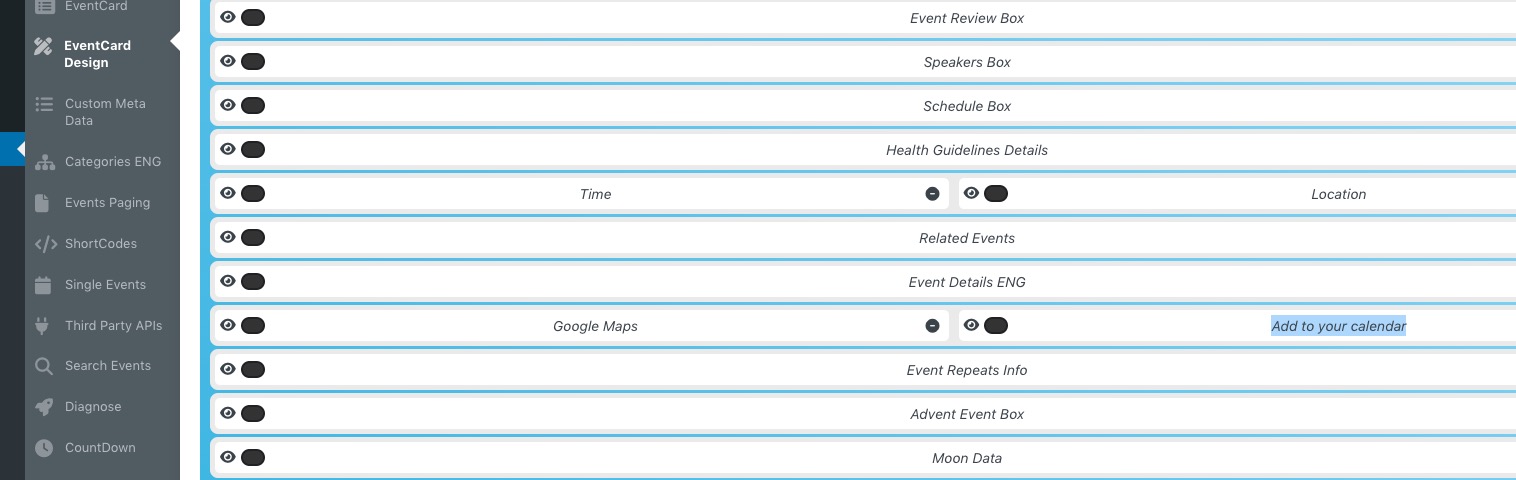
Please follow Kenneth’s advice and go to wp-admin > EventON > EventCard Design > remove one of Add to calendar elements.
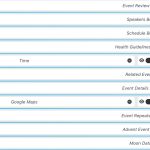 You can also send us wp-admin access to your site as a private message for us to further assist your situation.
Hello,
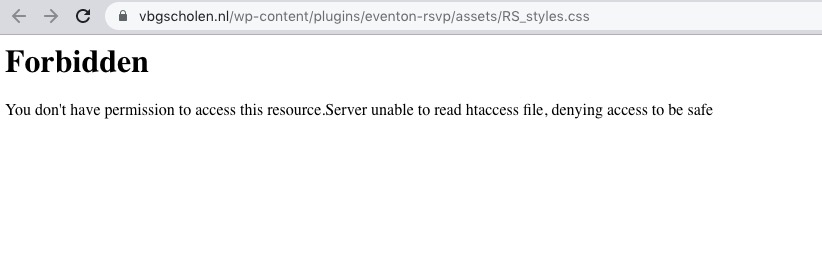
Access to style and script files is forbidden:
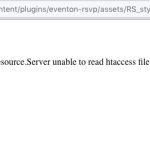 Maybe there is a plugin that causes this? Could you please try the instructions mentioned in this documentation to make sure your issue is indeed coming from eventon.
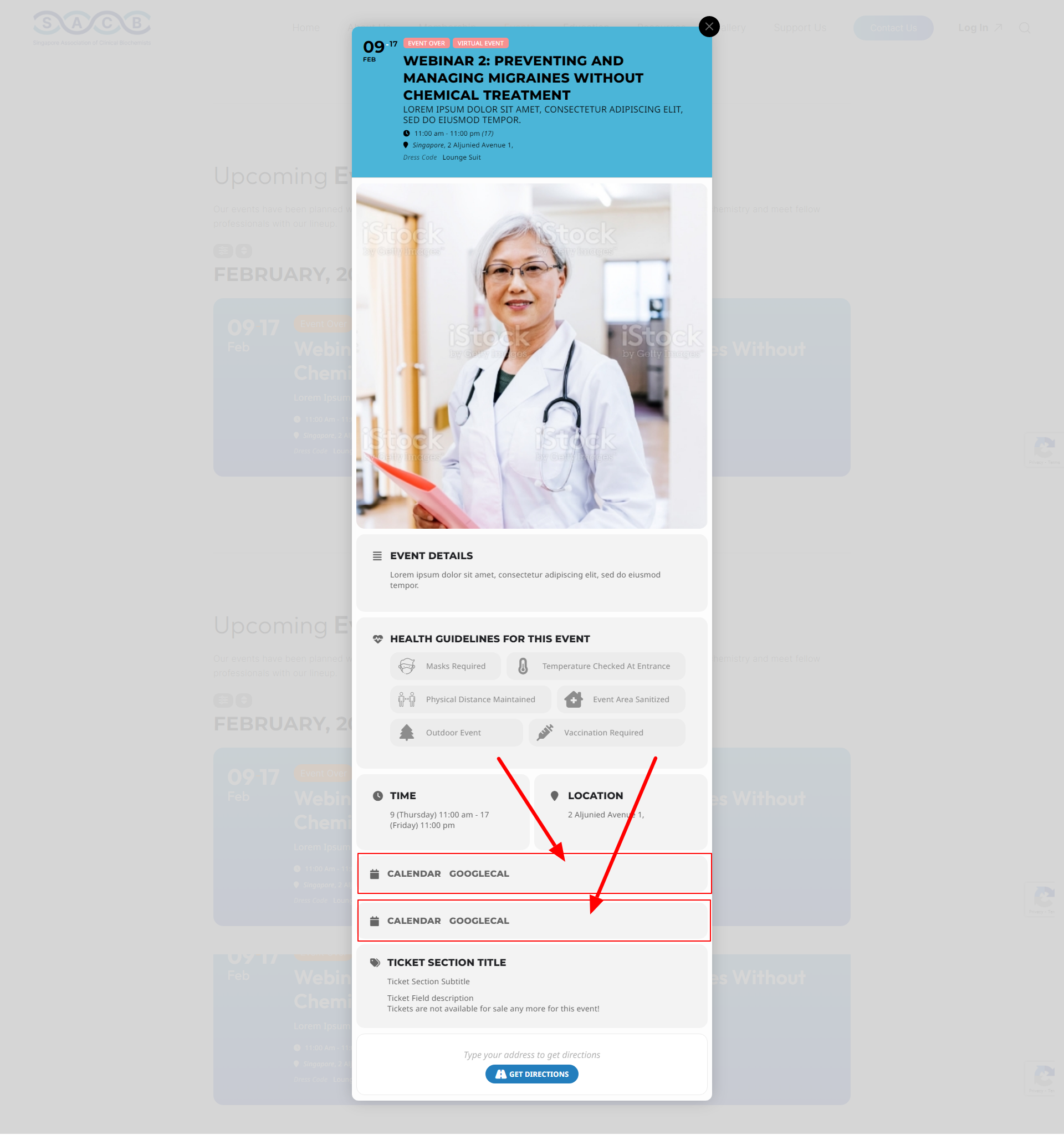
Hello Team,
https://tinyurl.com/2n89vjhn Can you check on this page which option i need to remove.
My issue is https://tinyurl.com/2po6y2ua Showing a 2 times calendar options on event page.
Let me know ASAP.
Thanks
Hi Emma,
Thanks for confirming, I have relayed your response to Ashan.
@Ashan Customer responded on #308332
To confirm yes Please delete my account and any adds on
In response to your email about deleting account yes please do delete all.