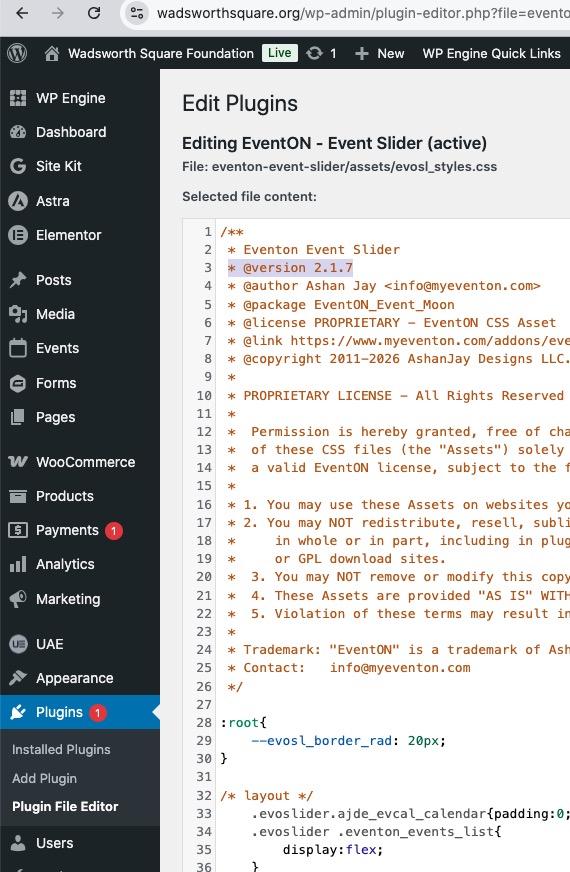
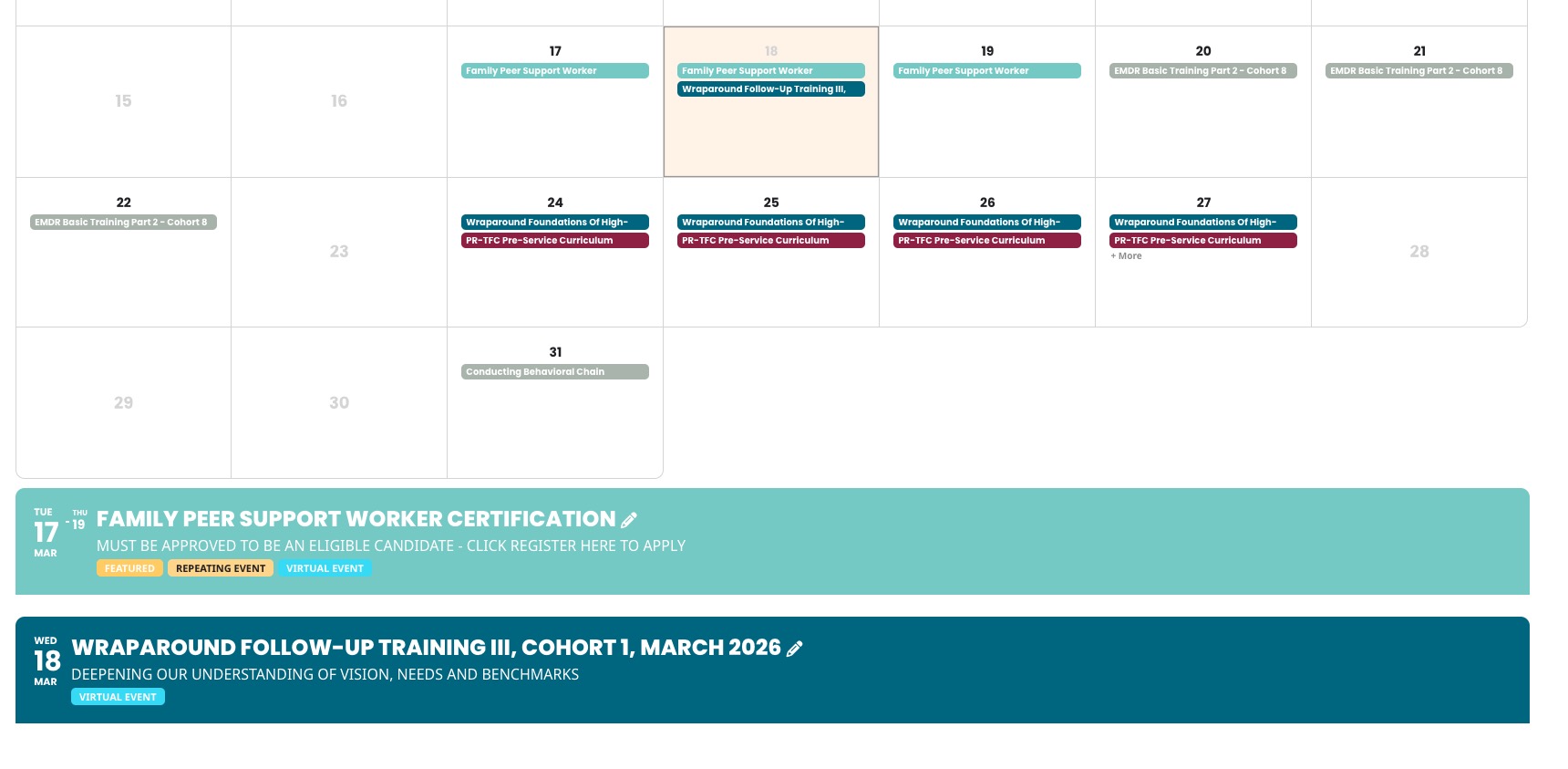
I added 2.1.7 CSS directly to the code:
https://wadsworthsquare.org/wp-admin/plugin-editor.php?file=eventon-event-slider%2Fassets%2Fevosl_styles.css&plugin=eventon-event-slider%2Feventon-event-slider.php
Please check the website with cleared browser cache.
About customizations that you described in this file:
https://www.dropbox.com/scl/fi/1md7oyk78lhps8qenlo6h/EventON-Mockups.pdf?rlkey=on71ijmf7em4me8s66is2c39m&e=1&dl=0
All desired layouts require custom CSS that isn’t part of the current design, I am afraid.
I disabled all plugin and FullCal seems to be working:
https://wordpress-706230-6224051.cloudwaysapps.com/training-calendar/
Could you check?
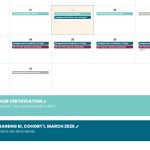
When I try to login:
ERROR: An error was encountered while trying to authenticate. Please try again.
Could you check?
Hello,
Please send us wp-admin access to your site from ”Access Info” box on right side menu, to further assist your situation.
I would like to check page.php and footer.php of your theme.
If I do an upgrade to 1.1.16 and stay in the browser I can reproduce the error that if I delete a cart position (ticket variation) the cart page shows an empty page. I have to load the cart again to show other positions. Afterwards I can downgrade to 1.1.15
Ah, when I was checking, I was logged-in, so that’s why I couldn’t see the issue.
Can we please try the instructions mentioned in this documentation? The test will take less than a minute.
Ashan,
Please go to
https://www.planconpeques.com/wp-admin/post.php?post=37314&action=edit&classic-editor
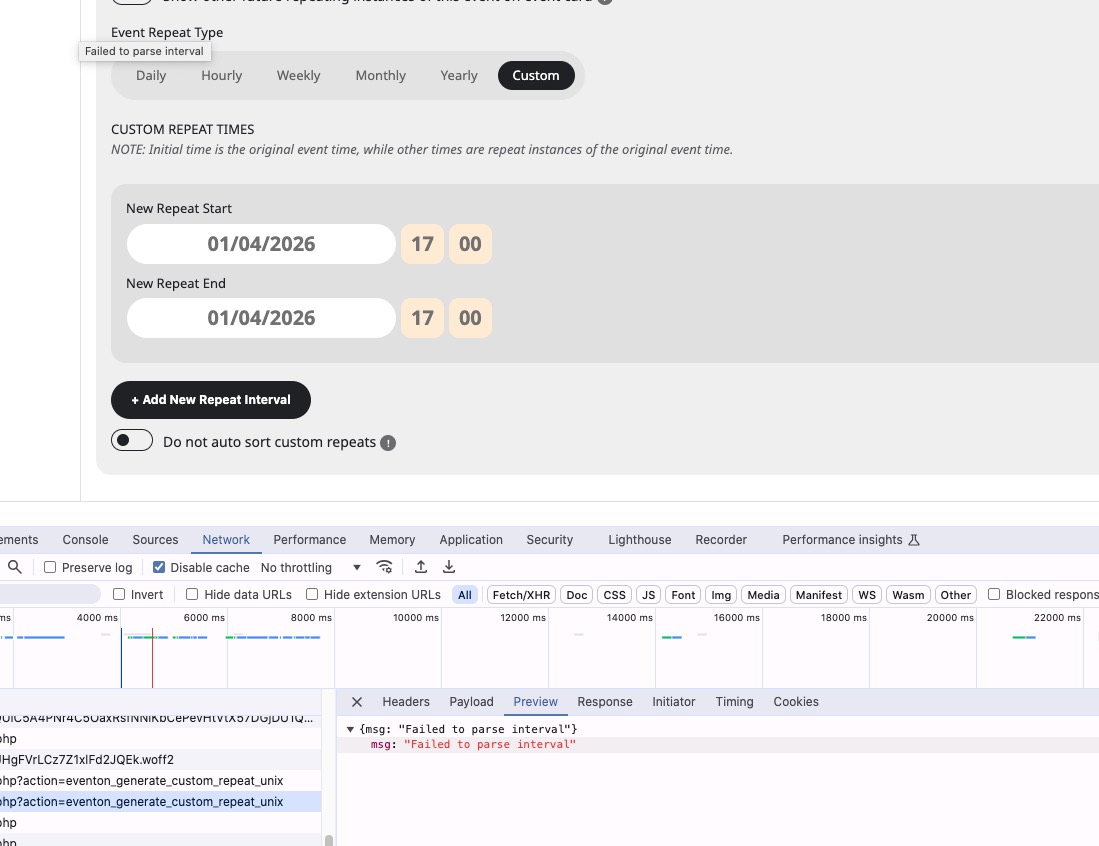
Try enabling Repeat Event, change to Custom and try to add a new repeat on Apr 1 17:00.
Even in Troubleshooting Mode shows this error:
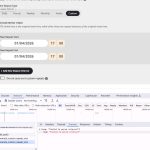
However, when I checked the website during my reply #404678, I was able to fix the issue by disabling ”Disable Gutenberg”. But at the moment nothing helps.
Could yo check?
I also cannot recreate this on dev2.
Thank you for your messages!
I am going to escalate this ticket to development to help in here. Please allow us some time to address this, and we truly appreciate your patience. Thank you for being a valued EventON customer!
Additionally, if your site has any IP blocking or security restrictions in place, kindly disable them temporarily to facilitate our support process.
We are glad your issue is resolved, if you have any further questions or concerns please create a new ticket.
If you have a moment, we would greatly appreciate if you could kindly leave us a review at EventON WordPress Page OR EventON > My Account > Downloads. Your review helps us a lot in continuing EventON improvements!