Hello,
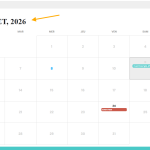
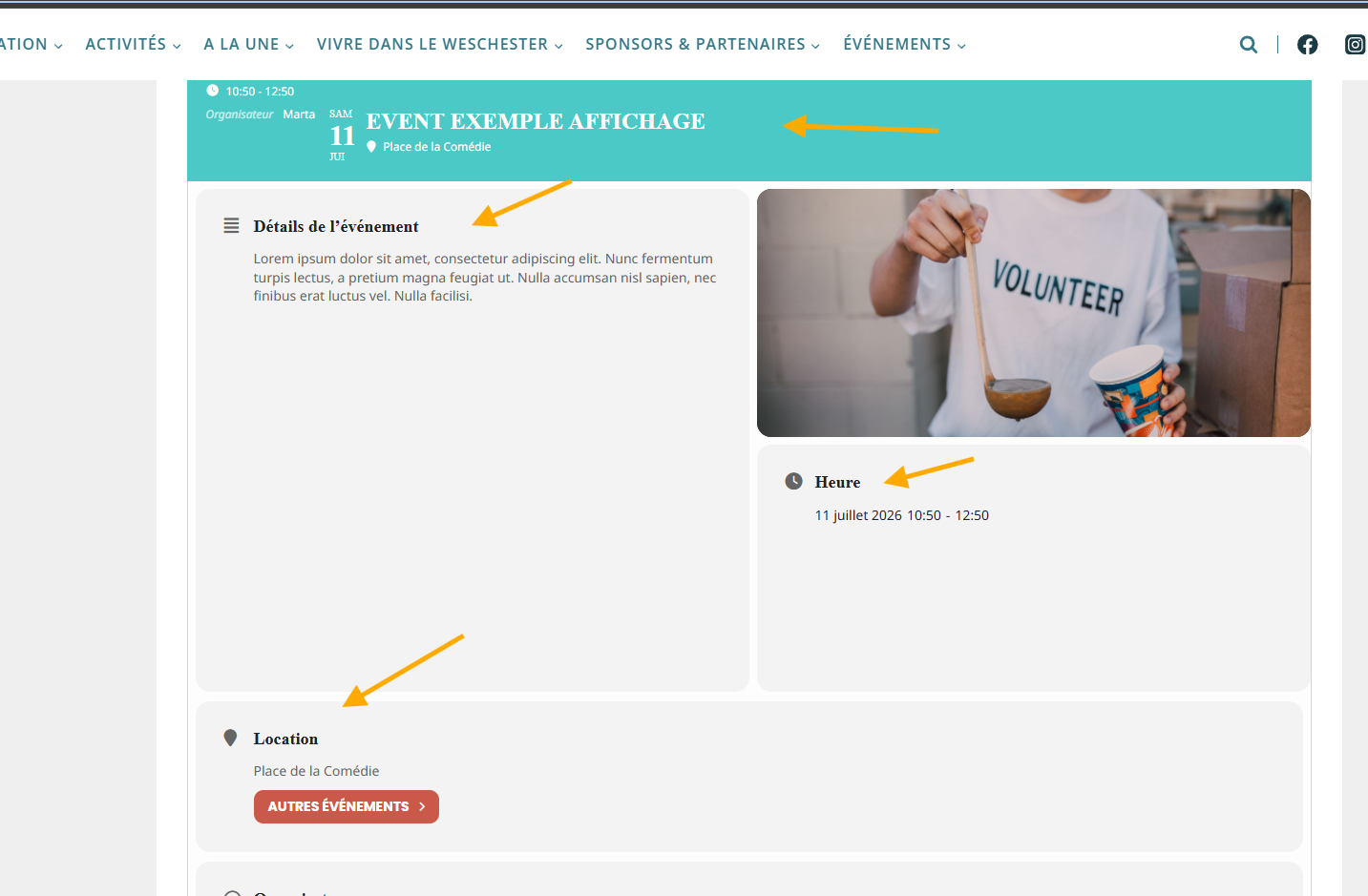
Please add ux_val=”4” to your shortcode to open events as Single Event Page.
Replies for tickets on suppota
Hello,
Please add ux_val=”4” to your shortcode to open events as Single Event Page.
Hello,
Please add this CSS code to EventON > Styles (If you don’t see any change, EventON > Scripts & Styling > turn off Write dynamic styles to header > save settings > turn on Write dynamic styles to header).
You can also add this code to wp-admin > Appearance > Customize > Additional CSS.
.evofc_title_tip { display: none !important; }
Hello,
You put ”Raleway” as font-family, but did you load it on your website?
When you add it to ”Primary Calendar Font family”, EventON just changes the style, but doesn’t add the font file itself:
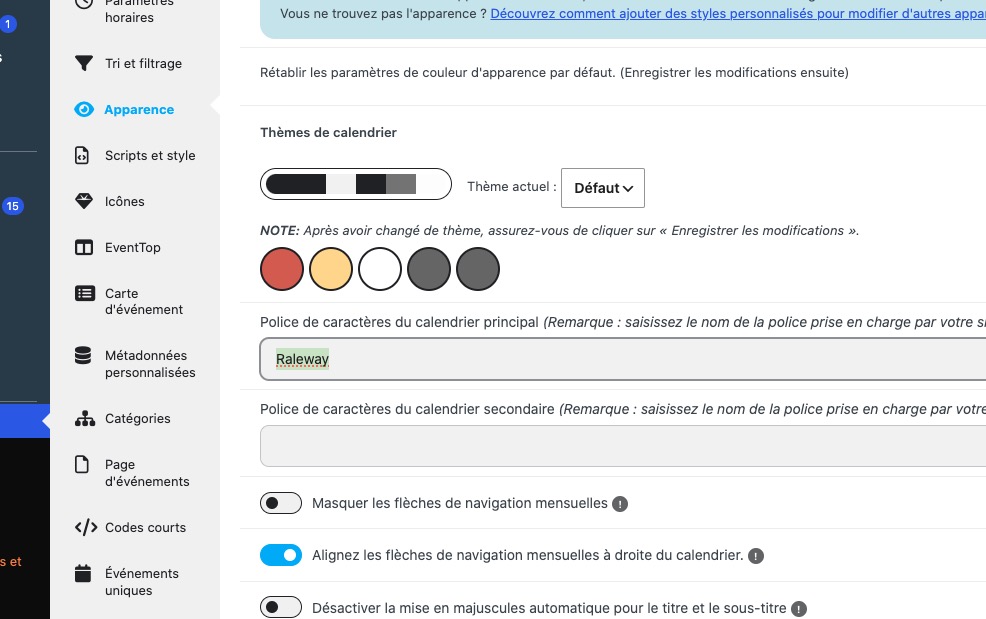
Please try loading the font first using this or similar plugin:
https://wordpress.org/plugins/olympus-google-fonts/
We are glad your issue is resolved, if you have any further questions or concerns please create a new ticket.
Hello,
I believe that this is what’s causing the issue:
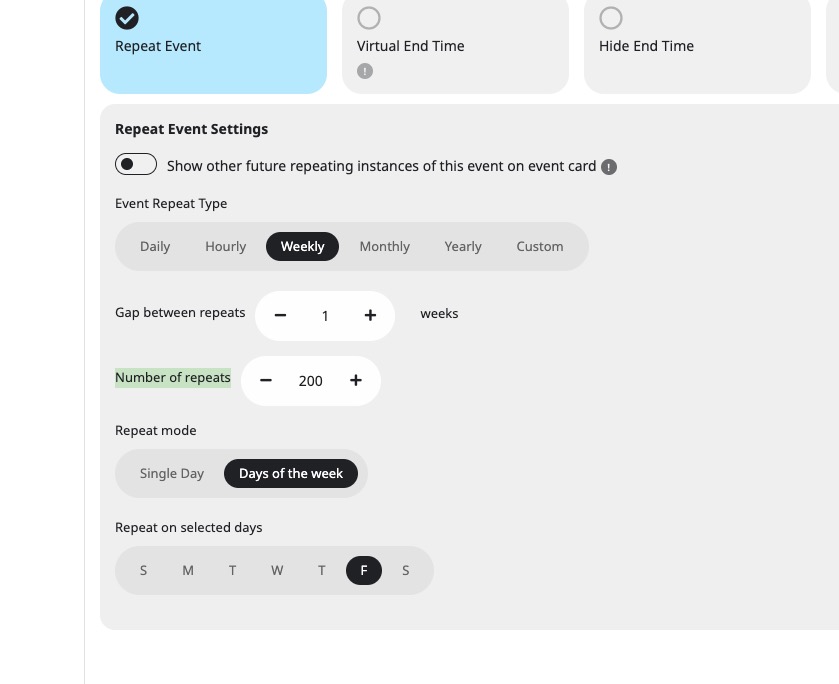
Could you try setting them 30 max and see if it’ll make a difference?
Nice!
It will be good, to be consisten in both places.
thanks!
Hello,
Are you using EventON 4.8.1? The latest version of EventON is 5.0.12.
Could you update and check the issue again?
I believe that we’ve fixed the issue quite some time ago.
To update eventon to latest version: (If auto update works, please try that from with your website plugins page)
1. If you purchased eventON from codecanyon > Go to EventON Full page and verify your purchase to get a free copy of eventON latest version and move your purchase over to myeventon.com.
2. If you already purchased eventON from myeventon.com go to My Account > Downloads and get the latest version copy.
Once you have the latest version zip file. Then you can go to your website > make sure ”Delete eventon settings & data when EventON is uninstalled” is De-slected from eventon settings, delete old eventon, install new one and activate. This link will further explain the process it. Follow us on X to get real-time announcements on updates!
Ok, thanks.
Hello,
there are any news? 🙂 Please let me know.
thank you