I am not really sure, I am afraid. We cannot do much from our side since it’s your host who supposed to change it.
Archives: Replies
Replies for tickets on suppota
Reply to: tickets(409692)
Ah yes, sorry. ux_val works on events in this part of the calendar:
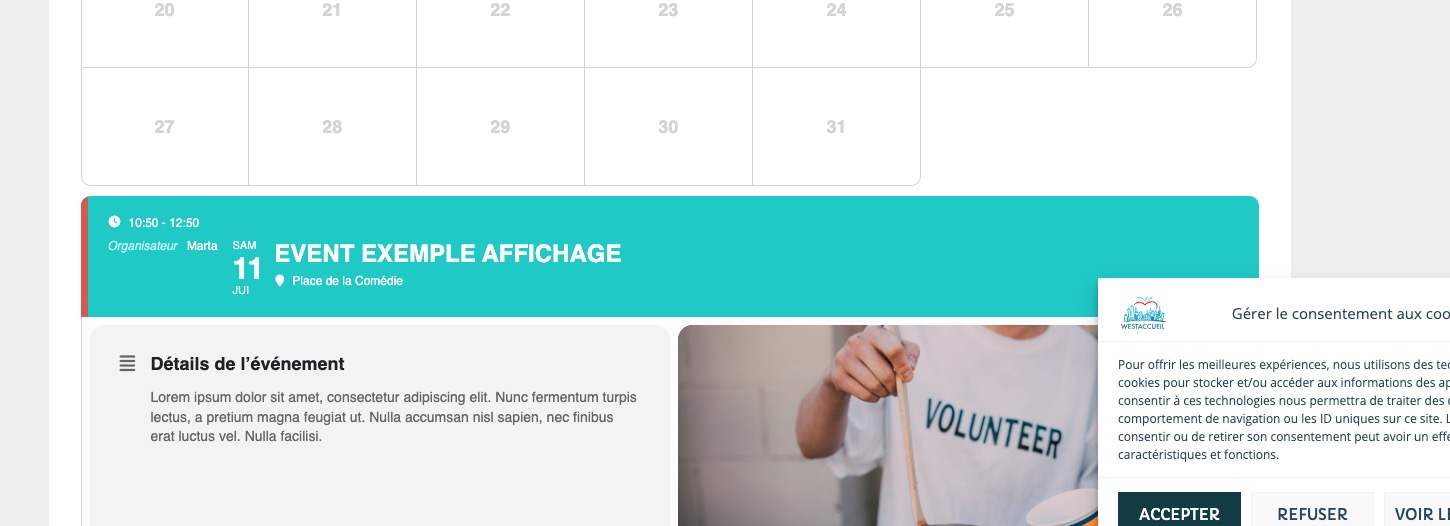
You can add grid_ux=”1” so when a customer clicks on a day, they get redirected to the part on the screenshot where they can click on events to open them as Single Event Page.
Reply to: tickets(409692)
Hello,
I’ve tried changing the shortcode, but it still doesn’t work.
When I click on the event, the single page for that event doesn’t open.
Thanks.
Reply to: tickets(409635)
Thank you
Reply to: tickets(409655)
Here is the style in the css file EventON serves.
/* styles based on calendar size v 4.6 */
.ajde_evcal_calendar.szS .calendar_header .evo_month_title{font-size: 20px;}
.ajde_evcal_calendar.szS .calendar_header .evcal_arrows{height: 20px;width: 20px;font-size: 10px; padding:0;}
.ajde_evcal_calendar.szS .evo_filter_bar .evo_filter_nav{ padding-left: 20px;padding-right: 0px;}
.ajde_evcal_calendar.szS .evo_filter_bar .evo_filter_nav.evo_filter_l{ padding-right: 20px;padding-left: 0px;}
.ajde_evcal_calendar.szS .evo_filter_bar .evo_filter_nav .fa{height: 20px; width: 20px; font-size: 10px;}
.ajde_evcal_calendar.szS .calendar_header .evo_header_mo,
.ajde_evcal_calendar.szM .calendar_header .evo_header_mo{justify-content: space-between;}
/* medium cal size */
.ajde_evcal_calendar.szM .calendar_header .evo_month_title,
.ajde_evcal_calendar.szM .evo_footer_nav .evo_month_title{font-size: 28px;}
.ajde_evcal_calendar.szM .calendar_header .evcal_arrows,
.ajde_evcal_calendar.szM .evo_footer_nav .evcal_arrows
{height: 25px;width: 25px;font-size: 12px;}
.ajde_evcal_calendar.szM .evo_filter_bar .evo_filter_nav{ padding-left: 40px;padding-right: 0px;}
.ajde_evcal_calendar.szM .evo_filter_bar .evo_filter_nav.evo_filter_l{ padding-right: 40px;padding-left: 0px;}
Reply to: tickets(409614)
Please check now, it should be able to work for upto 5 sites.
Reply to: tickets(409655)
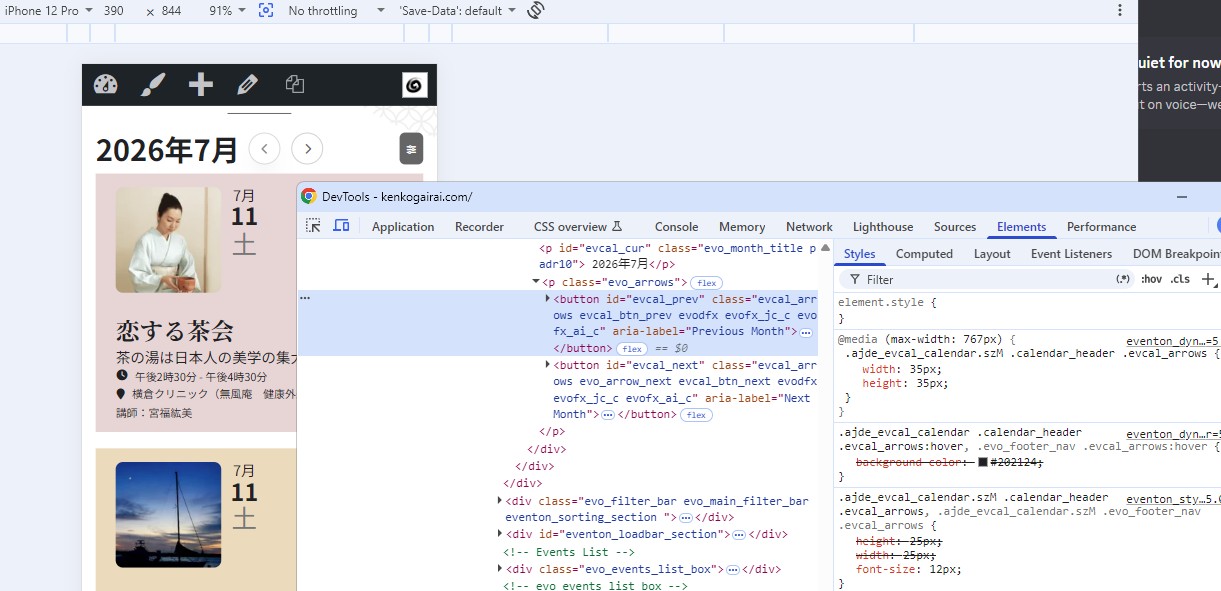
Style on the top is of course mine as workaround.
And thrid from top is defaut style that’s 25px.
Reply to: tickets(409655)
You have to use actual iOS device, or I was able to spot with Chrome device simulator.
Selector is .ajde_evcal_calendar.szM .calendar_header .evcal_arrows
ajde_evcal_calendar.szM is applied only when mobile device is detected, you can not see it just by narrowing the window.
Reply to: tickets(409655)
Konichiwa Tyokokura-san!
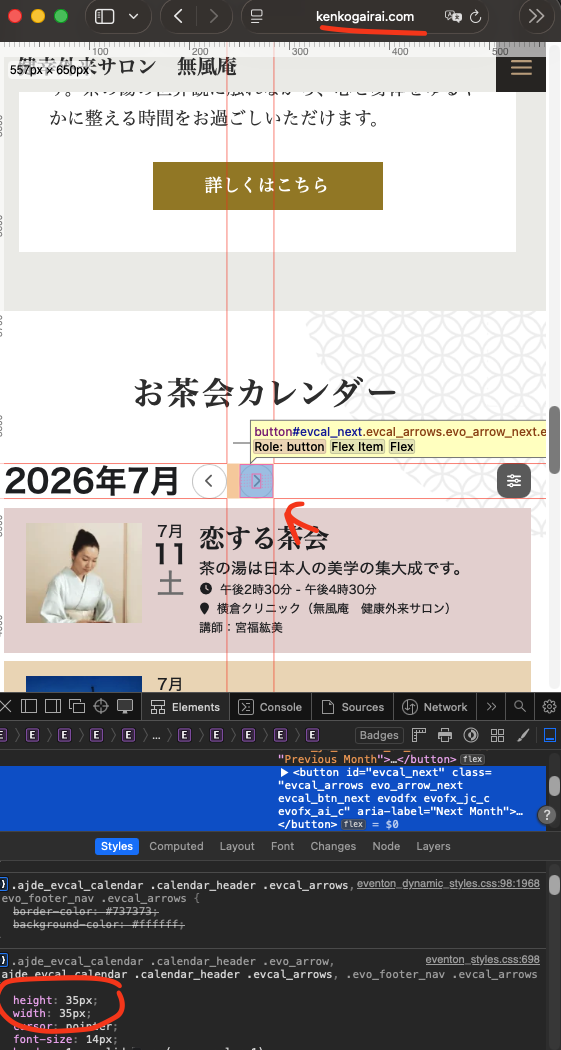
When I visit your website in safari on mac and in iPhone I can see the arrow icons showing same height as the month year title text height. It is set at 35px. Where can I see the smaller arrow buttons?
Reply to: tickets(409311)
Kindly update to the latest version of RSVP addon 3.1.2 — this will resolve the issue of not able to have the RSVP open for the duration of the event.