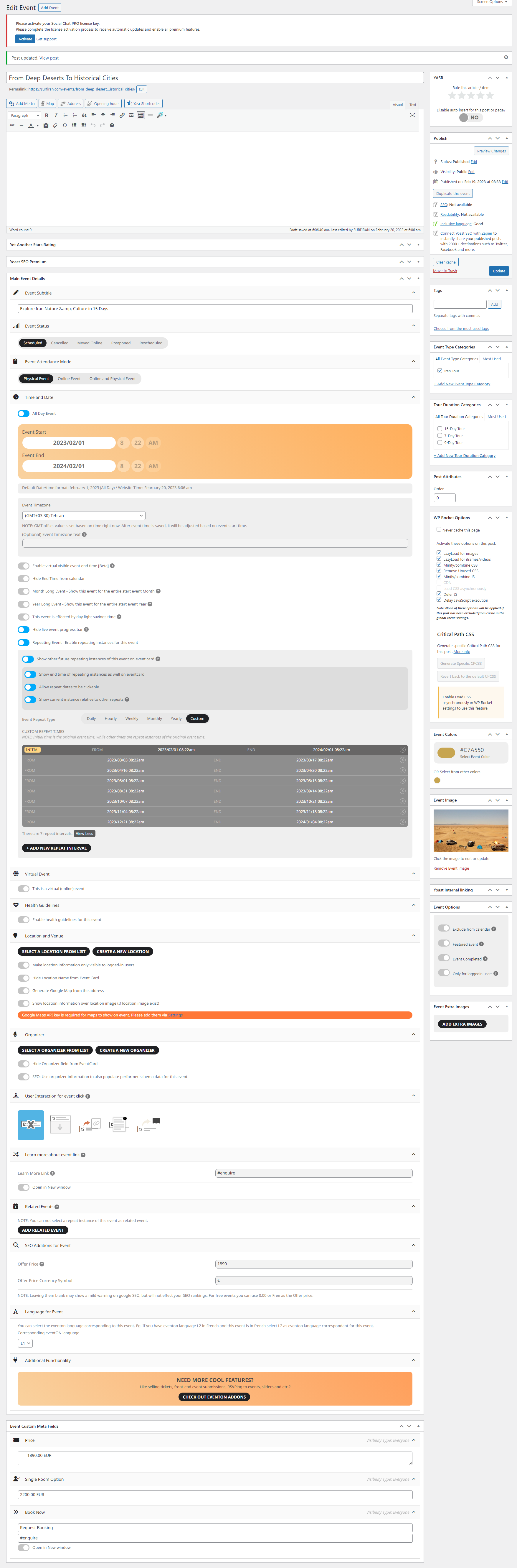
Here you can see the screenshots:
https://ibb.co/YLCtCyK
https://ibb.co/YjB9Q18
https://ibb.co/wp5Gw4q
Replies for tickets on suppota
Here you can see the screenshots:
https://ibb.co/YLCtCyK
https://ibb.co/YjB9Q18
https://ibb.co/wp5Gw4q
My calendar code is:
[add_eventon etc_override=”yes” eventtop_style=”1″ eventtop_date_style=”0″]
I removed the last two events (so now have about 32), and I got my phone to load the calendar once (it took about 1 minute).
As for my PC, it never gets to load the calendar.
There ii something fundamentally wrong with all this…
Please respond as soon as possible, as I need to know whether I can spend any more time working with this plugin
Regards
Garrett
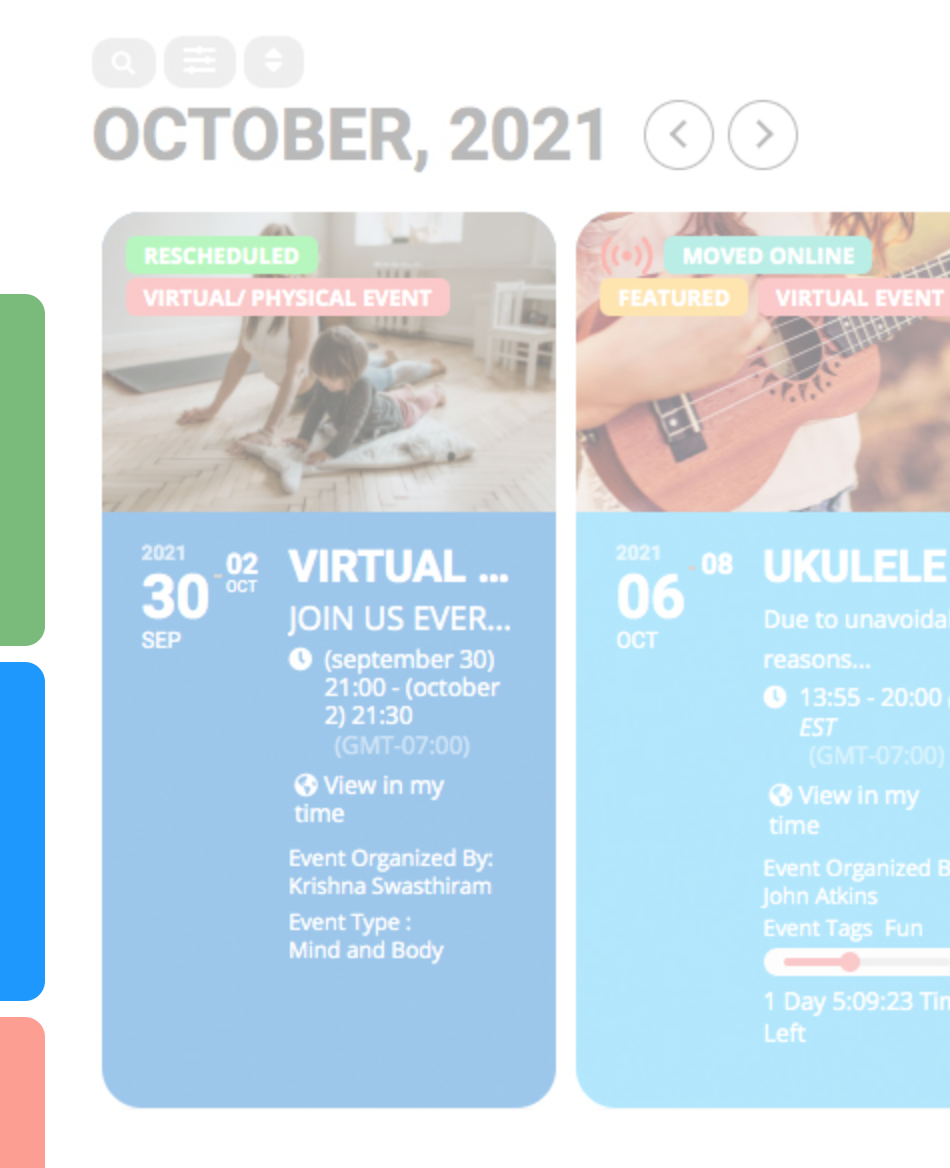
it should look like this a lot of colors and images
Sorry, try this
https://www.valenciablog.com/extranet
Unfortunately, we cannot help with any customizations, since it’s against CodeCanyon’s Support Policy.
On Firefox it doesn’t redirect me, but says “ERROR: The username or password you entered is incorrect. Lost your password?”.
Could you try re-creating the location with the same address?
Hello,
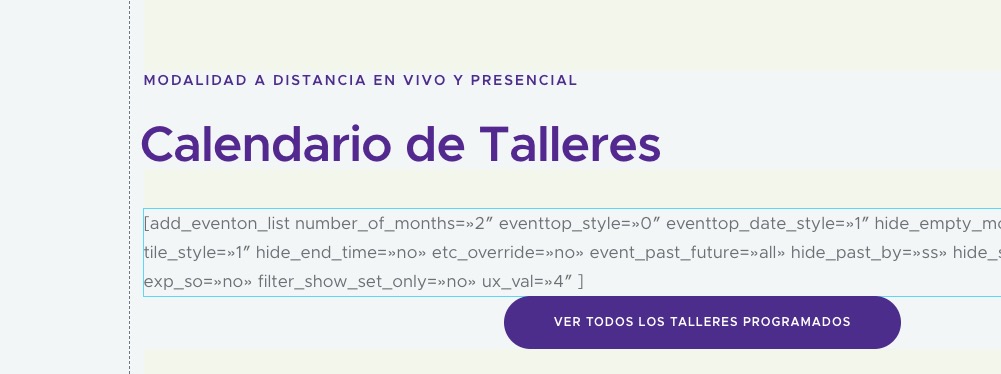
It seems that Elementor somehow changes quotes:
 But when I try to use Elementor on our test site, quotes are correct:
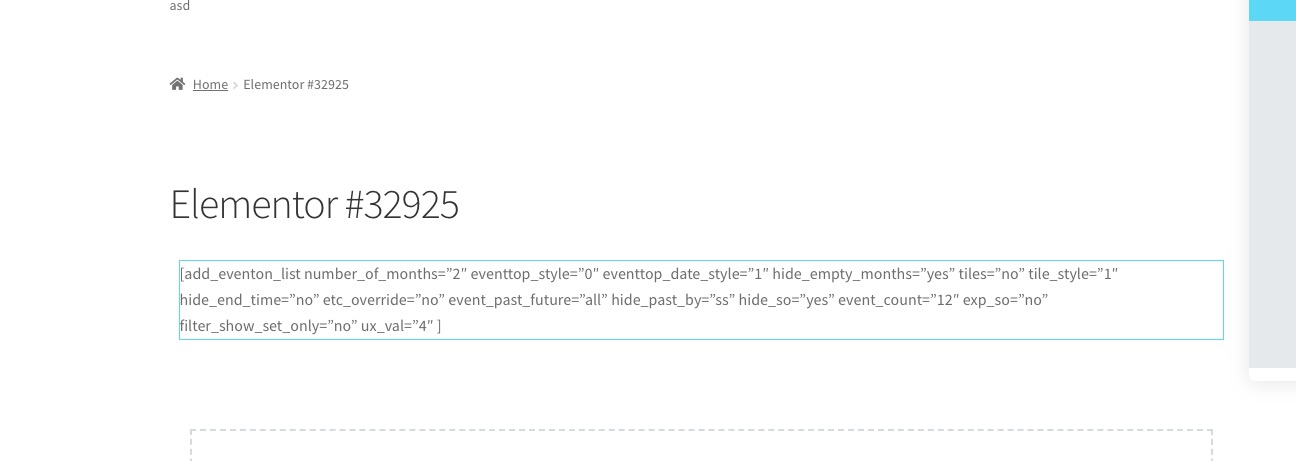 The shortocode also works:
https://dev2.myeventon.com/elementor-32925/
Could you try disabling the theme and also all your third-party plugins except EventON and Elementor?
We are glad your issue is resolved, if you have any further questions or concerns please create a new ticket.
If you have a moment, we would greatly appreciate if you could kindly leave us a review at codecanyon! from your account > downloads. Cheers!
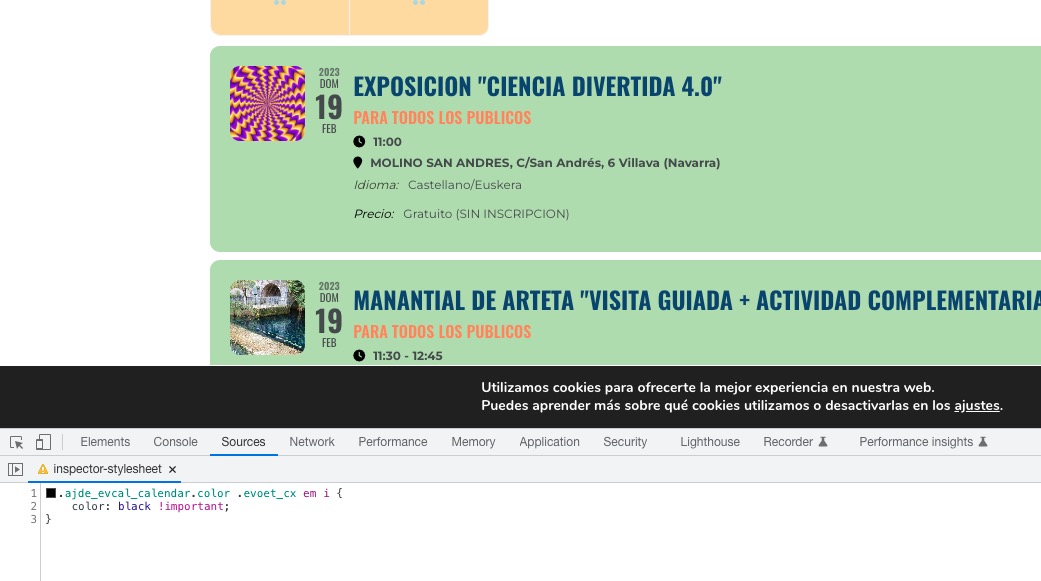
Please add this CSS code to EventON > Styles (If you don’t see any change, EventON > Scripts & Styling > turn off Write dynamic styles to header > save settings > turn on Write dynamic styles to header):
.ajde_evcal_calendar.color .evoet_cx em i { color: black !important; }
The way you are trying to use Booking add-on isn’t how it supposed to be used, I am afraid.
Please create a separate event for each date, then enable Bookings and only then add booking blocks. More info:
https://docs.myeventon.com/documentations/general-user-guide/