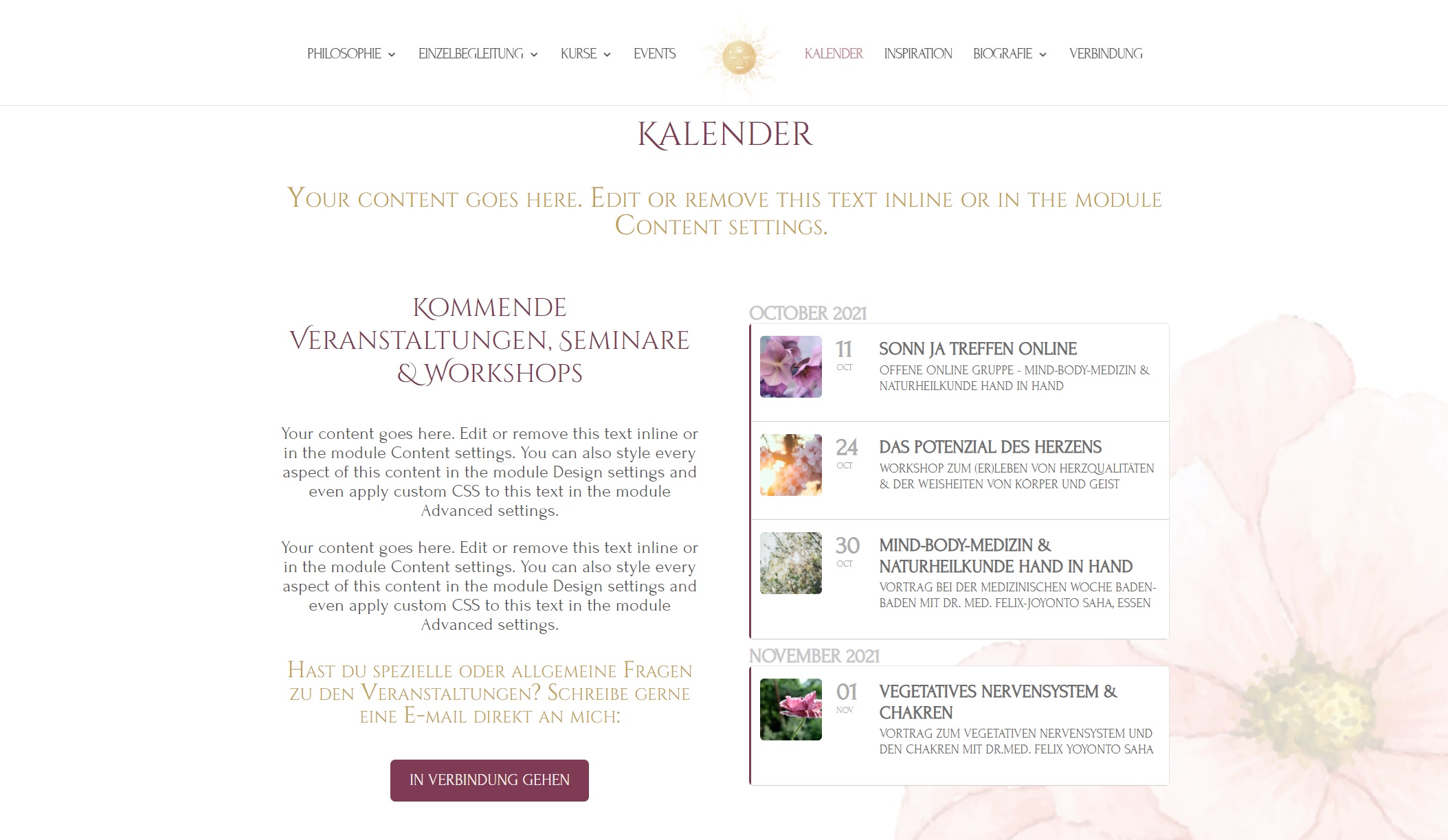
Reply to: tickets(254196)
Replies for tickets on suppota
Dear Team,
I designed the calender in a very nice minimalistic style.
But after doing an update of the plugin, which was shown in the plugin page, the design changed itself completely to another design. I tried for over an hour to bring it back to the original design, but I wasnt able to do that.
Can you please help me with that issue? I have also a screenshot of my original design.
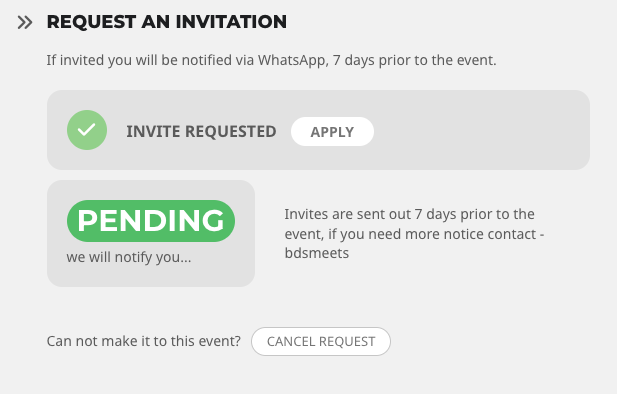
It’s also added this whole mess at the bottom…
OPEN massive green button
It’s just a mess :-((((
So the update changed User Interaction for event click for each event..
and took the number of applicants and made that the maximum number for each event, block new applications..
This is the code that you’ve given me before:
.evors_section.evors_remaining_spots.sec_shade, .evors_section.evors_mincap.happening {display:none !important}
#evorsvp_form p.sin { display: none !important; }
.evors_section.evors_change_rsvp.sec_shade2.mart30 { display: none !important; }
#evorsvp_form .form_row input.name[name=last_name] { display: none !important; } #evorsvp_form .form_row.email { display: none !important; } #evorsvp_form .form_row input.name { width: 100%; }
This is what I need to hide now…
Green Cancel request screen hide:
LAST NAME
Then there is another smaller design cancel request screen… (We have to look up your RSVP in order to change it!) can you hide:
remove email and replace with first name.
The update has also muddled up a lot of the buttons and it’s now difficult to ‘name’ them because they appear in so many weird places…
RSVP options: Yes
Now appears on the sessions card YES ( ) when there used to just be an apply button there, appears in the user event manager and in “Invite Requested” so it just says YES everywhere…
It’s also saying:
You do not have permission to RSVP to this event!
and yet they do? Some events they can now apply for and some they can’t?
and it’s removed all the formating for each event… how the card desplays so I have to back through every event and change it…
It’s made really quiet a mess of what was a really well set out system :-((((
Dan
sorry
passsword protected
ag43B12QQp0
freewill.museum.peroxide
You can see an example of the double calendar issue if you check the link provided at the beginning of this support thread. Please do click it.
[add_eventon_fc] is the FC (full calendar) I referred to previously.
The second calendar I am referring to is thew one you mentioned in your message.
I must say, considering how much money we have spent on this plugin and the add-ons, I am expecting this support to move much faster, and for you to understand your own products.
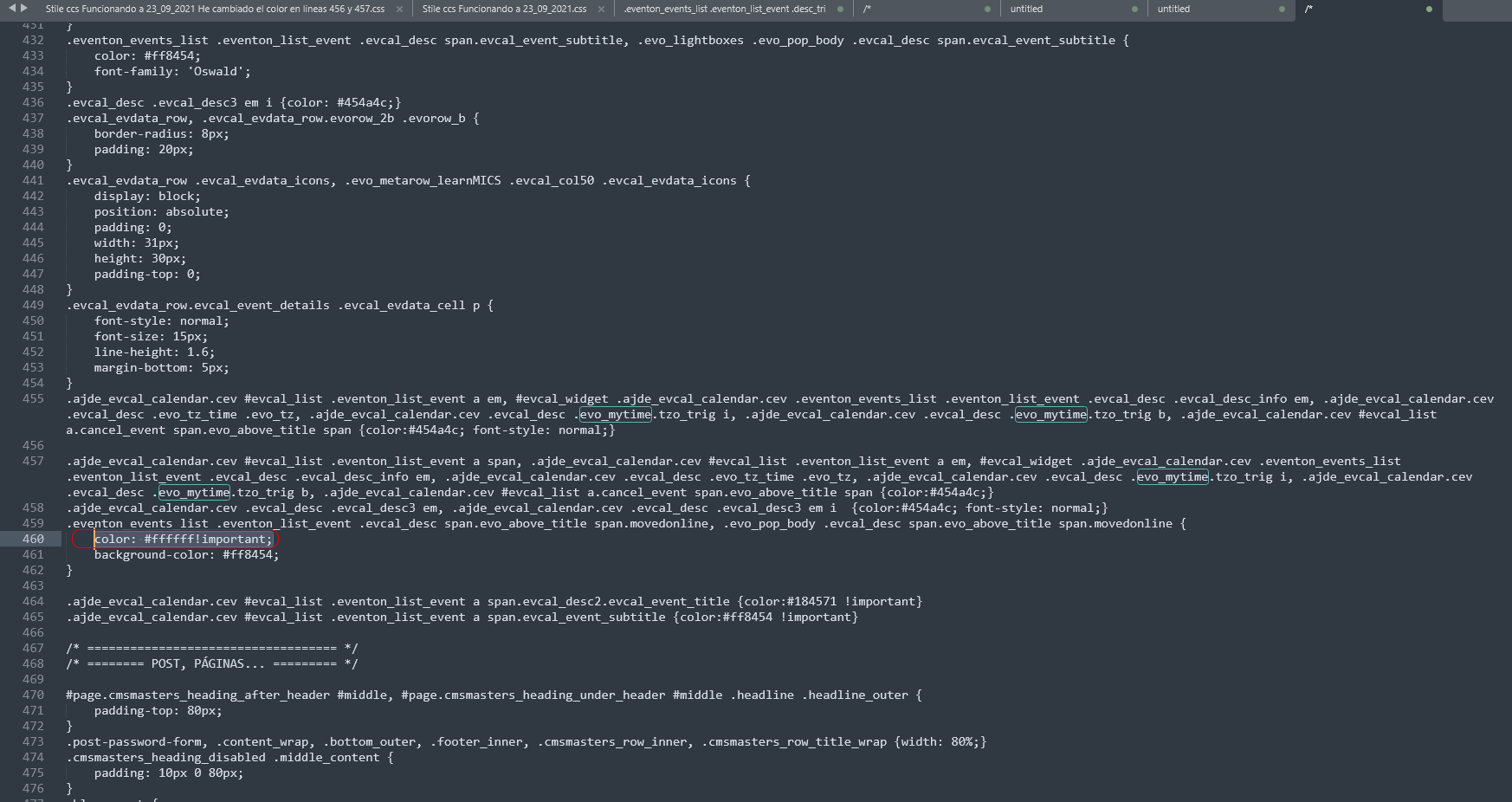
I have removed the code to stop displaying the script and it has worked I have done what you have indicated to change the color:
“Go to EventON > Appearance > EventTop > Text below the event title (in the EventTop. eg time, location, etc.). If you don’t see any change, EventON > Scripts and styling > uncheck Write dynamic styles in header > save the settings > turn on Write dynamic styles in header.”
and it doesn’t work, for whatever reason it doesn’t respond, it’s still white.
In the css I tried to force the style (attached photo) but it doesn’t work either.
There is some anomaly
You can help? I do not know what to do.
Thanks again and best regards
$apikey = !empty($evo_opt['evo_gmap_api_key'])? '?key='.$evo_opt['evo_gmap_api_key'] .'
&callback=Function.prototype' :'';
Perfect!
Thanks Ashan!!!
No more error in console