Ok,
So I found that it is not EventOn itself that is clashing somewhere, it is both the Event Slider and Event Tickets plugins, so any page using either of those is clashing. The rest of our 5 EventOn plugins are fine.
I’ll test through now disabling a few other Elementor plugins first to see if it comes back with those enabled.
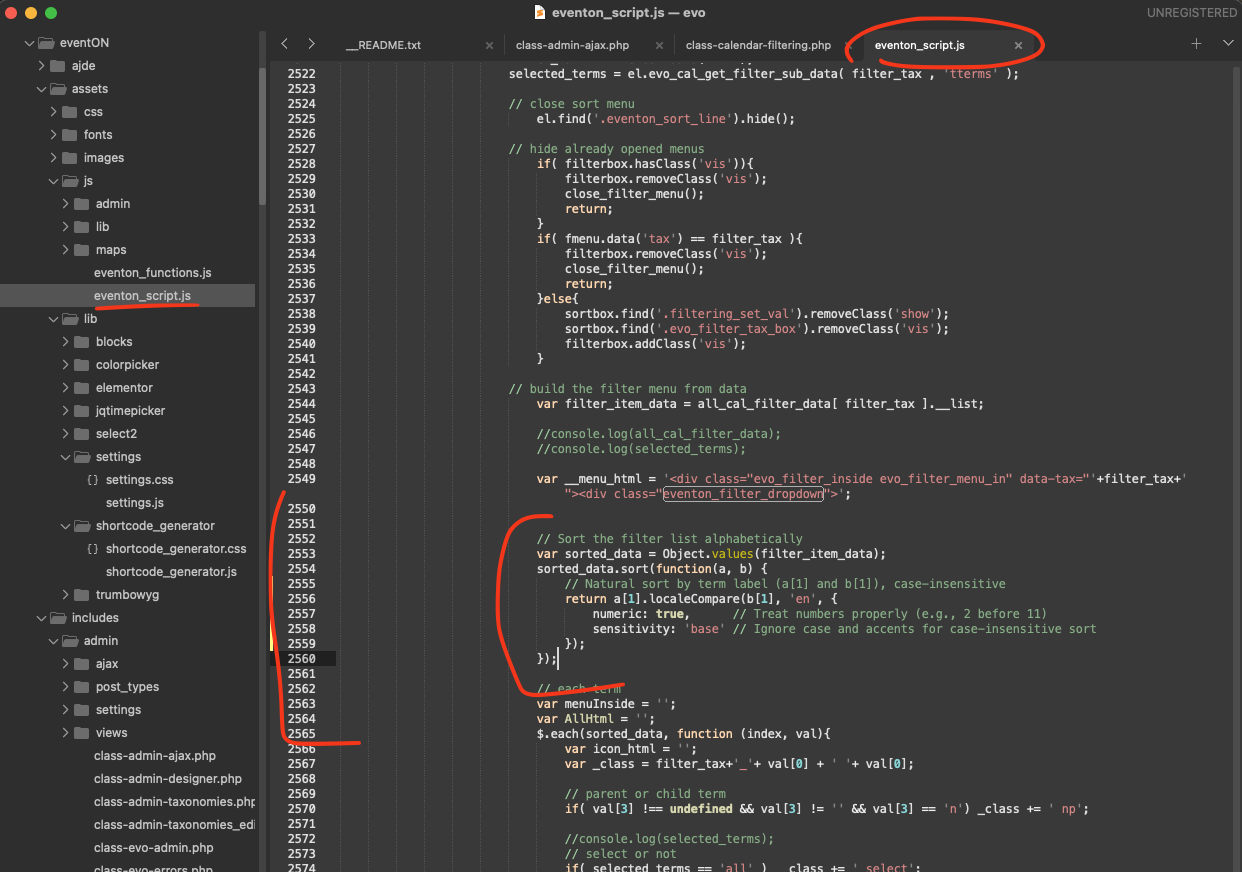
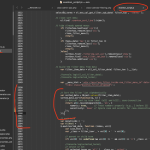
kindly apply this patch fix and that will fix the issue for you.
code:
7jjohcwf2xce
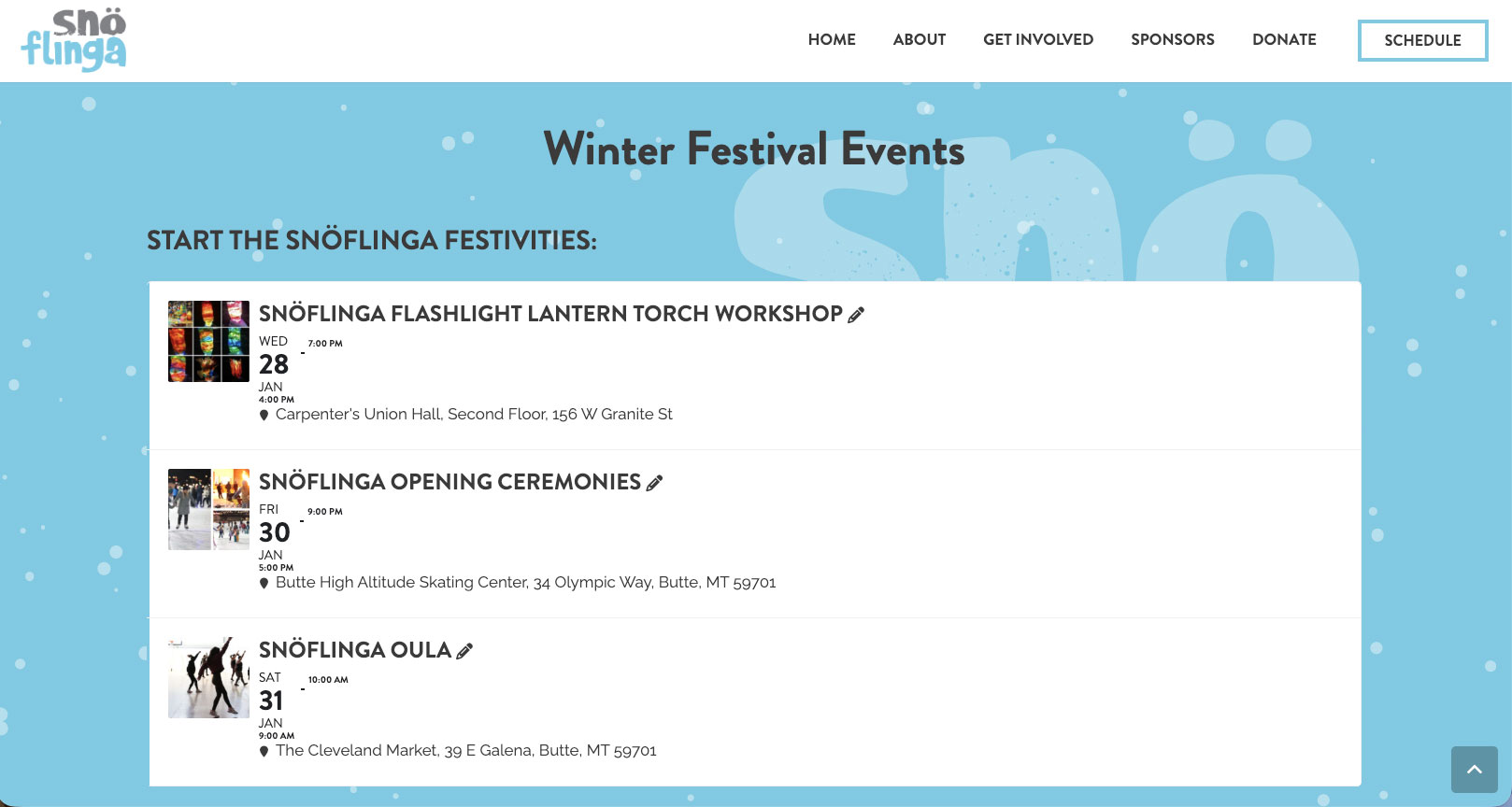
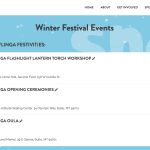
I added that but the time appears disconnected (see screenshot). How do we get the start and end time to be beside each other?
Hello,
I went to EventON > Time Settings > enabled Use WP default Date format in eventON calendar (Excluding eventCard event date format).
It seems that the issue is fixed now. Please check and let me know.
Hello,
You cannot attach images to the original message, I am afraid. Could you replay with images attached?
Thank you for your messages!
I am going to escalate this ticket to development to help in here. Please allow us some time to address this, and we truly appreciate your patience. Thank you for being a valued EventON customer!
Please add this CSS code to EventON > Styles (If you don’t see any change, EventON > Scripts & Styling > turn off Write dynamic styles to header > save settings > turn on Write dynamic styles to header).
You can also add this code to wp-admin > Appearance > Customize > Additional CSS.
.evcal_cblock .time, .evcal_cblock .evo_end.only_time, .eventon_events_list .eventon_list_event .evcal_cblock .evo_end.only_time, .evo_pop_body .evcal_cblock .evo_end.only_time { display: block !important; }
I enabled WP_DEBUG using WP File Manager plugin:
https://diamondapproachaustralia.com/wp-admin/admin.php?page=wp_file_manager
Could you disable add-ons and only enable EventON, so any issues can be recorded? Then enable add-ons, if it worked for the plugin alone.
Could you update EventON? Maybe the latest version will fix the issue with the wrong text.