I changed it to “Default WordPress filter” and it’s working now. Thank you for your help!
Archives: Replies
Replies for tickets on suppota
Reply to: tickets(397163)
I had to revert back to the previous build to keep the site from crashing.
Reply to: tickets(397163)
I’m getting the exact same error on https://cityofseymour.org/
Reply to: tickets(396394)
I see in this order even though it shows Tickets twice, it was only charged once for $65.
If you still use tickets addon I would strongly suggest you keep this license active, because the current price for this addon is way more than your original subscribed price — as we added more features we have adjusted the price accordingly.
Please check with your bank statements to see if you were charged twice.It should be only $65
Reply to: tickets(397212)
This ticket is now private, please share wp-admin access via “Access info” and we can take a look and see whats going on .
On our end things work quite fast on our websites running latest eventON
Reply to: tickets(397167)
If you want to share wp-access to your website via “Access Info” we can help fix this quickly
Reply to: tickets(397165)
Thank you for letting us know. We can also verify this issue and will get this resolved and release an update shortly there are few other known issues, we want to get fixed as well before the release.
Reply to: tickets(394510)
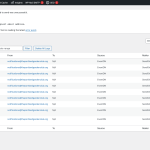
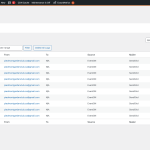
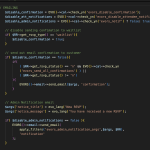
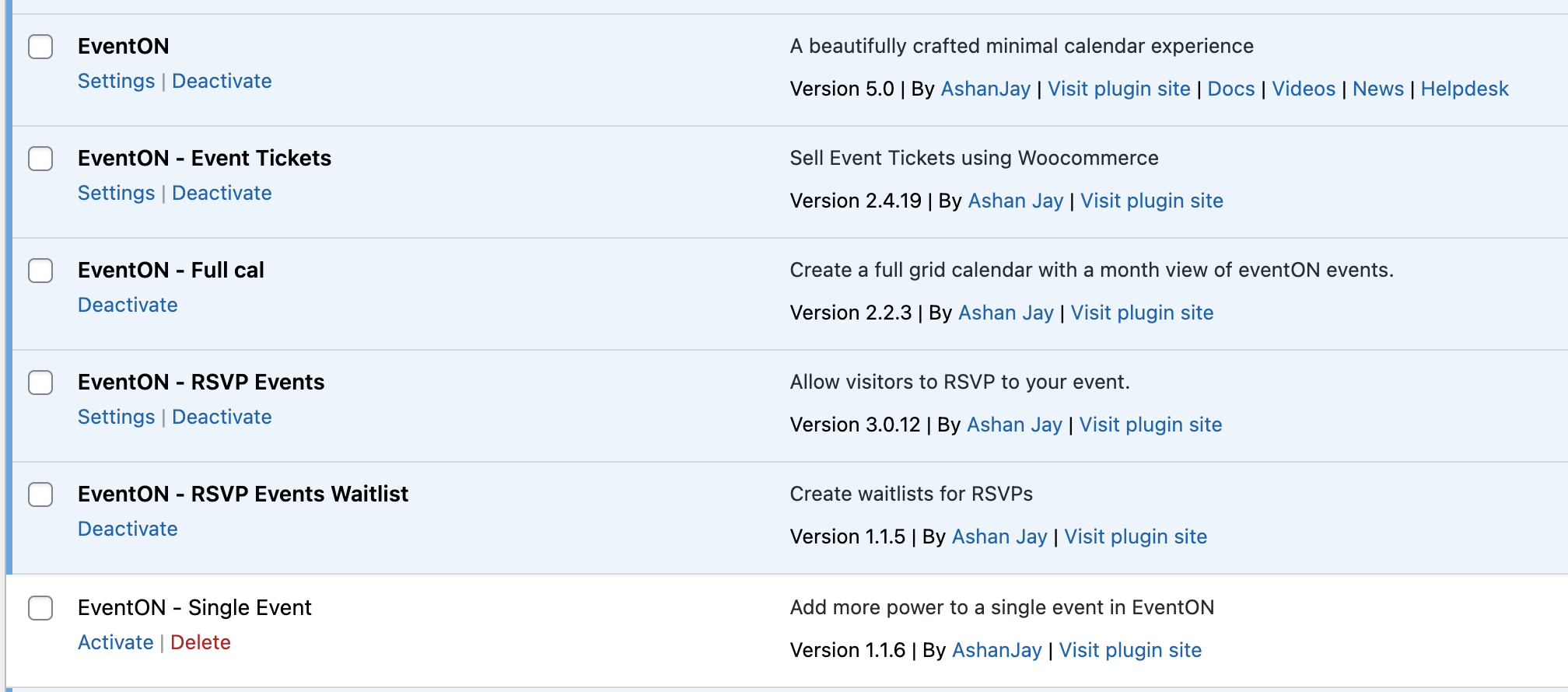
Hi Artem, it’s been a while since we opened the original ticket so I’m not 100% sure which site’s log you’re looking at, but the failed emails are on https://www.theportlandgardenclub.org/ and https://www.piedmontgardenclub.org/. Here are screenshots of both logs, the previous patch in place, and all of the plugin/add-on versions.
Reply to: tickets(397163)
Kindly share the updated wp-admin access to your site via “Access info”
Reply to: tickets(396927)
Could you please update to EventON 5.0 and check again?
To update eventon to latest version: If you are unable to do autoupdate, you can go to codecanyon your account > download and get the latest eventon version as zip file. Then you can go to your website > make sure “Delete eventon settings & data when EventON is uninstalled” is Deslected from eventon settings, delete old eventon, install new one and activate. This link will further explain the process it. Also you can follow us on twitter to get real-time announcements on updates!