Hello,
Could you elaborate more?
No differences on your website:
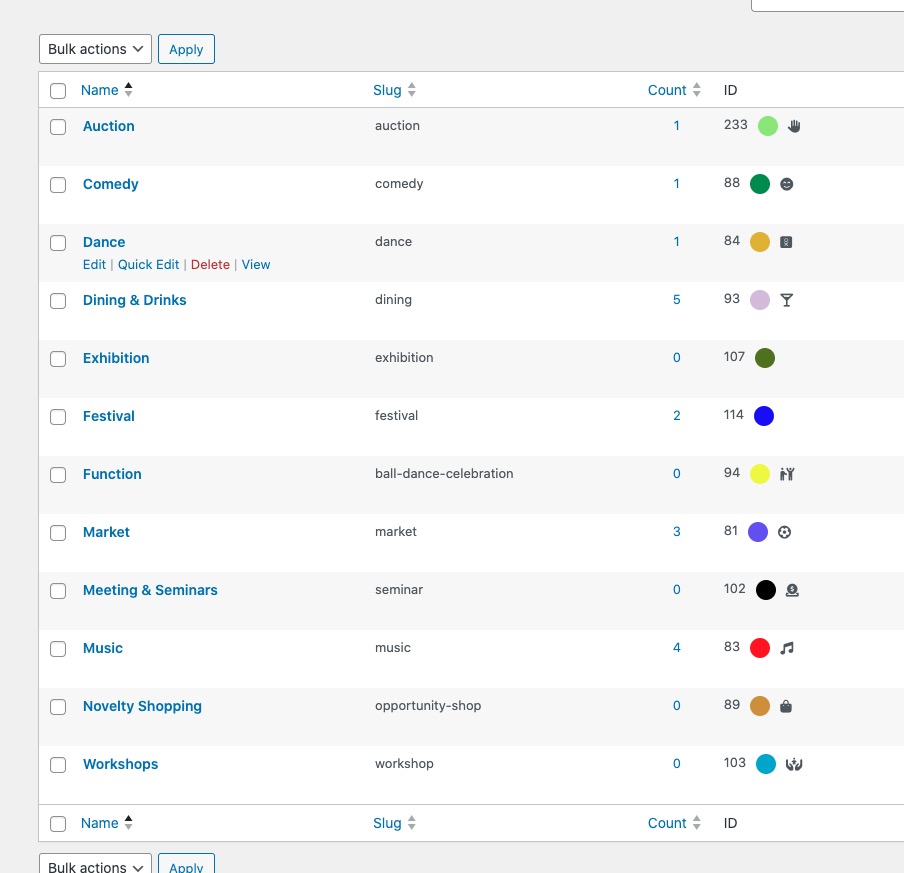
Color still can be assigned.
Replies for tickets on suppota
Hello,
Could you elaborate more?
No differences on your website:
Color still can be assigned.
Hello,
What’s your current timezone on the server and EventON?
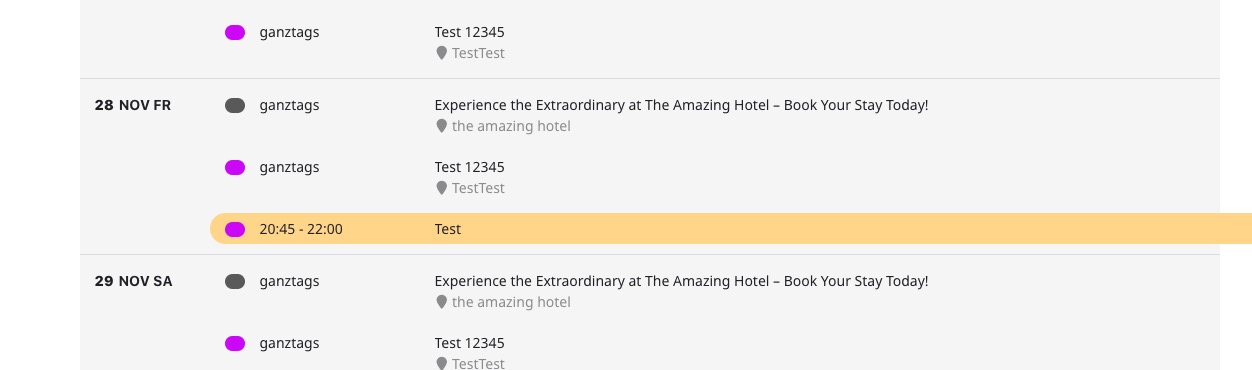
On our side:
https://dev2.myeventon.com/test-54/
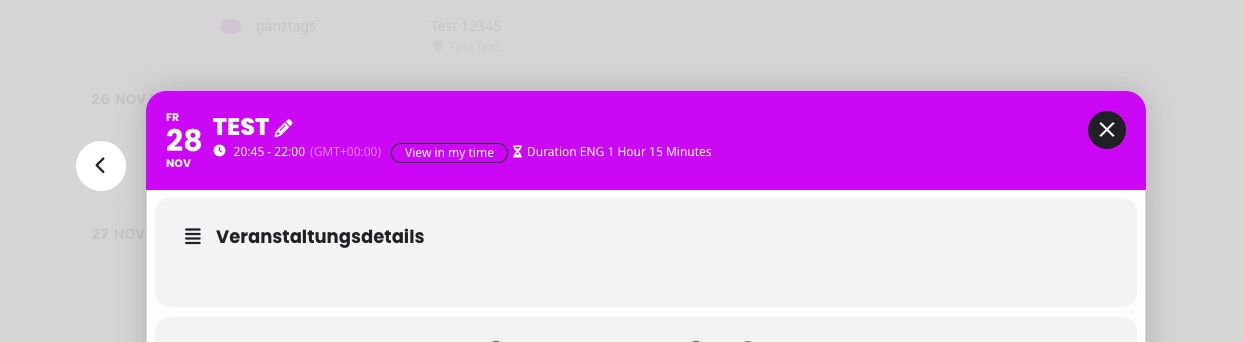
If possible, could you send us the full error?
Hello,
Thank you very much for letting us know!
I am going to assign this ticket to Ashan and he will be able to take it from here and find you a solution. Please allow some time for him to get back to you, we greatly appreciate your patience and thank you for being a eventon customer!
Please send us wp-admin access to your site from “Access Info” box on right side menu, to further assist your situation.
I am going to create sime examples on your website, so you can check it.
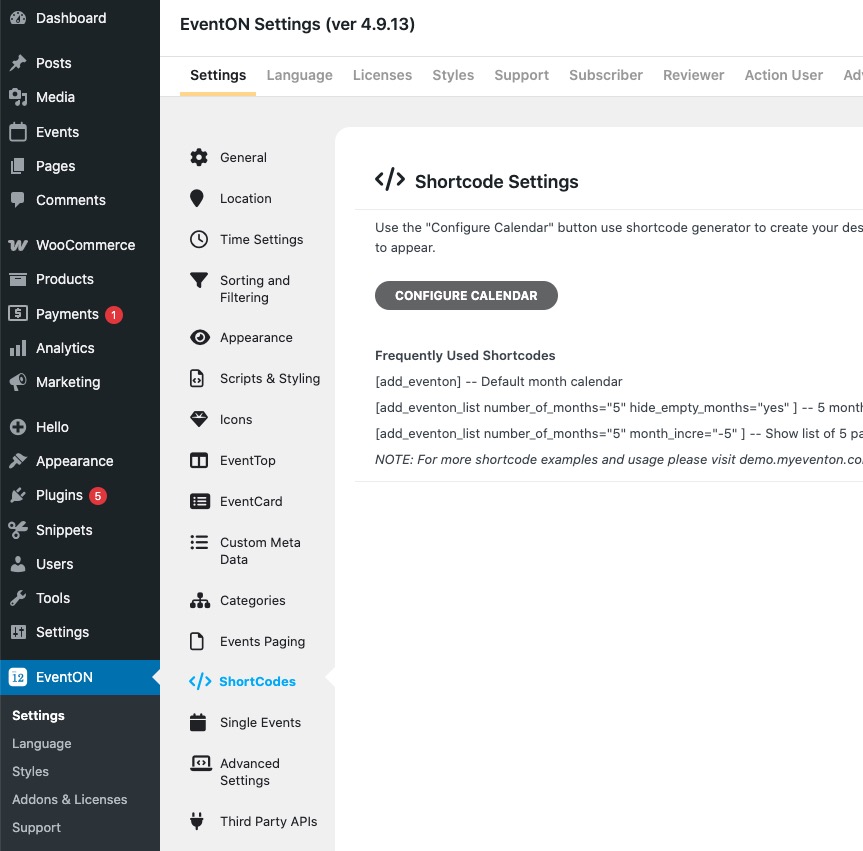
You should be able to find the generator by going to EventON Settings > Shortcodes:
Ashan,
The same on dev2:
https://dev2.myeventon.com/test-53/#
I added ev_uxval=”1″ show_exp_evc=”yes” to the shortcode:
https://helpdeskx.s3.amazonaws.com/wp-content/uploads/2025/10/09063250/Screenshot-2025-10-09-at-15.32.23.jpg
But it still opens Single Event page instead of showing Event Card.
Hello,
There is an issue with the shortcode, so I am going to assign this ticket to Ashan and he will be able to take it from here and find you a solution. Please allow some time for him to get back to you, we greatly appreciate your patience and thank you for being a eventon customer! Also please disable any IP blocking on your site if there are any.
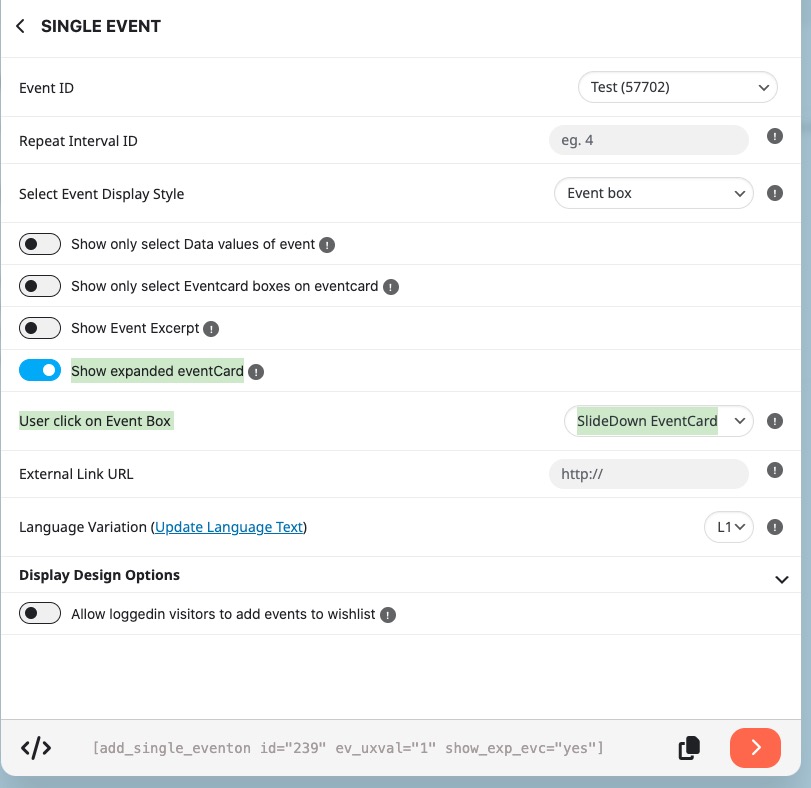
However, after the fix, please make sure to enable/select these two, otherwise it’s not going to work event with the fix included:
Hello,
Thank you for your messages, I am going to assign this ticket to Ashan and he will be able to take it from here and find you a solution. Please allow some time for him to get back to you, we greatly appreciate your patience and thank you for being a eventon customer!
Meanwhile, please update it manually.
To update eventon to latest version: If you are unable to do autoupdate, you can go to codecanyon your account > download and get the latest eventon version as zip file. Then you can go to your website > make sure “Delete eventon settings & data when EventON is uninstalled” is Deslected from eventon settings, delete old eventon, install new one and activate. This link will further explain the process it. Also you can follow us on twitter to get real-time announcements on updates!
Hello,
I cannot find the attachment. Could you upload it somewhere and then send us a link? For example, to https://wetransfer.com/