please canel and refund
Archives: Replies
Replies for tickets on suppota
Reply to: tickets(307003)
I have been in the hospital with back surgery which is why i was unable to handle this sooner
Reply to: tickets(305129)
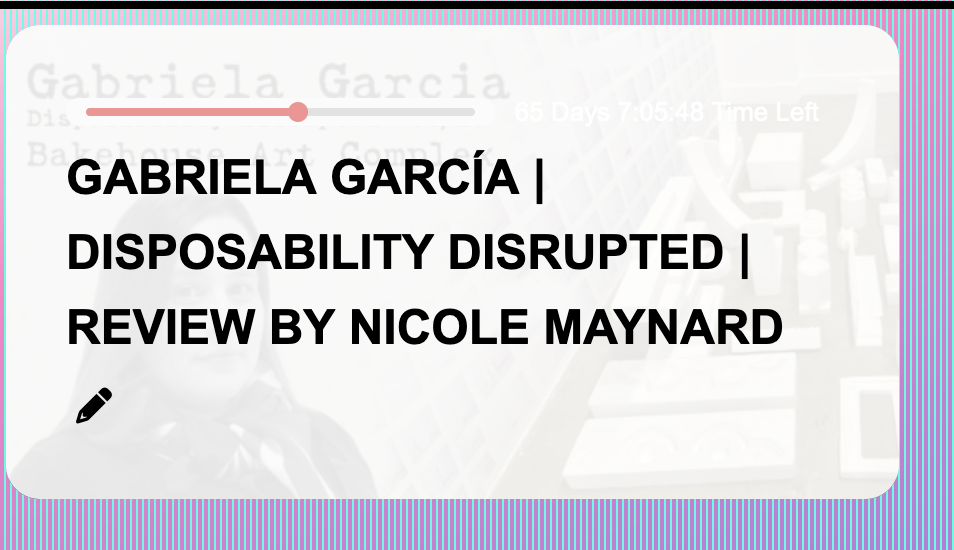
Thanks, The larger font looks great on the countdown
How do I assign a text color to that element? It is white, and I need it to be black so it doesnt blend in
Reply to: tickets(306992)
Hi Ana,
I am trying to access your site but getting the attached error.
Please let us know when the issue has been resolved so that we can take a look at the issues you are having.
Reply to: tickets(306975)
Hi Lukas,
Let us know if you need further help with this. If you have any other questions, please feel free to create a new ticket.
Reply to: tickets(306990)
Hello,
The code works on my end. Would you mind clarifying what you mean by the page is blocked? Including a screenshot will really help.
Reply to: tickets(307003)
Hi Sandy,
Please take a look at https://docs.myeventon.com/documentations/terms-and-conditions-and-refund-policy/ > 7. Subscriptions & Automatic Renewal > 7.4 Subscription Refunds.
A renewal reminder mail was sent before the charge was made. We had given you the opportunity to cancel. Please go ahead and cancel the renewal so that you are not charged again.
Below is a tutorial on how to do that
https://docs.myeventon.com/documentations/how-to-cancel-addon-subscription-before-auto-renew/
Reply to: tickets(306237)
Hello again
I see the whole Light box pop up window when I open an event via a mobile phone now. So it works fine.
You have helped me with all my questions. This ticket can be closed.
Thank you for great support!
Best regards
Hans
Reply to: tickets(306990)
Hi support!
The indicated shortcode does not work, the page is blocked.
Thanks a lot!
Reply to: tickets(306990)
Hello,
You can use the shortcode below
[add_eventon_list tiles=”yes” tile_count=”3″ number_of_months = “6” tile_bg=”1″]