Hello,
I understand this, however that is not what I am asking – we would like clicking on a date to go to a URL and skip the step of loading the list below. So in our case clicking on the date takes the user to a page to buy tickets.
Replies for tickets on suppota
Hello,
I understand this, however that is not what I am asking – we would like clicking on a date to go to a URL and skip the step of loading the list below. So in our case clicking on the date takes the user to a page to buy tickets.
I believe it could be related to how you have set up the event top on the main site
see video below:
and i have added some css to tweak the margin
the time under the date wont work with the api- now they both look the same
fixed: see video below (for some additonal bits of help)
We are glad your issue is resolved, if you have any further questions or concerns please create a new ticket.
If you have a moment, we would greatly appreciate if you could kindly leave us a review at codecanyon! from your account > downloads. Cheers!
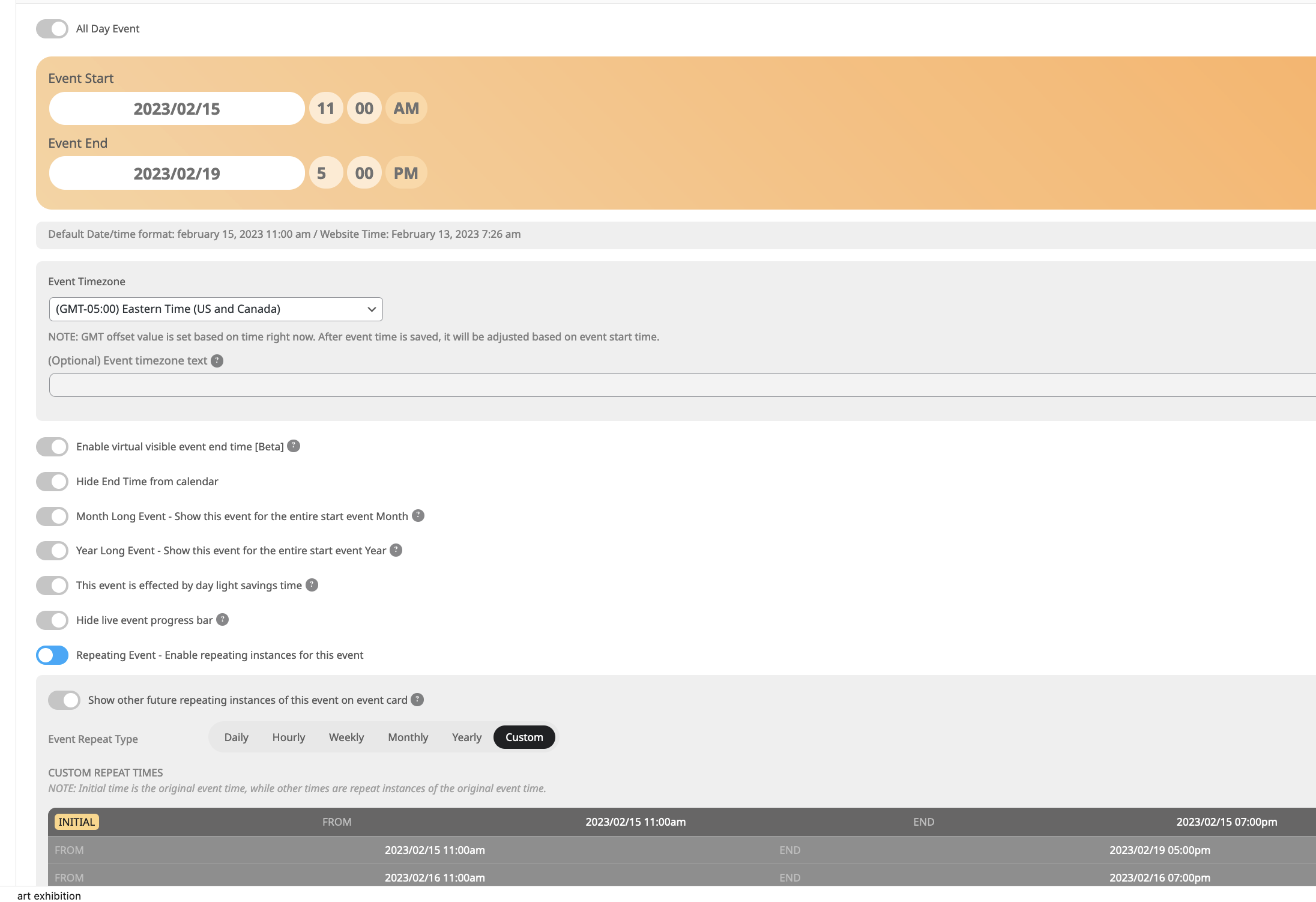
https://xzib.com/e/felix-art-fair Which is on the full calendar HERE
Im trying to get the dates to show as depicted on your example image above when using repeat times. On the left side of the eventtop it says “Feb 01- 02”
I cannot idenitfy how to enters a 4 days event with varying times to show the duration on the eventtop such as “Feb 01- 02”
Hello
The new code works fine.
The page is not password protected now.
Thanks
I did not make a suggestion, I highlighted a failing within a paid product. It does not require to be voted on, it requires to be acknowledged as a failing and corrected.
Please take a look at Ashan’s reply in your other ticket. This ticket can only be fixed by updating the plugin.
left you a review 😉

This happens
