using eventon>>>>settings>>>custom meta data
activate 1- and call it price- select from the drop down- single line
click save
then in myeventon>>>>settings event top you might need to resave straight away
and that will bring up the new custom field for you to add to your event top
now when creating a new event or editing one there will be a new field at the bottom of the edit page for you to enter the price
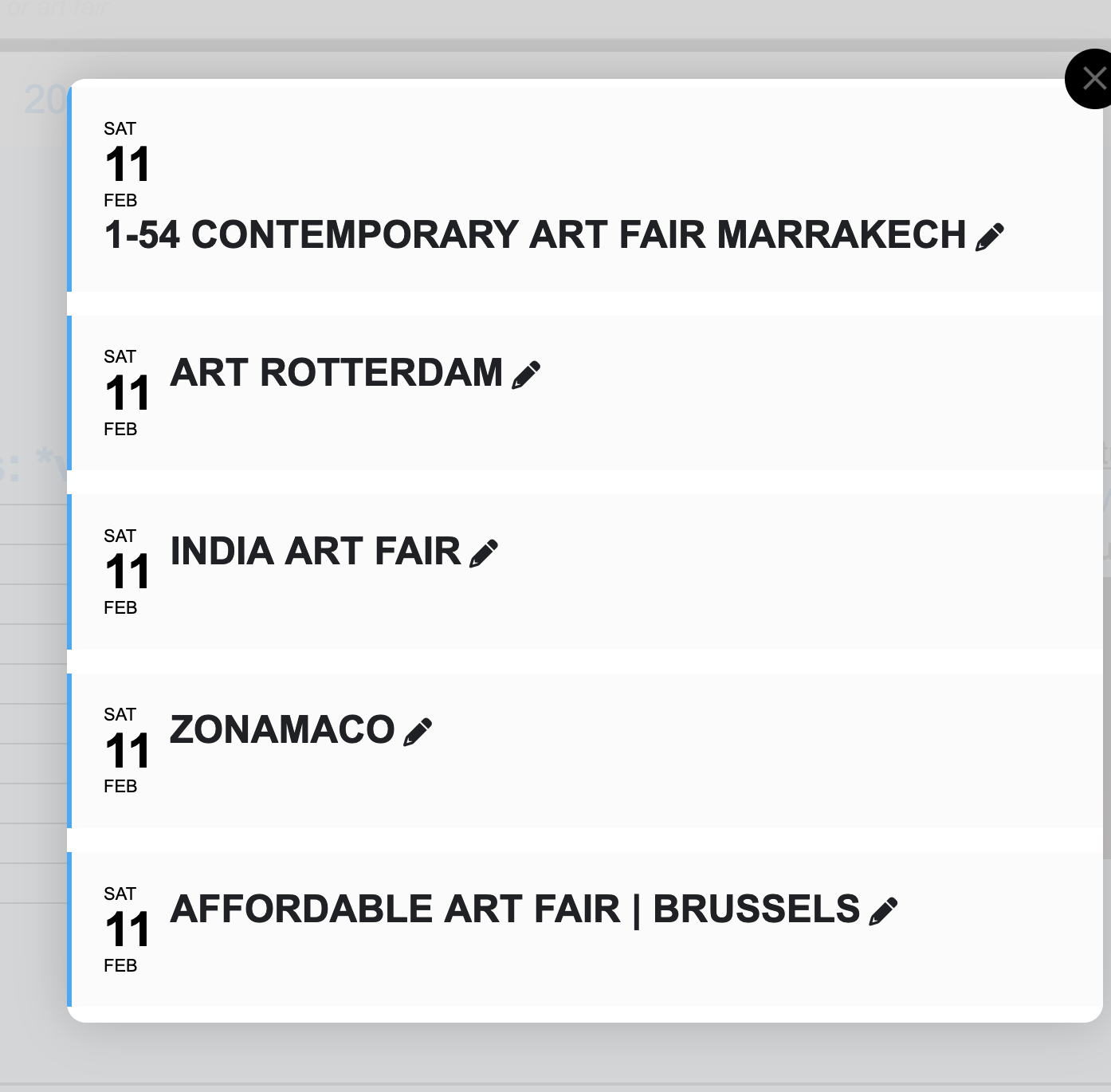
Ok. I had read that article, and I assumed that I as overlooking something. However it seems there is a challenge with the eventtop UI as it relates to “repeat events”. Because it makes days that span multiple days look as if they are one day only. And I think this is a problem for all users. OR, Im still overlooking something.
Let me give an example.
Is there a way to get the duration to show up on the eventtops? So that multi day events show the full duration, INSTEAD of popping up and only show the one day of a repeated event.
Awesome, thanks! That does the trick.
Is it possible to define a starting month and a max number of months, so that only events in March and April are being shown – no matter the current date?
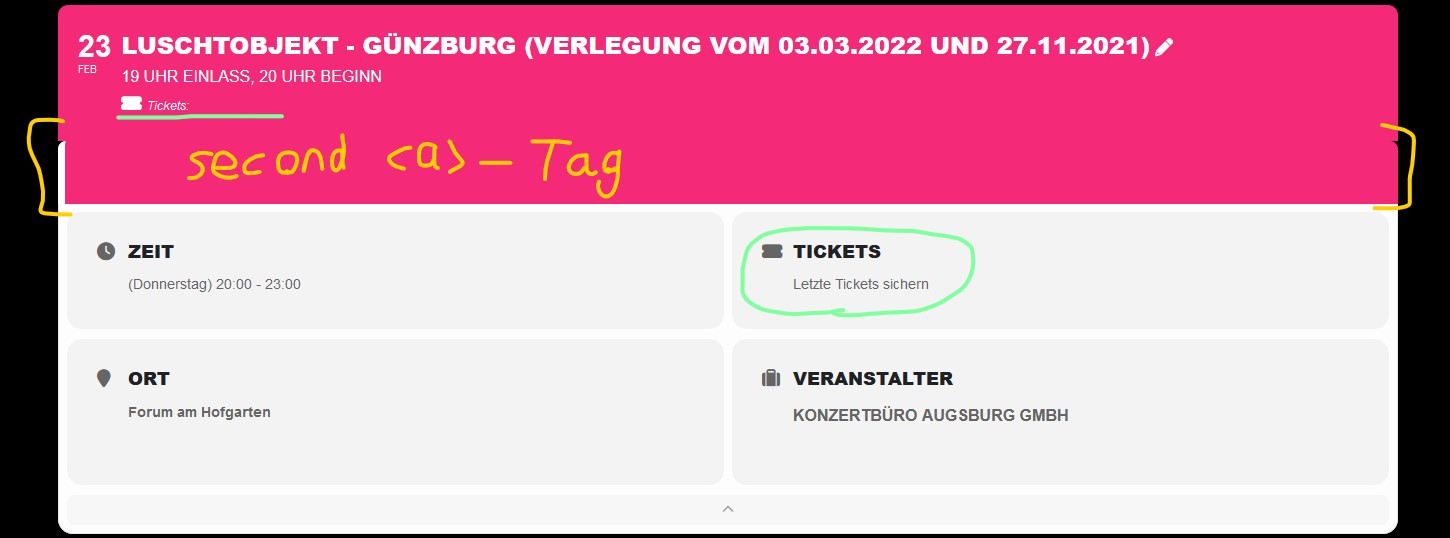
Thank you for the reply. Did some testing on another page. Having the same problem with other “Content Type” settings for Custom Meta Data and some more odd behavior.
When using Content Type “Single line Text” the icon and Custom Meta Data Field Name are displayed correctly but the custom text is missing. On the EventCard below everything is displayed correctly. When using this content type there also is some kind of bug for the EventTop where it adds another <a> element with the same id=”evcal_” directly below (images attached). Will let this one active for you to check with browser DevTools. Link to test-site: https://tester.buelent-ceylan.de/tour/
Same behavior for Content Type “Multiple lines of text (Text Field)”.
When using Content Type “Multiple lines of text (Editor)” nothing of the Custom Data is shown on EventTop but everything is displayed correctly on EventCard.
In our case the Custom field has to be a button/link so in the meantime I will have to take the custom field off the EventTop and wait for the fix.
I hope my tests and descriptions are of any use to you.
Thank you very much
Aah..a bit of visual dislexia or difficulty understanding that you have to tick a box to not do it 🙂
Have a great day and keep up the good work Ashan!
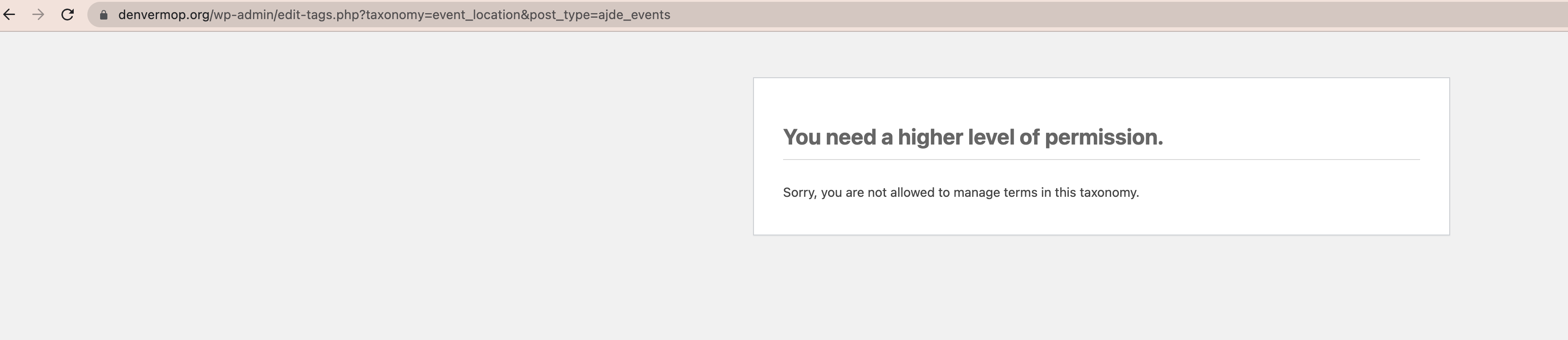
I don’t know what that means? It says I don’t have access to that page either- but I’m an Admin. Do you want the name of some event locations? The tags we have (but aren’t using) are not related to their locations..
I’m not sure what you’re asking? Sorry.
Hi Ashan,
Thanks for the quick reply.
This only happens with seat tickets. It does not happen with regular events or other WooCommerce products.
Please watch this screen recording to see: https://www.loom.com/share/5c8211b587c3441a81b9317636dec76a
There is some bugs we are working on. In the mean time I would suggest switching to Multiple lines text field instead of Editor for the custom field. Or even Single line text.
see
https://michaelweinhold.de/projects/bildungswochen/test-nicht-aendern/
you needed to redo each “