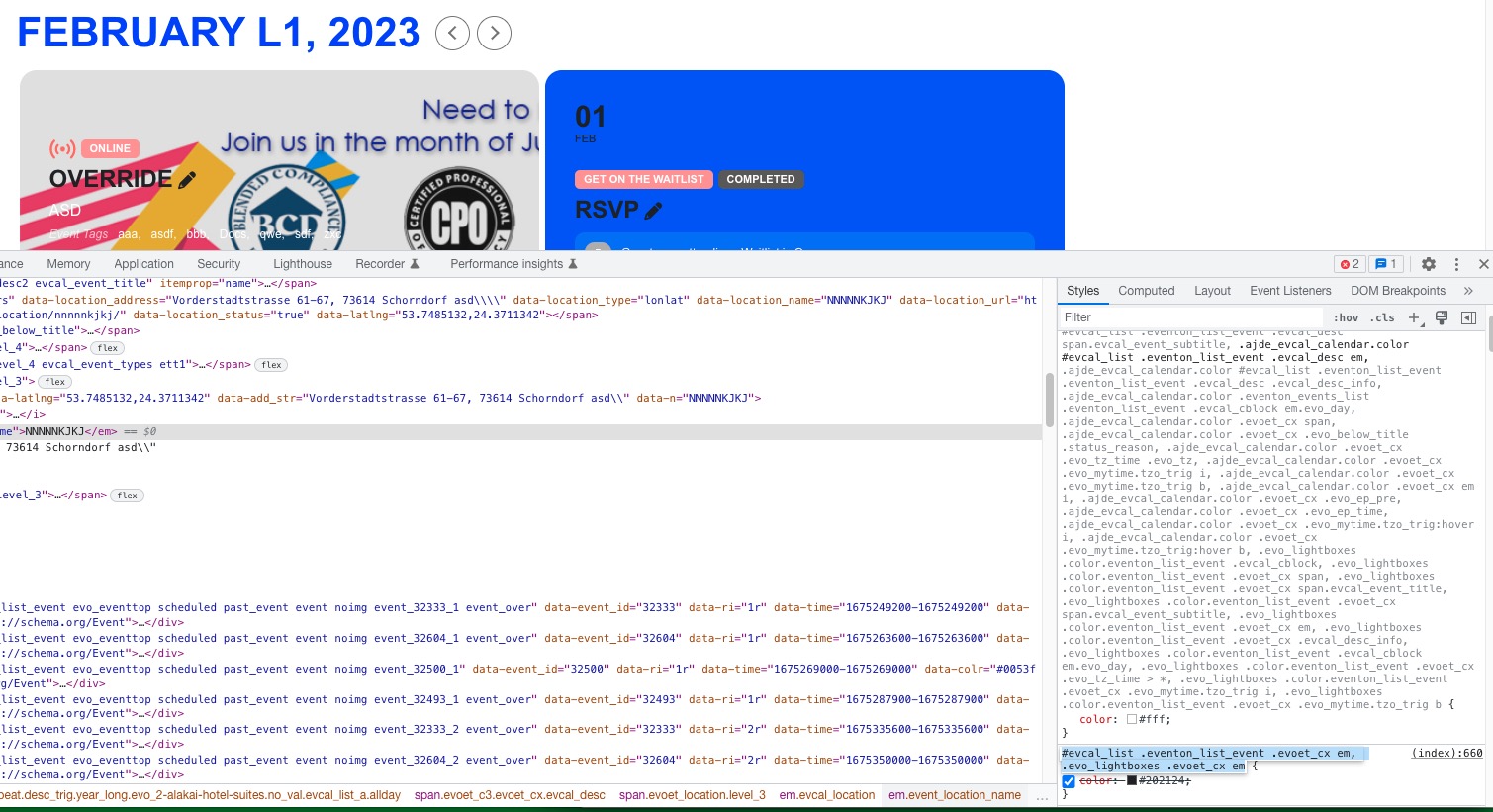
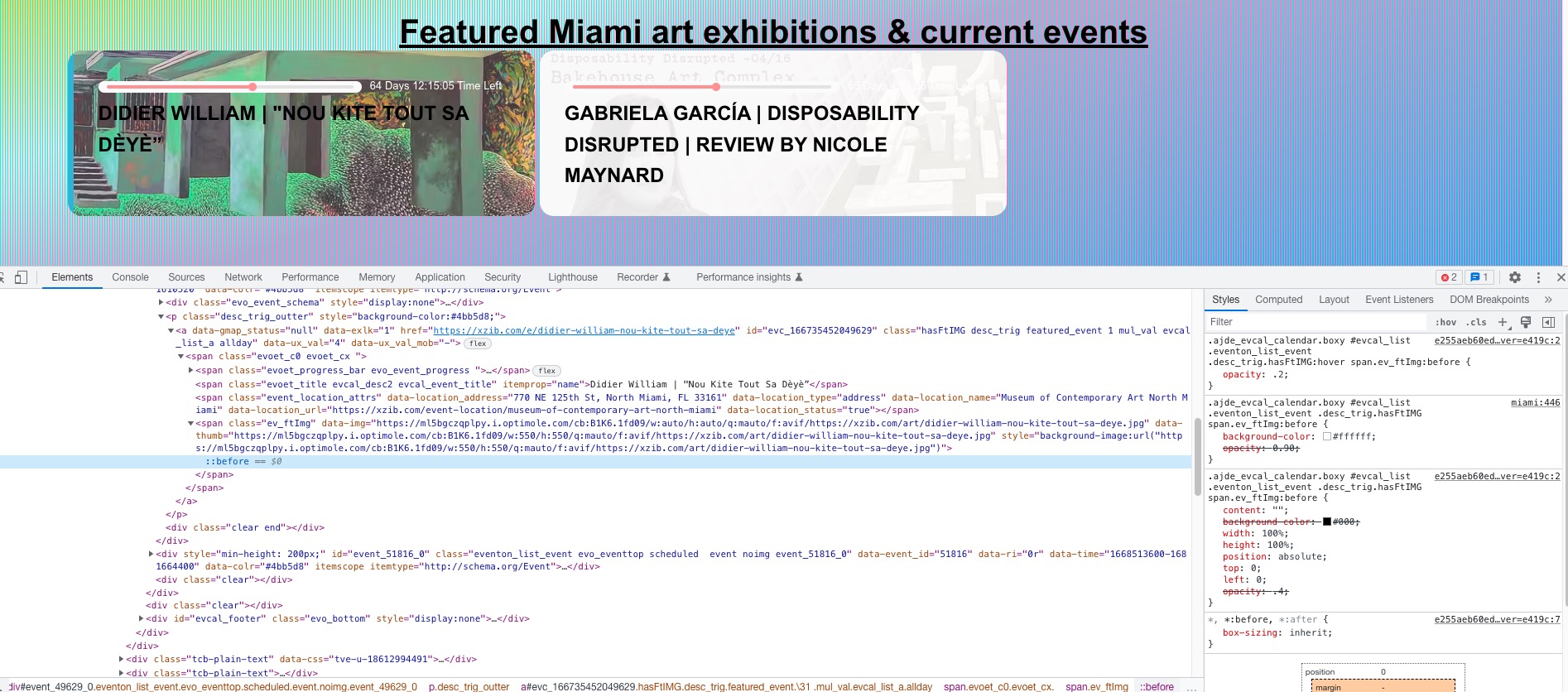
Re: image transparency, Ive added it back and cleared the cache and toggled the script function in event on. It looks the same(pictured) and the background is showing through.
Yes. if Ashan can advise me on how to make that text black it would be appreciated. Also, if there is a way to modify the size of this “countdown?”
Hi. Not trying to disable the the lightbox. Im trying to prevent it from opening on page load. How do I prevent the lightbox from opening on page load. IF you visit this page you will see, the lightbox is triggered when the page is loaded.
It works fine, thank you.
Is it possible to get event title in the Lightbox pop up window in both upper and lower case? It is in upper case now.
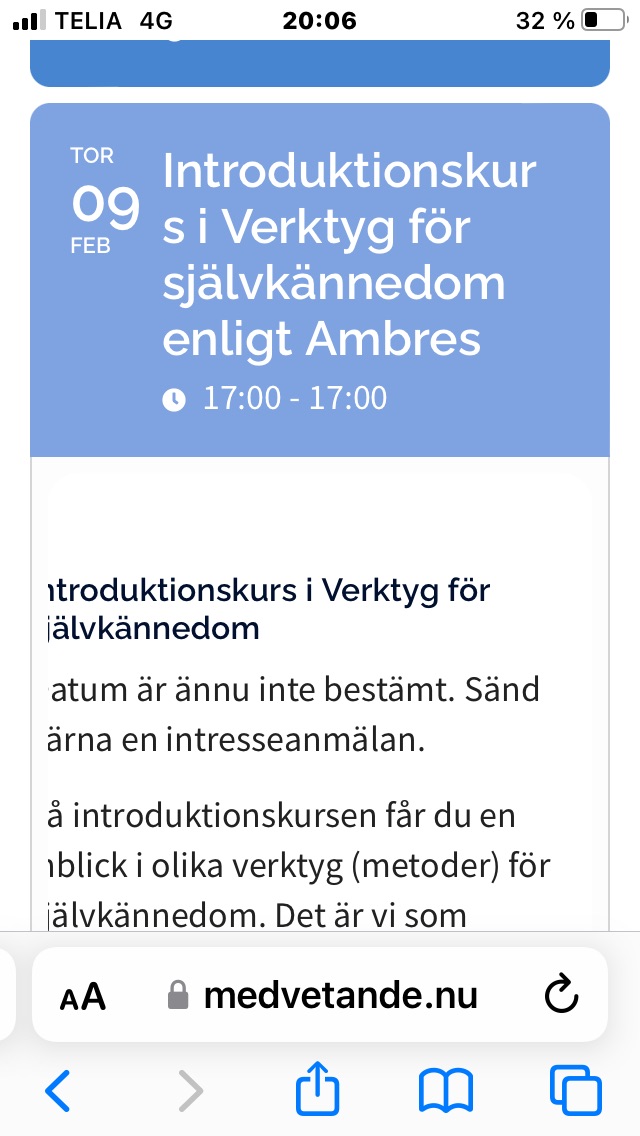
When I open a calendar event in a mobile phone, iPhone 6, the first letter of the text lines of the event details gets cut off when the phone is held upright. Screenshot attached. Tilted to the side the text is shown in full. Any ideas if this can be corrected?
Thank you
Hans
There is no issue with the wp settings, the date and time settings are exactly as they should be and exactly as they want them. I am not changing the core software to allow for poor setting within a plugin.
I originally used the sample.csv file packaged with the plugin and started working out which parts it did not have, then exported a csv from the eventon plugin and started matching up the missing entries.
The end result is mostly an import I can work with, though honestly it seems to be a growing issue that there are so many things I just need to accept as not being quite correct but workaround-able.
The issue is that the plugin, as far as I can see, forces you to use specific, and non-universal formats for dates and times or it simply gets confused and leaves the entry blank (in the case of times in the universal 00:00 format) or wrong (in the case of non-US or universal UTC yyyy/mm/dd).
From utctime.net “UTC, or Universal Time Coordinated, is the most precise and commonly referred to time standard. Since the 1970s, this time standard has been globally used as the most precise time standard”
Thanks. This version of the plugin is also breaking my website event pages. I have included the prod site link and the dev site link below. The prod site is using eventOn 4.1.1 and the dev site is using 4.2.2. The entire structure of the page breaks when upgrading to 4.2. Do you know what changed between 4.1 and 4.2? It has caused some drastic changes to the site where I don’t even know where to start for trying to fix it. Looking for some help in trying to get the page back to normal. I need to use the RSS addon which we were using but needed to upgrade eventOn in order for it to keep working and now I have run into this issue. Any advice would be greatly appreciated. Thanks. -FB
https://www.burtoncummingstheatre.ca/events/an-evening-with-bruce-cockburn/ (prod site – event page)
https://bct.tnse.dev/events/an-evening-with-bruce-cockburn/ (dev site – event page – BROKEN – layout, structure, and header are all gone, font is different – login info below to view)
https://bct.tnse.dev/wp-admin (dev site login url – hover over site title in the left corner after logging in and click Visit Site)
user: eventon
pw: RxG%Tf%pX97G
Could you try following our performance guide:
https://docs.myeventon.com/documentations/why-my-site-and-eventon-page-loading-slow/
Great! Please keep us updated.
Hi — it appears now we can access the event details menus on the back end of the site, so that is good news!
However we are unable to register two of the addons in the backend. Fullcal and rsvp. It did let us register the others.
Please advise . . thank you!
Ashan,
Please take a look at
Reply to: 306703
How do I change the color of the font that details the days, hours, and minutes left in an event? As you can see in the photo, it is white, and I cannot identify where to change it to black.
On dev2 https://dev2.myeventon.com/wp-admin/admin.php?page=eventon#evcal_002:
https://dev2.myeventon.com/32778-2/
Could make sure that the code is added? I cannot find it on the page:
How do I change the color of the font that details the days, hours, and minutes left in an event? As you can see in the photo, it is white, and I cannot identify where to change it to black.
Thank you for your messages, I am going to assign this ticket to Ashan and he will be able to take it from here and find you a solution. Please allow some time for him to get back to you, we greatly appreciate your patience and thank you for being a eventon customer! Also please disable any IP blocking on your site if there are any.