Hello,
Thank you for your messages, I am going to assign this ticket to Ashan and he will be able to take it from here and find you a solution. Please allow some time for him to get back to you, we greatly appreciate your patience and thank you for being a eventon customer! Also please disable any IP blocking on your site if there are any.
Hello,
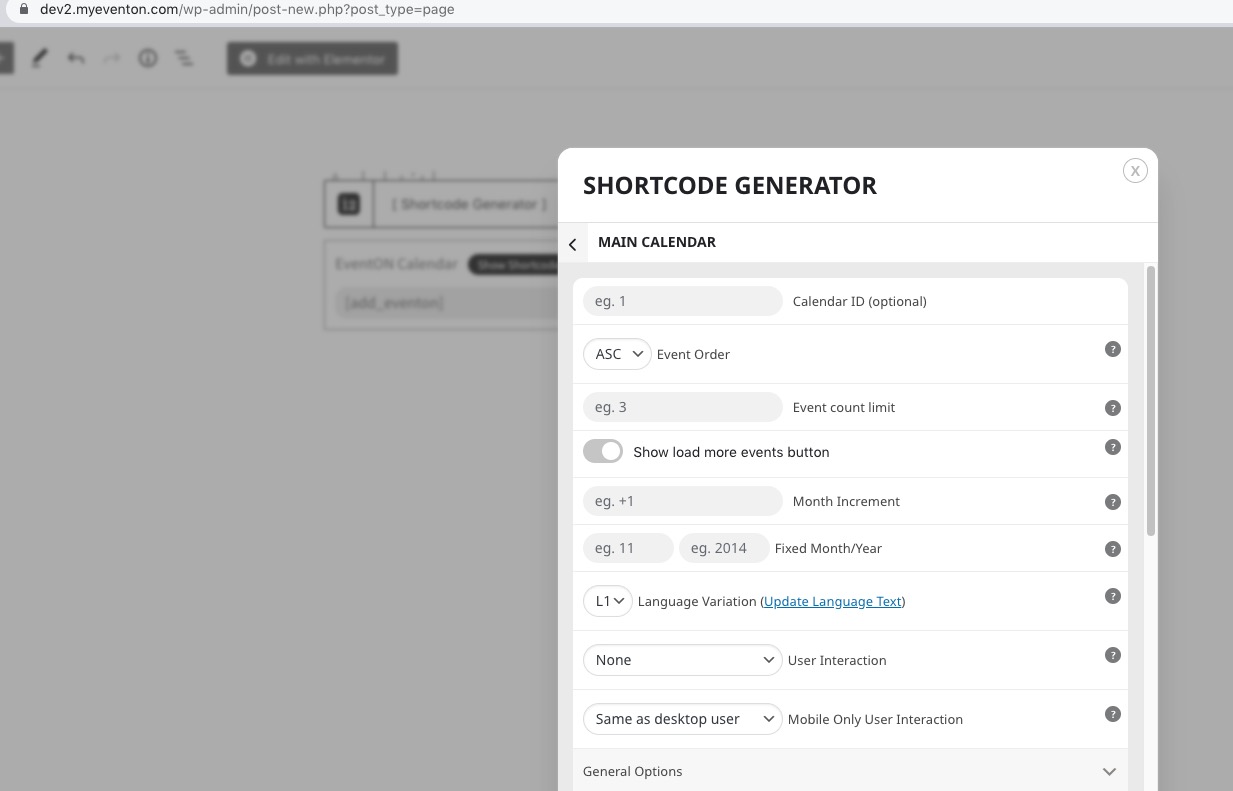
Seems to be working:
 Please send us wp-admin access to your site as a private message for us to further assist your situation.
Hello,
Try this shortcode:
[add_eventon_el el_type=”dr” start_range=”2023/01/01″ end_range=”today” el_title=”Past Events 2023″]
On our test server:
https://dev2.myeventon.com/32694-2/
Hello,
Could you send us a screenshot of “Show Location”? Not sure which part you are referring to.
Disabling Broadcast didn’t help, unfortunately. Can we please try the instructions mentioned in this documentation?
Hello ryan lutz,
Please use this code:
.evose_repeat_header .ri_nav em { display: none !important; }
Crawlers still will be able to see the text.
Hello,
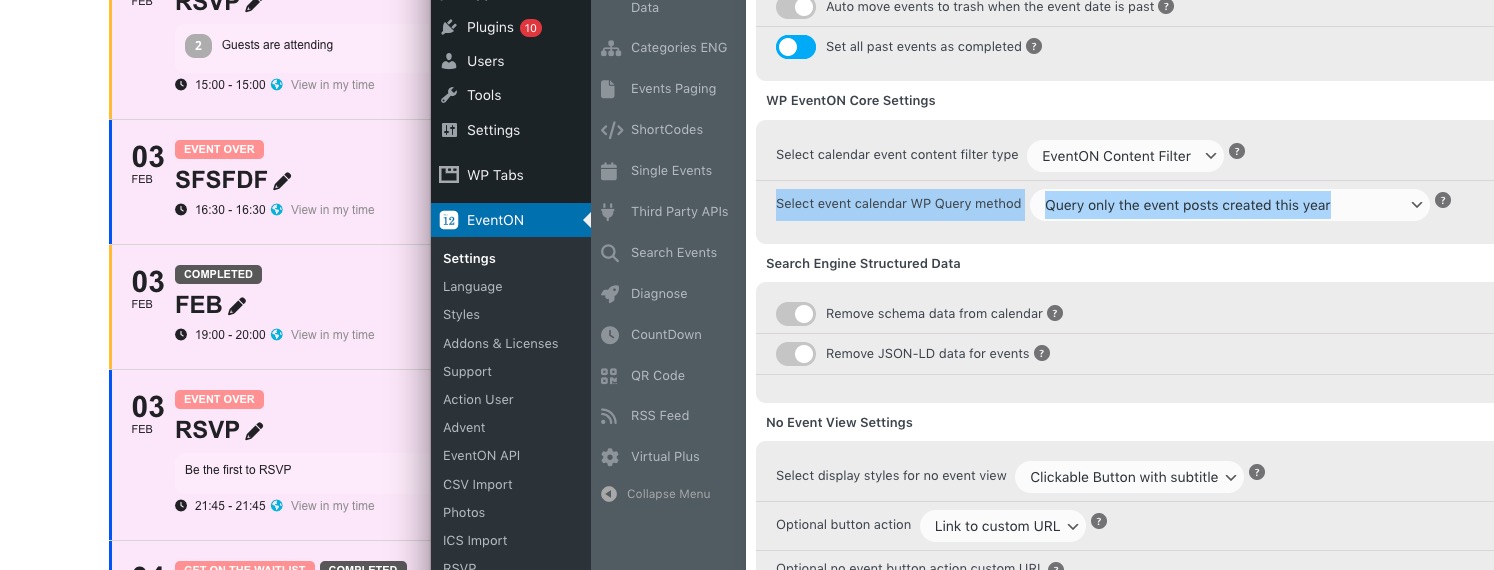
Seems to be working correctly on our test server (event “Feb” on Feb 3rd):
https://dev2.myeventon.com/32691-2/
Please send us wp-admin access to your site as a private message for us to further assist your situation.
Ashan,
Invoice:
https://helpdeskx.s3.amazonaws.com/wp-content/uploads/2023/02/03044617/invoice-36617-1.pdf
Thank you for your messages, I am going to assign this ticket to Ashan and he will be able to take it from here and find you a solution. Please allow some time for him to get back to you, we greatly appreciate your patience and thank you for being a eventon customer!
We are glad your issue is resolved, if you have any further questions or concerns please create a new ticket.
If you have a moment, we would greatly appreciate if you could kindly leave us a review at codecanyon! from your account > downloads. Cheers!