1: see video below
2: schedual view does not have the slide down option- only pop up or go to single event page
ican shows twice but you can delete one of them in myeventon>>>settings>>>.event card design
time issue: from wordpress dashboard what time have you set for settngs>>>>general?
you can play around with the events list extended addon (and any other addon at:
https://dev.myeventon.com/wp-login.php?redirect_to=https%3A%2F%2Fdev.myeventon.com%2Fwp-admin%2F&reauth=1
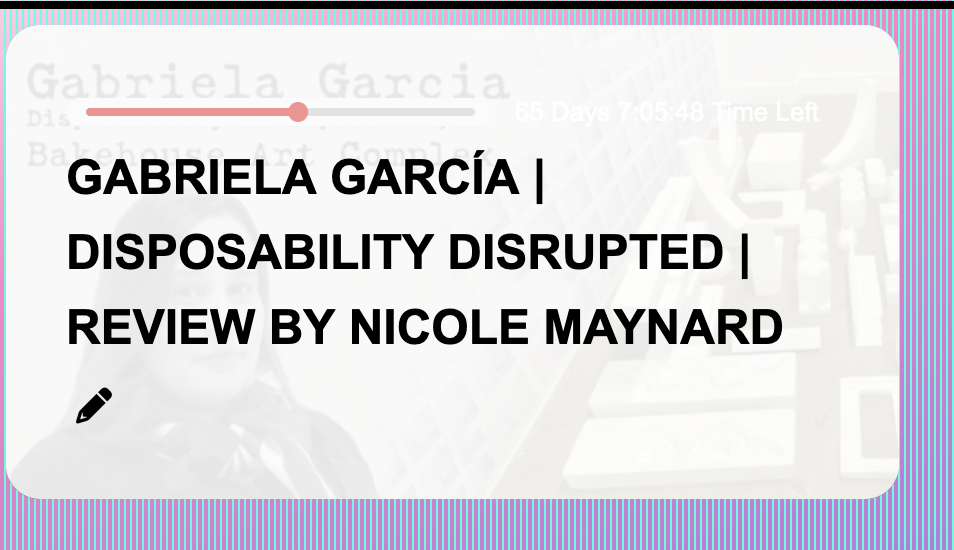
The above problem was not solved with the code and I cannot figure out how to modify the codes to make the featured image 100% opaque.
Moving forward to another event top question.
How do I change the color of the font that details the days, hours, and minutes left in an event? As you can see in the photo, it is white, and I cannot identify where to change it to black.
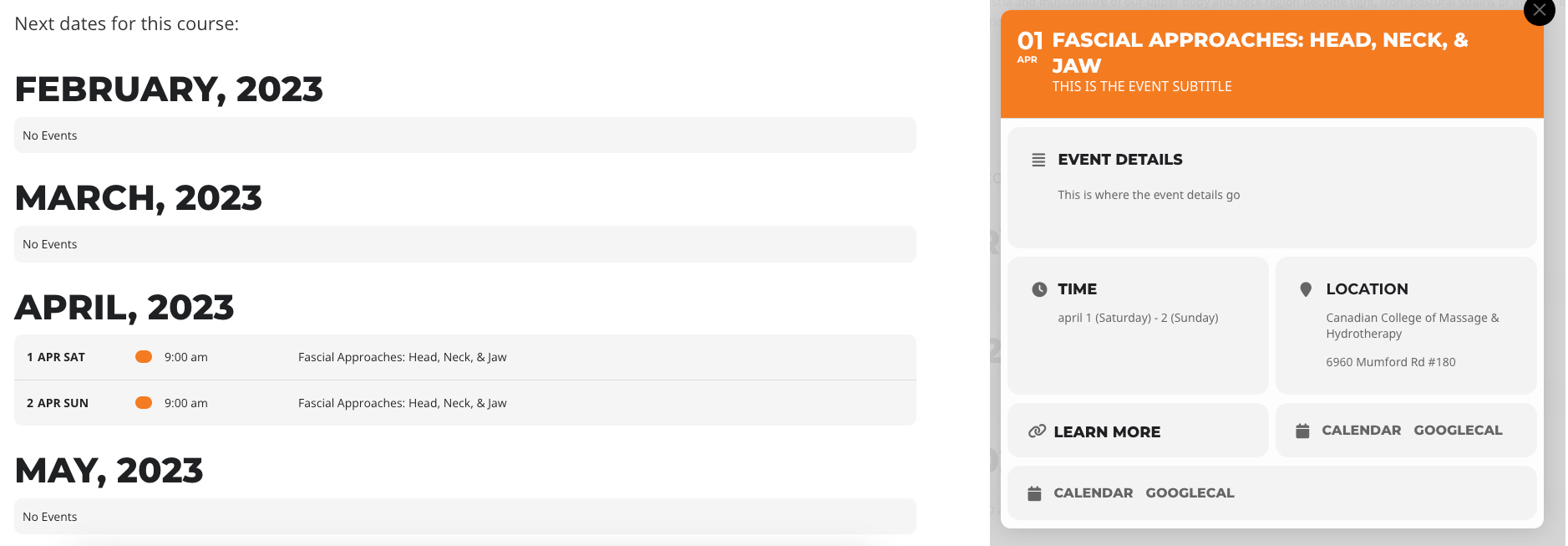
One other related question – if the decision is to stock with EventBrite for now, is the label on the “learn more” link editable in some fashion? Is it a variable in the system or a text strong that can be replaced with a “register now” link?
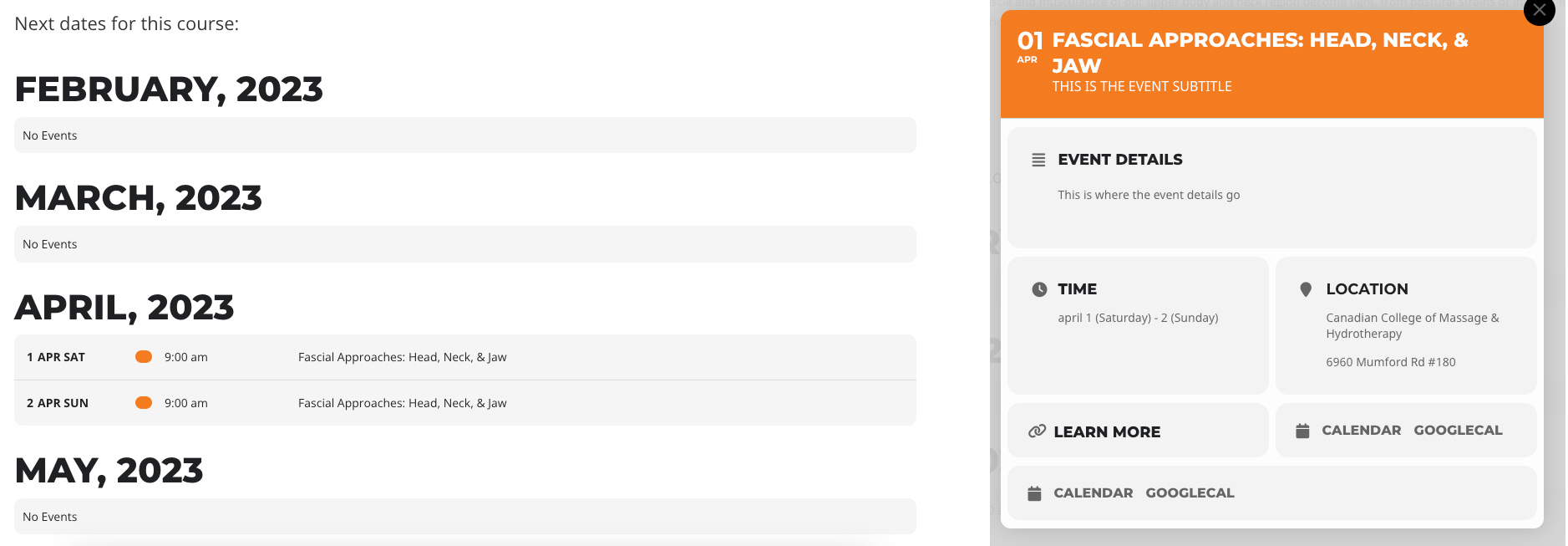
Ok thanks. that helps narrow my focus, though I have some related follow-up questions. I’m starting to think perhaps the Event List Extended add-on might be worthwhile to keep the number of calls to the plugin to a minimum. But I’ll keep experimenting to confirm. I did set up a regular page in wordpress for the profile of the course, and then in the calendar set up an event type 1 that matches that specific course. Then within that course page, I used the event schedule as you suggested, repeating it with month_incre variable (6 times to cover 6 months, which is a lot).
A couple of things I’ve run into playing with the Schedule setup you walked through:
- since the courses are essentially 9am to 5pm on two consecutive days, the schedule is showing them as two rows – one for the start, and one for the finish. Even when I turn on hide end date and span in calendar to hide date. I’d rather be able to show that the event runs 9am-5pm on April 1st and April 2nd as a single row. How do you normally handle events that span multiple days? If the hours were different per day then they could be entered as more than one event, but then how would you tie them together on the front end, which is especially important since these are paid registrations we’re after for a single course that runs on both days consecutively.
- I set the EventOn for my event to “slide down event card” but when I click on the event from the schedule view, I get a modal window. Which is actually fine for now, but I ran into two things within it – first, the iCal and Google calendar link appears twice in the modal window (I assume because it’s a multi-day event, but this would be confusing for the user). And second, in the auto-generated time block, the date is displaying with lowercase on the month, and no time is displayed (even when I disable “hide time from calendar”).
I’ve updated the version tot 4.3.2 hopefully it will be successful now.
I also tried to only show one categorie of events instead of all three categories. I tought maybe its slow because of the amount of the events. But even with only 20 events displayed per week (instead of around 320 events) the calendar is still slow like before. So I assume the problem lies somewhere else
I went to https://viborgfolkeuniversitet.dk/wp-admin/admin.php?page=eventon#evcal_004aa and added Tags before Title. Please check and let me know.
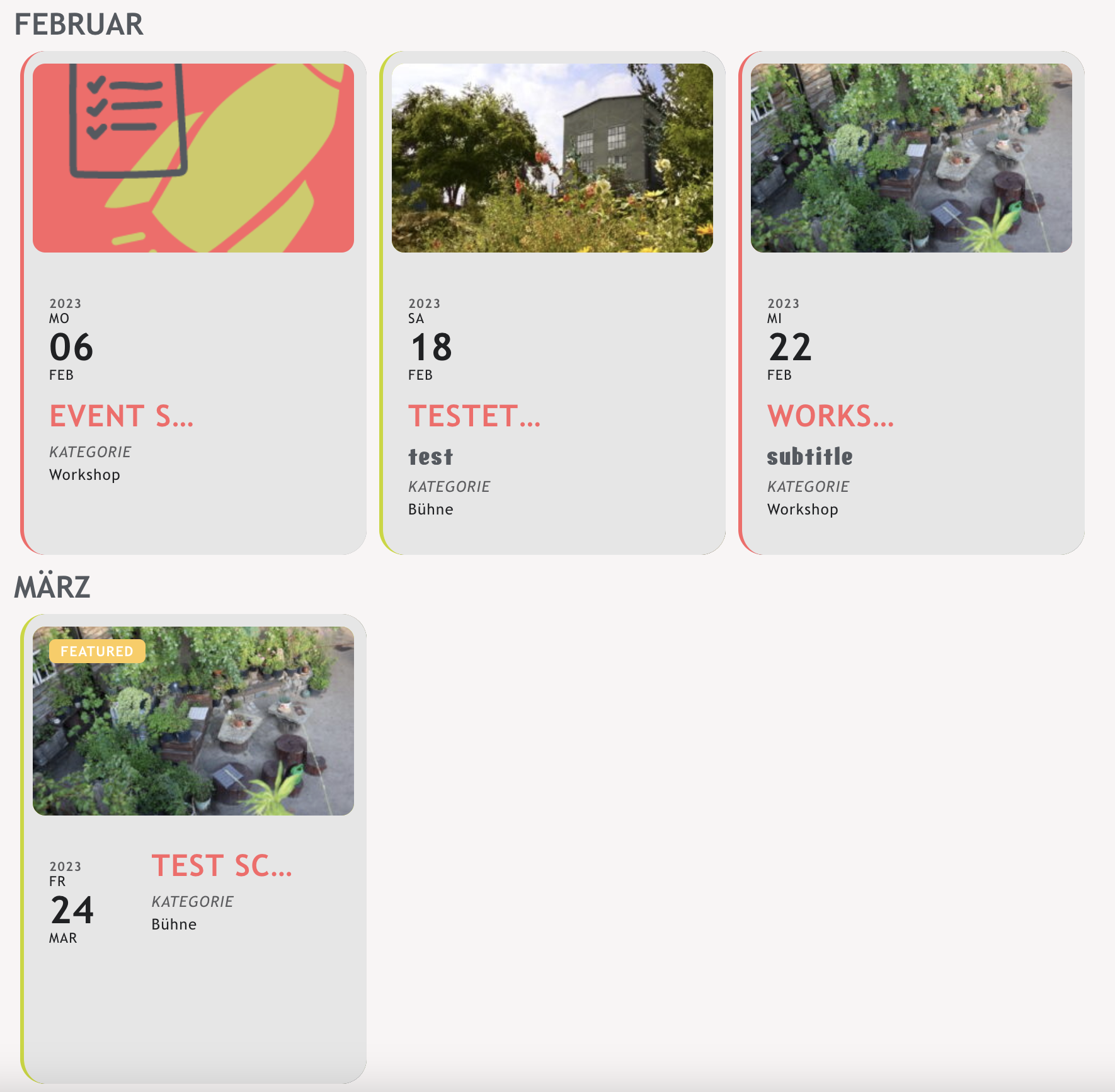
It´s not a static page. I built this template with the themebuilder in Elementor pro. So in the shortcode there s the id information. And in the function what should there happen.
My Question about “title under the dates” have nearly resolve. Thank you for helping. But not every event looks nice. Do you know why? And another thing (sorry): how could I get the whole Title. I don´t like the point-point-point.
Could you update EventON to 4.3.2?
To update eventon to latest version: If you are unable to do autoupdate, you can go to codecanyon your account > download and get the latest eventon version as zip file. Then you can go to your website > make sure “Delete eventon settings & data when EventON is uninstalled” is Deslected from eventon settings, delete old eventon, install new one and activate. This link will further explain the process it. Also you can follow us on twitter to get real-time announcements on updates!
Ashan,
Not sure how to enable EasyPay on our test server, but it seems that the issue only with Seats:
https://candlelightguitar.com/events/%ec%9d%b4%ec%b2%9c-%ec%9d%b4%ec%b2%9c%ec%95%84%ed%8a%b8%ed%99%80-%ec%84%9c%ec%8a%b9%eb%af%bc-copy-2/
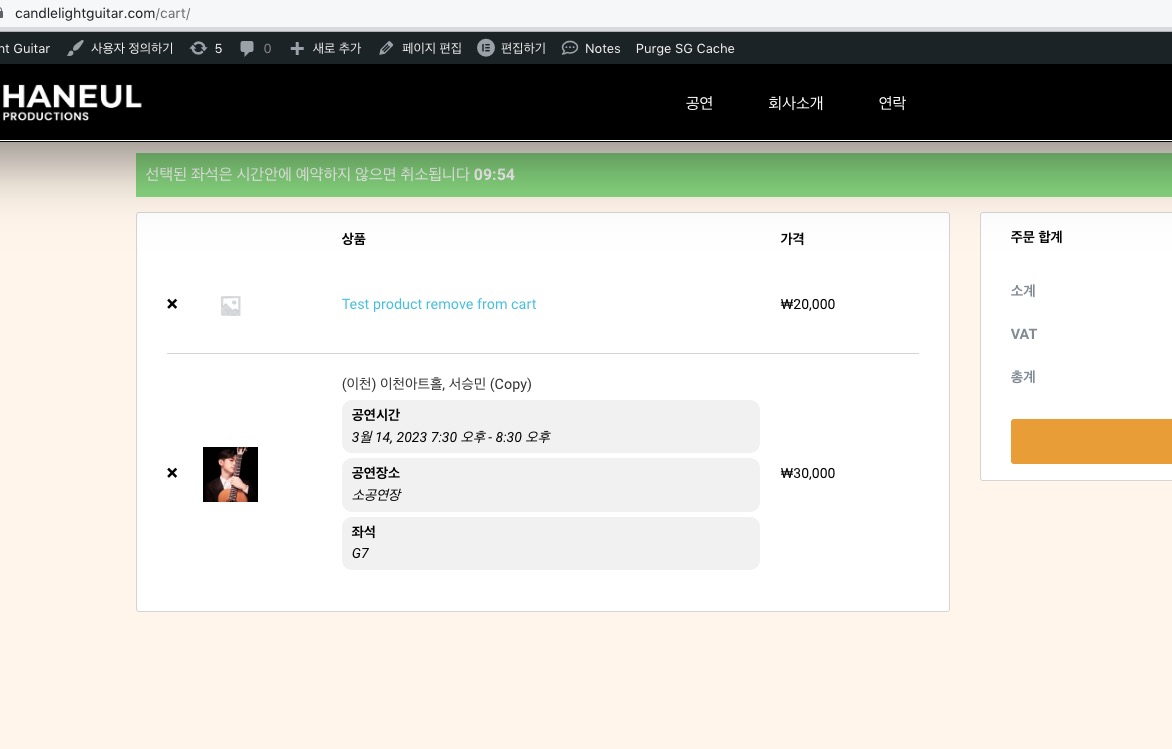
Regular Product alongside with Seats:
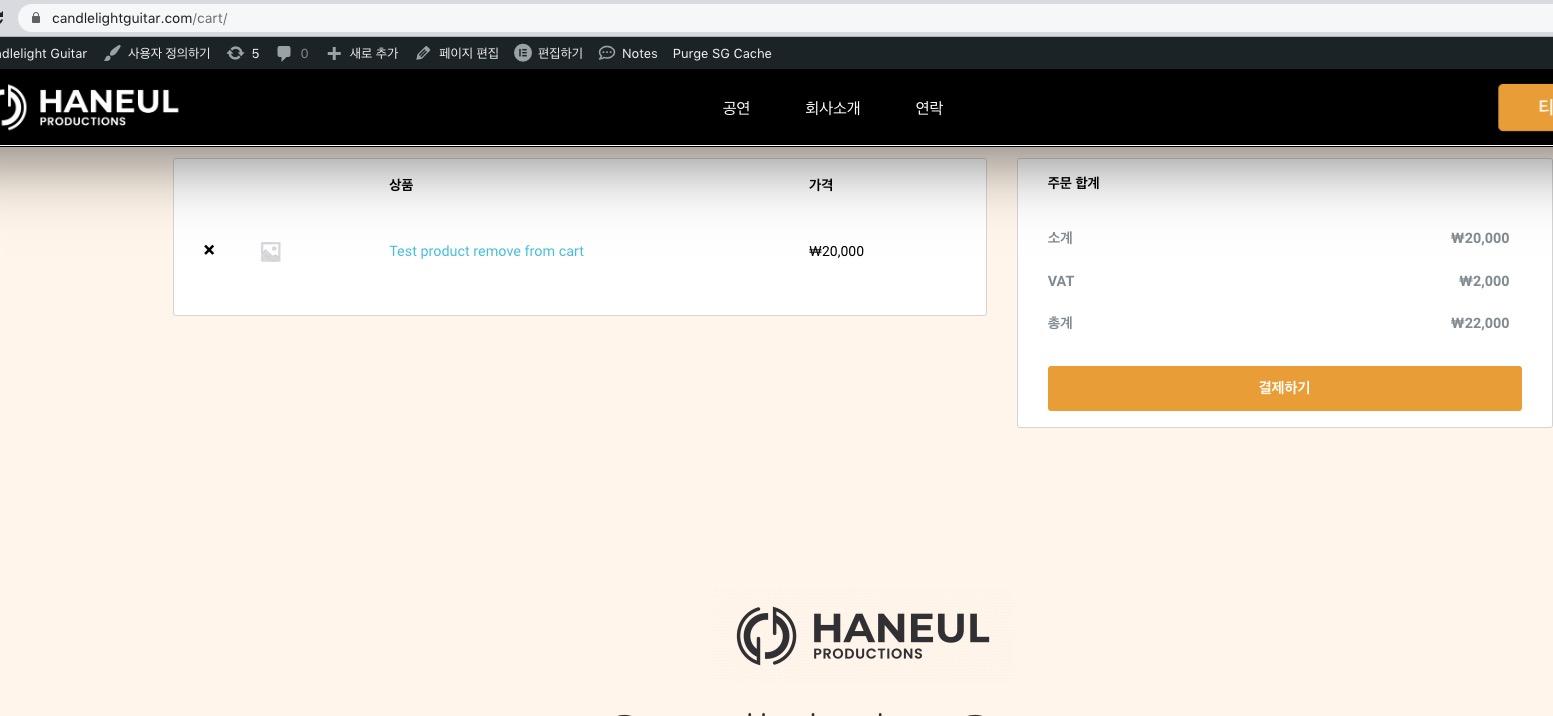
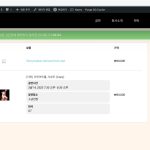 Regular product:
https://candlelightguitar.com/test/ (Test Product Remove From Cart).
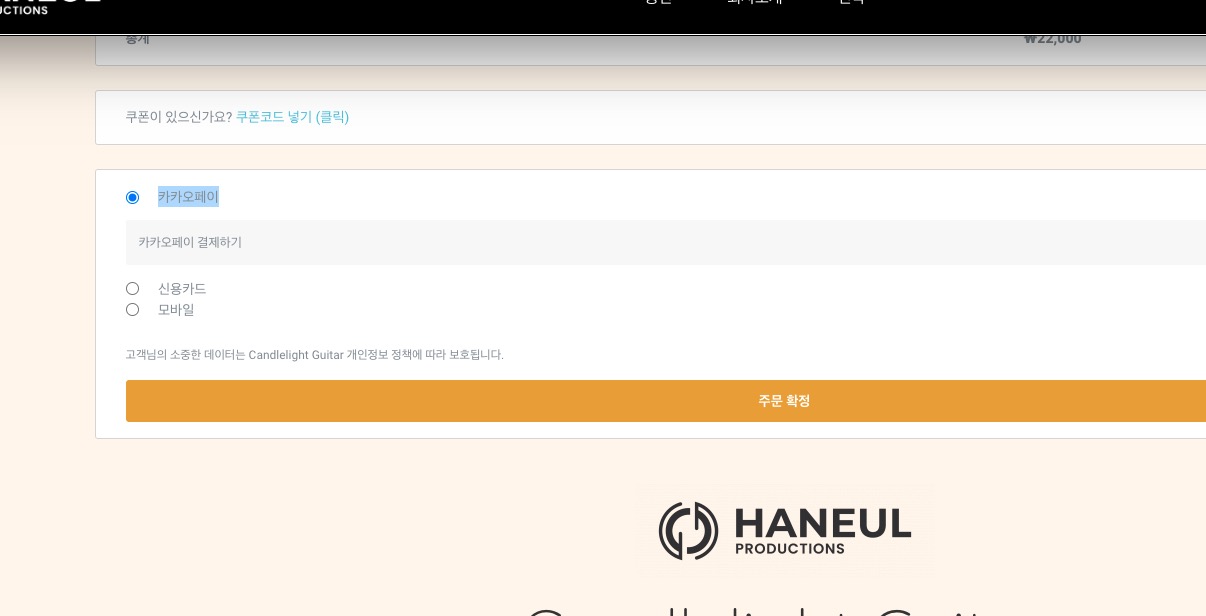
Add them both, go to Checkout, select this payment method: Close the modal window, go to Cart: