Nothing in particular I thought I could make a visualization similar to this reference but it is not possible
https://ikn.it/forum-retail/agenda/#program-100453
Archives: Replies
Replies for tickets on suppota
Reply to: tickets(392239)
Thank you for your great suggestion, at the moment it is not supported. However please create a new ticket and select Feature Request as category so others can vote on your idea and get it moved into development faster.
Reply to: tickets(396693)
We are glad your issue is resolved, if you have any further questions or concerns please create a new ticket. If you have a moment, we would greatly appreciate if you could kindly leave us a review at EventON WordPress Page OR Codecanyon. Your review helps us a lot in continuing EventON improvements!
Reply to: tickets(397057)
Hello,
Your theme uses some kind of dynamic pagination functionality that is not compatible with EventON since it uses custom taxonomies.
Could you contact the theme developer and ask if it’s possible to disable it on certain pages or fix custom taxonomies?
Reply to: tickets(397058)
Hello,
Thank you for your messages, I am going to assign this ticket to Ashan and he will be able to take it from here and find you a solution. Please allow some time for him to get back to you, we greatly appreciate your patience and thank you for being a eventon customer!
Reply to: tickets(397060)
Hello,
Thank you for your great suggestion, at the moment it is not supported. However please create a new ticket and select Feature Request as category so others can vote on your idea and get it moved into development faster.
Reply to: tickets(396905)
I enabled WP_DEBUG. Please upgrade PHP, so we can check debug.log file for any errors.
Reply to: tickets(396099)
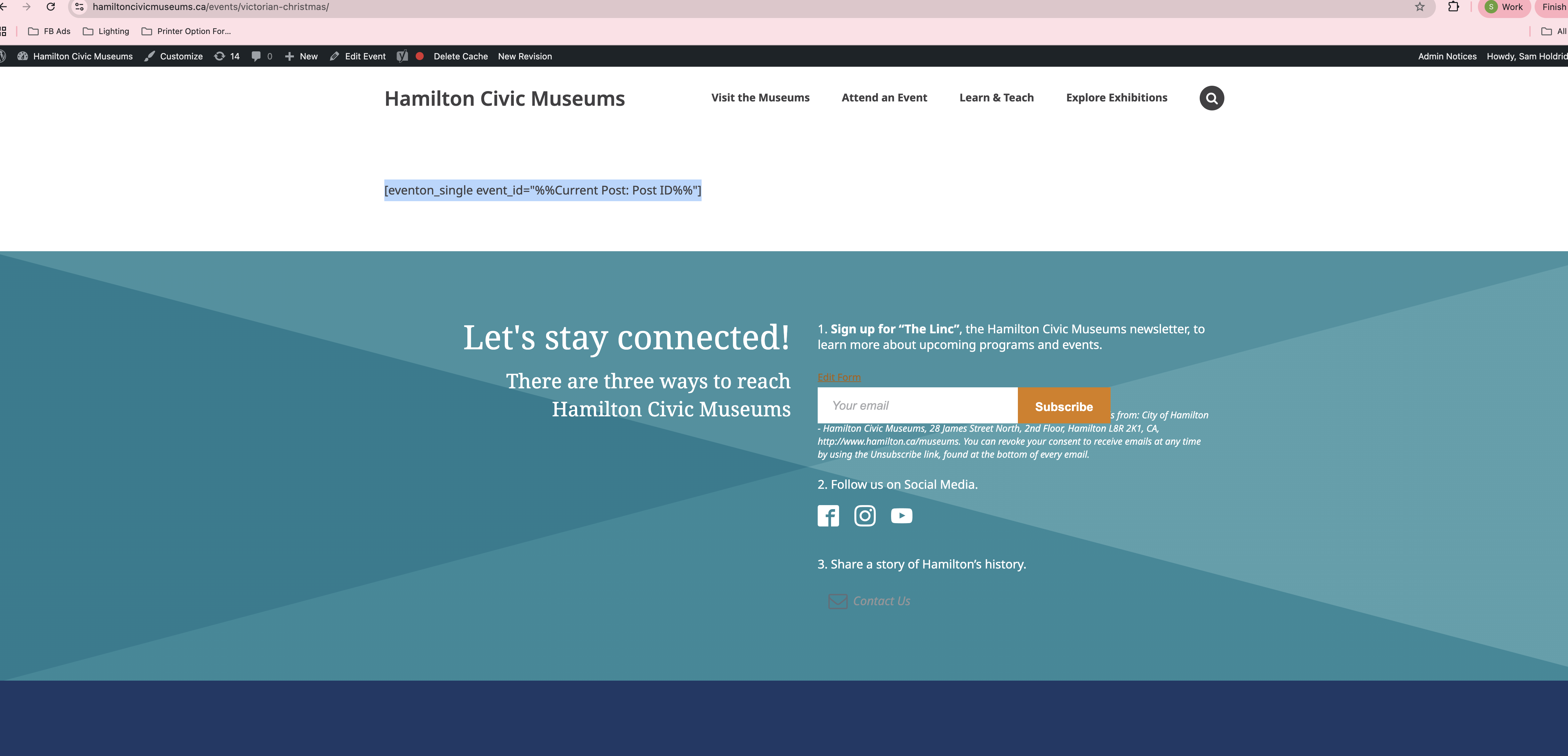
I am working on a page template to have the individual event pages load on… What is the shortcode that I should use to have it pull the event? Here is that I have currently: [eventon_single event_id=”%%Current Post: Post ID%%”]
Reply to: tickets(397066)
Hello,
Please take a look at Subscriber add-on:
https://www.myeventon.com/addons/subscriber/
Try on https://dev.myeventon.com/wp-admin/
Reply to: tickets(397067)
Hello,
Please add this CSS code to EventON > Styles (If you don’t see any change, EventON > Scripts & Styling > turn off Write dynamic styles to header > save settings > turn on Write dynamic styles to header). You can also add this code to wp-admin > Appearance > Customize > Additional CSS.
.calendar_header .cal_head_btn { background-color: red; color: #fff; }