Unfortunately, I cannot check provided links:
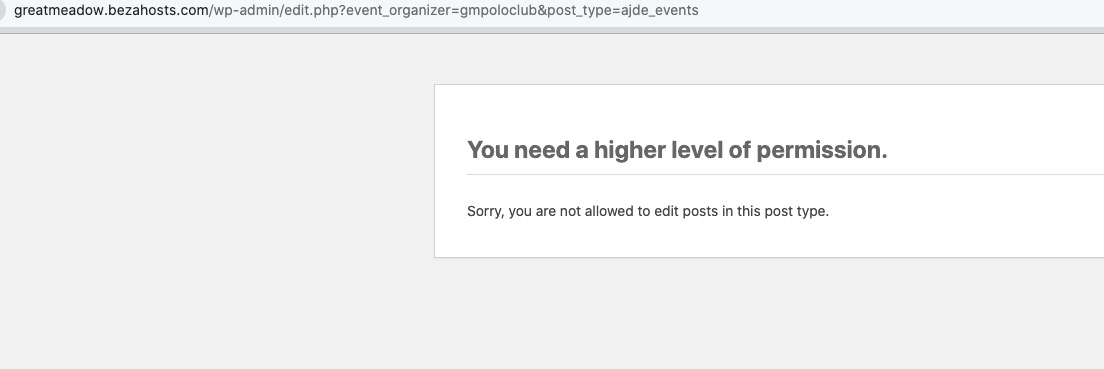
Please allow us to access them.
Replies for tickets on suppota
Unfortunately, I cannot check provided links:
Please allow us to access them.
Hello,
FullCal doesn’t have search_all=”yes” number_of_months=”12″ options available.
Please refer to Shortcode Generator > FullCal for more info:
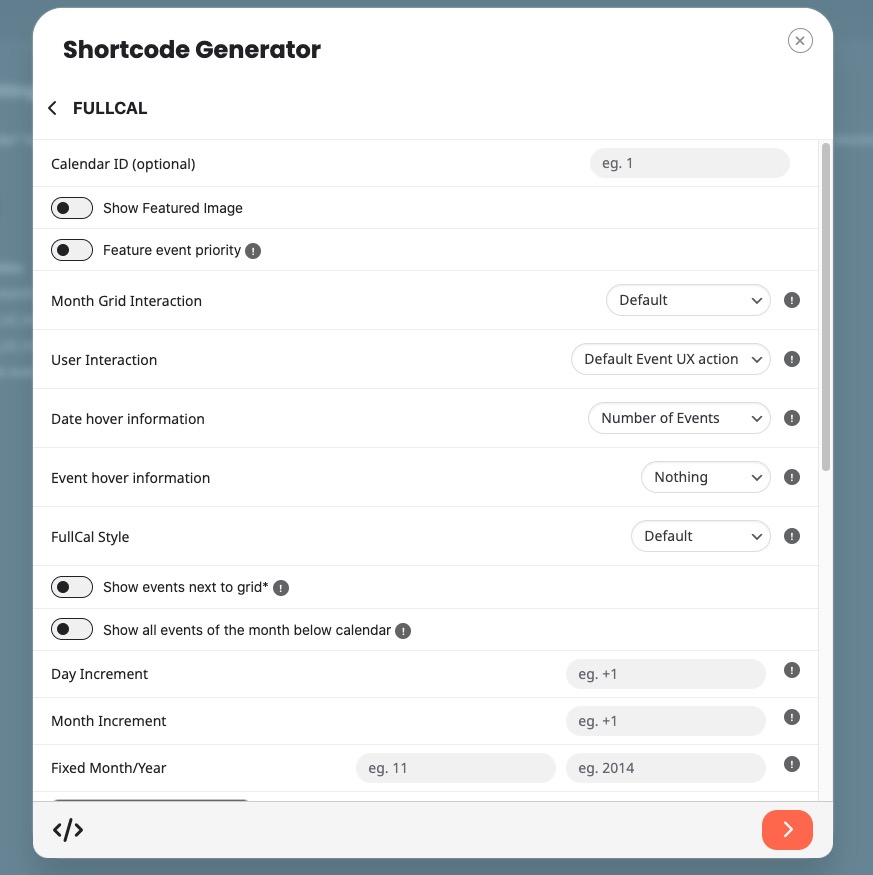
FullCal only searches through the currently selected month.
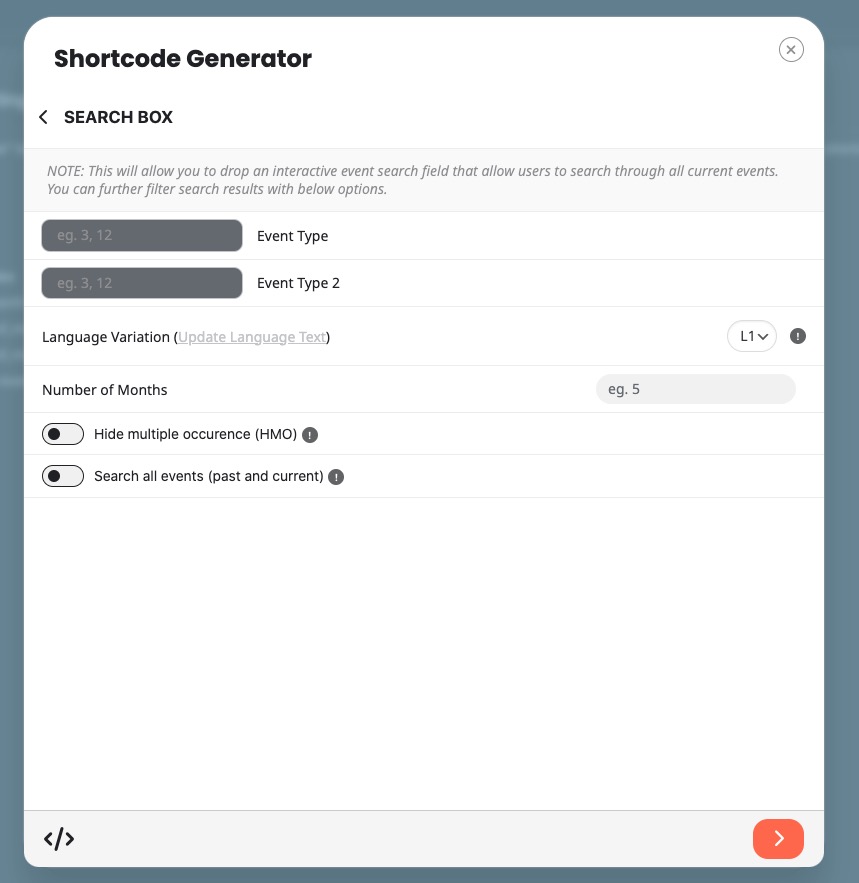
If you want to search for all available months, please use Search Box:
[add_eventon_search number_of_months=”12” search_all=”yes”]
Hi – It was a problem with elementor (not sure what) anyway another version of elementor was released last night and it appears to have fixed the issue – thanks for your help
Situation mostly resolved. Installed PHP 8.3 … deactivated EventOn 5.05 … deleted the plug-in (Delete eventon settings & data when EventON is uninstalled – TURNED OFF) … reinstalled EventOn 5.05. All of the event graphics are missing for the calendar, but I am confident that I can re-establish the linked files.
Hi,
Thank you for your assistance! WP admin access was shared and you just need to 1st use the same username/password to enter the website (as it’s password protected) and then visit the wp-admin page and enter the same username and password to gain access to WP backend.
Here are some pages for the backend and front-end for the organizers which show different number of events or no events even though there are upcoming events for these organizers:
This is impacting all of the organizers as the above are just 2 examples of the issue.
Look forward to your update and thank you once again for your assistance!
Best regards,
SW
Would you mind sharing the complete details of this report? it is saying the report is pertaining to version 4.9.12 or less.
We have reached out to Patchstack but have not heard anything back about this.
Ashan,
Order #219970.
Thank you for your messages!
I am going to escalate this ticket to development to help in here. Please allow us some time to address this, and we truly appreciate your patience. Thank you for being a valued EventON customer!
Please also try following this guide:
https://docs.myeventon.com/documentations/debug-javascript-interactive-issues/
Please follow the instructions in this documentation to activate debug in your site to see any PHP errors recorded that can provide insight on to whats going on. Please reply with a link to debug.log file.