Hi Ryan,
Thank you for your message, I am going to assign this ticket to Ashan and he will be able to take it from here. Please allow some time for him to get back to you, we greatly appreciate your patience and thank you for being a eventon customer!
Hello Bill,
Thank you for your message, I am going to assign this ticket to Ashan and he will be able to take it from here. Please allow some time for him to get back to you, we greatly appreciate your patience.
Hello,
For further clarification (Please watch the video: https://www.dropbox.com/s/7ojchmfx08yvzja/g-s.mp4?dl=0 ), the ad disappears without pressing anything.
This is not true and may cause problems later with the Google Ads policy with all sites that use the plugin.
You can stay on the homepage on the first visit for a minute, then press any event, and you will notice the problem.
Thanks,
if that doesn’t solve the issue (it should) but if not please provide wp-admin acces so we can diagnose
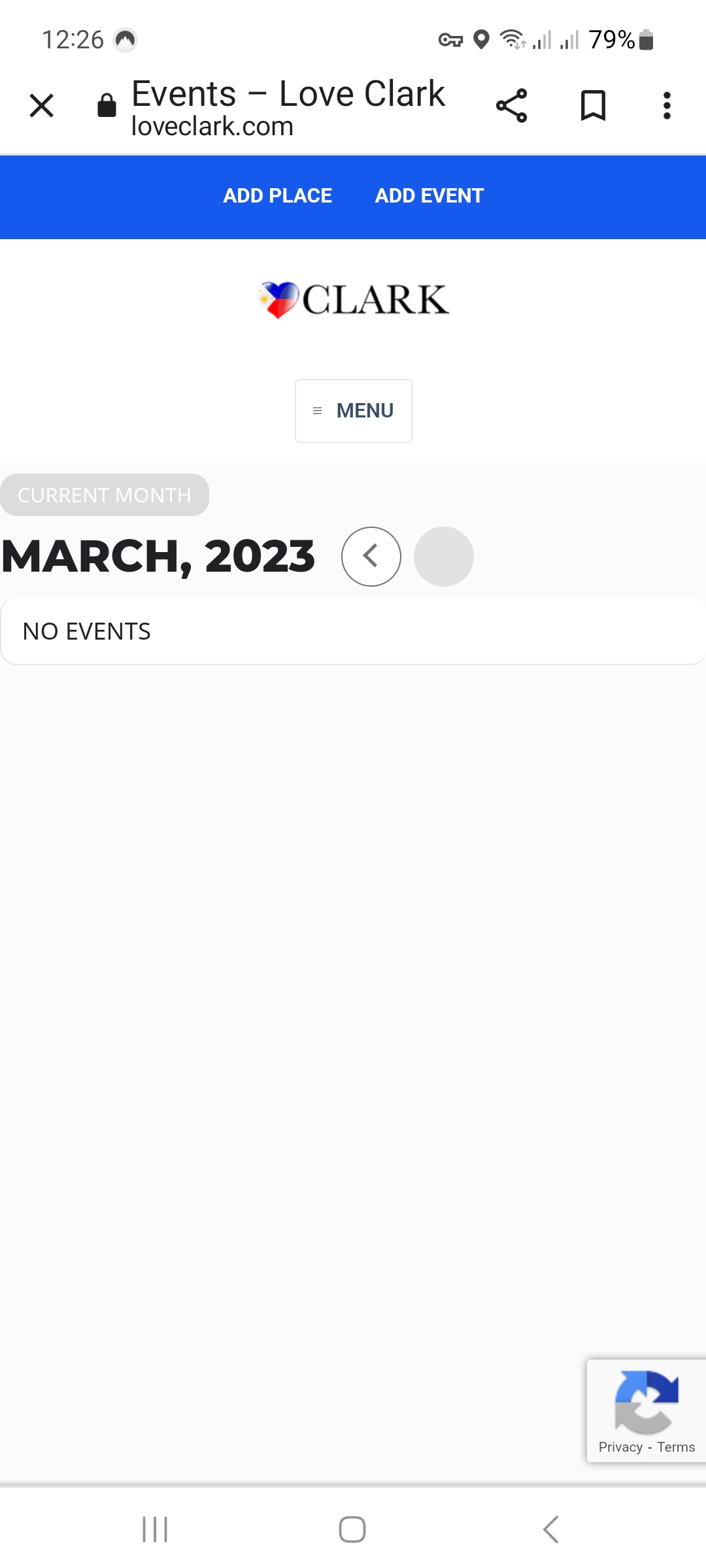
(initial loading LOVECLARK – EVENTS) displays both < and > Buttons but if you move-ahead in time from the next month onwards the FORWARD button is greyed out etc etc…
That solved it. It looks like all of my add-ons needed updating. Thank you for pointing it out.
Do you anticipate supporting automatic plugin updates in the future so that these won’t get missed?
I tried this, and I feel we are having a miscommunication.
Im trying to make the featured image to be NOT translucent. When I add this code, its effecting the overlay. And I cant identify how to make the featured image to NOT be translucent, because when its translucent, it makes it look faded and this makes my artist partners upset.
If you see the image above, you can see the vertical lines that are showing through the image
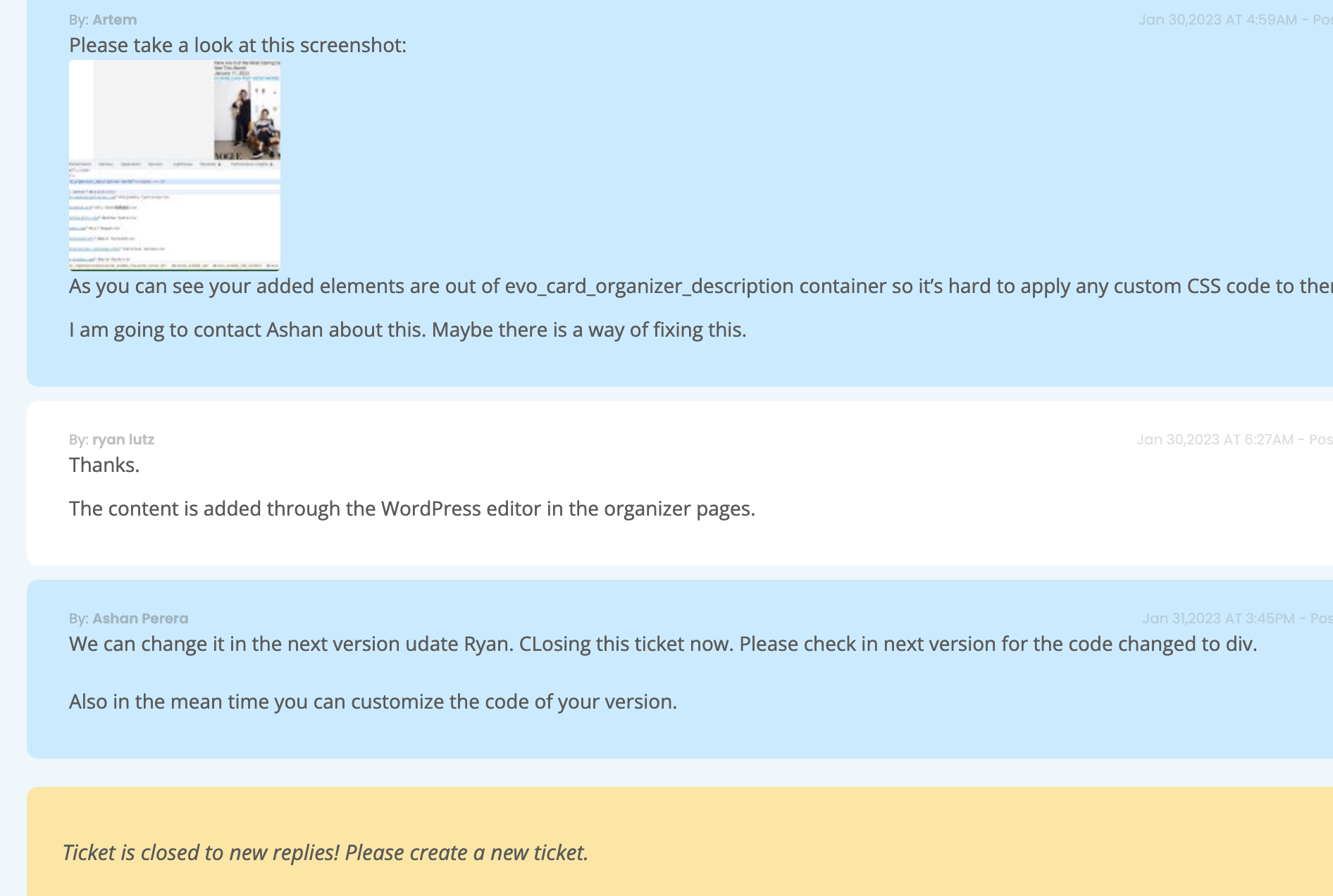
The update to the superflous content was not included in the most recent update as promised and the “description” is still being added to the organizer pages.
An update was launched, and this is still a problem as you can see when you load the image below
https://xzib.com/e/design-miami
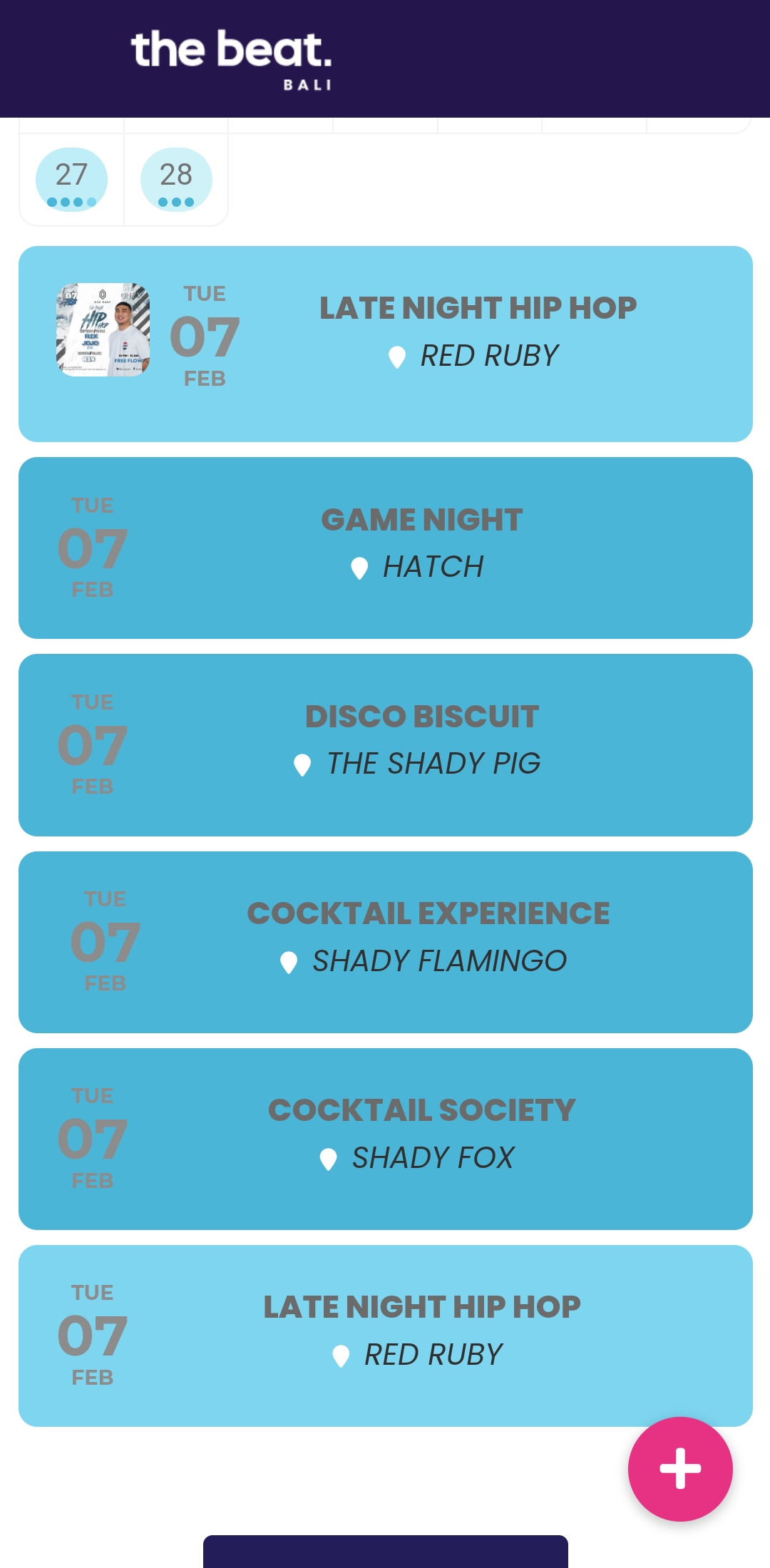
I wish it was possible to post more than one attachment.
Here attached is how the grey text you added now looks on the calendar. Can’t see the grey against the blue.
The name of the event needs to be white