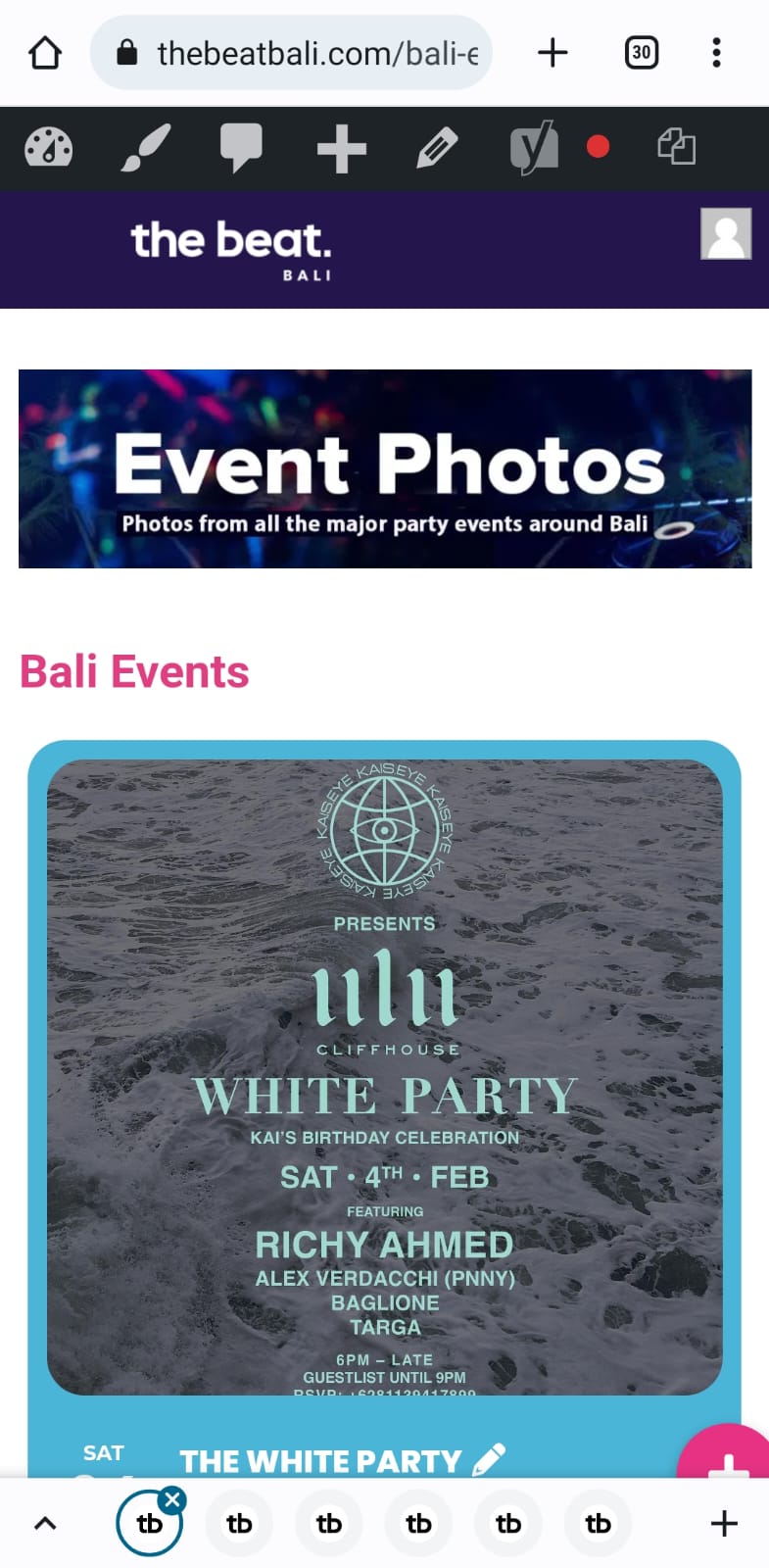
Attached is the only example I have of the event card border and white text (only on mobile though).
Replies for tickets on suppota
Attached is the only example I have of the event card border and white text (only on mobile though).
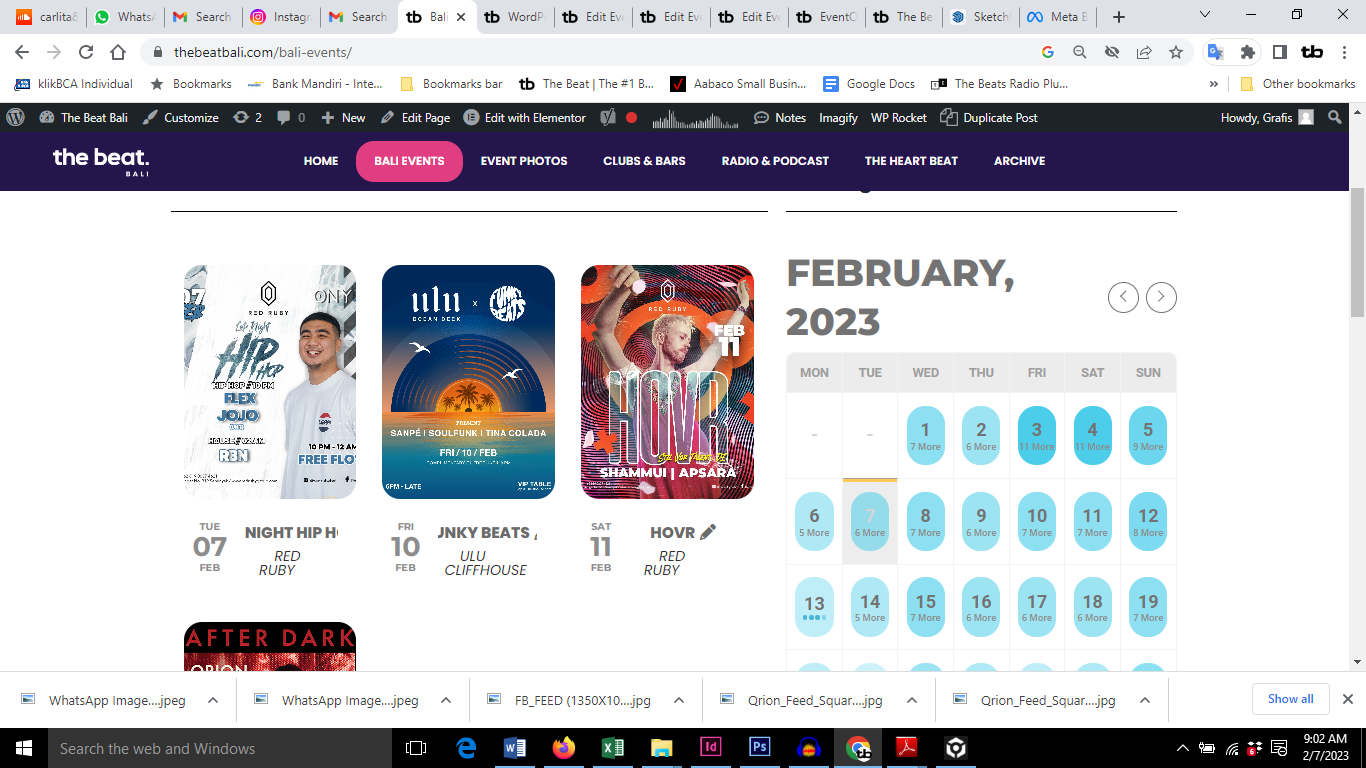
See the screenshot attached please.
The card doesn’t show the full name of the event and there is supposed to be a border colour box around the event card on that page. Also with the change of colour to grey is no good, you can’t see the text on the calendar properly. You need to change the text back to white and find the border background colour for the event card. Do you know what I mean?
I will send a screenshot of the event card border in the next message
HI Dave and thank you for your response because it seems I have been doing it wrong.
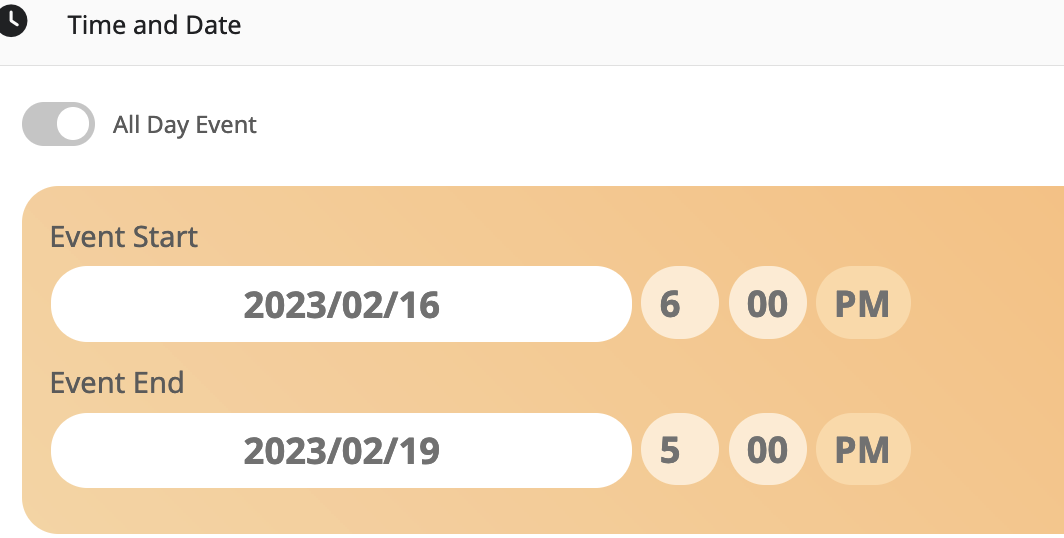
The “16-19th” which you mention cannot be deleted. When I delete it and save, it just reappears which I assume is because that is what I set as the initial date/time.
On the BIG picture, these are art fairs, and im not sure if I am making a mistake by entering them as repeating events, though I see no option.
These are art fairs that span multiple day, and varying times every day, SO, Im trying to pass that info to the search engines. And RIGHT NOW, Im clueless as to how to properly create the events with multple days, and varying hours every day.
So lets start with the “time and date” pictured for THIS event, is this incorrect way to begin entering this single event that has varying start and end times over a 4 day period?
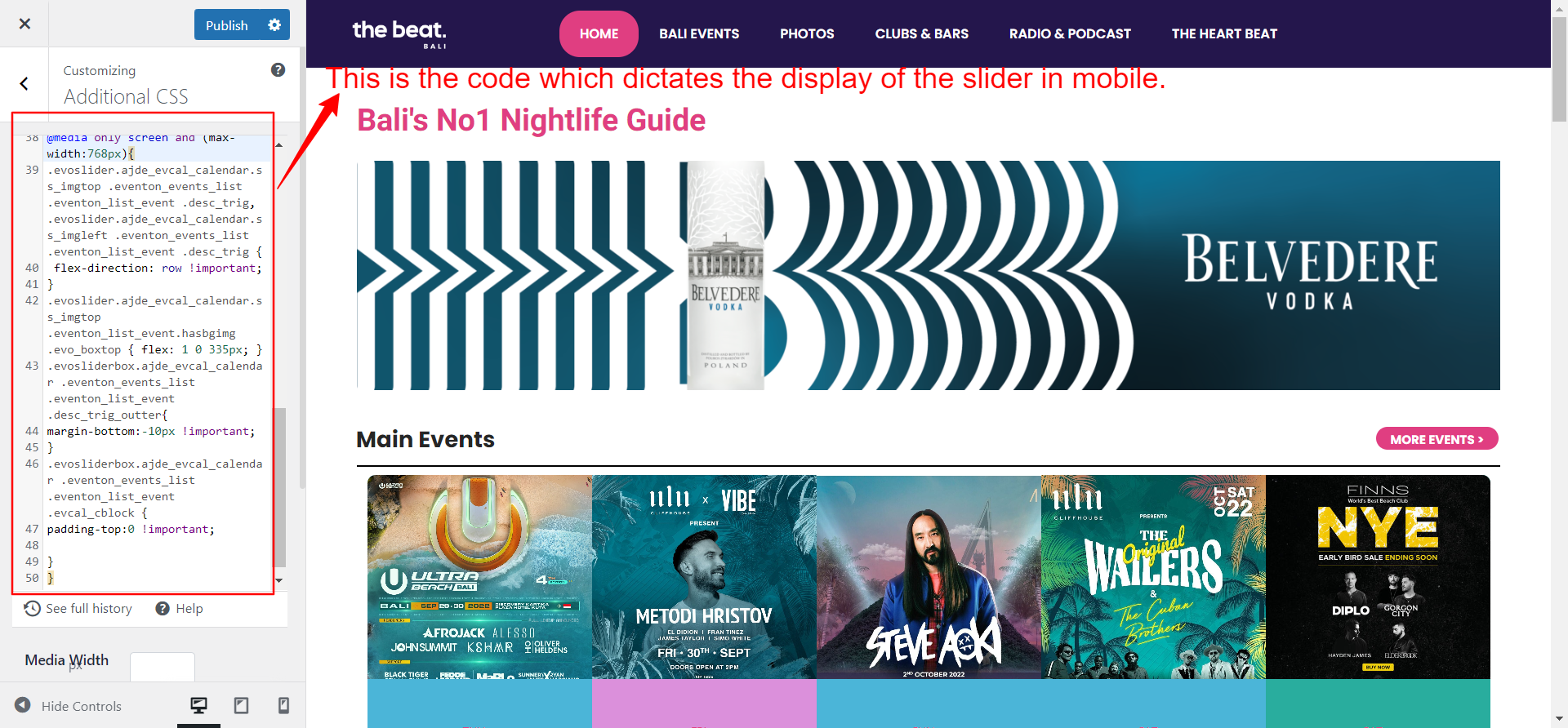
Hi again. Some customising was going on this page. attached
Im not using a shortcode. IS there a shortcode to display related events?
Im referring to the eventcards. EXAMPLE
Do you have a shortcode to remove it?
Or to add an opacity, in the same way I have it applied with this code
/* Eventtop opacity before hover*/
.ajde_evcal_calendar.boxy #evcal_list .eventon_list_event .desc_trig.hasFtIMG span.ev_ftImg:before{background-color:#ffffff; opacity:0.90;
thanks. it works now.
refunded processed and the license is also cancelled. If you have more questions, kindly send us a new ticket and we would be more than happy to help you resolve your issues!
Note : if I change the date of the ticket “Thais Vauquieres” in may, it’s appear in the events page. I don’t know where to change the limit of the date for visibility.
Hello,
We are sorry for the delay. Could you update us on this topic? Did it happen again?
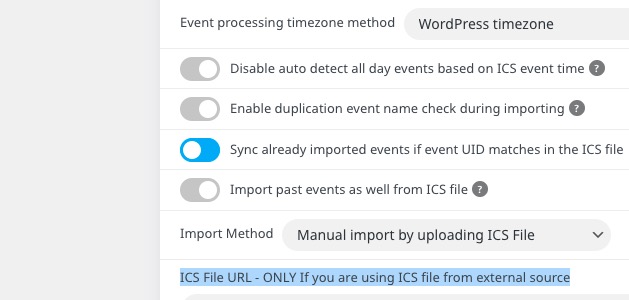
Is it possible for the ICS import plugin to do the automatic import from a location on the server?
We are sorry for the delay.
Yes, but make sure that the file can be downloaded. Go to EventON > ICS Import > put file’s URL to ICS File URL – ONLY If you are using ICS file from external source: