Since you have event_count=”6” alongside with event_count_list=”yes”, the calendar only shows 6 events overall.
Please try changing both of settings to get all events shown.
Replies for tickets on suppota
Since you have event_count=”6” alongside with event_count_list=”yes”, the calendar only shows 6 events overall.
Please try changing both of settings to get all events shown.
Hello,
From 5.0.5 EventON requires PHP 8+ version on the server.
WordPress works, but the events are not loaded and the following warning is displayed
Warnings aren’t fatal errors, so not sure if the message is related to the calendar not loading.
Could you try increasing the memory limit by following:
https://docs.myeventon.com/documentations/increasing-wordpress-memory-limit/
Hello,
Please add this CSS code to EventON > Styles (If you don’t see any change, EventON > Scripts & Styling > turn off Write dynamic styles to header > save settings > turn on Write dynamic styles to header).
You can also add this code to wp-admin > Appearance > Customize > Additional CSS.
.ajde_evcal_calendar.color #evcal_list .eventon_list_event a:hover { border-left-width: 0px !important; } .ajde_evcal_calendar.boxy .eventon_list_event:hover, .ajde_evcal_calendar.boxy .evoShow_more_events:hover { opacity: 1 !important; transform: scale(1) !important; } .ajde_evcal_calendar.boxy #evcal_list .eventon_list_event .desc_trig.hasFtIMG:hover span.ev_ftImg:before { opacity: 0.2 !important; }
Ashan,
The same on dev2 and customer’s website:
https://dev2.myeventon.com/wp-admin/post.php?post=74050&action=edit
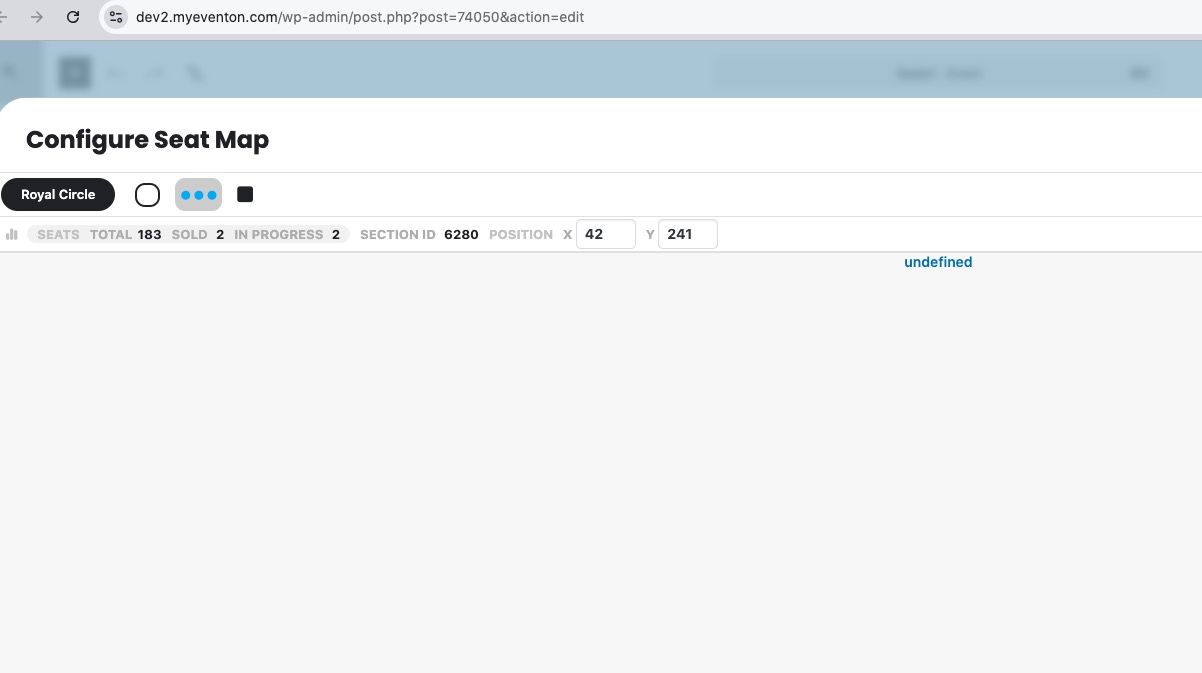
Thank you for letting us know! Our devs will check this ASAP.
Please copy the code from
https://staging.musikene.eus/wp-admin/admin.php?page=eventon&tab=evcal_3
Add it to your live website and if you don’t see any change, EventON > Scripts & Styling > turn off Write dynamic styles to header > save settings > turn on Write dynamic styles to header.
Hello,
Please send us wp-admin access to your site from ”Access Info” box on right side menu, to further assist your situation.
Please check for latest version of this software from here Your issue might be related to an older version you are running and we might have resolved this already in the newer version update. If you are on latest version of our software and the issue still persist please let us know.
Hello,
Did you purchase it from CodeCanyon or our website?
Could you update by following:
To update eventon to latest version: If you are unable to do autoupdate, you can go to codecanyon your account > download and get the latest eventon version as zip file. Then you can go to your website > make sure ”Delete eventon settings & data when EventON is uninstalled” is Deslected from eventon settings, delete old eventon, install new one and activate. This link will further explain the process it. Also you can follow us on twitter to get real-time announcements on updates!
Where can I download an older version which runs under PHP 7.4?
Hi, we found out it was via a different email address that was not used to create this support account.
But we also just tried adding the license again today and it worked without the error we got last time.