Ok, I set up a new FTP account. User is tempuser@stlouisaudubon.org and pass is B!rdsRC00L.
Archives: Replies
Replies for tickets on suppota
Reply to: tickets(304436)
Hello,
Also use this code:
.ajde_evcal_calendar { padding-bottom: 0; }
The code removes the bottom padding.
Reply to: tickets(302442)
Go to Edit Event > RSVP > enable Show RSVP count for the event on EventCard.
Also go to EventON > RSVP > enable Show attending guest count.
Reply to: tickets(303898)
This whole ticket is private.
Take a look at this guide:
https://www.bluehost.com/hosting/help/ftpaccounts
Reply to: tickets(304439)
Hello,
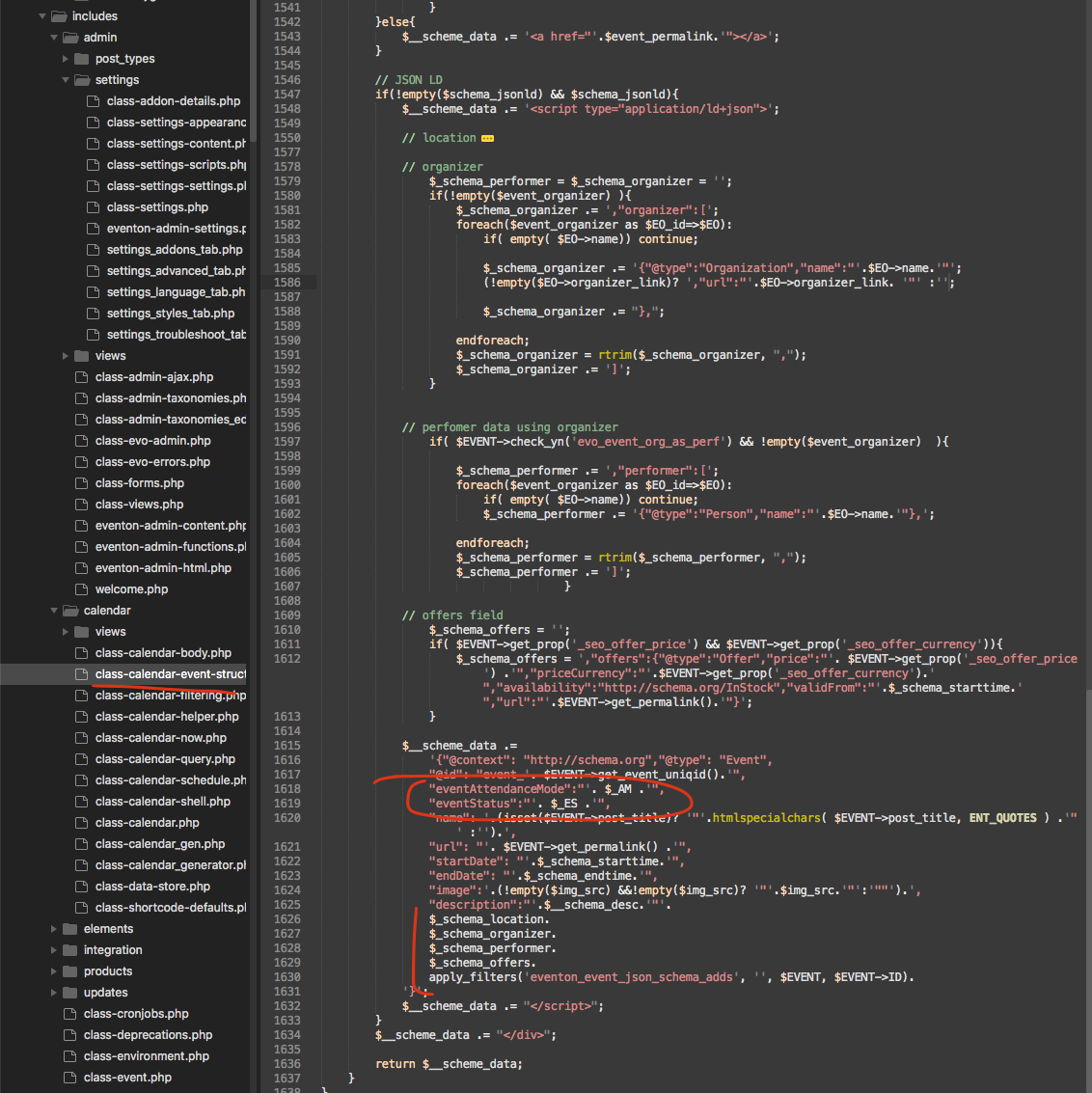
Could you try this patch to solve the issue? Strangely moving the eventstatus value higher up solved the issue.
Reply to: tickets(304441)
Hello,
Could you elaborate more? How Visual Builder isn’t working? Please send us a screenshot.
Reply to: tickets(304446)
Hello,
Please update EventON to 4.3.1.
To update eventon to latest version: If you are unable to do autoupdate, you can go to codecanyon your account > download and get the latest eventon version as zip file. Then you can go to your website > make sure “Delete eventon settings & data when EventON is uninstalled” is Deslected from eventon settings, delete old eventon, install new one and activate. This link will further explain the process it. Also you can follow us on twitter to get real-time announcements on updates!
Reply to: tickets(303898)
Bluehost
How do I send you a private message? Through this email?
Reply to: tickets(303898)
Which hosting provider are you using?
Reply to: tickets(303898)
Please send us FTP access to your site as a private message, so we can perform several tests from our end and resolve your issue fast!