Ashan,
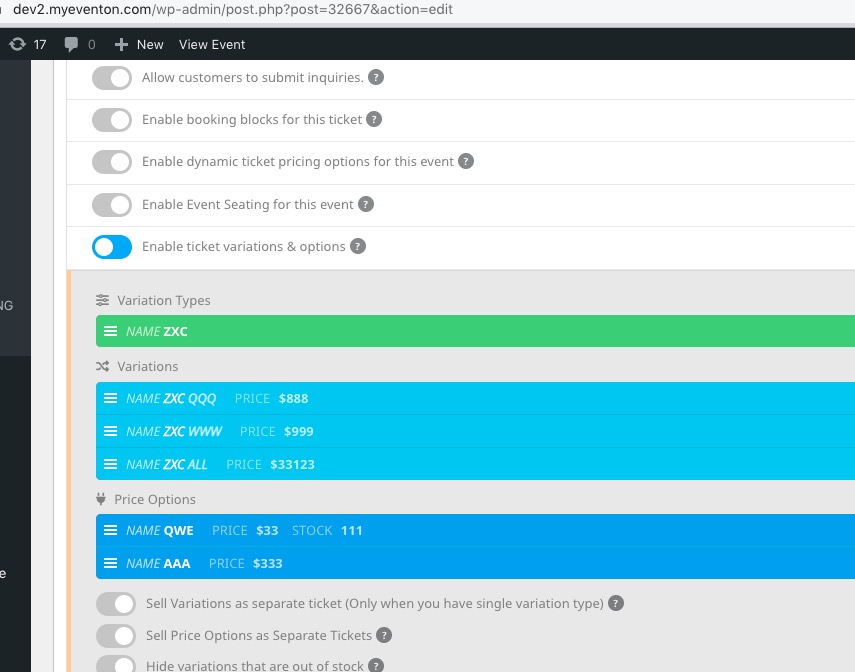
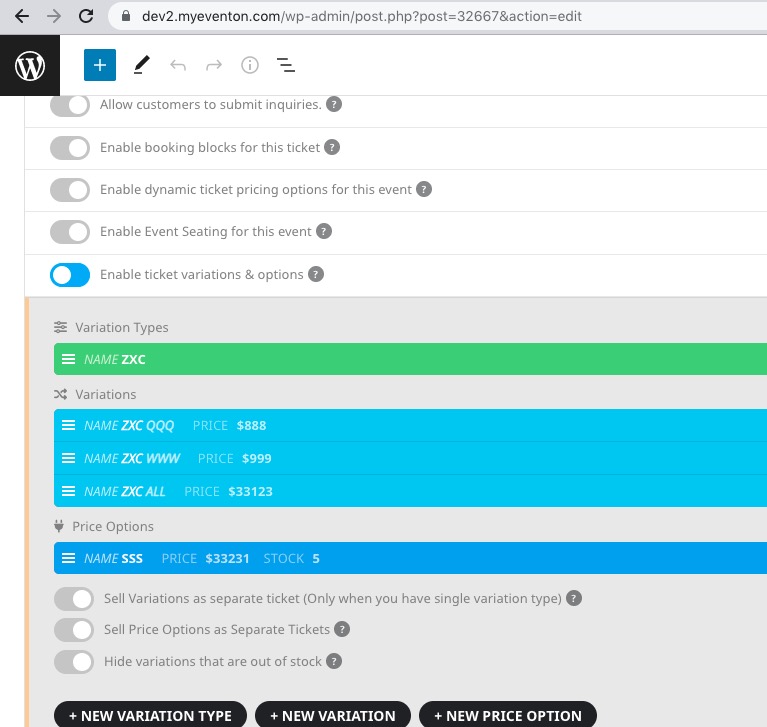
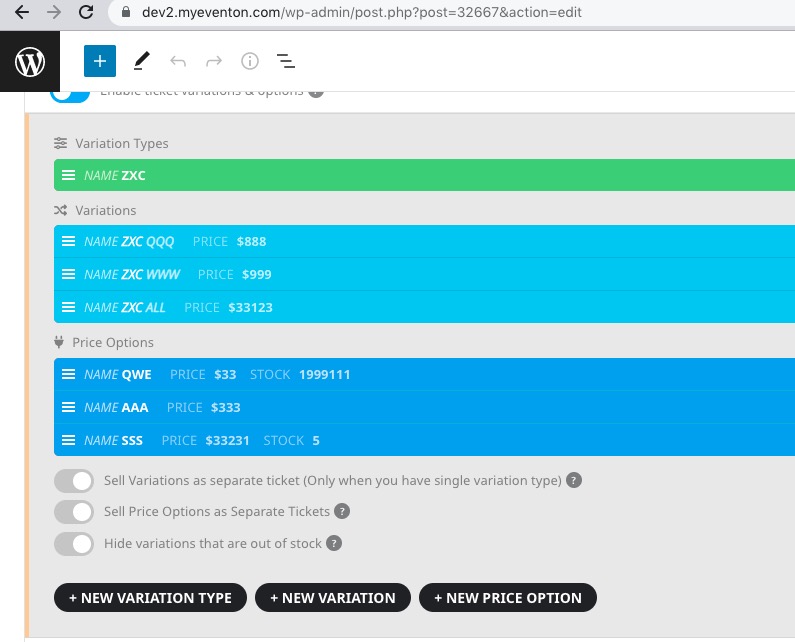
The same on dev2:
https://dev2.myeventon.com/wp-admin/post.php?post=32667&action=edit
1. Change Option’s Stock Capacity.
2. Add a new option.
3. Page refresh.
Replies for tickets on suppota
Ashan,
The same on dev2:
https://dev2.myeventon.com/wp-admin/post.php?post=32667&action=edit
1. Change Option’s Stock Capacity.
2. Add a new option.
3. Page refresh.
Thank you for your messages, I am going to assign this ticket to Ashan and he will be able to take it from here and find you a solution. Please allow some time for him to get back to you, we greatly appreciate your patience and thank you for being a eventon customer! Also please disable any IP blocking on your site if there are any.
Thank you for your messages, I am going to assign this ticket to Ashan and he will be able to take it from here and find you a solution. Please allow some time for him to get back to you, we greatly appreciate your patience and thank you for being a eventon customer!
Hello,
Please follow the instructions in this documentation to activate debug in your site to see any PHP errors recorded that can provide insight on to whats going on. Please reply with a link to debug.log file. If you are not able to do this please send us FTP access to your site so we can do this for you.
Seems to be working correctly. Could you clear your browser cache? 1. Could you tell us how do you load your custom fonts?
2. Please go to https://supspiritsoul.com/wp-admin/admin.php?page=eventon#evcal_001a > select Event filtering options to show on the calendar.
EventON 4.3.1 with applied Visual Editor patch.
Ashan,
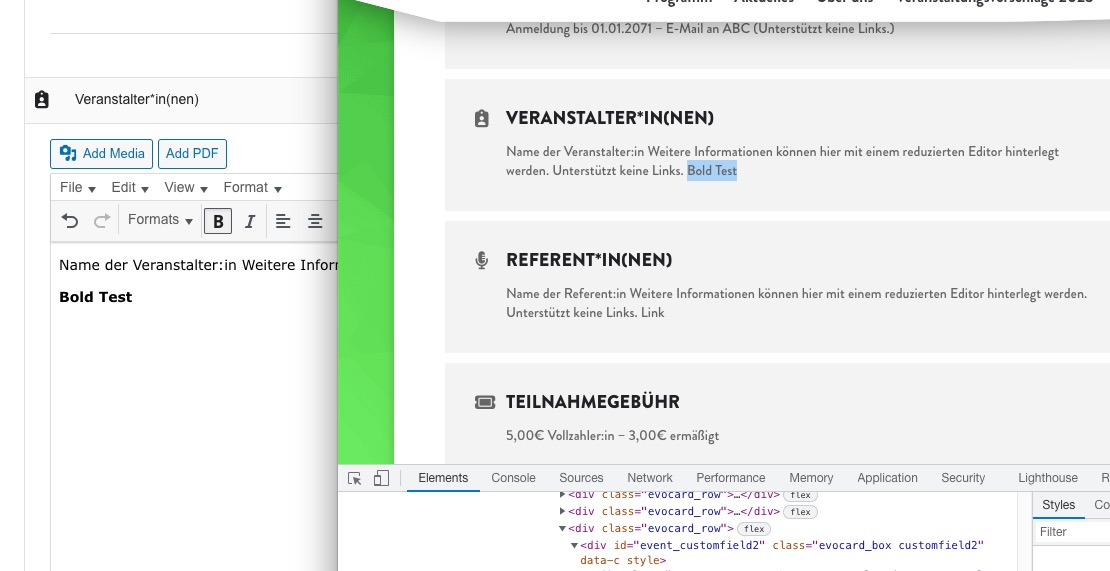
On customer’s website:
https://michaelweinhold.de/projects/bildungswochen/wp-admin/post.php?post=1100&action=edit
Hello,
Thank you for your messages, I am going to assign this ticket to Ashan and he will be able to take it from here and find you a solution. Please allow some time for him to get back to you, we greatly appreciate your patience and thank you for being a eventon customer! Also please disable any IP blocking on your site if there are any.
Hello,
For your theme Events page is considered Archive.
What you can do is to follow this suggestion:
PROTIP: If the /events page does not work due to theme/plugin conflicts, create a new page, call it “Events Directory” Insert eventon shortcode and use that as your main events page which will have a URL ending like /events-directory. This would be a perfect solution if you have conflicts with /events slug.
Hello,
…to generate requests from events
Could you elaborate? Maybe there is a solution.