Hello,
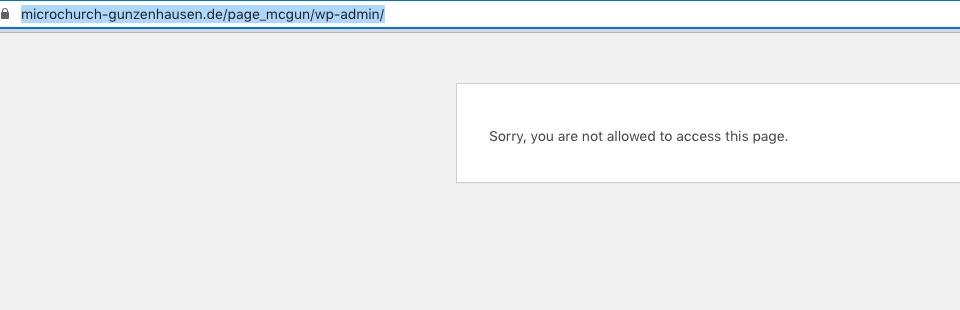
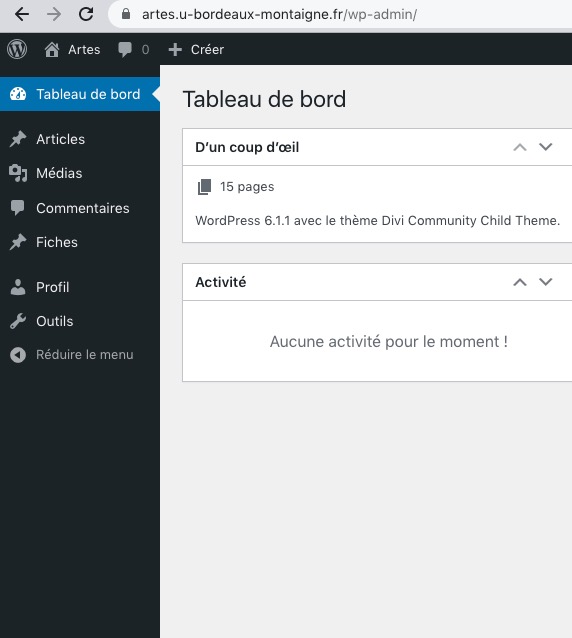
I cannot access wp-admin:
Please make sure to update EventON to 4.3.1.
To update eventon to latest version: If you are unable to do autoupdate, you can go to codecanyon your account > download and get the latest eventon version as zip file. Then you can go to your website > make sure “Delete eventon settings & data when EventON is uninstalled” is Deslected from eventon settings, delete old eventon, install new one and activate. This link will further explain the process it. Also you can follow us on twitter to get real-time announcements on updates!
Can’t you just show Future and Past events at once? Simply remove event_past_future=”future” from the shortcode, so user can filter events by themselves.
O oou, its strange. I tried in all browser, nowhere this problem. I tried clean cache. Could You try it again please?
We are glad your issue is resolved, if you have any further questions or concerns please create a new ticket.
If you have a moment, we would greatly appreciate if you could kindly leave us a review at codecanyon! from your account > downloads. Cheers!
Hello,
We cannot access Events or EventON Settings:
 Could you check?
okay and can we make it more visible for people that they can filter over there? because what we see now is that its saying events from the past and future, but only future is now visible so it is for people not really clear that they cant see the events from the past?
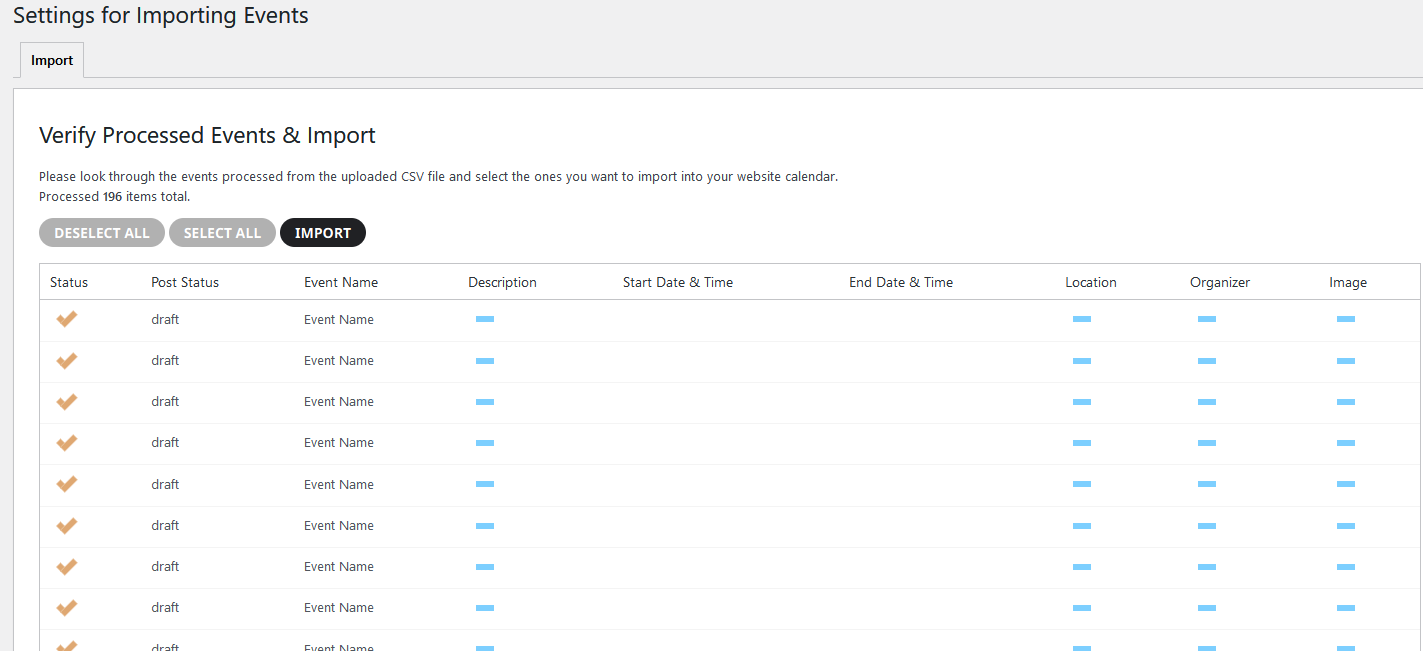
I installed plugin and import a csv file, but no event is imported?
see image
We are glad your issue is resolved, if you have any further questions or concerns please create a new ticket.
Hi Matthew,
The main license is a lifetime license, you don’t need to renew it annualy.
As for the Event Lists Ext plugin, yes purchasing another one is probably the best way to handle it.
Regarding schedule view and full view, yes, you can have them in different pages, by adding the respective shortcode in each of the pages.