Hello,
Thank you for your messages, I am going to assign this ticket to Ashan and he will be able to take it from here and find you a solution. Please allow some time for him to get back to you, we greatly appreciate your patience and thank you for being a eventon customer! Also please disable any IP blocking on your site if there are any.
For now the only solution is to downgrade to 4.2.2:
https://helpdeskx.s3.amazonaws.com/wp-content/uploads/2023/01/20051245/eventON-36.zip
However, please wait for a few hours before downgrading for Ashan to respond.
Hello,
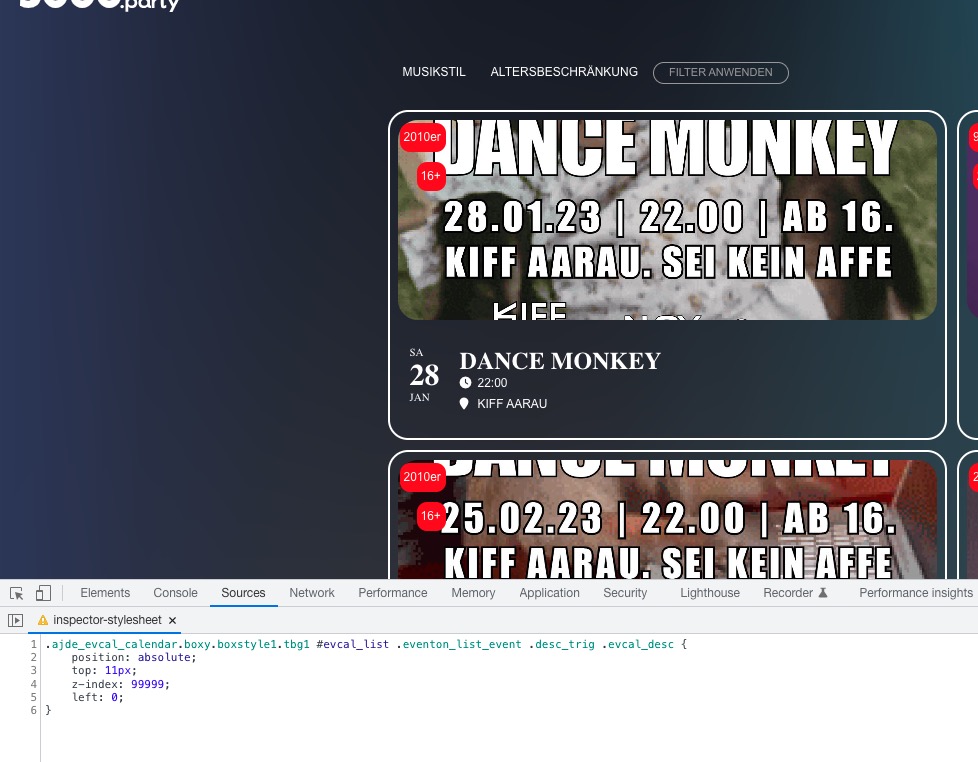
Please add this CSS code to EventON > Styles (If you don’t see any change, EventON > Scripts & Styling > turn off Write dynamic styles to header > save settings > turn on Write dynamic styles to header):
.ajde_evcal_calendar.boxy.boxstyle1.tbg1 #evcal_list .eventon_list_event .desc_trig .evcal_desc { position: absolute; top: 11px; z-index: 99999; left: 0; }
Thank you for your messages, I am going to assign this ticket to Ashan and he will be able to take it from here and find you a solution. Please allow some time for him to get back to you, we greatly appreciate your patience and thank you for being a eventon customer! Also please disable any IP blocking on your site if there are any.
Hello,
Please add this CSS code to EventON > Styles (If you don’t see any change, EventON > Scripts & Styling > turn off Write dynamic styles to header > save settings > turn on Write dynamic styles to header):
.evosch_oneday_schedule p span span { display: none; } .evosch_oneday_schedule p span span.evoss_show { display: block !important; }
Additional Fields can be found by going to EventON > RSVP > RSVP Form > Other Form Field Options.
We are glad your issue is resolved, if you have any further questions or concerns please create a new ticket.
Thank you for the feedback Artem. I see the RSVP section on wp-admin demo but not where I can add custom fields. Can you please point it out?
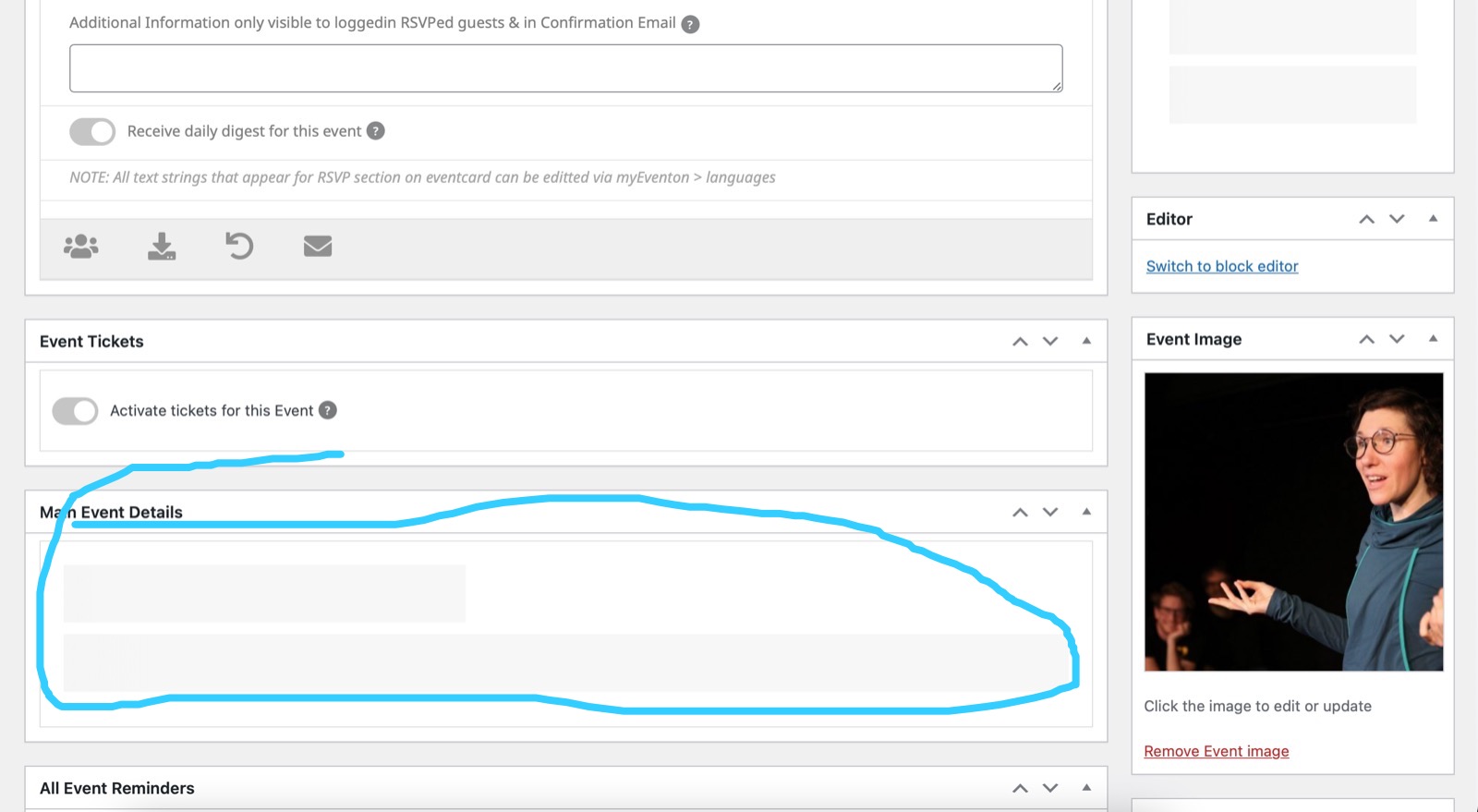
The colour section on the right also keeps loading but never does.
And we worked out we can change the date on events using quick edit on the main events page in admin. BUT turns out that deletes event info section from the event and there is no way to bring it back since that section is not loading. So 2 of the events we had to postpone now lost their event info section. The website is falling apart. Please help to fix asap.
I can think of two possible solutions:
- Make the font size of the event title variable
- Prefered way: Move up the “2010er” and “16+” event type tags on top of the image e.g. in the top right corner.
I tried the fix (rather than waiting for a reply) just to see. I am still getting the error after purging the cache, etc. Here is the highlighted problem from the Google console:
,”performer”:[{“@type”:”Person”,”name”:”Scotiabank Centre”},],”offers”:{“@type”:”Offer”,”price”:”56″,”priceCurrency”:”CAD”,”availability”:”http://schema.org/InStock”,”validFrom”:”2023-5-31T19:30-4:00″,”url”:”https://www.halifaxpresents.com/events/jimmy-carr-terribly-funny-tour/”},”eventStatus”:”https://schema.org/EventScheduled”}</script></div>