Go to Edit Event > Screen Options > uncheck the ones you want to hide: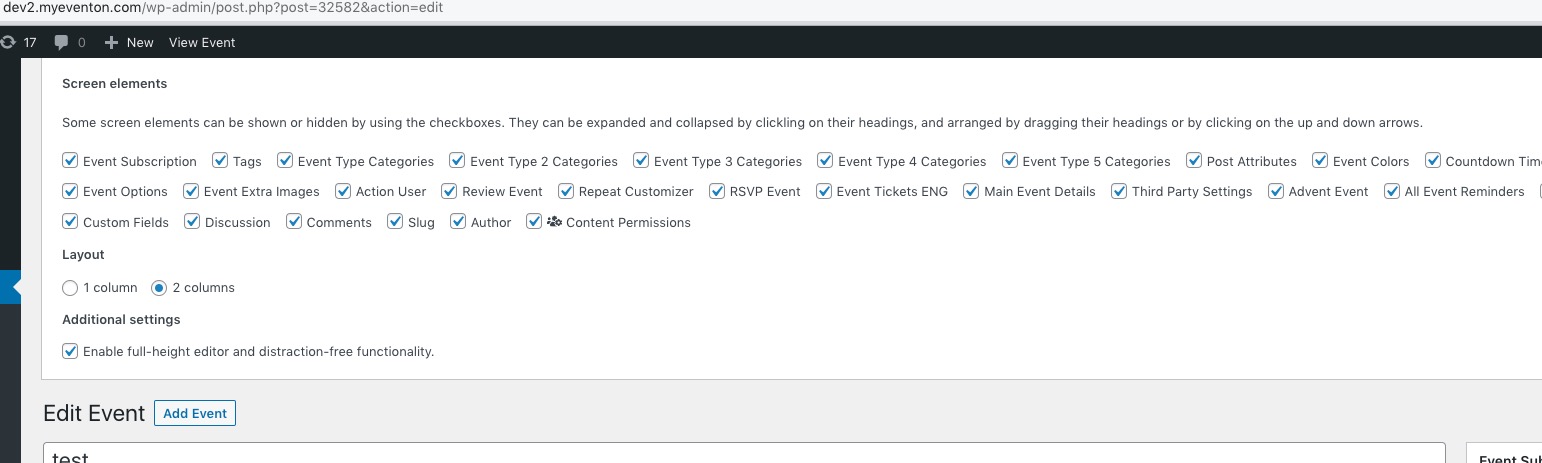
Archives: Replies
Replies for tickets on suppota
Reply to: tickets(304385)
On the backend 🙂
Reply to: tickets(304378)
Hello,
Please follow the instructions in this documentation to activate debug in your site to see any PHP errors recorded that can provide insight on to whats going on. Please reply with a link to debug.log file. If you are not able to do this please send us FTP access to your site so we can do this for you.
Reply to: tickets(304385)
Hello,
Do you want to hide these fields on the back-end (wp-admin > Events > Edit Event) or front-end?
If you don’t add/change anything in those fields, they are always hidden on the front.
Reply to: tickets(304334)
We are glad your issue is resolved, if you have any further questions or concerns please create a new ticket.
If you have a moment, we would greatly appreciate if you could kindly leave us a review at codecanyon! from your account > downloads. Cheers!
Reply to: tickets(304248)
Great! Please keep us updated.
Reply to: tickets(302442)
Click on Attendee Info and check Event Date to see to which repeat it belongs: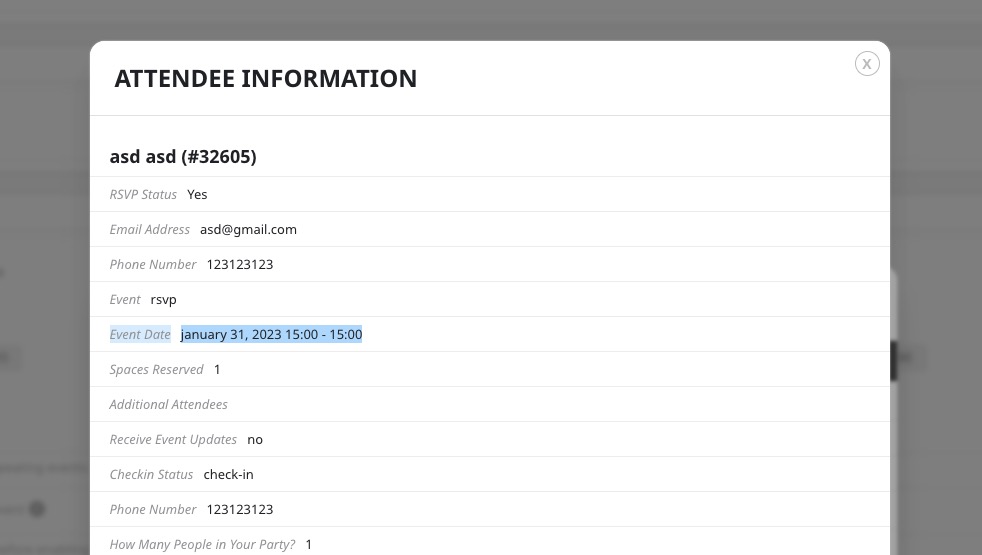
Reply to: tickets(304302)
Reply to: tickets(302442)
All RSVPs from the same event, even repeating ones, go into one attendees list you can find on Edit Event page.
Reply to: tickets(304376)
Ashan,
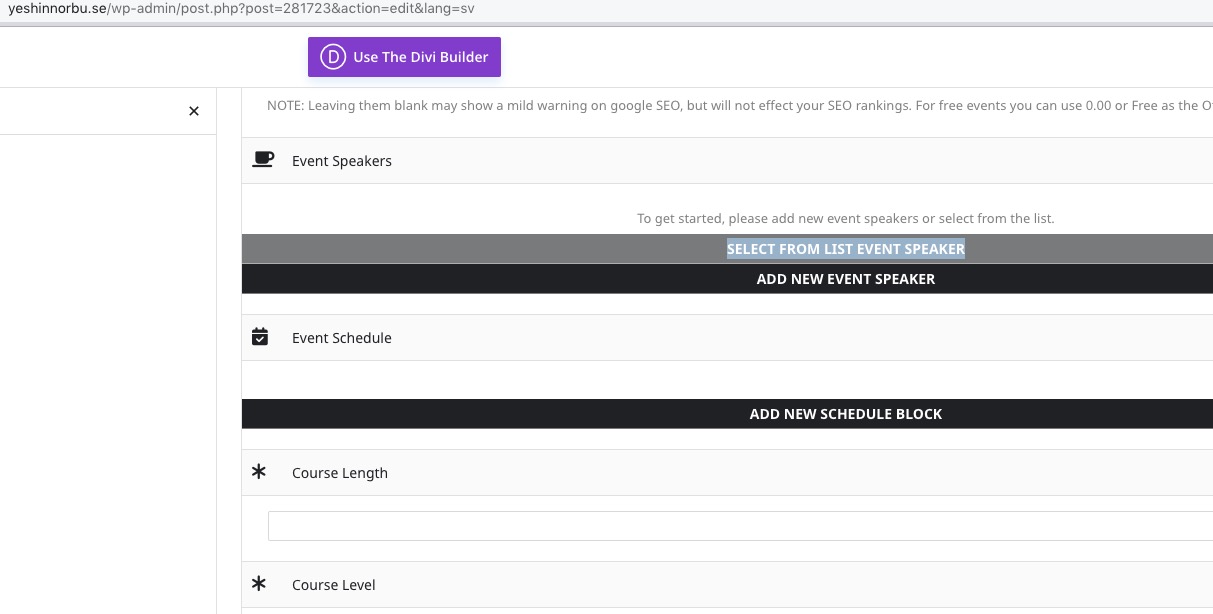
Confirmed on customer’s website with cleared browser cache:
https://yeshinnorbu.se/wp-admin/post.php?post=281723&action=edit&lang=sv