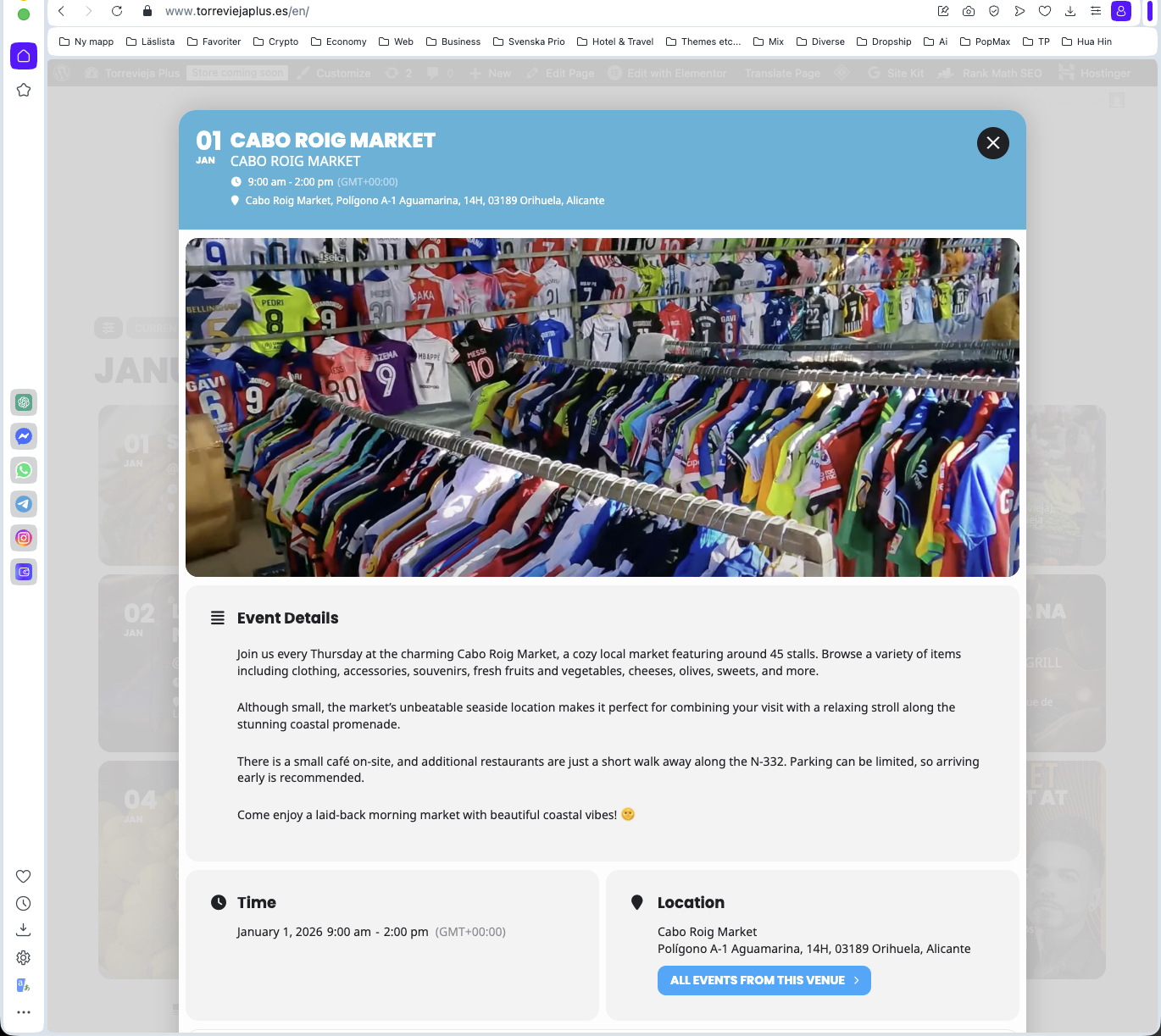
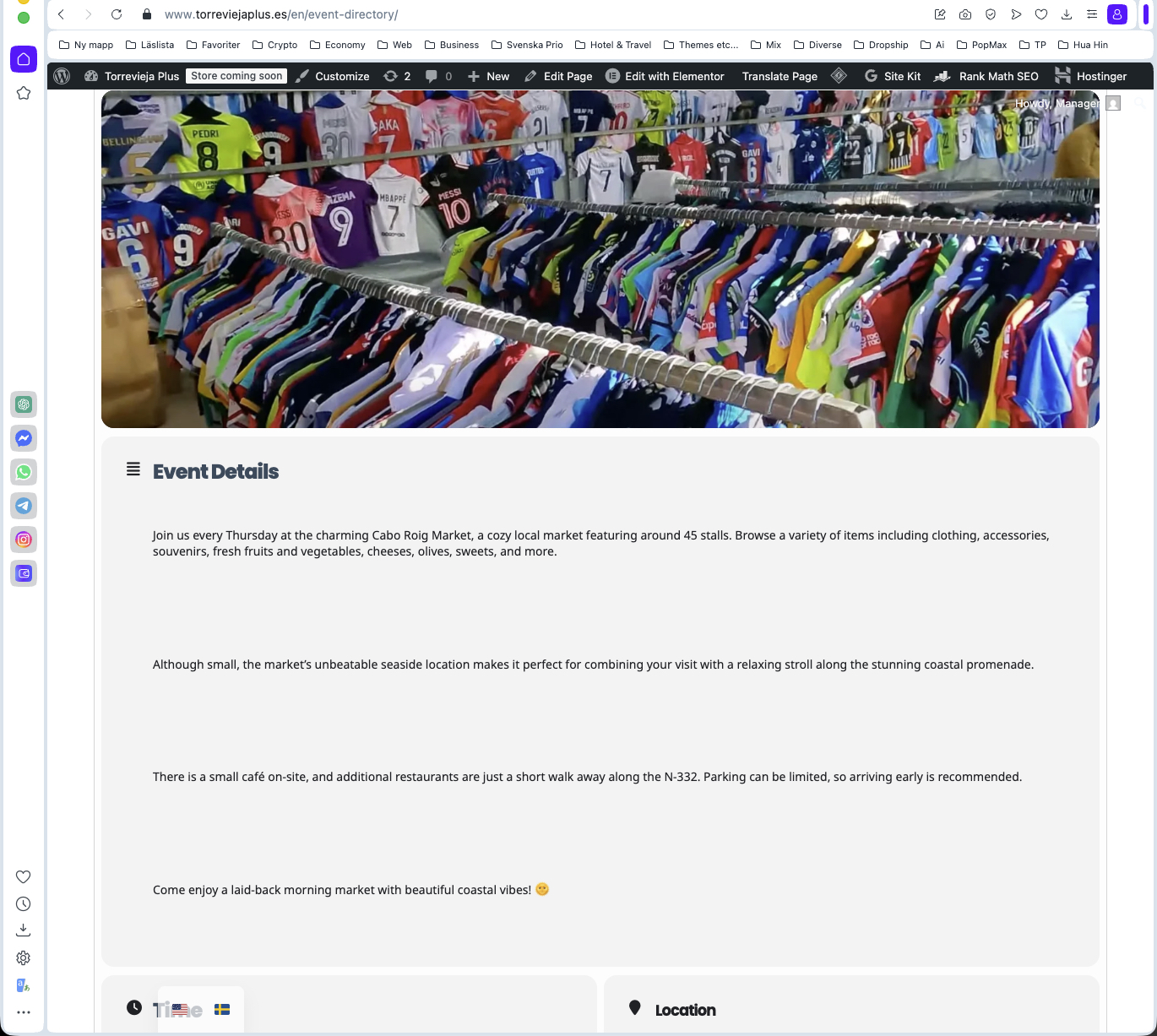
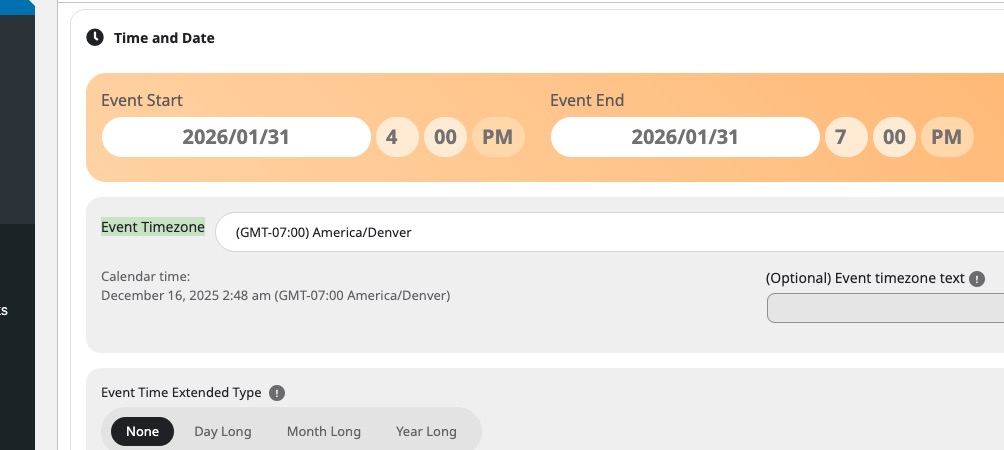
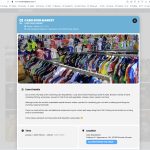
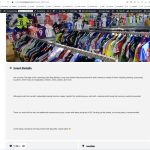
As you see here, on the front it looks ok but same event on the eventpage:
https://www.torreviejaplus.es/en/event-directory/
Looks crazy bad!
Please guide me know how I do that on the ALL EVENT PAGE (change layout) or what you now suggest!
PS: Is there no where to remove the ”format” when I add the event so it just show a normal description frame?
Never seen anything like it and it drive us nuts. + we have nu Gutenberg or any of that installed!
We are sorry for the delay. Thank you for your messages!
I am going to escalate this ticket to development to help in here. Please allow us some time to address this, and we truly appreciate your patience. Thank you for being a valued EventON customer!
Additionally, if your site has any IP blocking or security restrictions in place, kindly disable them temporarily to facilitate our support process.
Ashan,
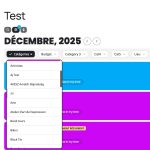
The same on dev2:
https://dev2.myeventon.com/test-116/
Hello,
Thank you for your messages!
I am going to escalate this ticket to development to help in here. Please allow us some time to address this, and we truly appreciate your patience. Thank you for being a valued EventON customer!
Additionally, if your site has any IP blocking or security restrictions in place, kindly disable them temporarily to facilitate our support process.
Ashan,
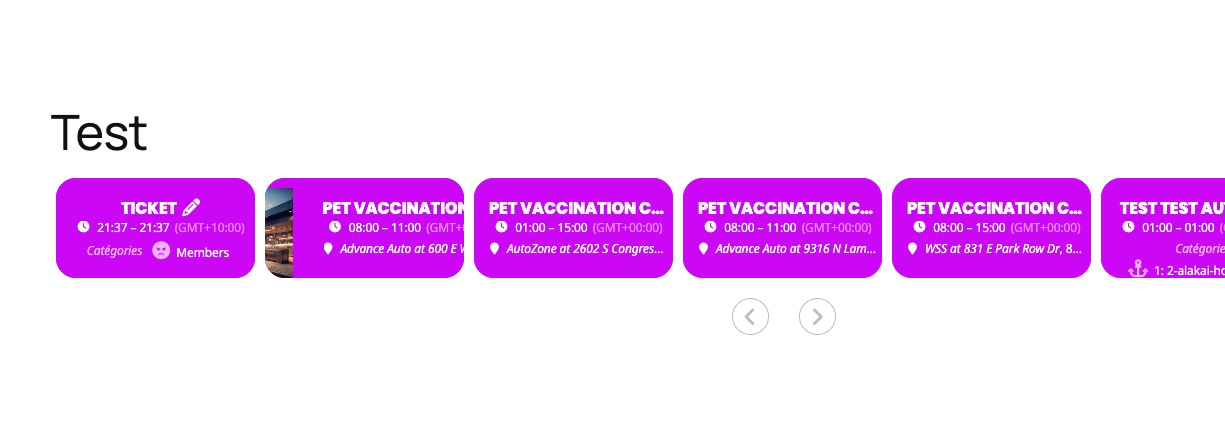
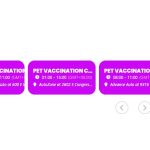
On dev2 with added ”Slide Display Style: Event Image left of data (only for single event slider type)” it shows images cutoff:
https://dev2.myeventon.com/test-115/
Thank you for your messages!
I am going to escalate this ticket to development to help in here. Please allow us some time to address this, and we truly appreciate your patience. Thank you for being a valued EventON customer!
Additionally, if your site has any IP blocking or security restrictions in place, kindly disable them temporarily to facilitate our support process.
Please use ”2.1 – FTP Way” method from the guide above to update the plugin.
Hello,
Event’s timezone was empty, so I added Denver timezone:
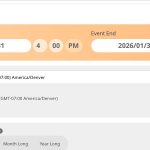
Now it seems to be working. Please check and let me know.
Hi I placed the login for that in the other details in the access information area that has the password for the WP admin Username – password
Hello,
Could you update DailyView add-on?
I cannot recreate the same issue on our test site:
https://dev2.myeventon.com/test-114/
To update eventon addons: You can download latest eventon addons from myeventon > my account. Then you can go to your website, deactivate old addon and install new one and activate then delete the old addon. This link will further explain the process. Also you can follow us on twitter to get real-time announcements on updates!