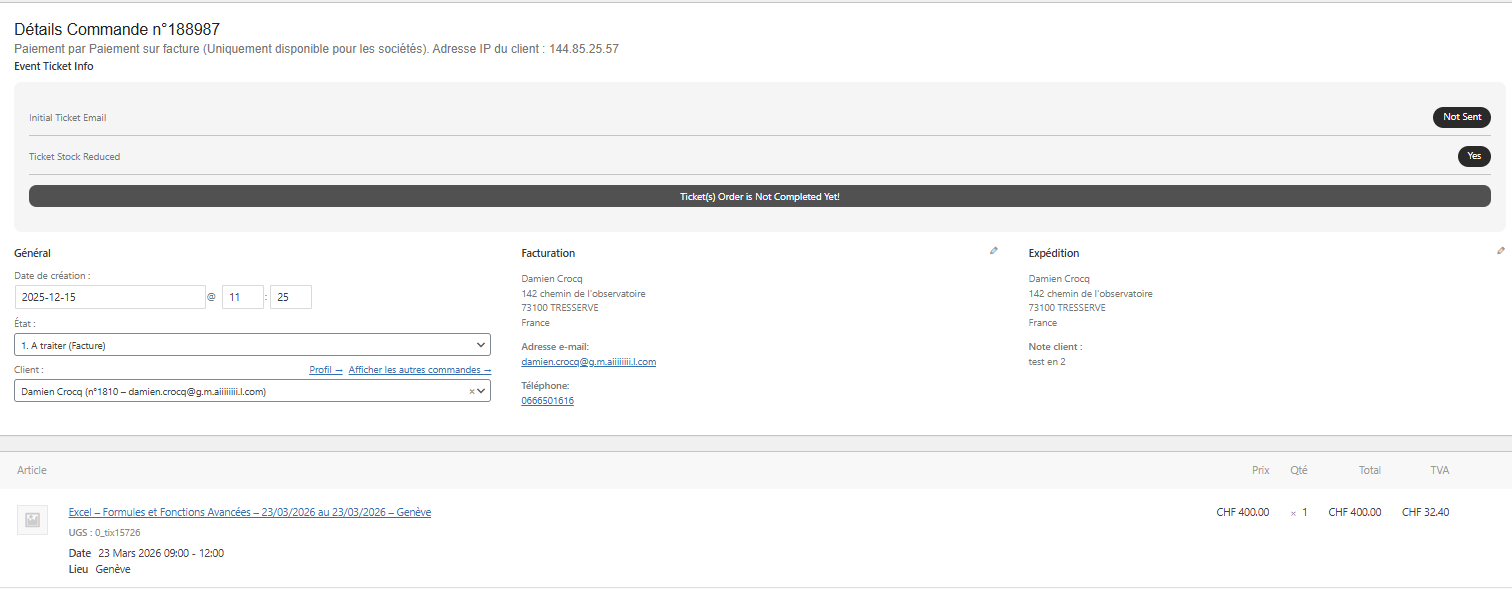
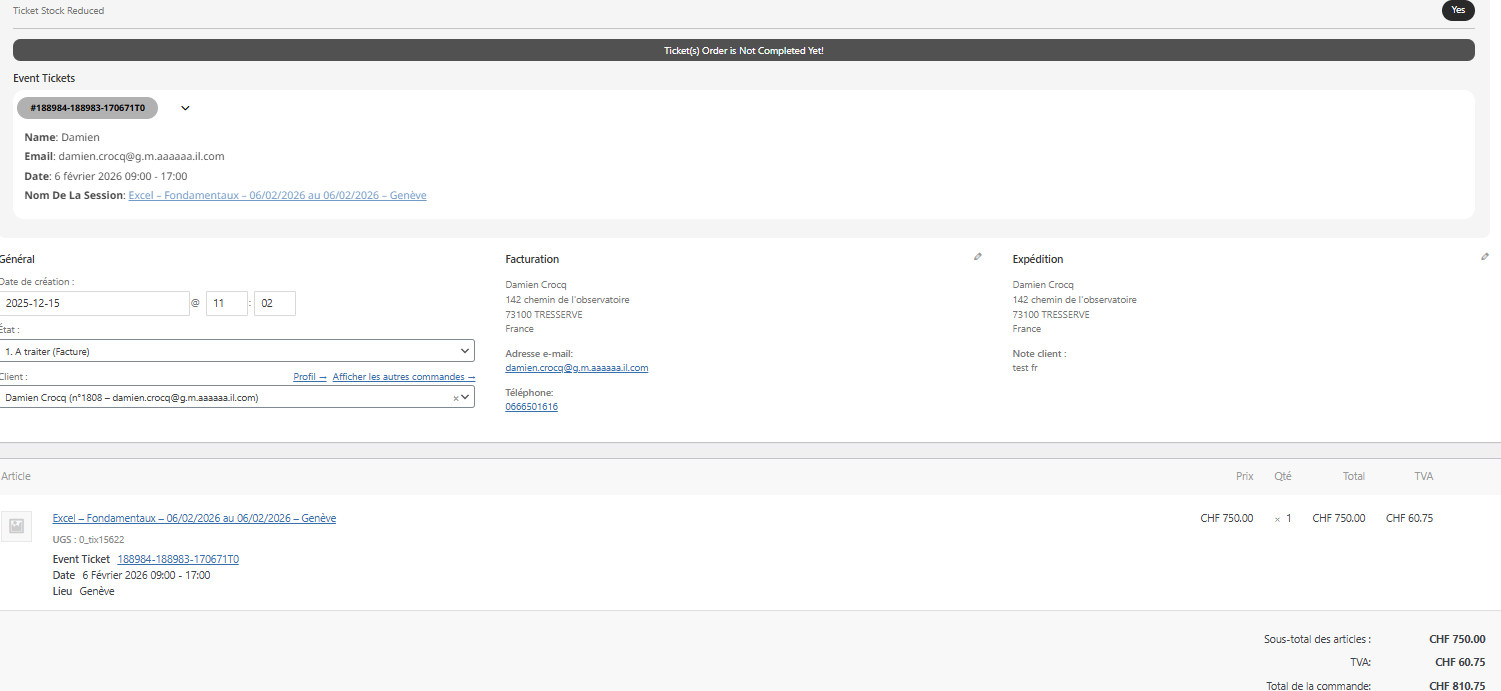
First screnshoot, its ok in french, but the second screenshoot, don’t work in english ….
Replies for tickets on suppota
Hi, Order ID is #220099
Thank you!
I tried, but no luck. I have just shared with you the login to our staging site. Thanks in advance.
Yes, it’s still the same. I created a new page and used the Twenty Twenty-five theme, and it gives the error there too.
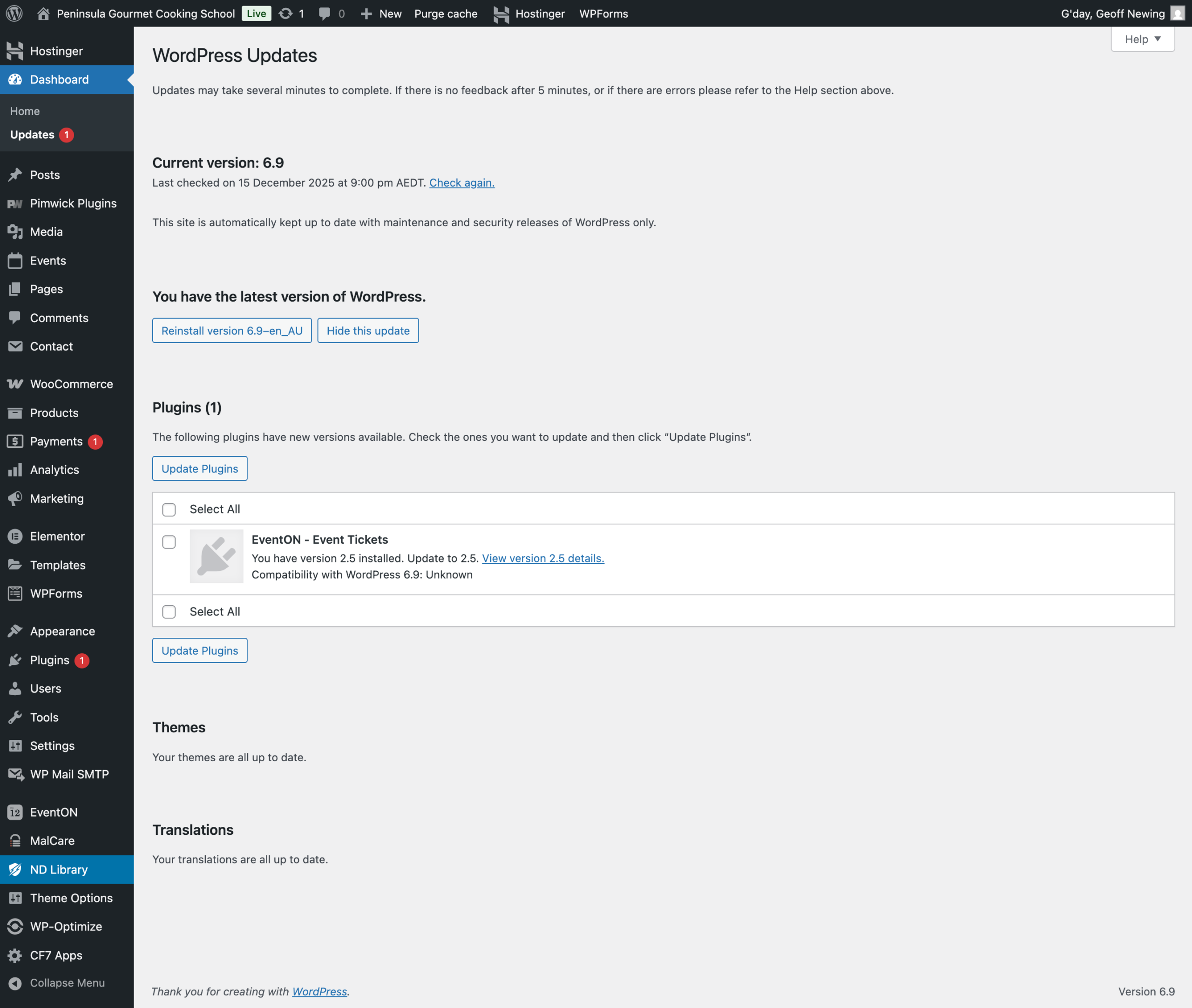
New version of Tickets add-on is available. Please update it as well.
To update eventon addons: You can download latest eventon addons from myeventon > my account. Then you can go to your website, deactivate old addon and install new one and activate then delete the old addon. This link will further explain the process. Also you can follow us on twitter to get real-time announcements on updates!
Thanks for your reply – yes, I still see the same issue after updating. I also get this after updating:
Hello,
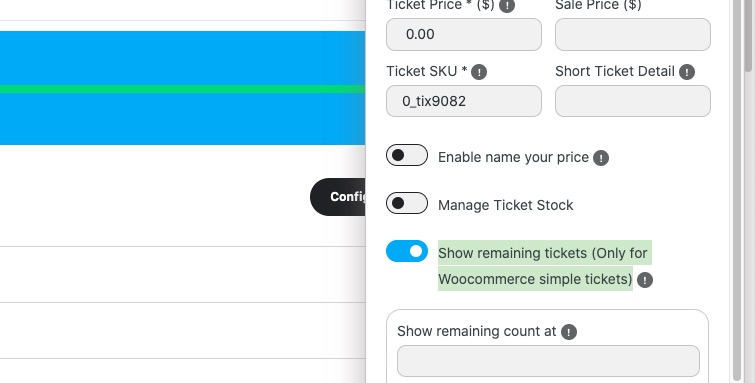
”Show remaining tickets (Only for Woocommerce simple tickets)” only works for simple tickets, variations aren’t going to show the remaining tickets number when enabled.
However please create a new ticket and select Feature Request as category so others can vote on your idea and get it moved into development faster.
We are glad your issue is resolved, if you have any further questions or concerns please create a new ticket.
Ashan,
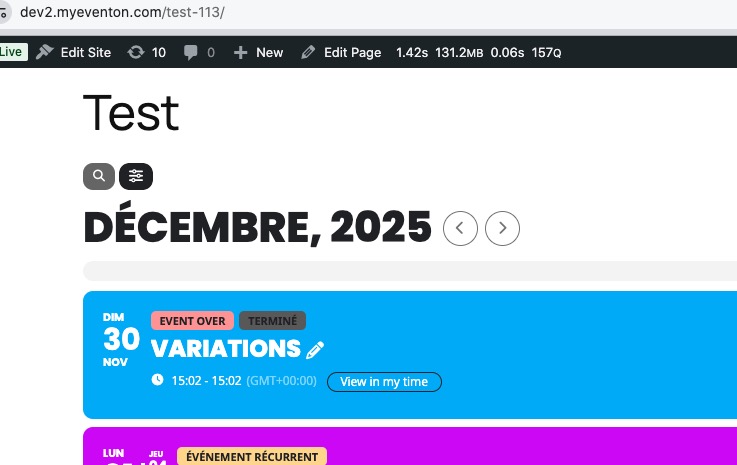
The same on dev2. The icon is still visible when all options are disabled:
https://dev2.myeventon.com/test-113/
Hello,
Thank you for your messages!
I am going to escalate this ticket to development to help in here. Please allow us some time to address this, and we truly appreciate your patience. Thank you for being a valued EventON customer!
Additionally, if your site has any IP blocking or security restrictions in place, kindly disable them temporarily to facilitate our support process.